How do you choose the right VR video player for Meta Quest? Skybox, 4XVR, Moon, and NEX all have their own strengths and weaknesses, but which one fits your needs best?
This article compares five popular VR video players, including ease of use, playback stability, video and audio quality, WebDAV support, PC connection options, and pricing.
Whether you just bought a Meta Quest or you are an experienced user who cares more about image quality and advanced features, you should be able to find a player that matches how you watch VR videos.
Meta Quest VR Video Players
Put on a Meta Quest, and the space in front of you instantly turns into a massive movie theater. You can watch movies at home anytime on a screen that feels around 150 inches.
You can also switch between different viewing environments, including a movie theater or outer space, and choose whichever one you prefer.
What surprised me even more was the audio. You can clearly hear where sounds are coming from, along with small details in the soundtrack. After using it myself, I honestly felt it easily sounded better than the $2,000 home theater system in my house.
Whether you are watching regular movies or VR videos, a good video player is essential.
Next, I will introduce several popular players that I use regularly myself.

MOON VR Player
The Player with the Best Image Quality
Price: 🌟🌟🌟
NEXt-Gen Video Player
Apple-style design at the lowest price
Price: 🌟🌟🌟
4XVR Video Player Premium
The best sound quality and smoothest controls
Price: 🌟
SKYBOX VR Player
The most features, but also the most bugs
Price: 🌟🌟

HereSphere
A real hassle to set up, with a pretty clunky interface
Price: 🌟
For regular videos, 1080p still looks plenty sharp in a VR video player.
For VR videos, especially 180-degree footage, you will want at least 8K to get a strong sense of immersion. At lower resolutions, the image can look artificial, which makes it harder to feel like you are really there.
Next, I will go through each video player one by one.
DeoVR Player
A player dedicated to online video streaming is also one of the main reasons many VR users buy a headset in the first place.
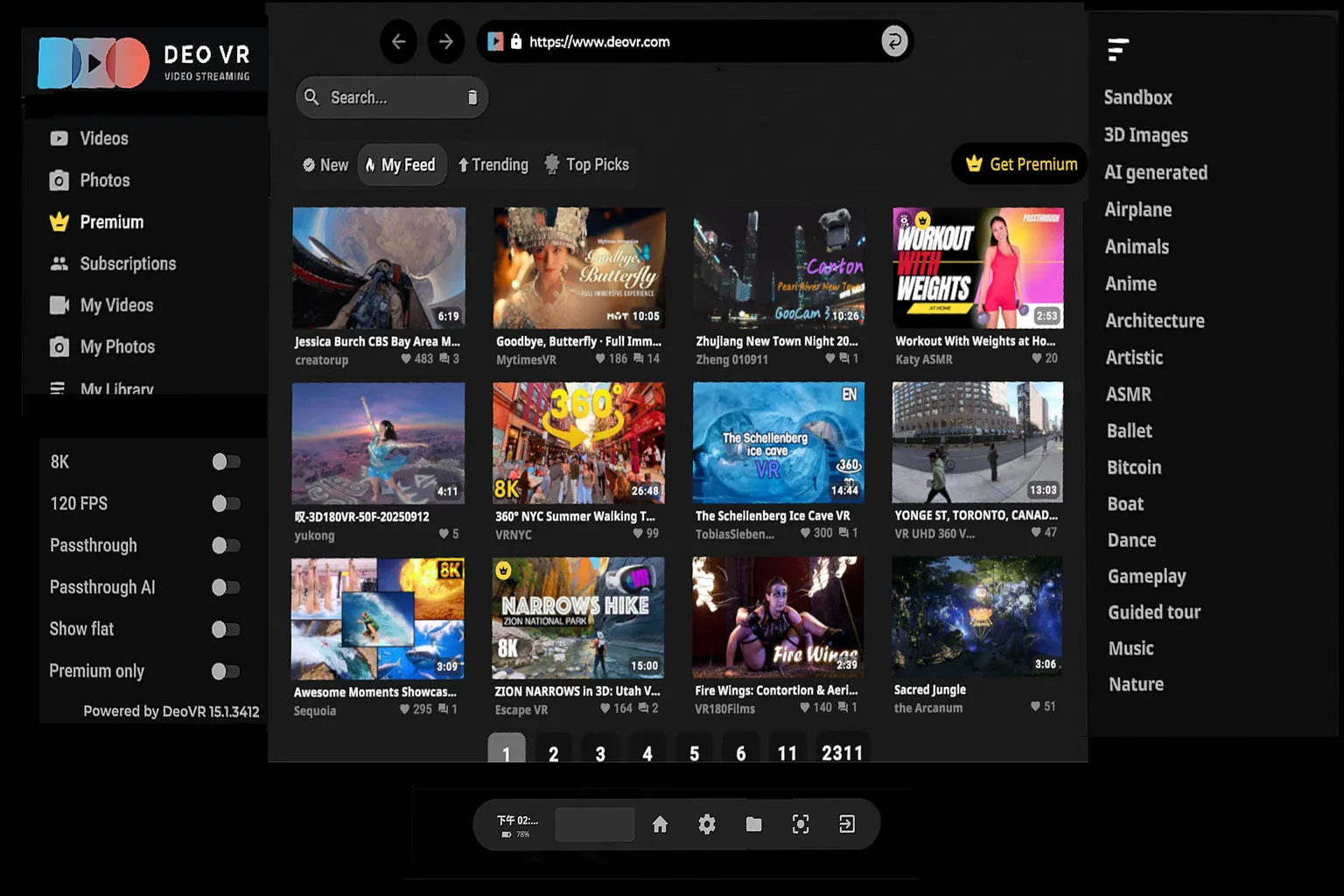
DeoVR offers a large selection of high-resolution VR videos, including plenty of content suitable for the whole family. It is also one of the most commonly installed free players among Meta Quest users.
You can view 3D photos stored on the headset, but DeoVR is mainly designed for streaming VR videos from its platform. Most of the content focuses on travel and live performances, so it is easiest to think of it as a VR version of YouTube or TikTok.
Most videos are free to watch, but you need a paid subscription to access higher-resolution versions.
One of DeoVR’s strongest features is passthrough. You can bring an entire female dance group into your home and watch them perform right in front of you.
For more details about its features and controls, check out the article below.
DeoVR Complete Guide
AI Passthrough, 8K Videos & Mixed Reality Setup
DeoVR Settings Explained
Master 6DOF, Autofocus & Meta Quest Playback
DeoVR playback interface
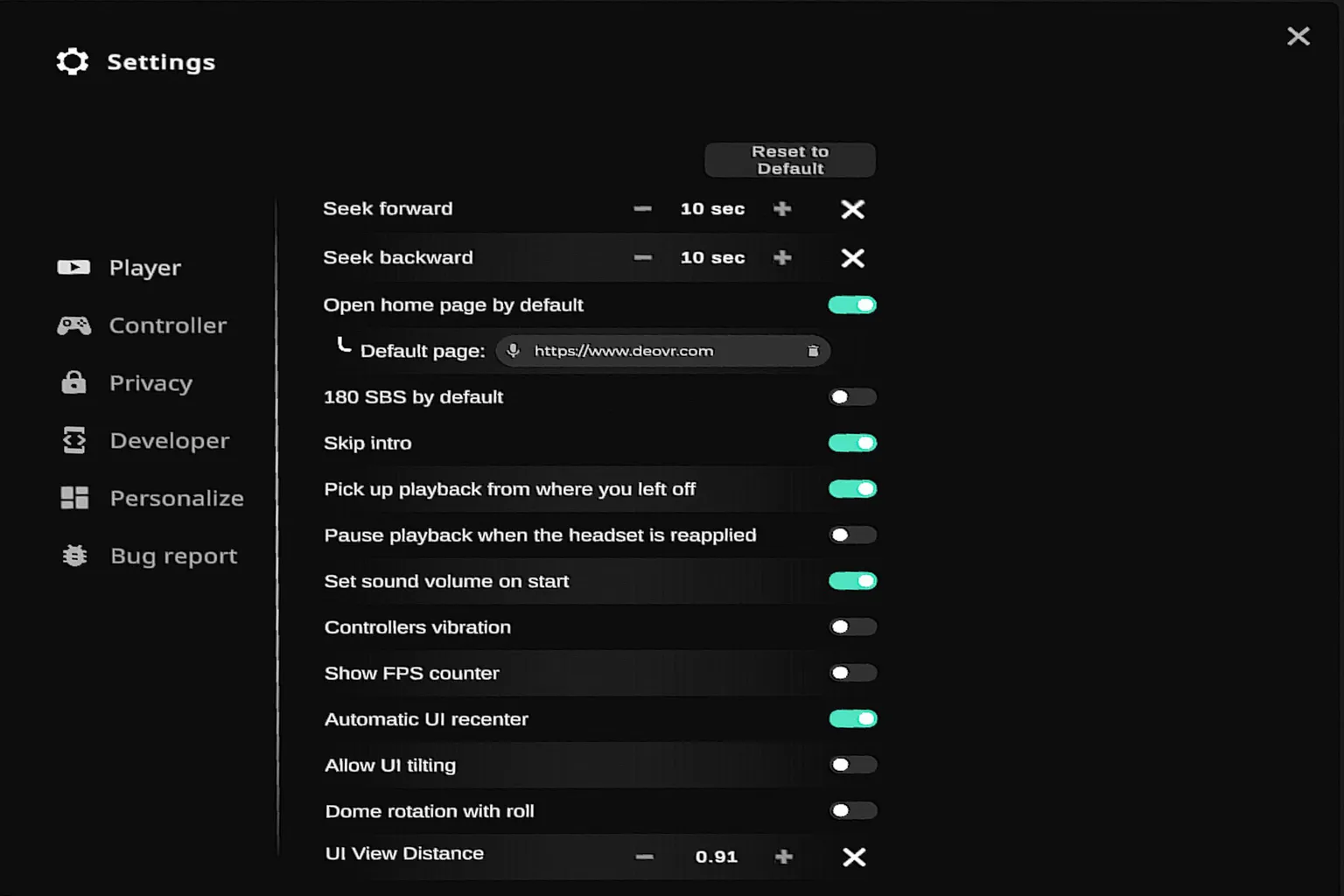
Settings screen
Skybox VR Player
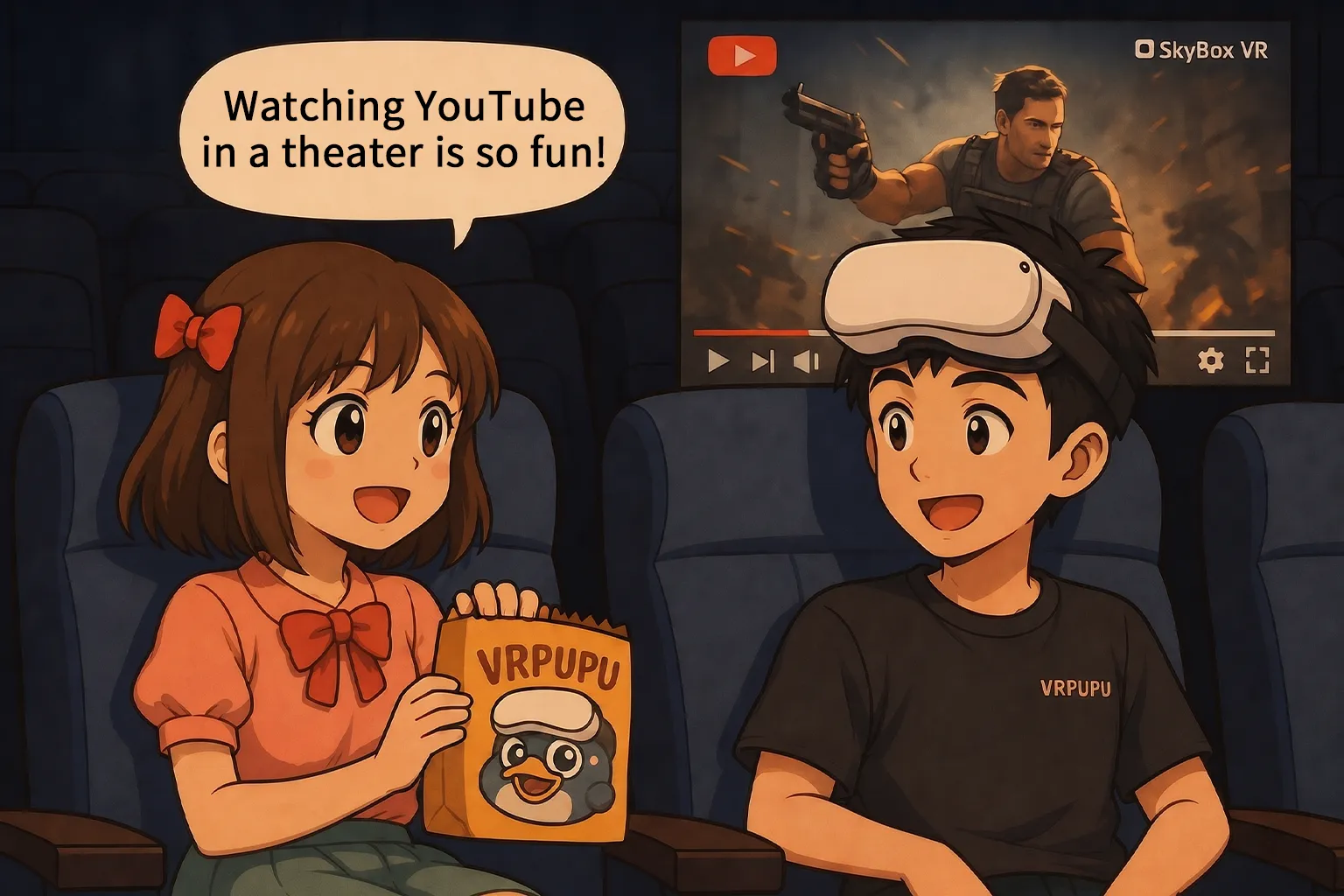
Skybox is the best-selling video player on Meta Quest. It is easy to use, requires almost no setup, and works right away after you launch it. The interface is also very easy to understand.
Playback quality is excellent, and it does a great job of automatically detecting VR video formats. A 2025 update added WebDAV support, making it much more convenient to use.
Skybox also includes several features that other players do not offer. You can stream your PC screen and use the headset as a monitor, or watch videos through its built-in YouTube mode.
Version 2.0 also added Plex support, PC screen streaming, and the ability to watch videos together with friends.
However, the newer version also has a lot of bugs. I could not connect to Plex at all, and the screen streaming feature often displayed nothing but a black screen. Even after six months, these issues still have not been fixed.
PC connection options: SMB (network sharing), DLNA (streaming), WebDAV, and AirScreen
For a more detailed feature overview and a comparison with 4XVR, check out the two articles below.
Skybox VR Player Complete Guide
Setup AirScreen, Network Streams & YouTube VR

Skybox vs Moon Image Quality Test
Which VR Player is Better?

Skybox vs 4XVR Image Quality Test
Which VR Player is Better?
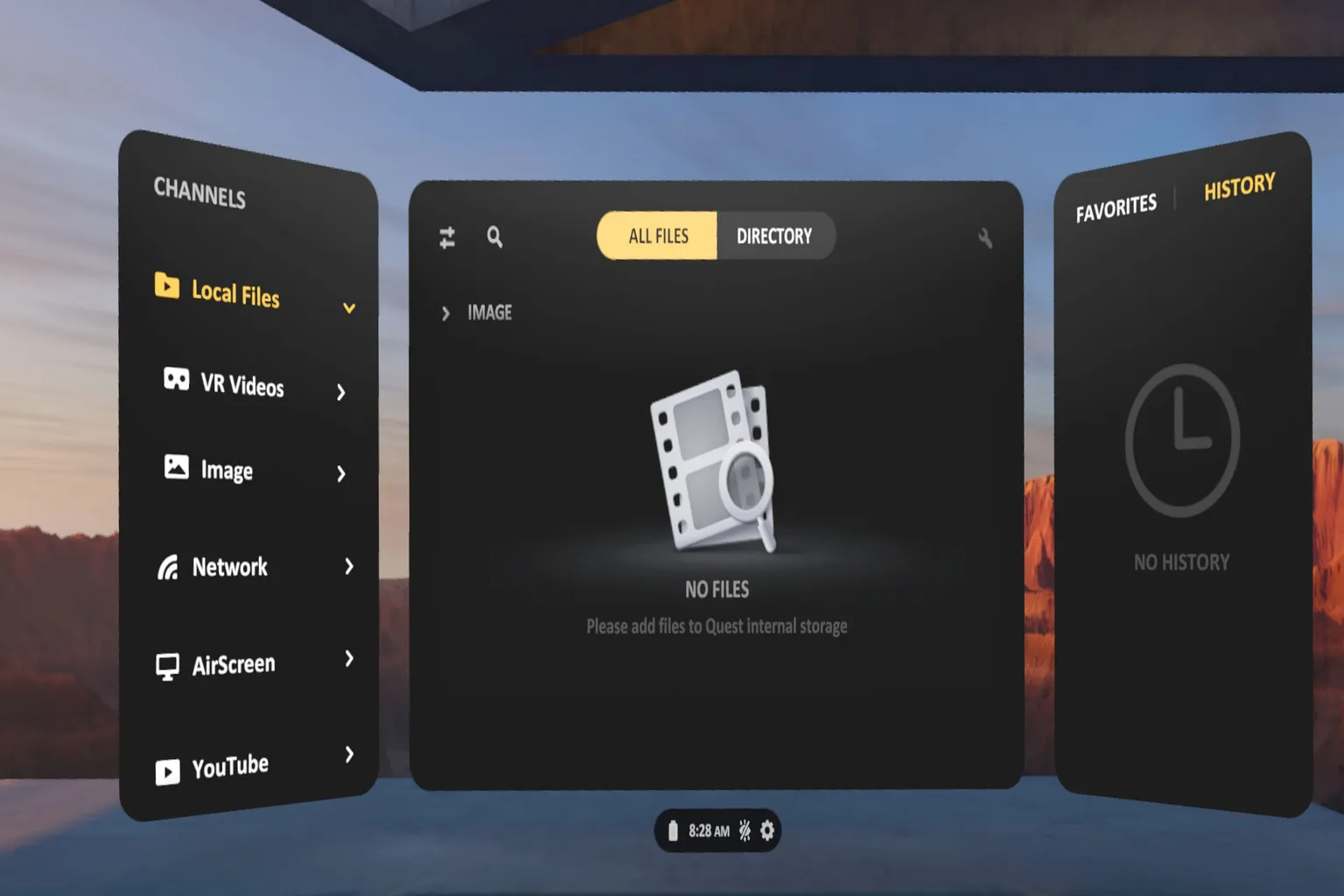
Skybox VR Player interface
Playback screen

Moon VR Player
The interface is clean, and the controls are easy to use. I also think it delivers the best-looking image out of all the players. It is affordable, includes plenty of features, and can handle most video playback needs.
It also has a few features that other players do not offer, including autofocus. However, even after trying it myself, I did not notice a major difference.
Moon VR Player is the only player that supports Baidu Netdisk and Aliyun Drive. A recently added DLC also supports YouTube and Plex playback, giving it a very complete feature set overall.
Use the discount code “VRPU-3A6442” at checkout to get it for $7.99. At the moment, it is one of the most affordable and easy-to-use VR video players available.
DLCs are also eligible for the discount.
Web Theater, Penthouse at Stellacropolis City, and Ἄρτεμις Station can all be purchased at 20% off by entering the discount code “VRPU-3A6442”.
PC connection options: SMB (network sharing), WebDAV, and Moon Link
It includes nearly every feature most users are likely to want.
For detailed setup instructions, check out the article below.

Moon VR Player interface
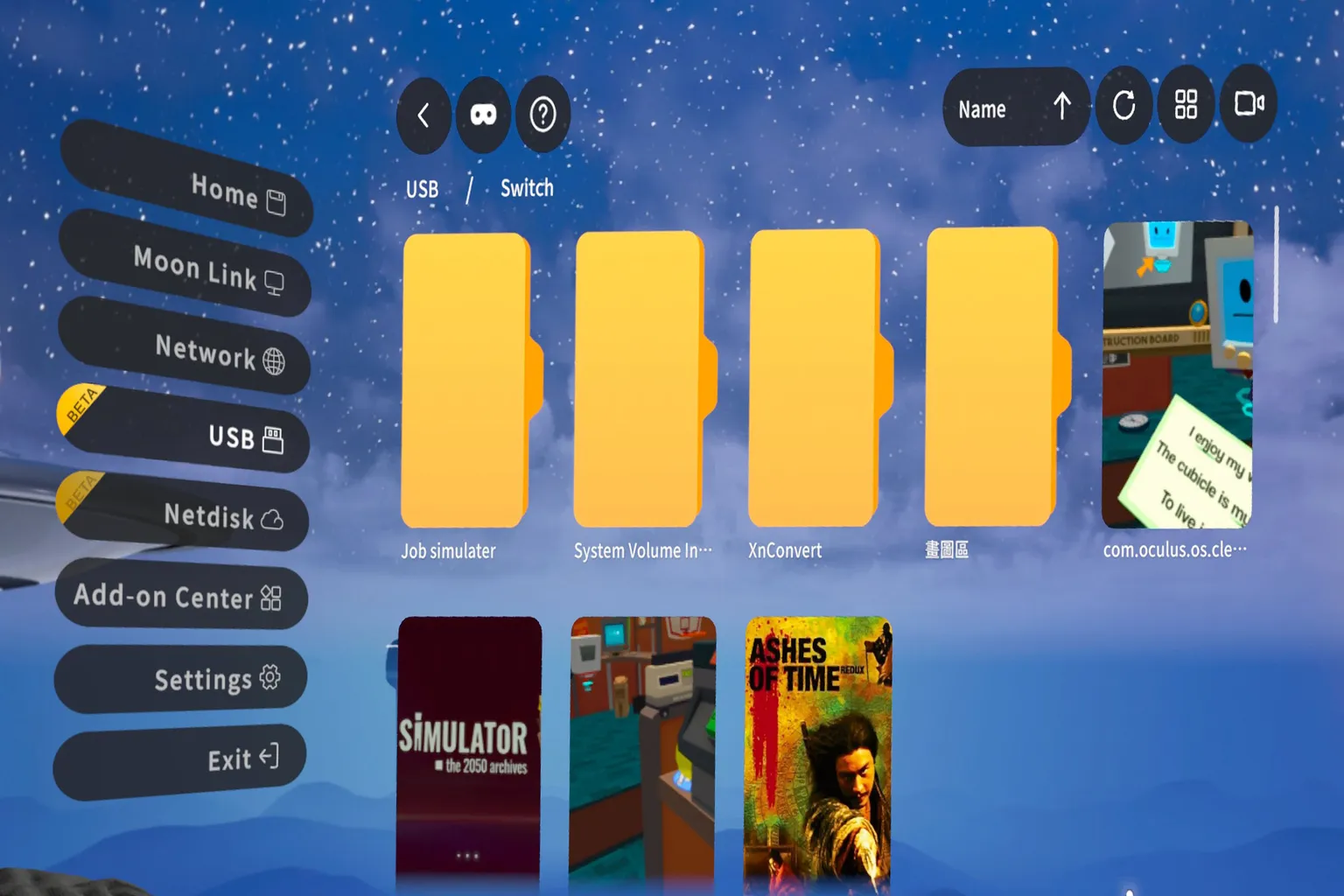
Supported cloud storage options

4XVR Video Player Premium
The interface is simple, and the controls are not too difficult to learn. Its viewing environments are also among the most impressive of any player.
4XVR’s biggest strength is its audio. When I played the same movie across different players, 4XVR delivered the most powerful sound.
A trial version is available on the Meta Store, but honestly, it is not very generous. You can try it for one month, but each session is limited to just five minutes.
The regular price is also fairly high at $29.99. However, you can get it for $15 through the VRPUPU creator link, which makes the price much easier to accept.
4XVR is the only player that can directly open Blu-ray ISO files. I recommend it for anyone who does not need a huge number of features but cares about image quality and a more premium overall experience.
PC connection options: SMB (network sharing), DLNA (streaming), WebDAV, and 4X Link
Related guides:

4XVR Video Player Premium Guide
PC Streaming, WebDAV & USB Setup

4XVR Video Player Premium 50% Off
Claim Your Discount
4XVR Video Player interface
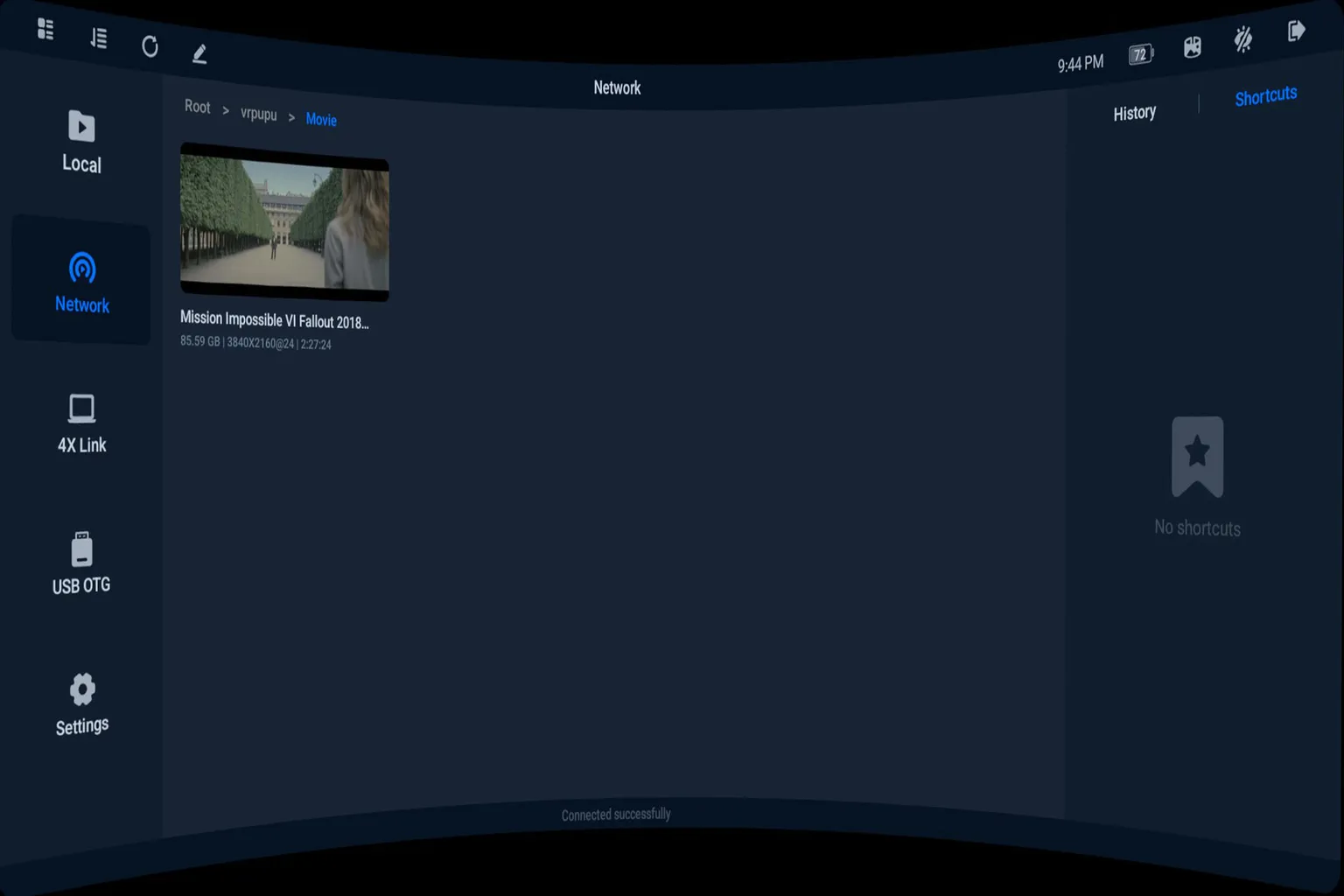
Settings screen

NEXt-Gen Video Player
The full name is NEXt-Gen Video Player, usually shortened to NEX Video Player. It is a new VR video player released in 2026.
Its main feature is the very simple interface. There is almost nothing the user needs to fine-tune manually.
Even though it is easy to use, the essential features are still properly included.
When you open the player, you can watch videos in a space surrounded by icebergs. The overall atmosphere feels quite dreamlike.
The biggest feature of NEX Video Player is that it can convert flat videos into 3D.
By 3D, I don’t mean converting them into VR videos. It is closer to the kind of 3D image where the screen has depth, like Avatar.
But honestly, I don’t think this feature is very practical yet.
Converting a one-hour video on PC took nearly two hours, and the actual 3D effect was not that obvious.
Note: The PC used for conversion was running an Intel Core i7-13700K, NVIDIA GeForce RTX 3090, and 32GB of RAM.
PC connection options: SMB (network sharing), WebDAV, and NEX Link
It supports most of the common ways to connect to a PC and includes nearly all the features users are likely to want.
The free version lets you try it for up to five minutes per day. The full version costs $9.99, which is not very expensive.
However, you can get 50% off through the VRPUPU creator link, bringing the price down to $5. It is currently the cheapest video player available.
NEX Video Player Home Screen
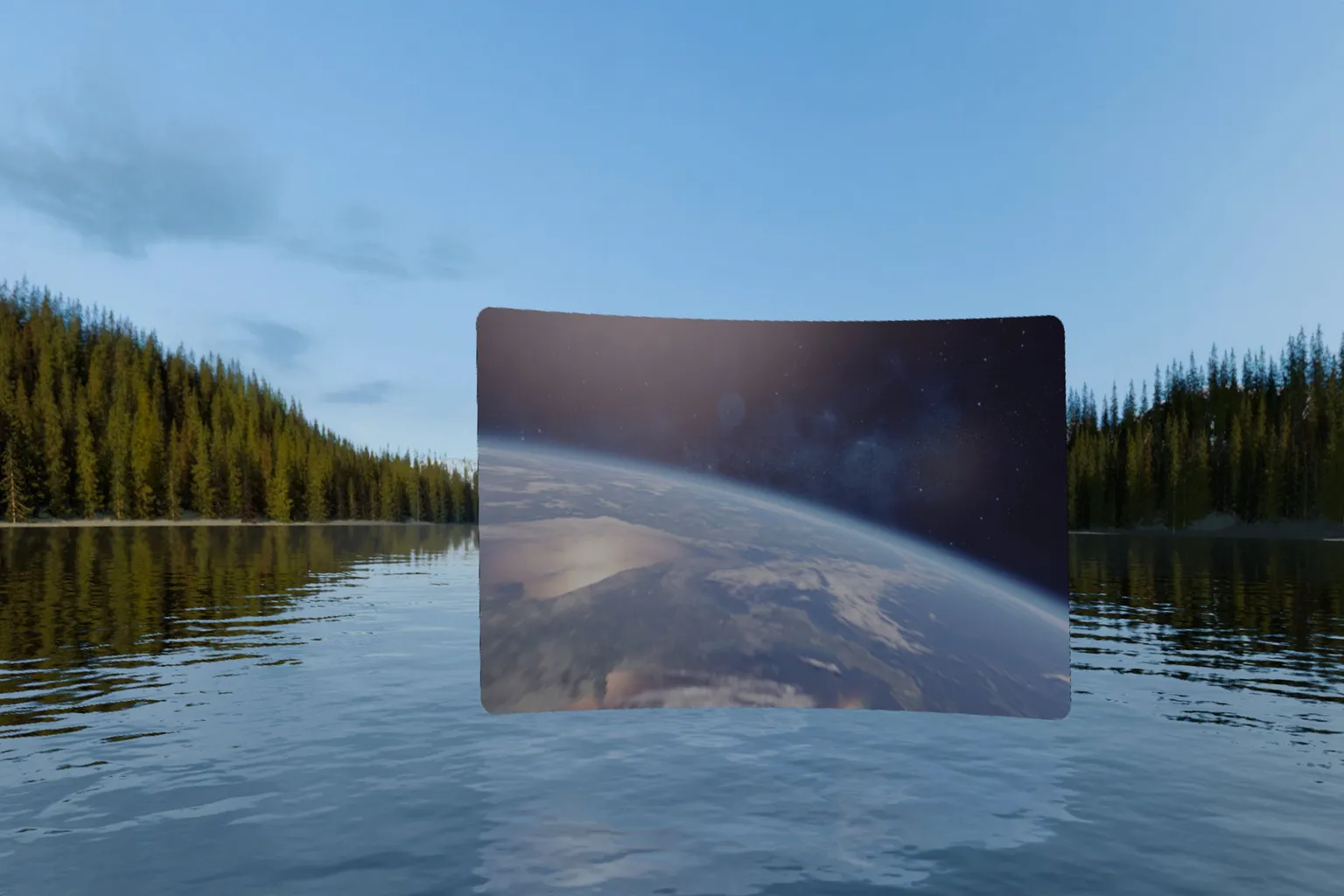
NEX Video Player Viewing Environment
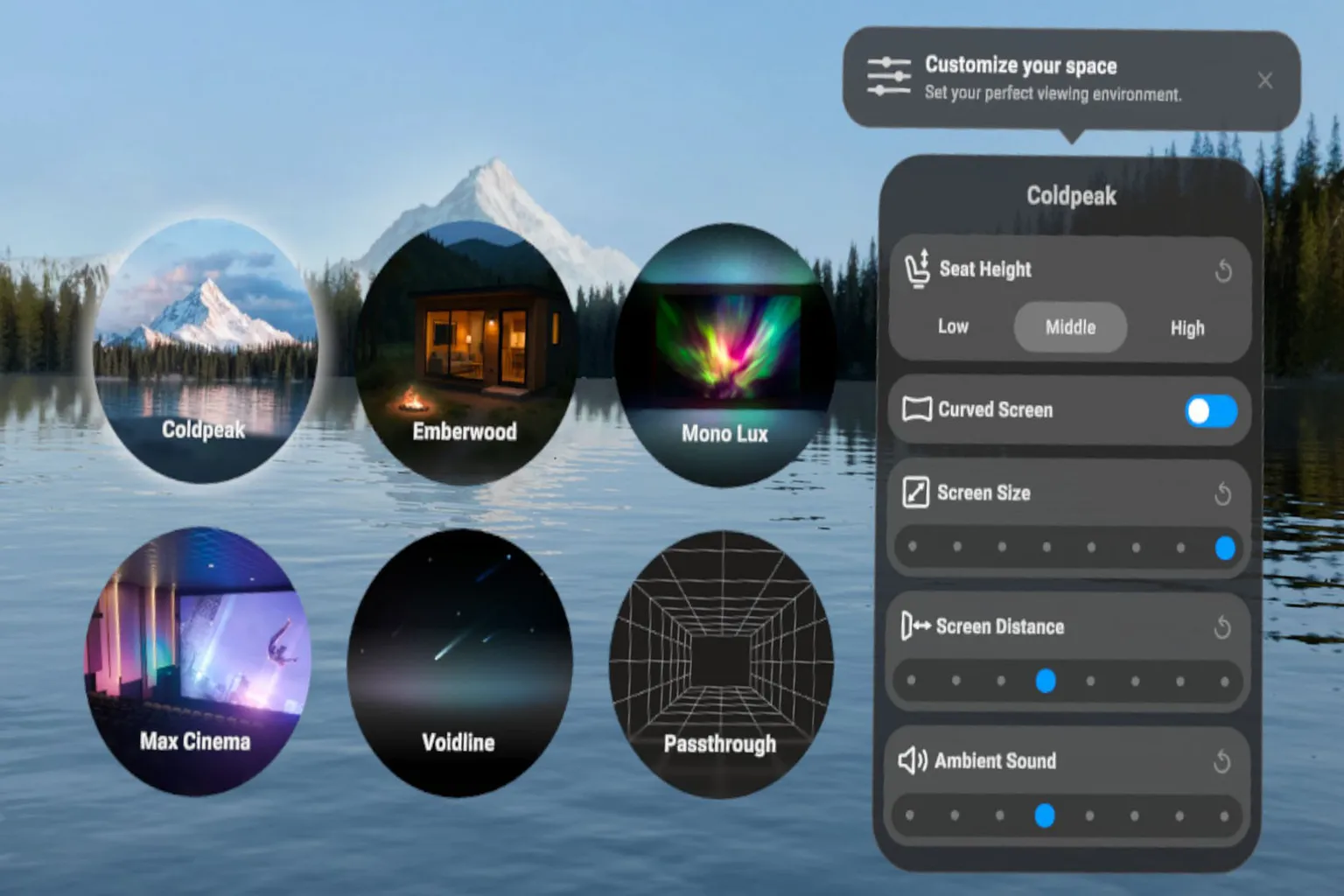
NEX Video Player Settings Screen
HereSphere VR Video Player
This software is extremely frustrating to set up, and the interface is also quite difficult to use. No matter how many advanced features it offers, I do not think beginners will have an easy time getting started.
Its main selling point is the ability to adjust a huge number of settings until you get the image exactly how you want it. In practice, though, simply getting one video to play after installing it is already painful enough.
It costs $29.99, which is not cheap. Honestly, I do not recommend it.
I just want to sit back and watch a movie, so why does the interface need to be more complicated than factory equipment?
PC connection options: SMB, DLNA, WebDAV, and built-in web streaming (Netflix is not supported)
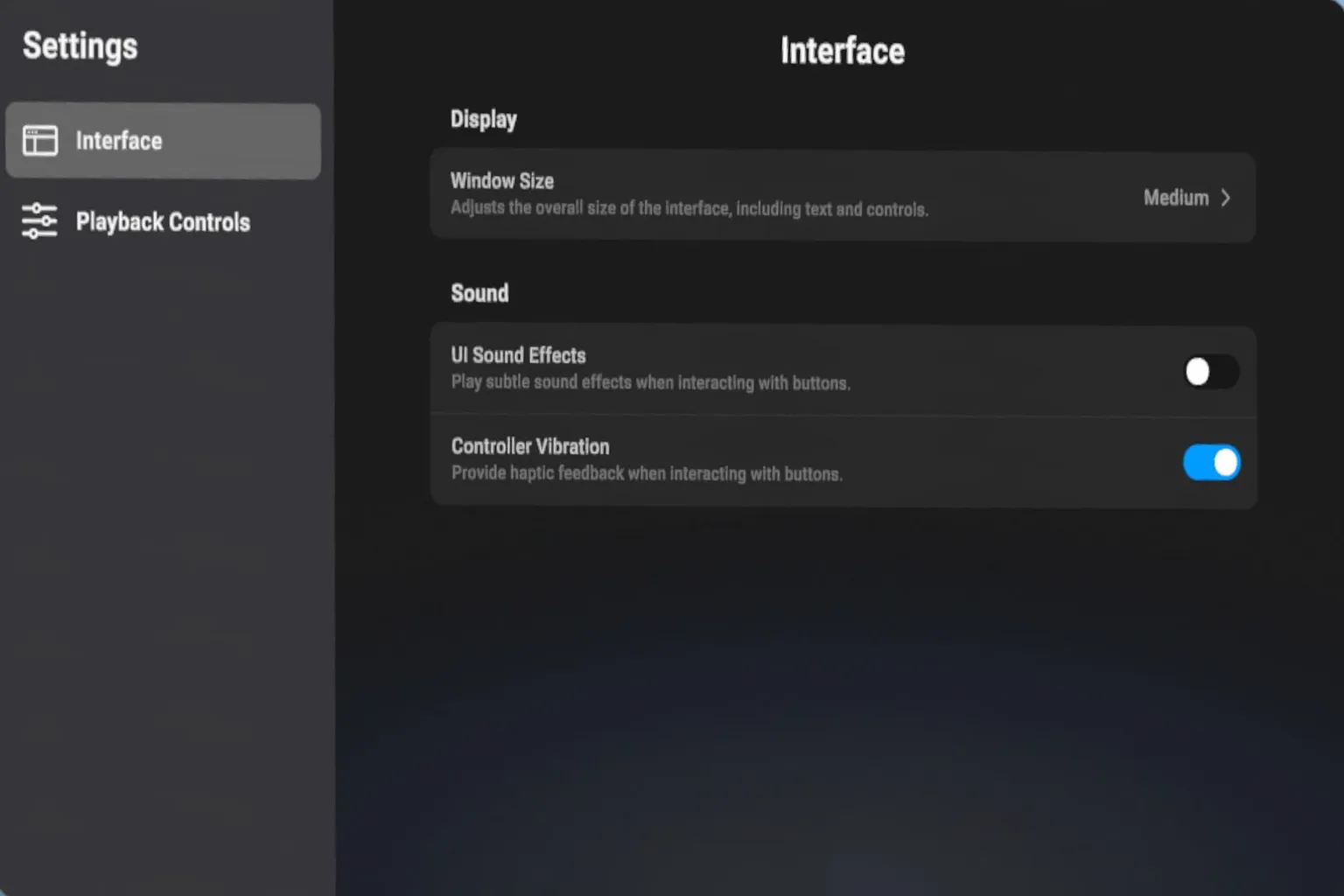
HereSphere VR Player Settings Screen
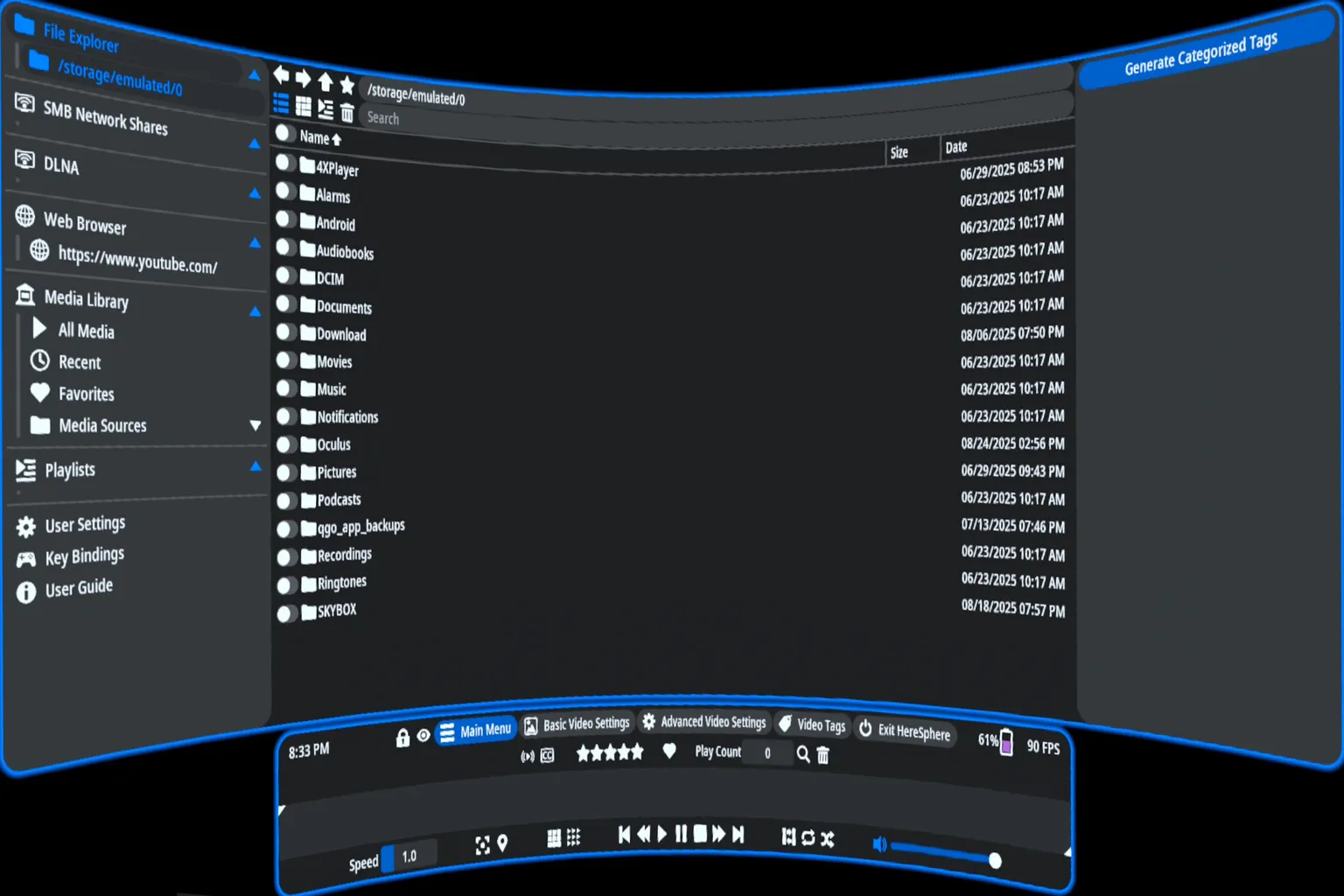
Settings screen

Player Feature Comparison
As we’ve seen so far, the players are fairly similar in terms of performance, with no major differences between them.
So from here, let’s look at the pros and cons of each one based on actual hands-on testing and comparison.
HDD and USB Drive Compatibility
All of these players support external HDDs and USB drives, but in actual testing, compatibility issues can occur depending on the HDD brand or model.
So far, the most compatible option I’ve tested is 4XVR Player’s Android read mode.
- 4XVR Method 1: Read data directly from USB. Most USB drives and card readers work normally with this method.
- 4XVR Method 2: Read data through Android. By using Android’s own system, it can often access HDDs that aren’t detected normally.
Below are the results from my actual tests with various USB drives and HDDs.
| Model / Method | 4XVR Method 1 | 4XVR Method 2 | Moon | Skybox | NEX |
| Transcend Card Reader + MicroSD | Supported | Supported | Supported | Supported | Supported |
| Logitec LMD-SPE050UAC | Supported | Supported | Supported | Supported | Supported |
| Kingston XS1000 2TB | Supported | Supported | Not Supported | Supported | Not Supported |
| IO-DATA SSPS-US1GR 1TB | Not Supported | Supported | Not Supported | Not Supported | Not Supported |
| Crucial 2.5-inch SSD 275GB | Not Supported | Supported | Not Supported | Not Supported | Not Supported |
Cloud Playback Support
Since 2025, more players have gradually added support for cloud storage and cloud playback.
The table below summarizes the cloud services supported by each player.
| Cloud Service | 4XVR | Moon | Moon + Web Theater | Skybox | NEX |
| SMB | Supported | Supported | Supported | Supported | Supported |
| FTP | Supported | Not Supported | Not Supported | Not Supported | Not Supported |
| WebDAV | Supported | Supported | Supported | Supported | Supported |
| Youtube | Not Supported | Not Supported | Supported | Supported | Not Supported |
| Baidu Netdisk | Supported | Supported | Supported | Not Supported | Not Supported |
| Aliyun Drive | Not Supported | Supported | Supported | Not Supported | Not Supported |
| Dropbox | Supported | Not Supported | Not Supported | Not Supported | Not Supported |
| Box | Supported | Not Supported | Not Supported | Not Supported | Not Supported |
| OneDrive | Supported | Not Supported | Not Supported | Not Supported | Not Supported |
| Jellyfin | Supported | Not Supported | Not Supported | Supported | Not Supported |
| Emby | Supported | Not Supported | Not Supported | Supported | Not Supported |
| Plex | Supported | Not Supported | Supported | Supported | Not Supported |
| Netflix | Not Supported | Not Supported | Not Supported | Not Supported | Not Supported |
| Disney+ | Not Supported | Not Supported | Supported | Not Supported | Not Supported |
| Max | Not Supported | Not Supported | Supported | Not Supported | Not Supported |
| Hulu | Not Supported | Not Supported | Supported | Not Supported | Not Supported |
| Paramount+ | Not Supported | Not Supported | Supported | Not Supported | Not Supported |
| Apple TV+ | Not Supported | Not Supported | Supported | Not Supported | Not Supported |
| Twitch | Not Supported | Not Supported | Supported | Not Supported | Not Supported |
| Tubi | Not Supported | Not Supported | Supported | Not Supported | Not Supported |
| Red Bull TV | Not Supported | Not Supported | Supported | Not Supported | Not Supported |
| IMAX | Not Supported | Not Supported | Supported | Not Supported | Not Supported |
| Spotify | Not Supported | Not Supported | Supported | Not Supported | Not Supported |
| YouTube Music | Not Supported | Not Supported | Supported | Not Supported | Not Supported |
| Bilibili | Not Supported | Not Supported | Supported | Not Supported | Not Supported |
| iQIYI | Not Supported | Not Supported | Supported | Not Supported | Not Supported |
| Tencent Video | Not Supported | Not Supported | Supported | Not Supported | Not Supported |
| Youku | Not Supported | Not Supported | Supported | Not Supported | Not Supported |
Skybox supports Plex, but when I tested it, I couldn’t get it to connect at all.
Overall Ratings and Discounts
Overall:
Lowest price: NEX Video Player
Most features: Skybox VR Player
Best image quality: Moon VR Player
Most powerful sound: 4XVR Video Player Premium
Best for users who enjoy detailed adjustments: HereSphere VR Player
| Item | DeoVR | 4XVR | Moon | Skybox | NEX | HereSphere |
| Price | Free | $29.99 | $9.99 | $9.99 | $9.99 | $29.99 |
| Sale Price | – | $15.00 | $7.99 | $8.99 | $5.00 | $26.99 |
| Image Quality | ◎ | ○ | ◎ | ○ | ○ | ○ |
| Audio Quality | ○ | ◎ | ○ | ○ | ○ | ○ |
| Features | ◎ | ○ | ○ | ◎ | ◎ | ○ |
| Controls / UI | ◎ | ◎ | ◎ | ◎ | ◎ | X |
(Key: ◎ = Best, ○ = Average, X = Not good)
Note: If the app is on sale in the Meta Store, discount codes cannot be used.
You can only use the discount code after the price returns to normal.
If you do not want to overthink it, go with NEX Video Player or Moon VR Player. Both are affordable and easy to use.
As an additional note, enter “VRPUPU” when buying a headset from the official Meta website to receive an extra $30 in benefits.
You can also enter “VRPUPU” to get 10% off video players and games that are not on sale, along with select DLC and bundles.
Once you have bought a video player, the next step is to sit back and enjoy your videos.
However, buying and downloading a video, then transferring it to your headset before watching it, can take more time than expected.
Streaming videos directly online is much more convenient. Next, let’s take a look at online streaming services like DeoVR. Being able to open the app and start watching right away makes the whole experience much easier.
FAQ – Common Questions
Can I watch videos from my PC without buying a video player?
Yes. You can connect your PC using Quest Link, which comes built into Meta Quest, and play videos that way. However, the overall image quality is a little worse.
How do I connect to my PC through Samba?
This site has a guide explaining how to enable Samba in Windows, so check that article for the setup steps.
Which player should I buy for streaming services like Netflix?
You do not need to buy any of them. On Meta Quest, Netflix can only be watched through the built-in browser.
Do I still need a video player if I do not connect to a PC?
Not necessarily, unless you plan to use cloud storage services such as PikPak.
Are there any other features worth noting?
NEX, Skybox, Moon, and 4XVR support HDR. 4XVR also supports ISO and MK3D files, while Moon and HereSphere include autofocus.