Want to explore the world without leaving your living room? Your Meta Quest is the ultimate virtual passport. This guide breaks down the best VR travel apps available today, from the stunning photorealistic landscapes of Brink Traveler to the instant global teleportation of Wander and Revisit. We also cover relaxing 8K guided tours on YouTube VR and DeoVR. Discover the perfect virtual getaway for your travel style, and learn how to use our exclusive VRPUPU promo code to score a 10% discount on your next adventure.
VR Travel Apps on Meta Quest
Once you have a headset, there’s a lot you can do—games, social worlds, videos, even more adult-leaning content. But honestly, why not use it to go see the world? You can sink into quiet, almost mystical landscapes, or walk through cities buzzing with life.
All of that is possible in VR. As long as you pick the right apps, you can travel to almost anywhere on Earth—and sometimes even slip back into cities from the past. Here, I’ll introduce a few popular travel apps you can get from the Meta Store for Meta Quest.
Brink Traveler
The Earth Is More Beautiful Than You Remember
Wander
Warp Anywhere in the World, Instantly
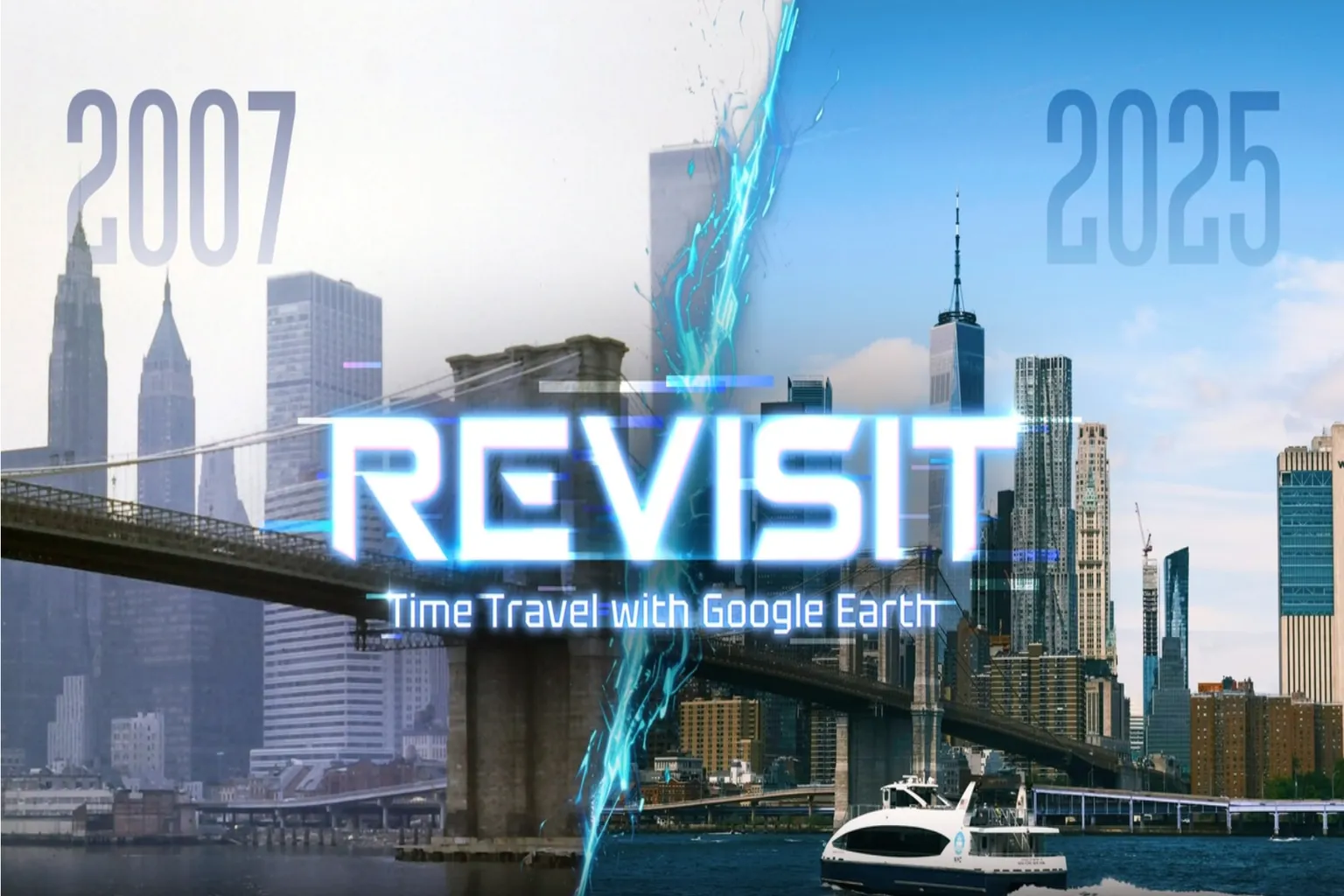
Revisit
Do You Remember the City From That Year?

YouTube VR
Explore the World With Seasoned Travelers
DeoVR
Enjoy Travel Shows in VR
These apps can be broadly grouped into two main types.
Active Travel: Go Where You Want, On Your Own
Brink Traveler (Deep Travel)
Real-world landmarks recreated through 3D scanning. Walk freely through the scenery and feel as if you’re truly there.
Wander, Wooorld, and WorldLens (city free trips)
These use Google Maps to instantly jump to cities around the world, with teleport-style movement.
Revisit (time traveler)
Also based on Google Maps, but lets you travel not only to different places, but also to cities from the past.
Passive Travel (Group Tour Style): Sit Back and Follow the Guide
YouTube VR / DeoVR
Watch VR travel programs and enjoy guided tours or drone footage, letting the visuals lead the journey.
Let’s take a closer look at each of these apps next.
Brink Traveler
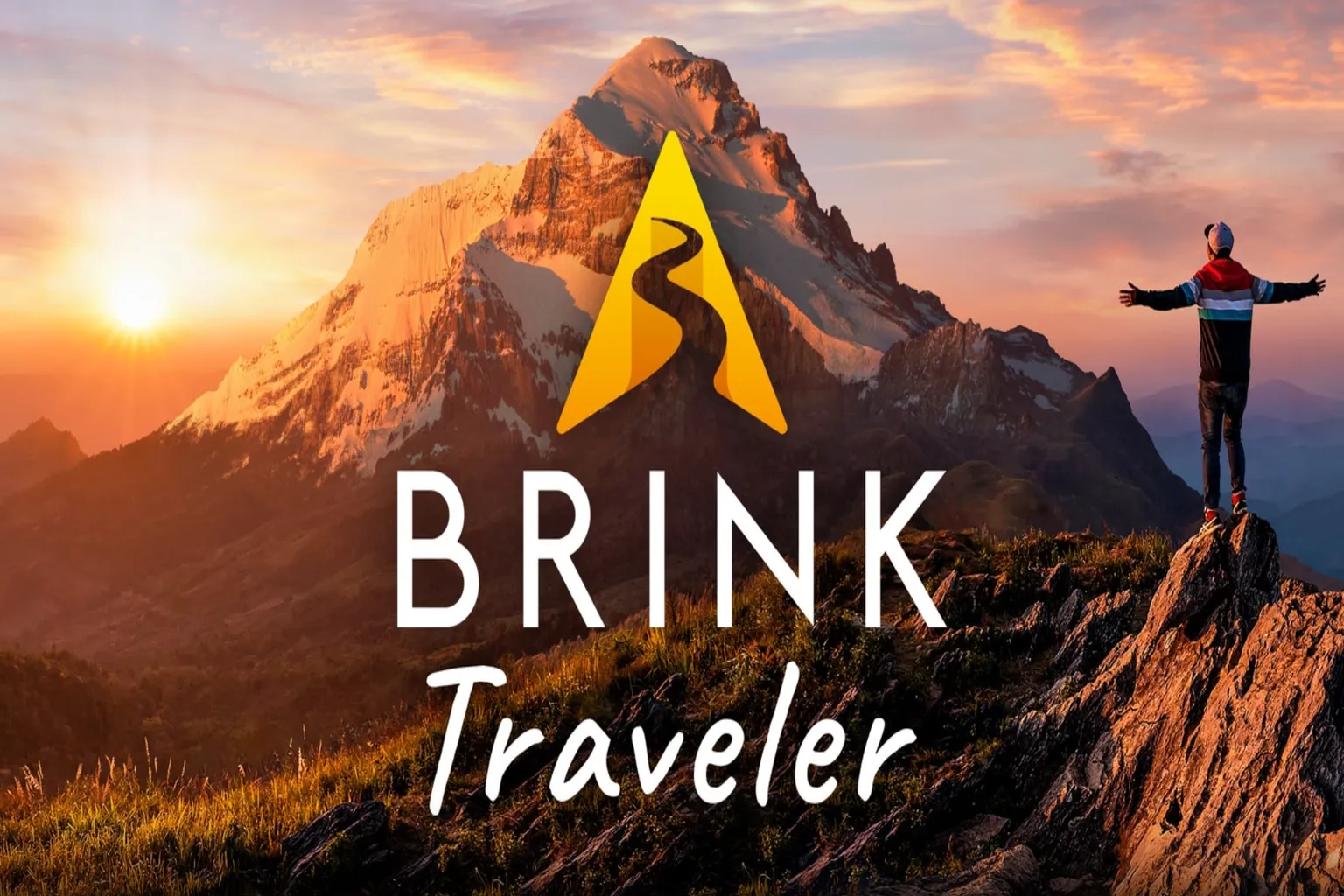
This is one of the most fully featured and popular travel apps available on the Meta Quest Store.

It recreates famous locations from around the world with game-level detail. Waterfalls flow, birds circle in the sky, and as you move through the space, you’re actually walking inside the environment. It lets you take your time and really soak in the scenery, instead of just looking at it from a distance.

It really feels like the flagship of VR travel apps—the guide system is exceptionally well done. Every location comes with clear explanations, so even if you’re just standing there taking in the view, it feels like Brink Traveler is quietly guiding you along the way.
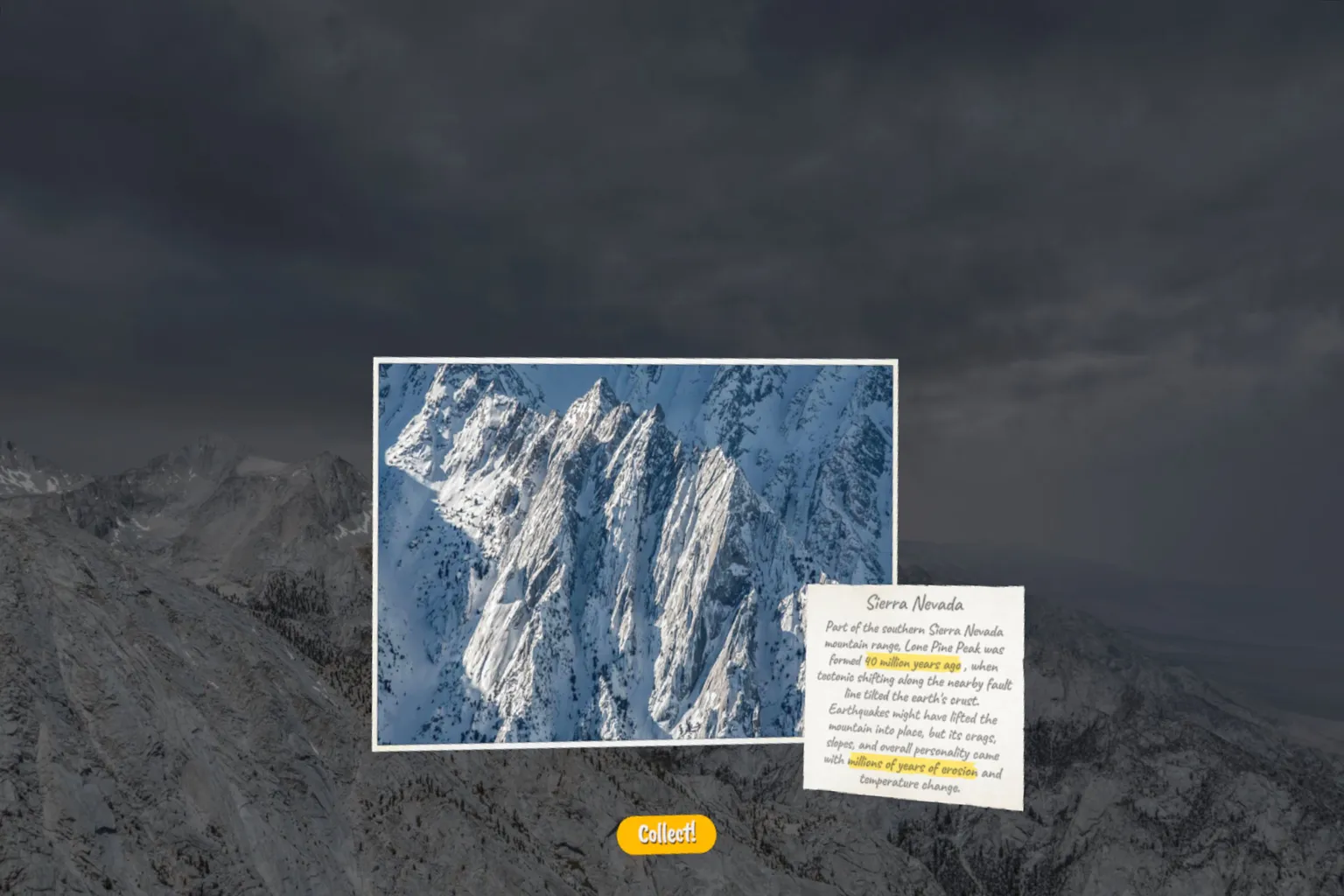
Every location featured is a world-class scenic spot. Some of them are places you couldn’t reach in real life no matter how much money you spent—and yet they’re fully accessible here in Brink Traveler.
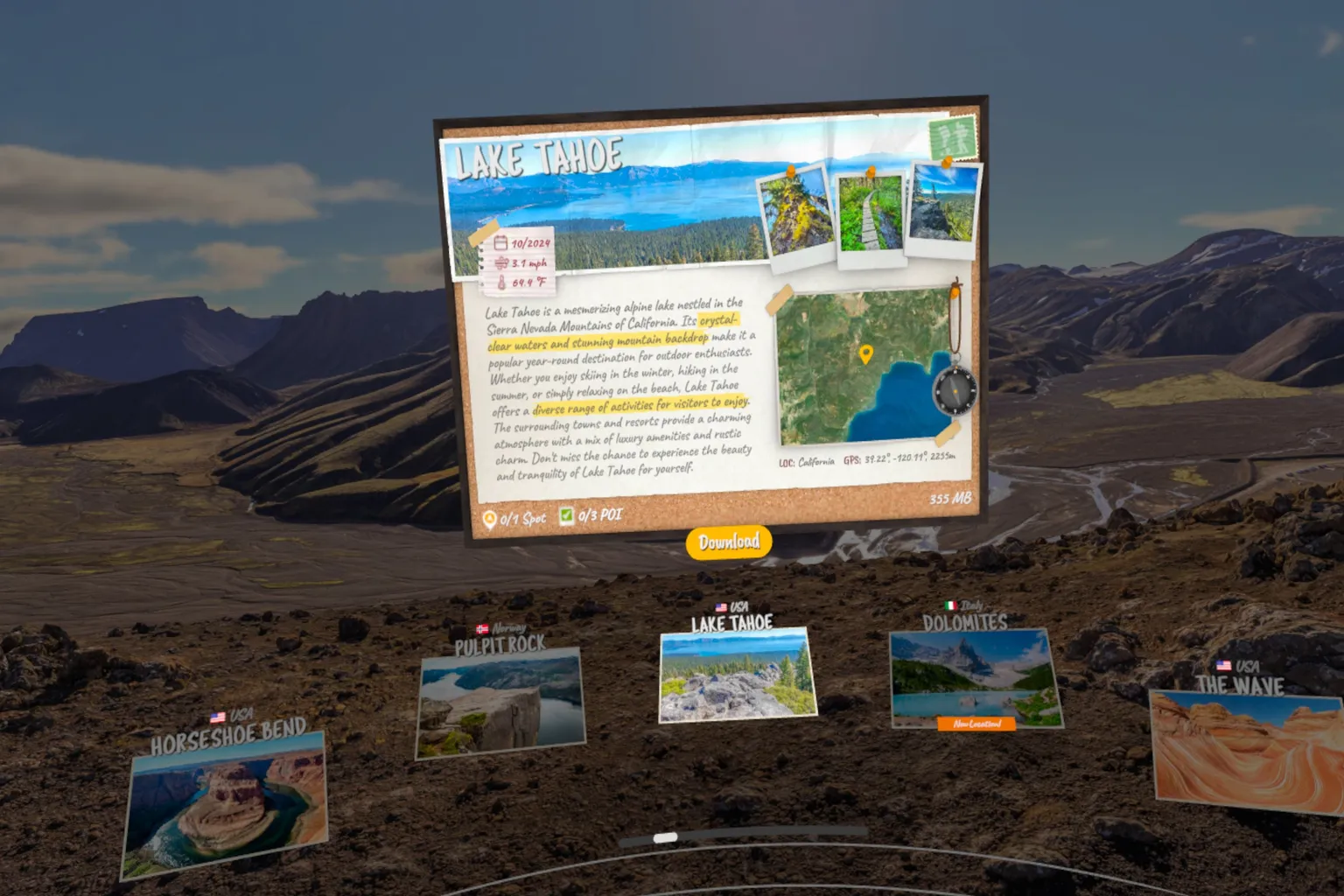
At each spot, you can freely walk around within an area of roughly five to ten meters, which gives you enough space to slowly take in the view. Even the stones under your feet are detailed to the point where you catch yourself thinking, “Wait… is this actually real?”.

Wander, Wooorld, and WorldLens
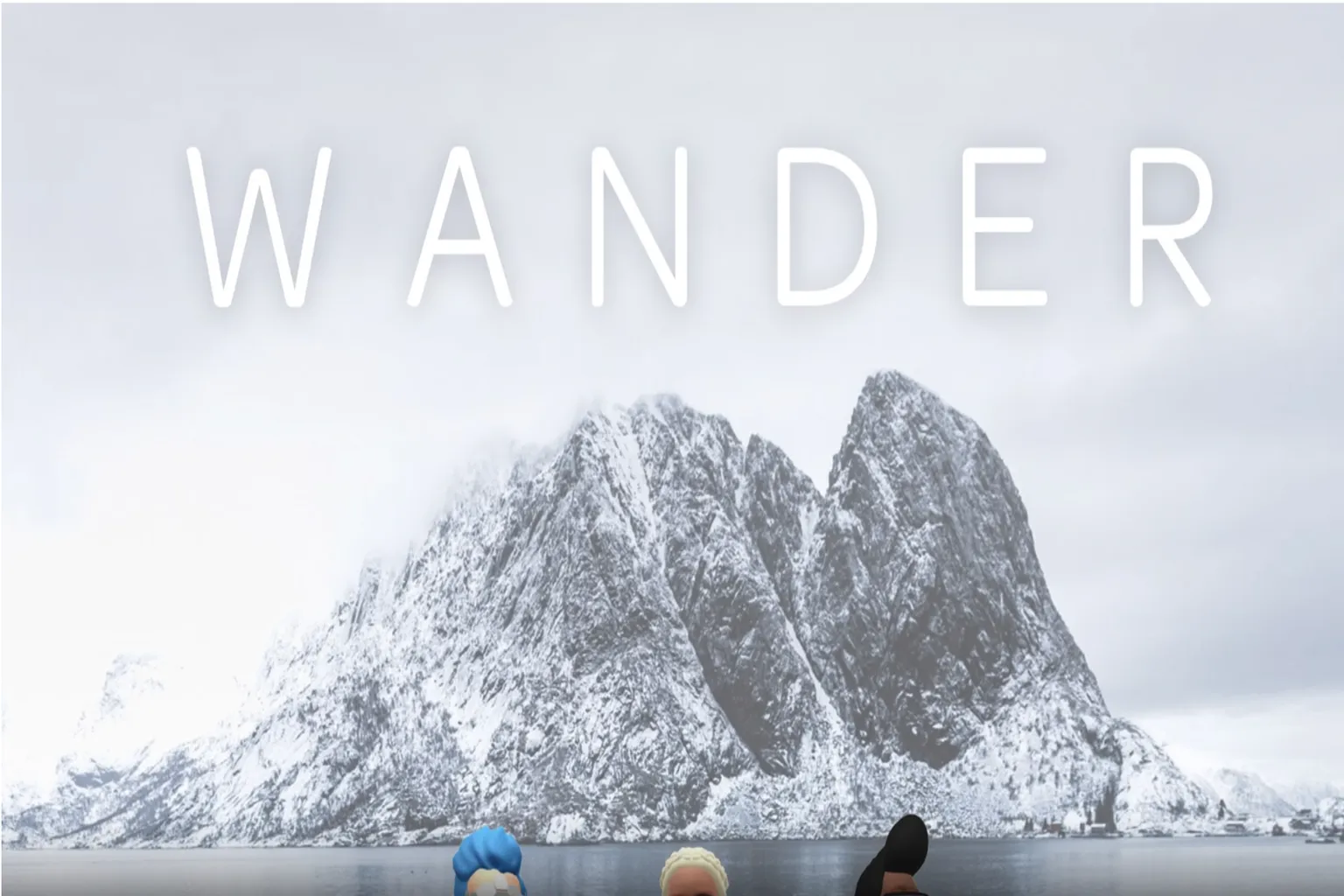
This app uses Google Maps data, letting you travel to almost any location on Earth.

Among these VR travel apps, Wander really stands out for its interface design. With just a quick voice command, it can take you almost anywhere in the world.
On the other hand, Wooorld and WorldLens focus on 3D city maps. Their strength is letting you view city layouts and landmarks from above.
Take New York as an example. Scenic viewpoints are marked directly on the map, and all it takes is a single click to instantly warp to that spot.
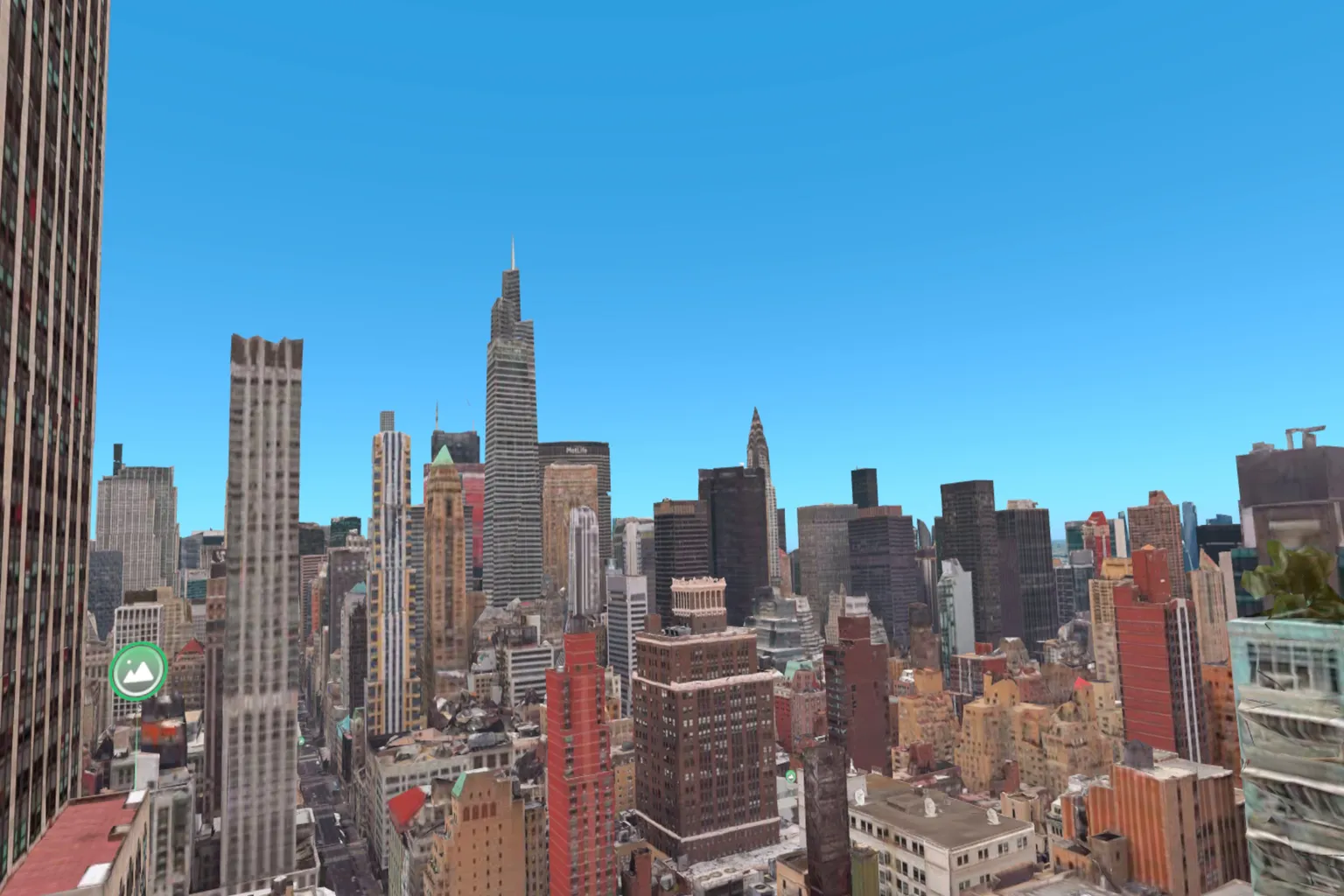
American cities really are lively.

The streets are shown as full 360-degree real-world panoramas, so it genuinely feels like you’re standing there yourself. Tap one of the white points on the screen, and you warp a short distance ahead—it gives you that real sense of actually walking through the city.

It’s not just outdoor sightseeing—you can even go inside buildings. This scene shows Chihkan Tower in Tainan, Taiwan. You can actually walk inside and explore it, and the structure and distinctly Taiwanese atmosphere really come through.

Revisit
With the first two travel apps, you naturally end up visiting famous landmarks or major cities around the world. But Revisit is different. This one is a portal for traveling through time.
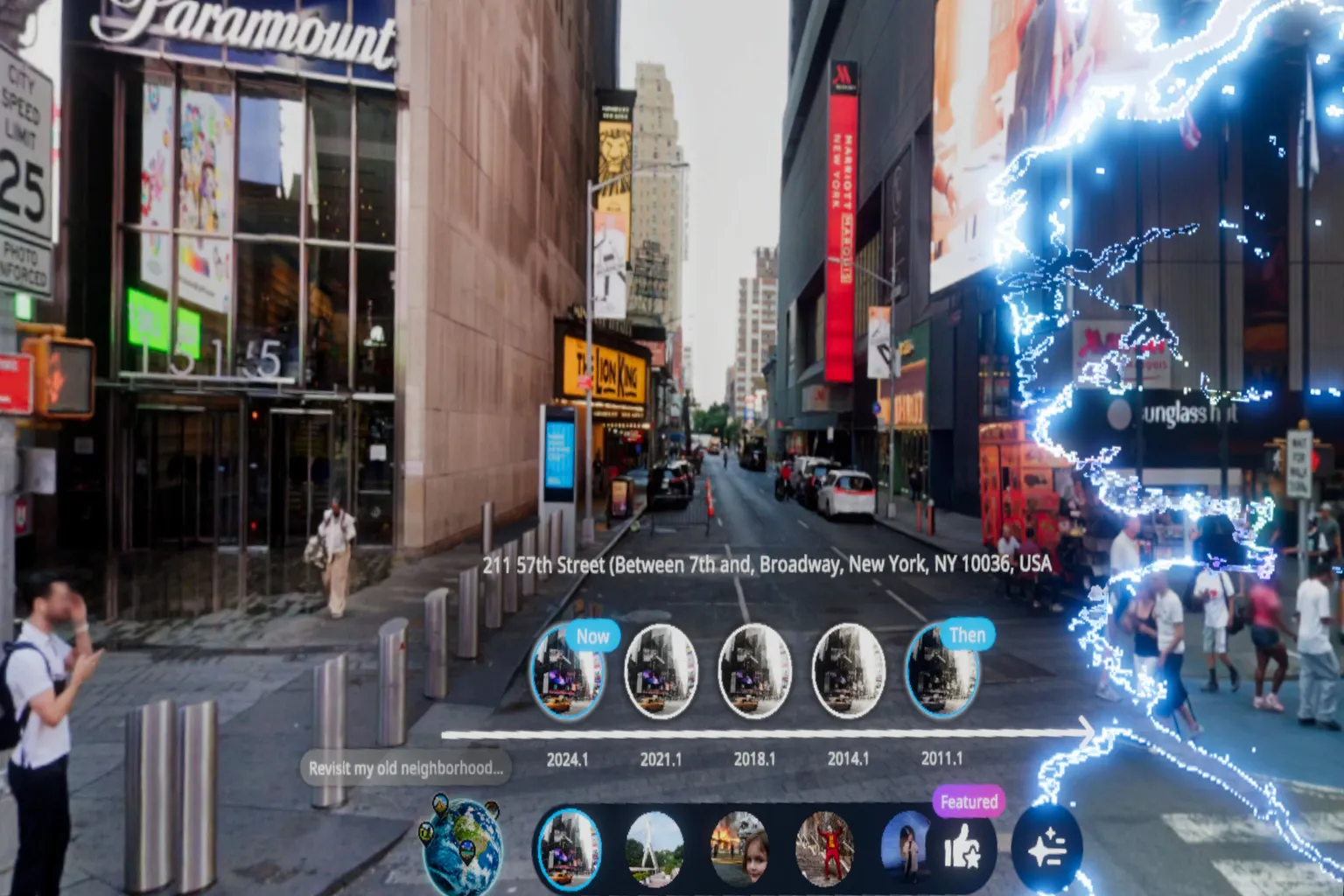
Memory is a strange thing. The streets you knew as a kid, or the scenery from your old hometown, slowly fade as the years go by.
This place is Beimen Shopping Area in Tainan. It used to be the biggest PC and game shopping district in the city. More than twenty years ago, I wandered around here almost every week. Now, there’s barely anything left of that time—the buildings are worn down, and the old atmosphere is gone.

If I told my son, “This place used to be my favorite when I was younger,” he probably wouldn’t believe me. Looking at how it is now, there’s no way to imagine how lively it once was.
Sixteen years ago, back in 2009, this place was genuinely buzzing with life.

Let’s go back. Put on the headset, and Revisit will carry you across time.
If you ever want to tell your family or someone important, “This is what it used to look like,” just hand them the headset. Let them see those old scenes for themselves, right there with you.
YouTube
This is a travel app meant purely for watching. You can feel like you’ve “visited” different cities and places, but the footage is locked to the creator’s point of view. You can’t move around yourself, and the flow is completely fixed.
The YouTube VR app on Meta Quest has a dedicated VR video category where you can experience travel footage from all over the world. But if you really want to feel immersed, anything below 8K starts to feel lacking. A lot of videos in this category are closer to 2K, which makes the world look a bit mosaic-like, and that can be disappointing.
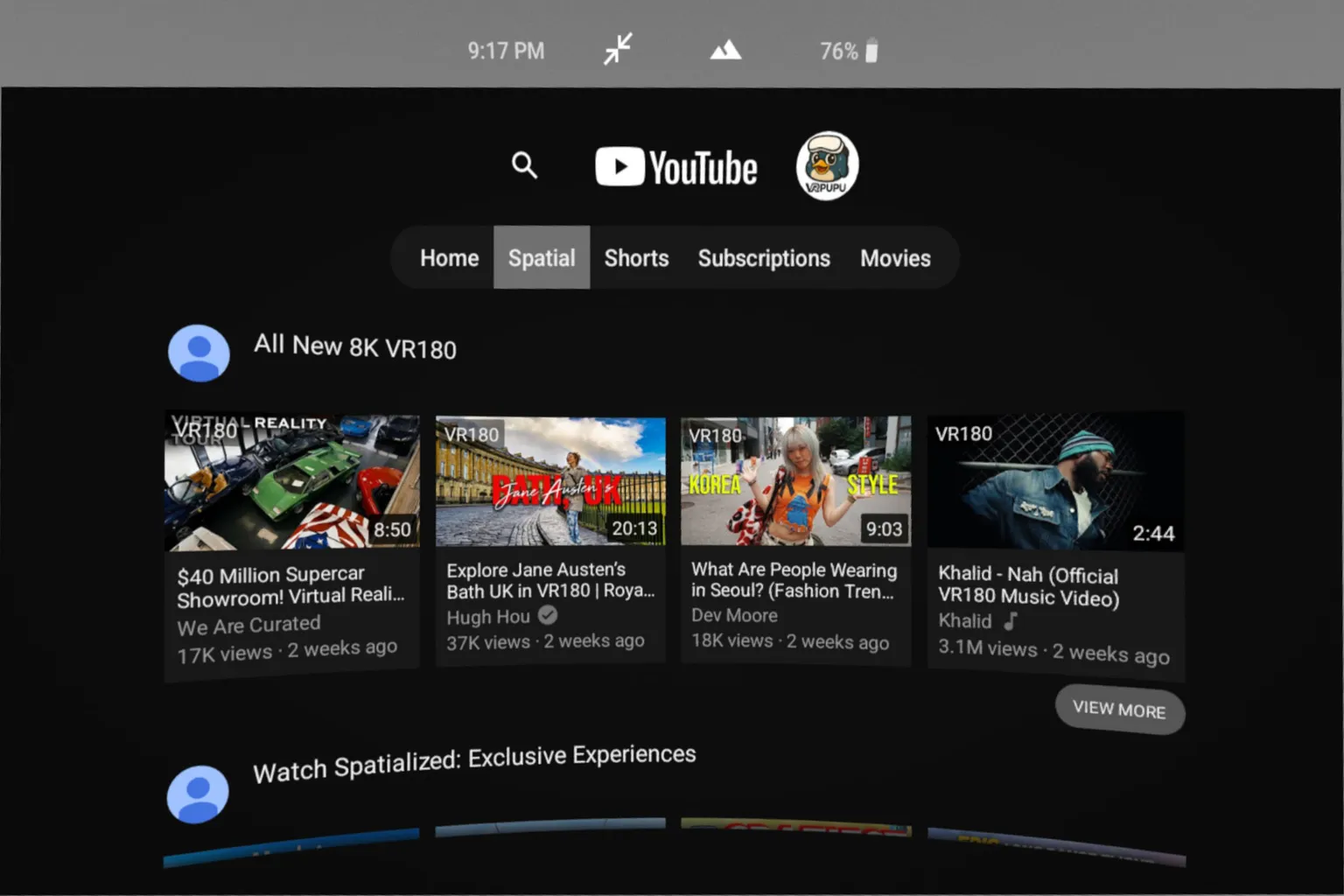
If you’re doing VR travel on YouTube, make sure you search with both “8K” and “VR.” If either one’s missing, the image quality usually isn’t great, and it’s hard to really get into it.
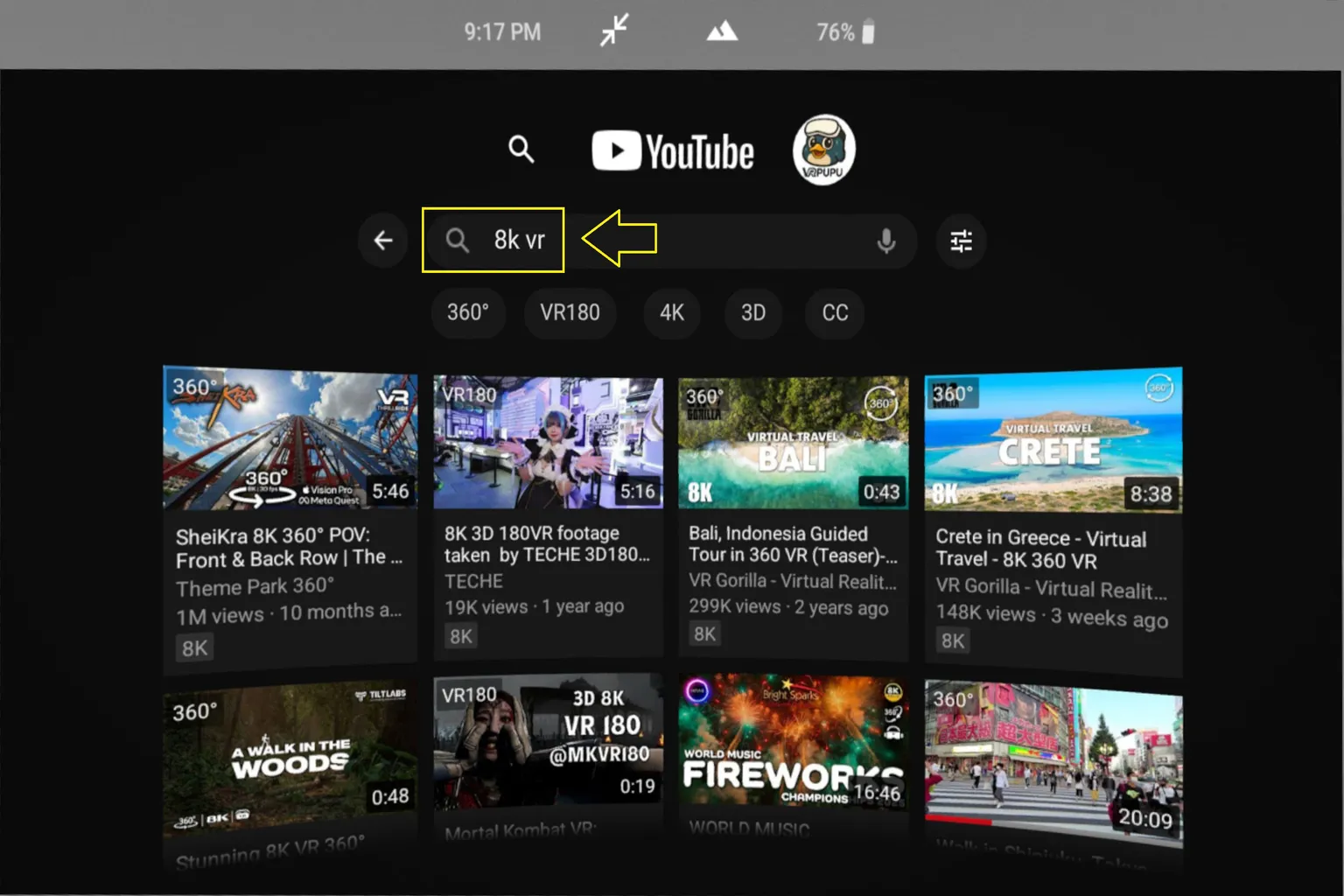
Let’s pick one Japanese travel VR video here. The footage shows the streets of the Shinjuku area.
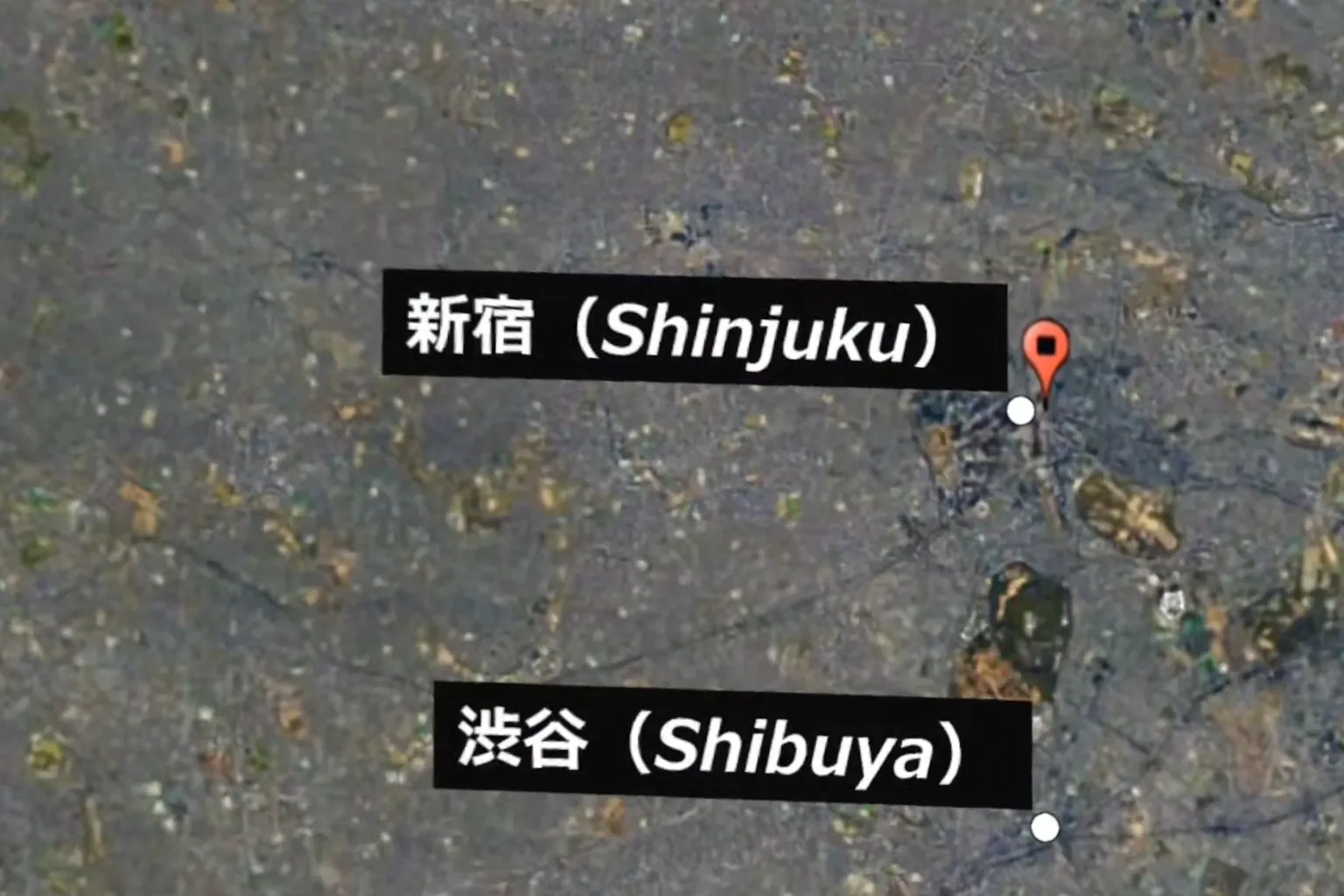
This one is a full 360-degree VR video where you walk through the Kabukicho area of Shinjuku alongside a guide. There’s just something about Japanese city streets—they have a pull that’s hard to explain, but easy to feel.

If you’ve played a bunch of SEGA’s Yakuza games, this streetscape—and places like Don Quijote—probably feels familiar. Turn left and that should be Nakamichi Street, and straight ahead… yeah, that’s gotta be the Millennium Tower, right?

Since this is VR video, you might feel a bit motion-sick when you’re walking along with the guide. Watching it while standing up makes it easier to keep your balance, and it feels a lot more comfortable.
DeoVR
This is also a “watch-only” travel app, but it’s a bit different from YouTube. DeoVR offers much higher video resolution, and the overall filming quality is noticeably better. That said, it feels more like watching a travel program—you don’t quite get the sensation of actually stepping into the place yourself.
From the shortcut menu on the right side of the screen, select Travel or Travel & Nature to browse travel-related videos. Just keep in mind that most of the high-resolution, high-quality content is limited to paid subscription members.
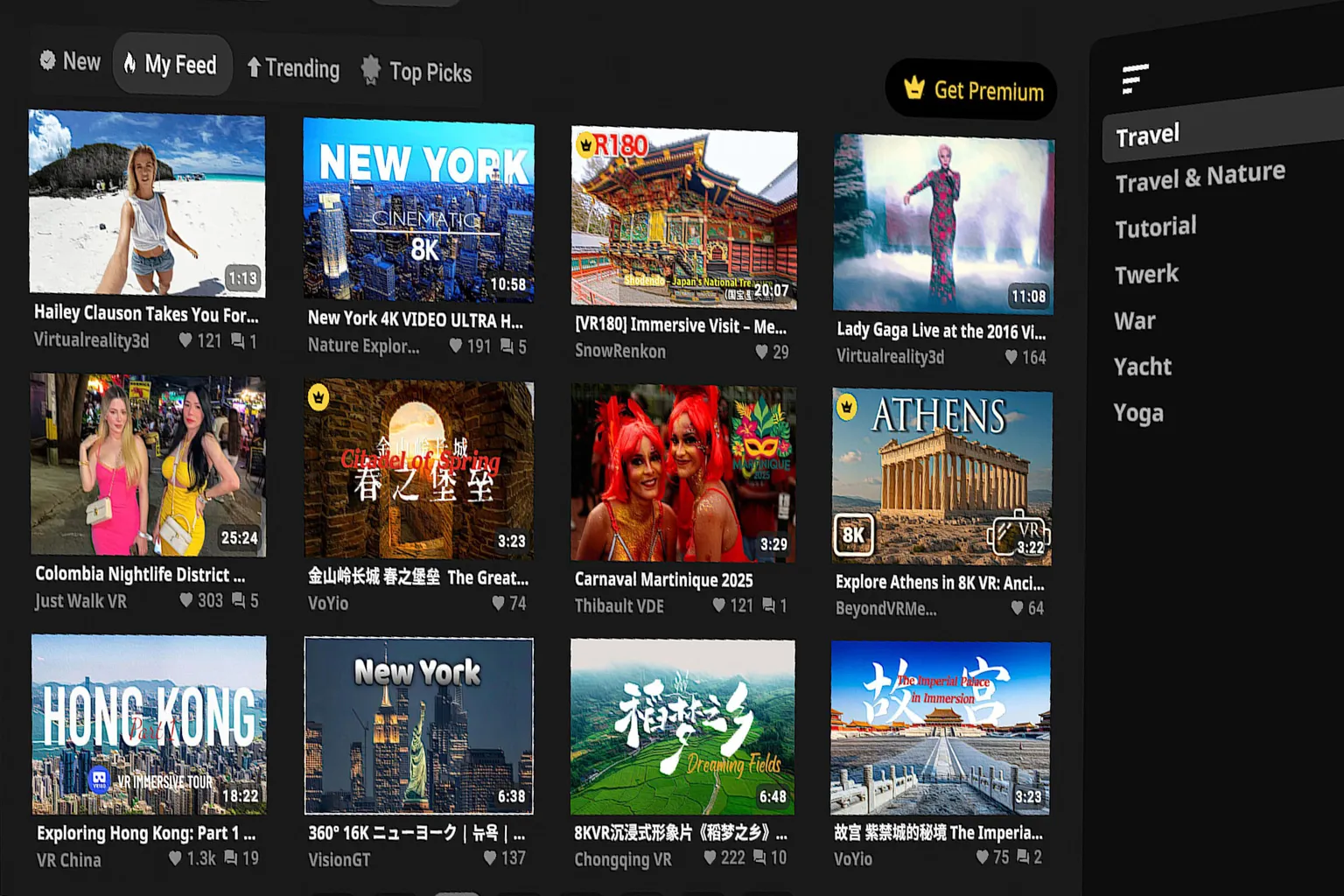
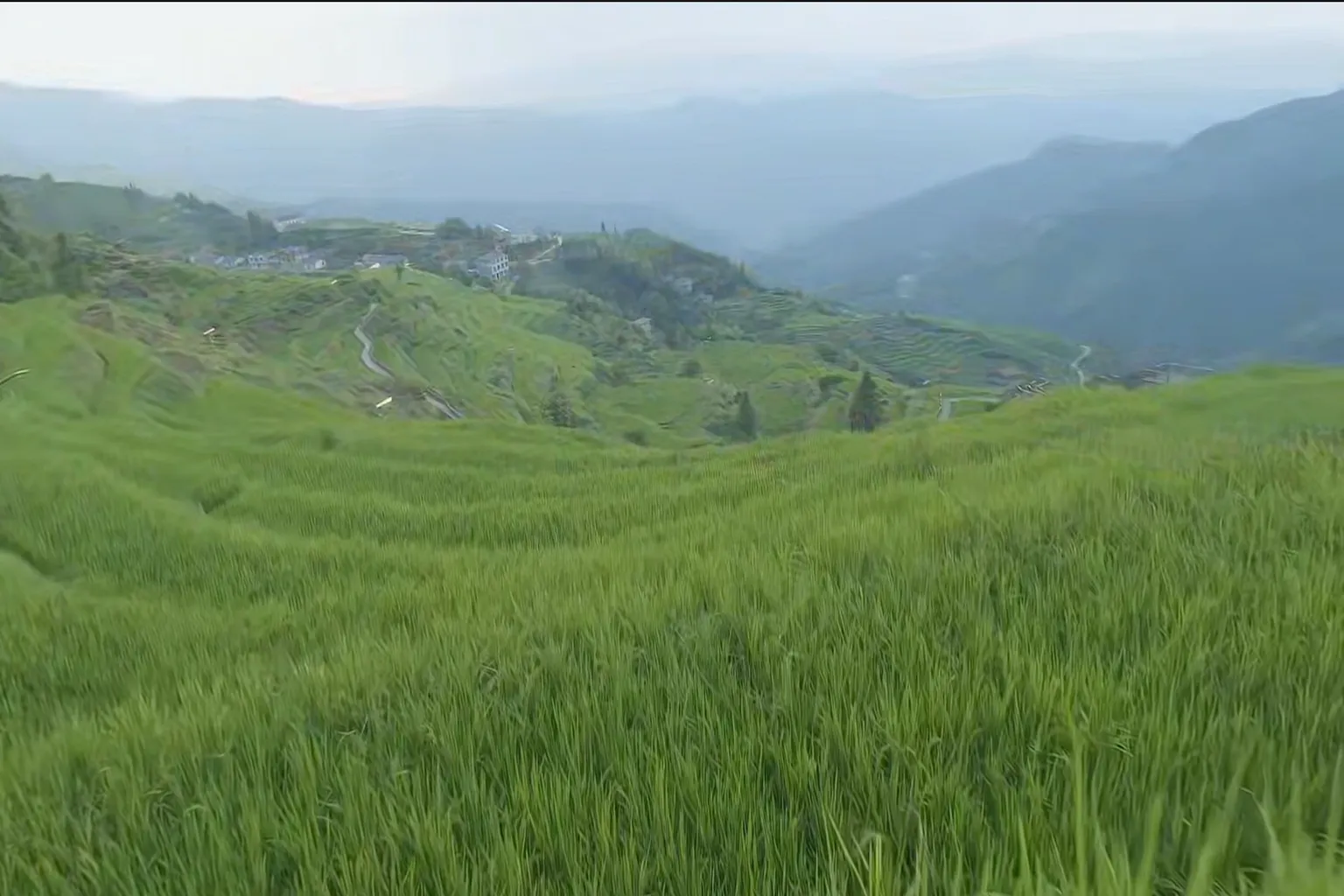
This 8K VR video, Village of Rice Dreams, was shot with a drone — it really makes you feel like you’re sightseeing while flying through the sky.

Since you’re flying the whole time, it doesn’t really feel like you’re “traveling” in the usual sense. If you want something that feels closer to actual VR travel, YouTube’s travel-style VR videos come across as more realistic and are easier to recommend.
For details on how to use DeoVR and how to watch videos, check the related articles below.

DeoVR Complete Guide
AI Passthrough, 8K Videos & Mixed Reality Setup

DeoVR Settings Explained
Master 6DOF, Autofocus & Meta Quest Playback

How to Upload VR Videos to DeoVR
11-Step Creator Guide
How to Choose a VR Travel App
The key is to pick a travel app based on your mood and what you want to experience. What kind of trip are you in the mood for today? Choose the app that best fits that purpose.
| Goal | Recommended Apps | Description |
| Casually explore different cities | YouTube, DeoVR | Walk through cities with a guide. Relax and enjoy the streets and explanations at an easy pace. |
| Relax, preview famous spots | Brink Traveler | Put on the headset and you’re surrounded by mountains or oceans. The guides are detailed—often more informative than real-world tours. |
| Plan a trip, scout other cities | Wander Wooorld WorldLens | Ideal for planning. Search destinations and look inside spots, getting a map-like overview of each city. |
| Revisit the past, share memories with family | Revisit | Go back to places from another time. Walk through familiar streets again and relive old memories together. |
Also, even if a game isn’t part of a store sale, you can get 10% off by entering “VRPUPU” before checkout. Some DLCs and bundles may also get discounted together.
When you think about using that saved money to pick up one or two extra games, it’s a pretty solid deal.
FAQ – Common Questions
What VR travel apps do you recommend for Meta Quest?
The most popular picks are Brink Traveler, Wander, Revisit, YouTube VR, and DeoVR. Each offers a different style, from realistic 3D environments and time travel to drone-style aerial journeys.
What’s the difference between Wooorld and Revisit?
Wooorld lets you freely explore locations around the world using Google Maps. Revisit focuses on traveling back in time, allowing you to see how the same place looked years ago.
Do VR travel apps cause motion sickness?
Apps where you control your own movement, like Wander or Revisit, are generally easier on motion sickness. Watch-only apps like YouTube VR or DeoVR can feel rougher if the camera moves quickly. Watching while standing tends to help.
Do these apps cost money?
Brink Traveler, Wander, and Revisit require a purchase on the Meta Store. YouTube VR and DeoVR are free to use, but DeoVR’s high-resolution, premium videos are limited to paid subscribers.
Which languages do these apps support?
Brink Traveler supports Japanese, Chinese, and English voice guides.
Wander supports multiple languages, including Japanese and Chinese.
Wooorld, WorldLens, and Revisit are English-only.
For YouTube VR and DeoVR, language support depends on the individual content creator.