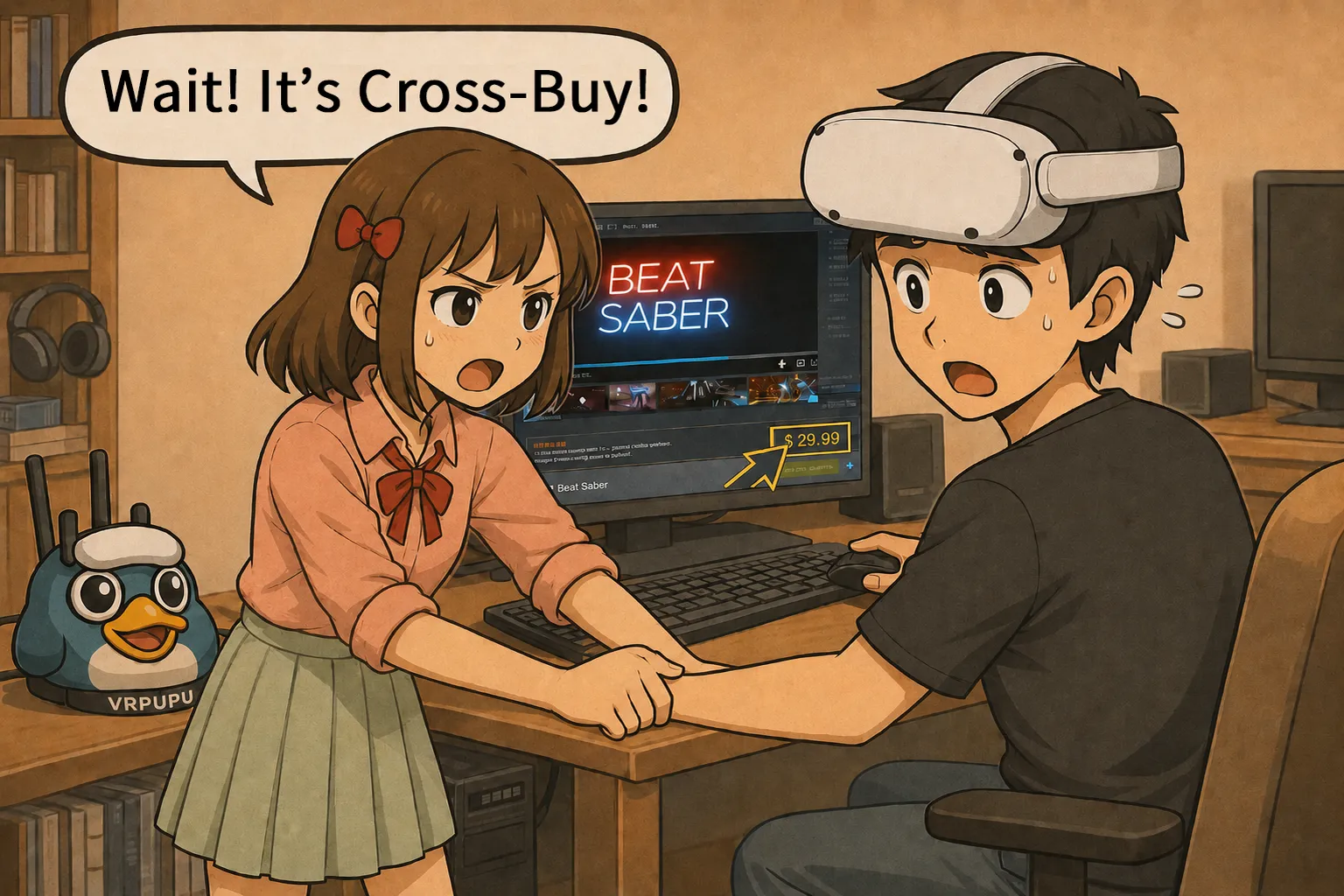
Meta Quest Cross-Buy lets you buy a supported standalone Quest game and receive the matching PC VR version for free.
The problem is that the Meta Store usually does not clearly show whether a game supports Cross-Buy. Because of that, many players only realize after buying a game that they could have claimed the PC version too.
In this article, I’ll explain how Cross-Buy works based on actual testing. I’ll also show you how to check supported games using Meta’s hidden official list, the VRPUPU organized list, and Quest Store DB.
I’ll also cover common exceptions, including Horizon+ subscriptions, DLC not being shared, search bugs, and download failures.
How to Play VR Games
There are two main ways to play VR games on Meta Quest.
The first is playing directly on the headset.
If you buy a game from the Meta Horizon Store, you can launch and play it right on the Quest headset with no extra setup. It’s simple and straightforward, which makes it easy for beginners to get used to VR quickly. The downside is that image quality and resolution are limited by the headset’s hardware.
The second way is playing by connecting to a PC.
You buy games from Steam or the Meta PC Store, then stream the PC’s visuals to the headset using tools like Air Link, Steam Link, or Virtual Desktop. This gives you much better image quality and resolution. The trade-off is that you need a capable PC, and the setup and operation take a bit more effort.
For detailed steps on how to connect a PC and play VR games this way, refer to the article linked below.
Meta Quest Air Link Setup
Play SteamVR Games Wirelessly for Free
How to Play SteamVR on Meta Quest
Setup & Best Settings Guide
Virtual Desktop Ultimate Guide
Best Settings for Meta Quest PCVR
When you think about playing games on a PC, Steam is usually the first thing that comes to mind. It has a massive global catalog, and prices are often pretty competitive.
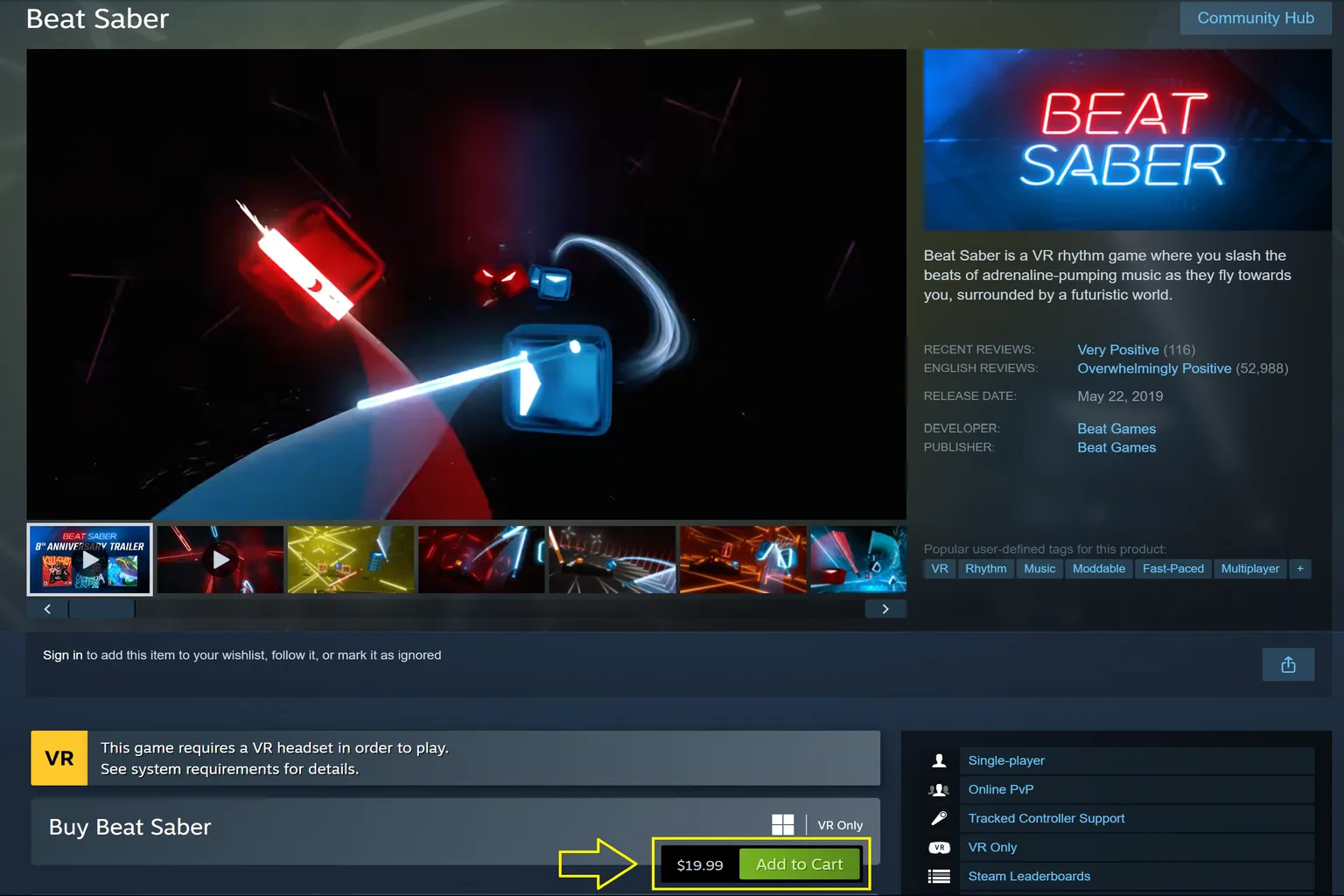
Take Beat Saber, one of the best-selling VR games, as an example. On Steam, it’s priced at $19.99 USD. On the Meta Horizon Store, it’s also around $19.99 USD. If you’re looking at price alone, there’s basically no difference.
Arizona Sunshine 2 is a classic zombie shooter VR game.
On Steam, the regular price is $39.99, and during the Winter Sale it drops to $17.99.
On the Meta Store, the regular price is also $39.99, and during the Winter Sale it goes down to $17.99 as well. Price-wise, there’s no difference here either.
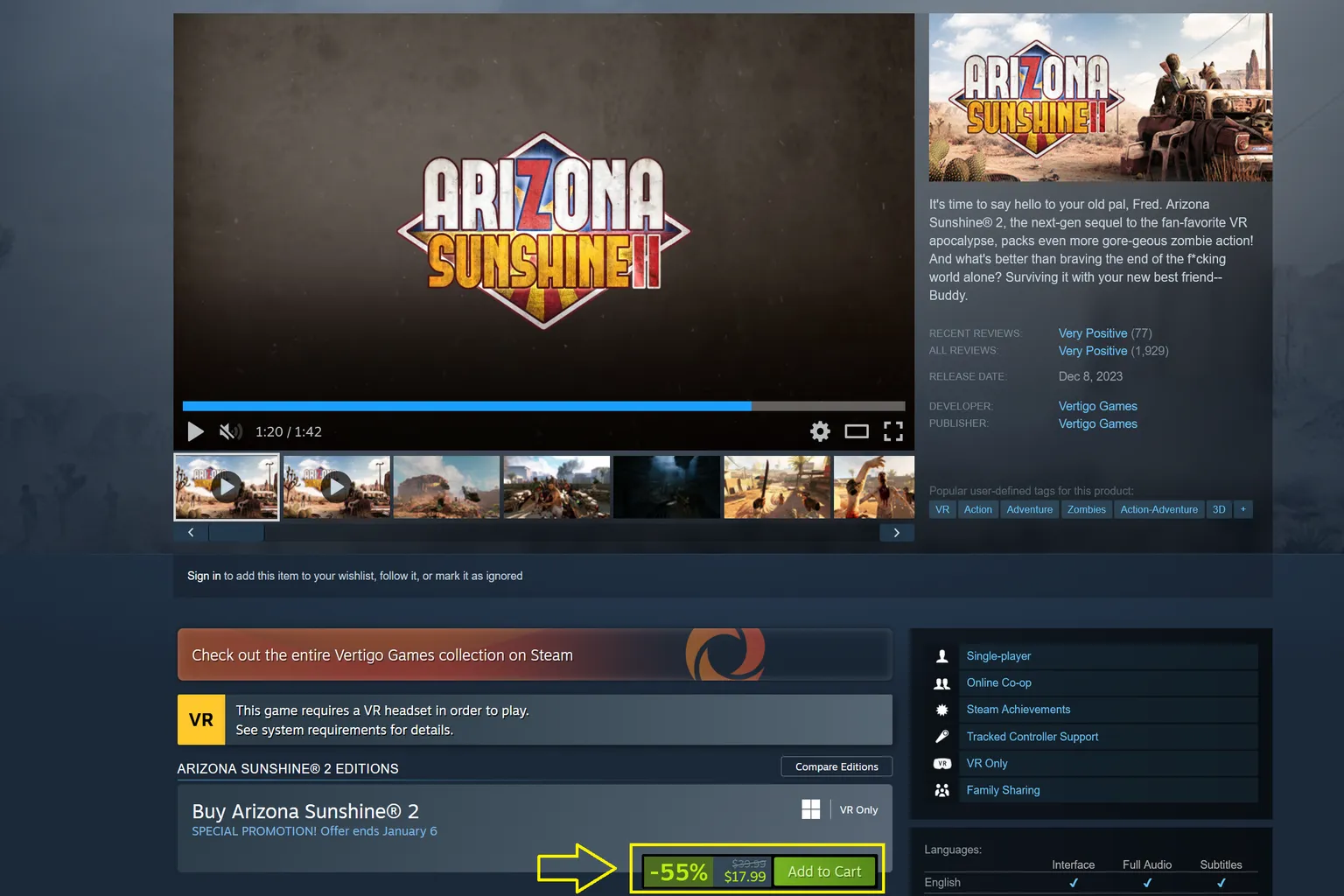
When it comes to pricing, Steam and the Meta Store are almost identical.
So if your only goal is “I want to play VR games on a PC,” it’s normal to compare prices on both platforms and decide from there.
That said, buying games for Meta Quest isn’t as simple as choosing between a “headset version” or a “PC version.” Some titles support Cross-Buy, which means depending on how and where you buy the game, you can end up getting access to both versions.
How Cross-Buy Works
Meta Cross-Buy is a system where buying a Cross-Buy-supported standalone Meta Quest game also lets you receive the matching PC VR version for free.
In the table below, it works like this.
| Purchase method | Standalone Quest version | PC VR version |
| Buy the standalone Quest version | Automatically added to your library | Can be claimed manually |
| Buy the PC VR version | Can be claimed manually | Automatically added to your library |
The idea behind Cross-Buy isn’t actually new. It’s been used on different gaming platforms for a long time, and the concept is very simple: buy a game once, play it across multiple platforms.
For example:
- Sony Cross-Buy: This was a system Sony used in the past. Buy a game once, and you could play it on both PS4 and PS Vita.
- Microsoft Play Anywhere: With a single purchase, you can play the game on Xbox and PC, and in some cases even on supported handheld Xbox devices.
- Meta Cross-Buy: You buy the game once, and you can play it both on a Meta Quest headset and in a PC VR environment connected to your PC.
Of these three, Meta Cross-Buy is the hardest system to understand.
The feature itself is really useful, but Meta barely promotes it. If you just look at the store page normally, it is very easy to miss.
Unless you go out of your way to look it up, most users will not even realize this feature exists.
Beat Saber is a good example, even though it is one of the most famous and well-known VR titles out there.
When you look at the purchase page on the Meta Store, there is no clear explanation about Cross-Buy.
You do not see a “Cross-Buy” label, and there is no direct explanation of how it works.
Unless you specifically search for it, you probably will not realize that you can also receive the PC version.
So it makes sense that some people assume “the Quest version is the Quest version, and the PC version has to be bought separately.”
That is the most confusing part of Meta Cross-Buy, and it is also the easiest place to get tripped up.

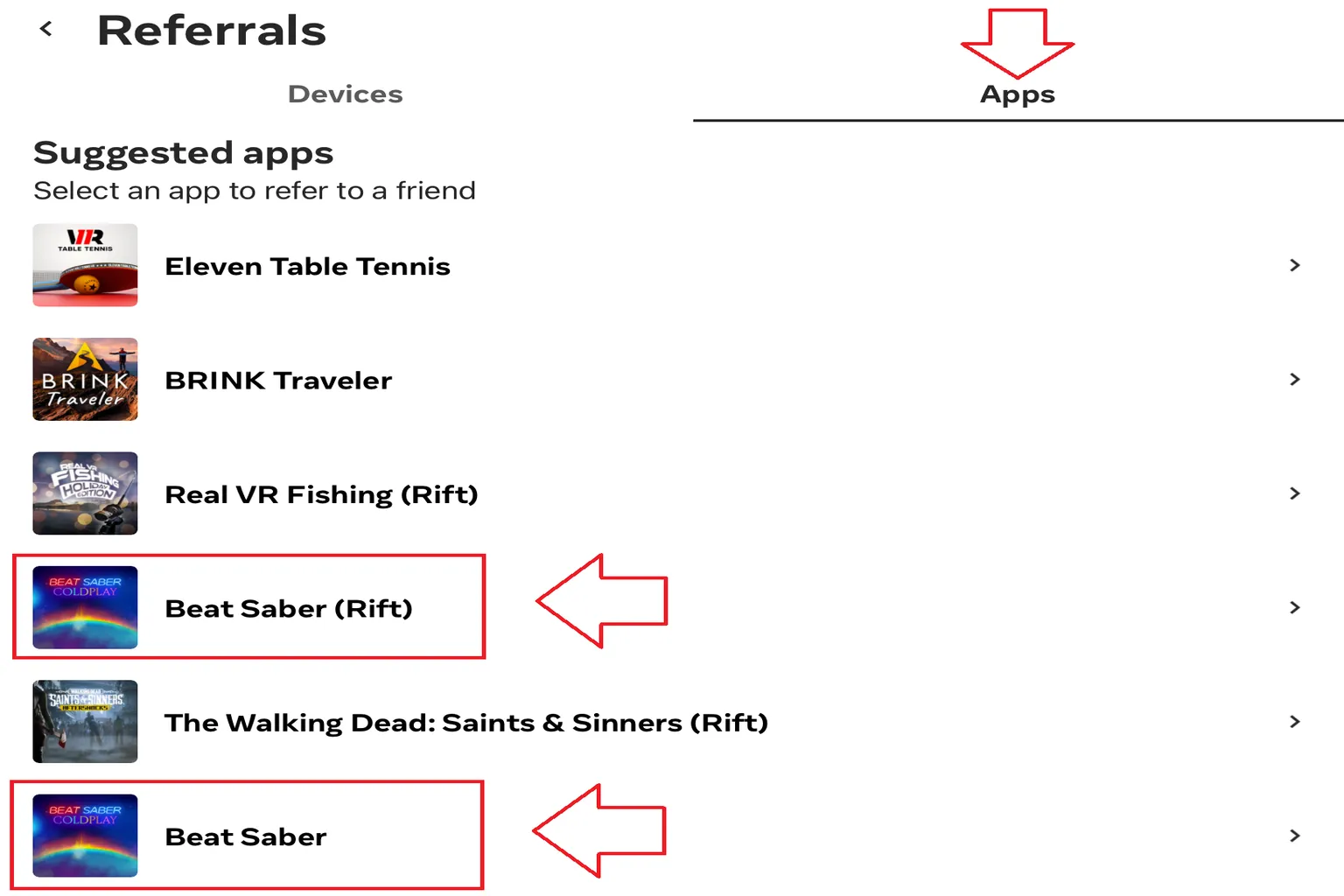
After buying the game, you can open the Meta Horizon Link app on your PC and confirm that the PC version is also available to download and play.
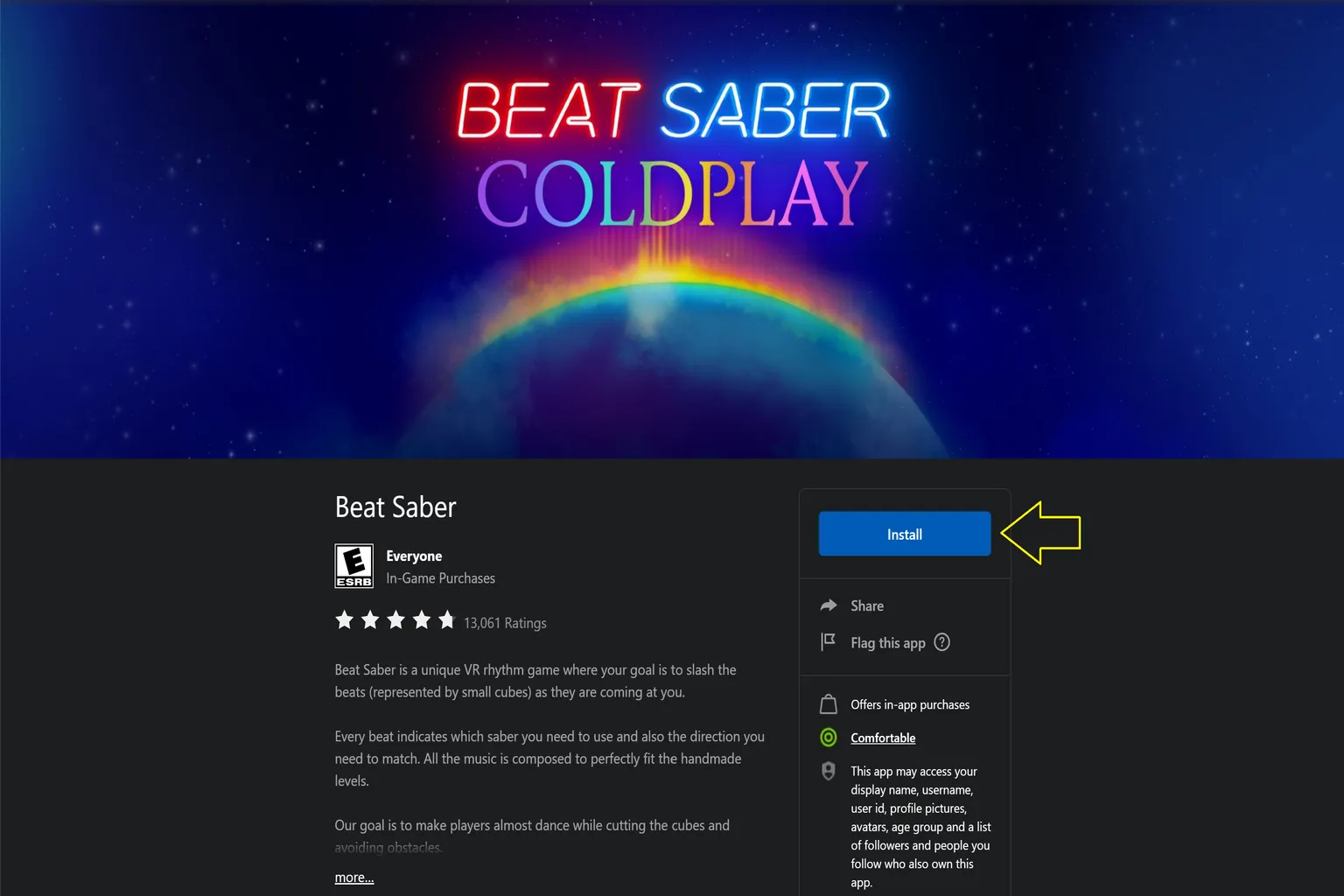
After you claim the PC version, you can see that a separate PC-only Beat Saber version, the Rift version, has been added to your account, apart from the Beat Saber version you can play directly on the Quest.
How to Find Cross-Buy Supported Titles
This feature is really useful from a player’s point of view, but Meta barely tells you which games support Cross-Buy.
Because of that, a lot of players only realize after buying a game: “Oh, I could have claimed the PC version too.”
Right now, there are basically three practical ways to check.
- Official Hidden Page
- VRPUPU’s Cross-Buy-Supported Game List
- Search with Quest Store DB
I’ll explain each method in order below. Once you actually try it once, the flow should be easy to understand.
Official Hidden Page
This is Meta’s official Cross-Buy page.
The entrance is pretty hard to find, though. Most of the time, you need the direct link, or you probably will not run into it on your own.
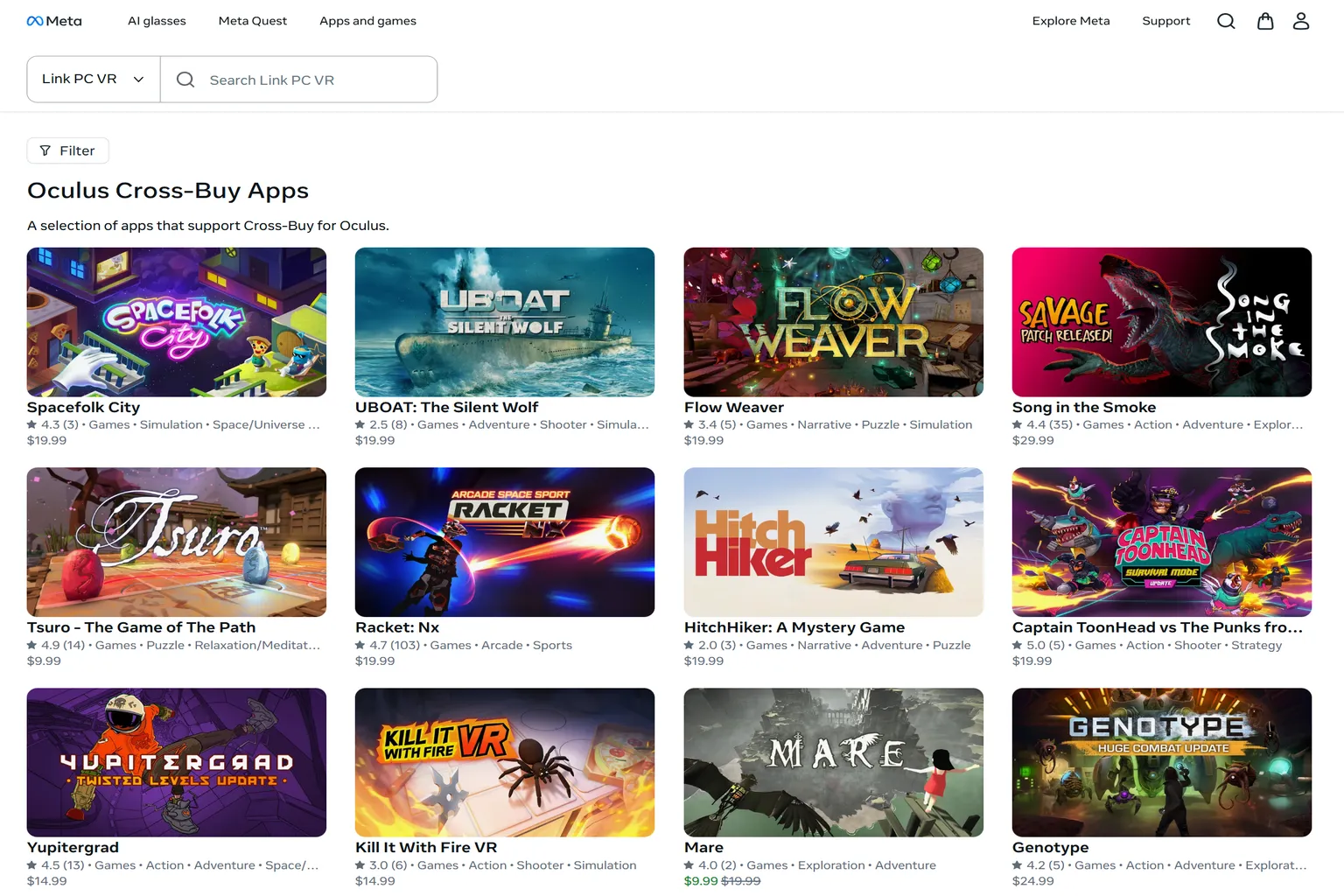
When you open the link, you will land on Oculus’s cross-platform purchase apps page. The games listed there are PC VR games, and they also support Cross-Buy.
One thing to keep in mind is that this page is mainly for checking whether a game supports Cross-Buy, or for claiming the PC VR version of a game you already bought.
I do not really recommend buying games directly from this page, because most of them are not discounted.
The right flow is to buy the standalone Meta Quest version first.
If that game supports Cross-Buy, you can claim the PC VR version for free afterward.
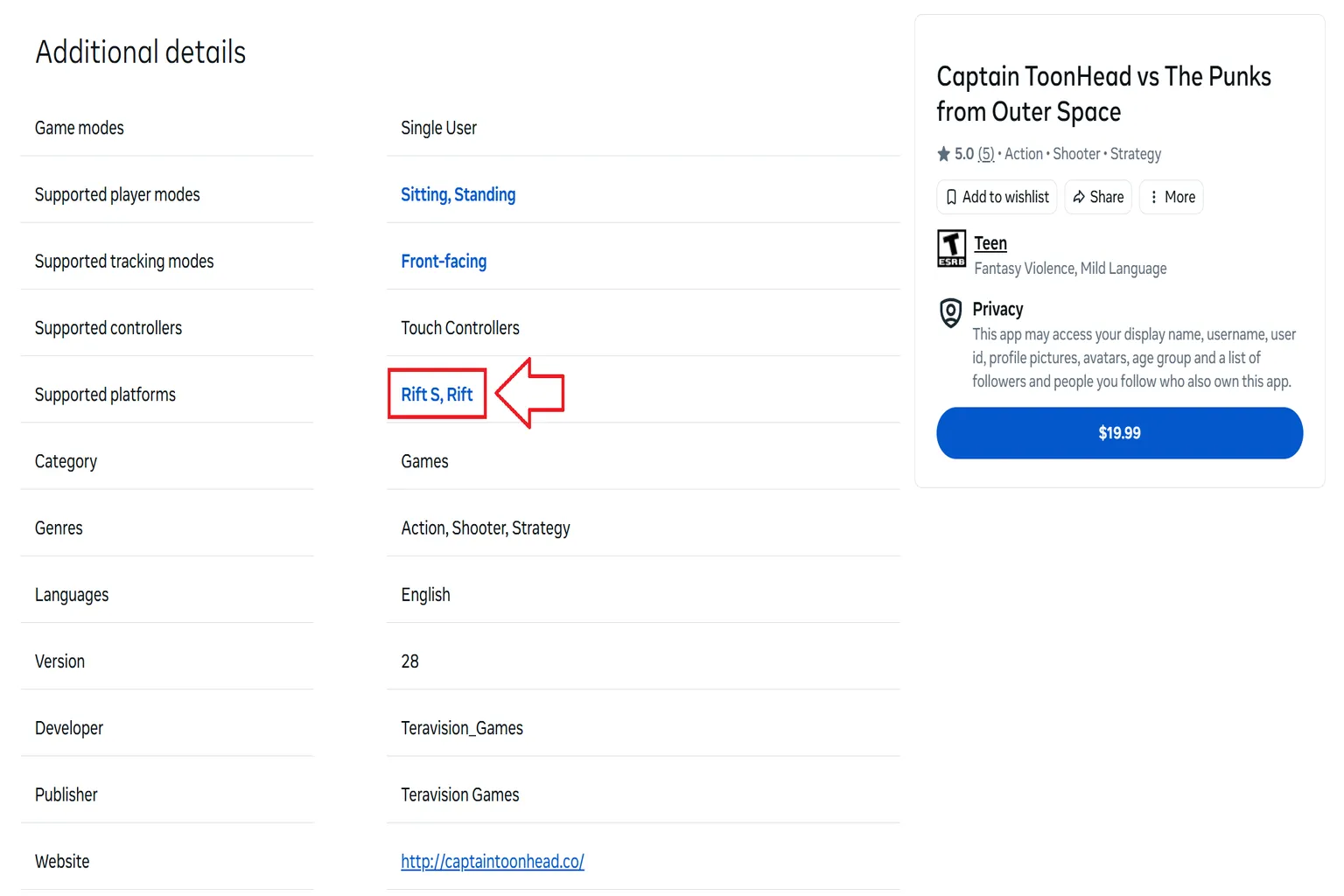
If you see Rift S and Rift listed under Supported platforms, that means the game also supports the PC VR version.
VRPUPU’s Cross-Buy-Supported Game List
Meta’s official Cross-Buy page is a little hard to use when you want to browse the full list or search for a specific game.
So on VRPUPU, I’ve organized the Meta Store games that support Cross-Buy into one list.
When you open this article, you can check the supported games directly from the list.
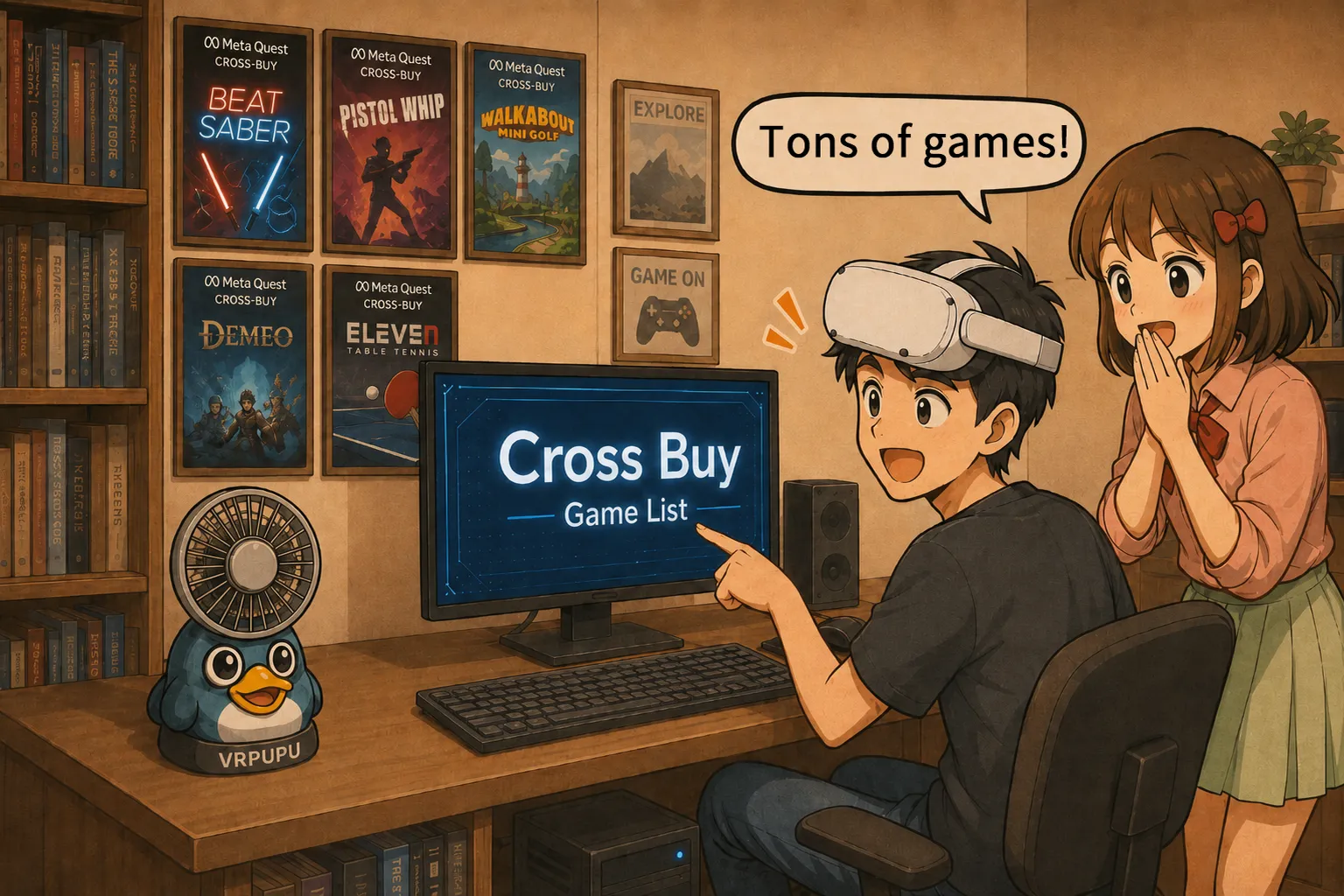
In the article, I list all the games that support Cross-Buy and include a short description for each one.
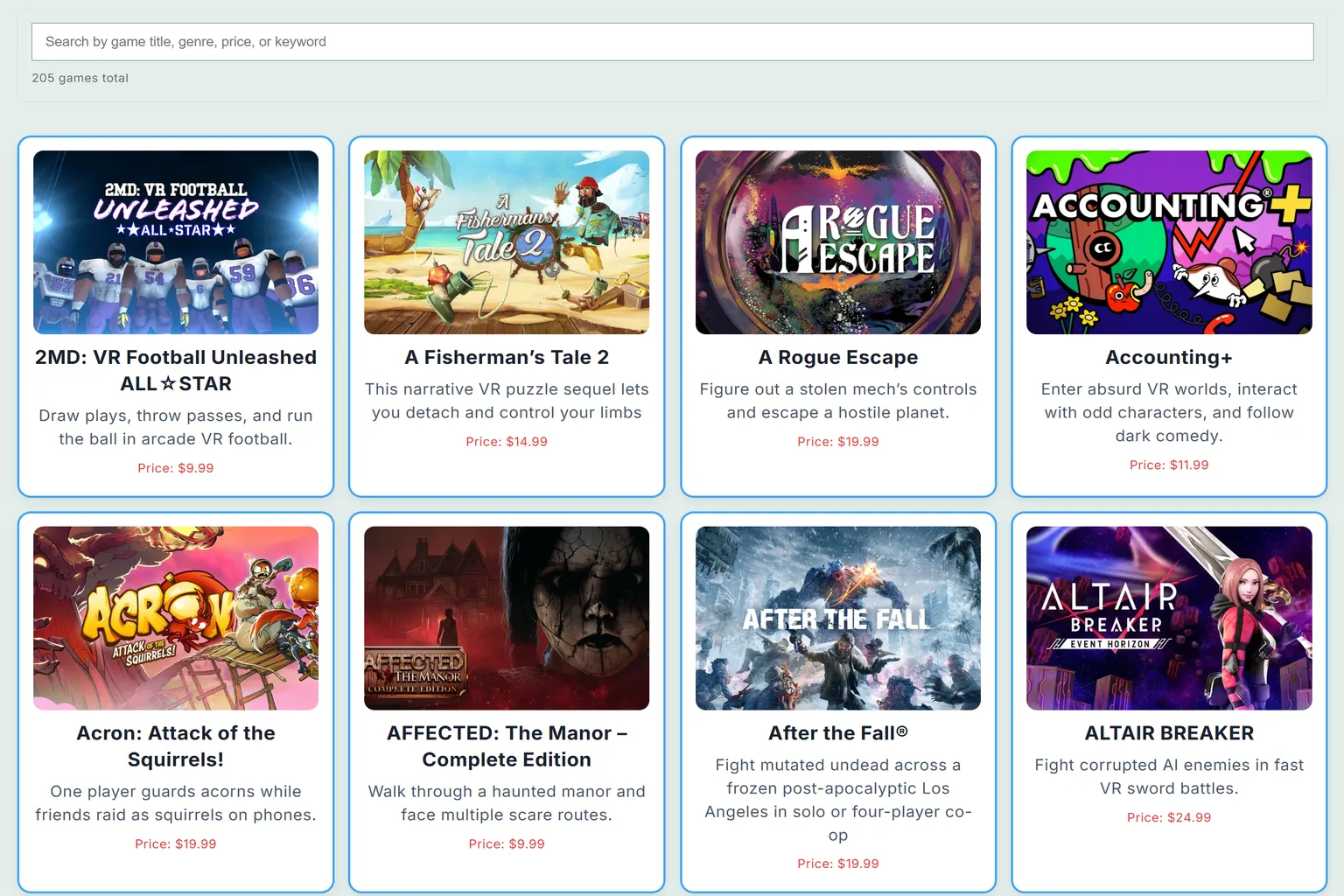
If you want to check whether a specific game supports Cross-Buy, just enter the game name in the search box and you can narrow it down right away.
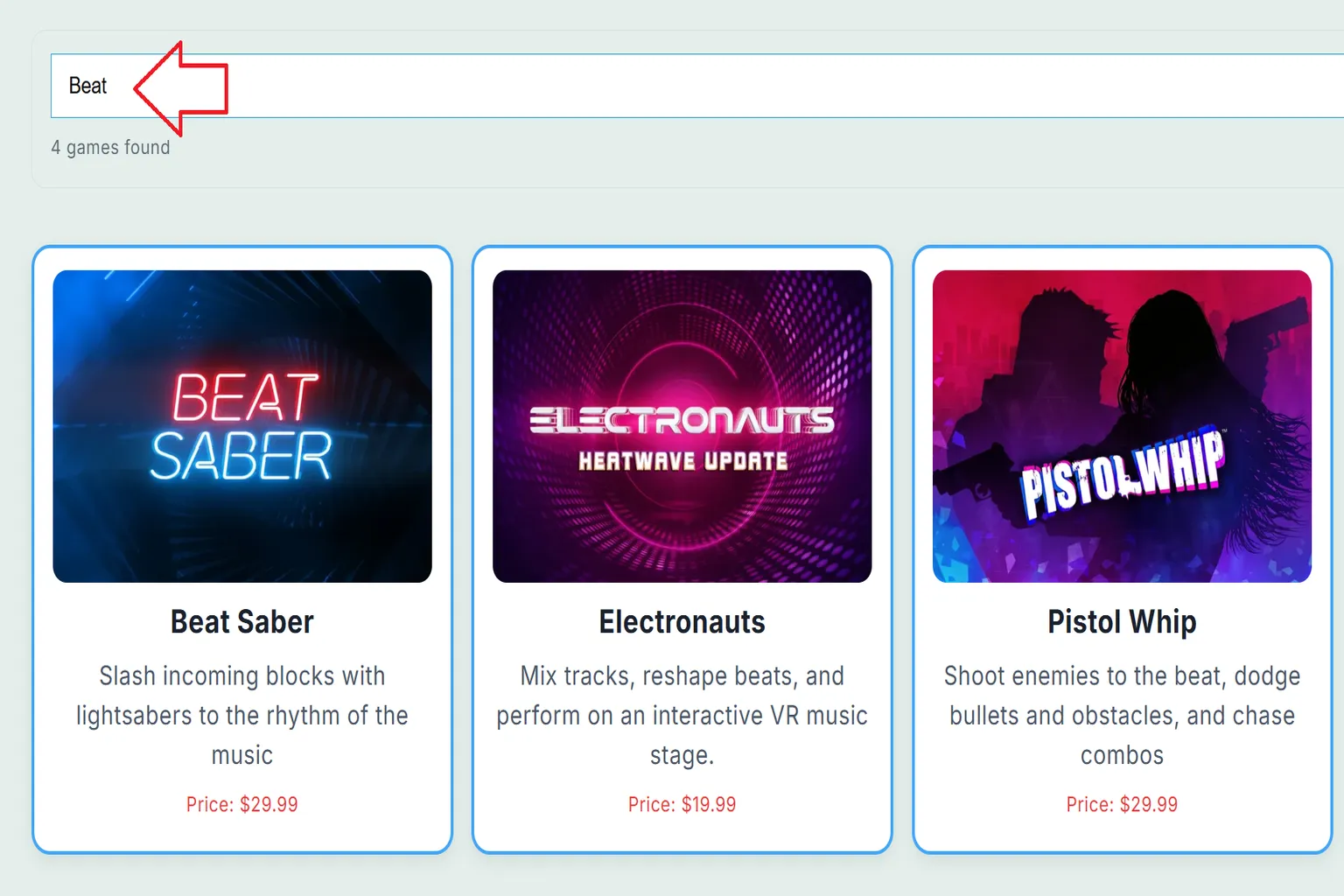
Search with Quest Store DB
If the game information page on Quest Store DB shows Cross-Buy PC VR, that title supports Cross-Buy.
In other words, once you buy that game, you can later claim the matching PC version inside the Meta Horizon Link app on your PC.
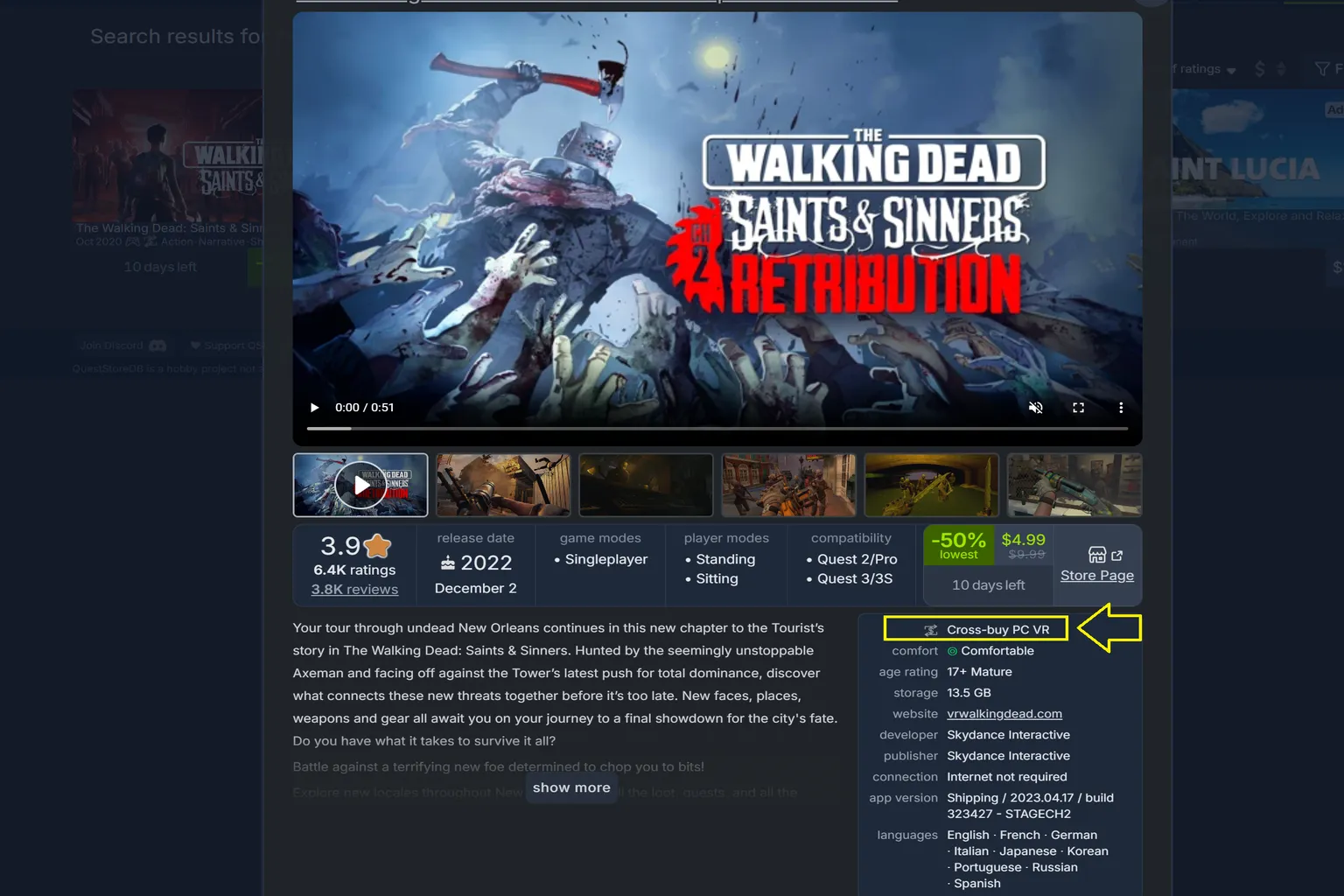
Checking titles one by one can take a lot of time, though.
In that case, you can use Quest Store DB’s quick filters to display only Cross-Buy–supported titles all at once.
The process itself is simple. Just follow the steps below.
Step 1: Open the filter view
On the top right of the Quest Store DB homepage, click “all 🎮” to open the full game list.
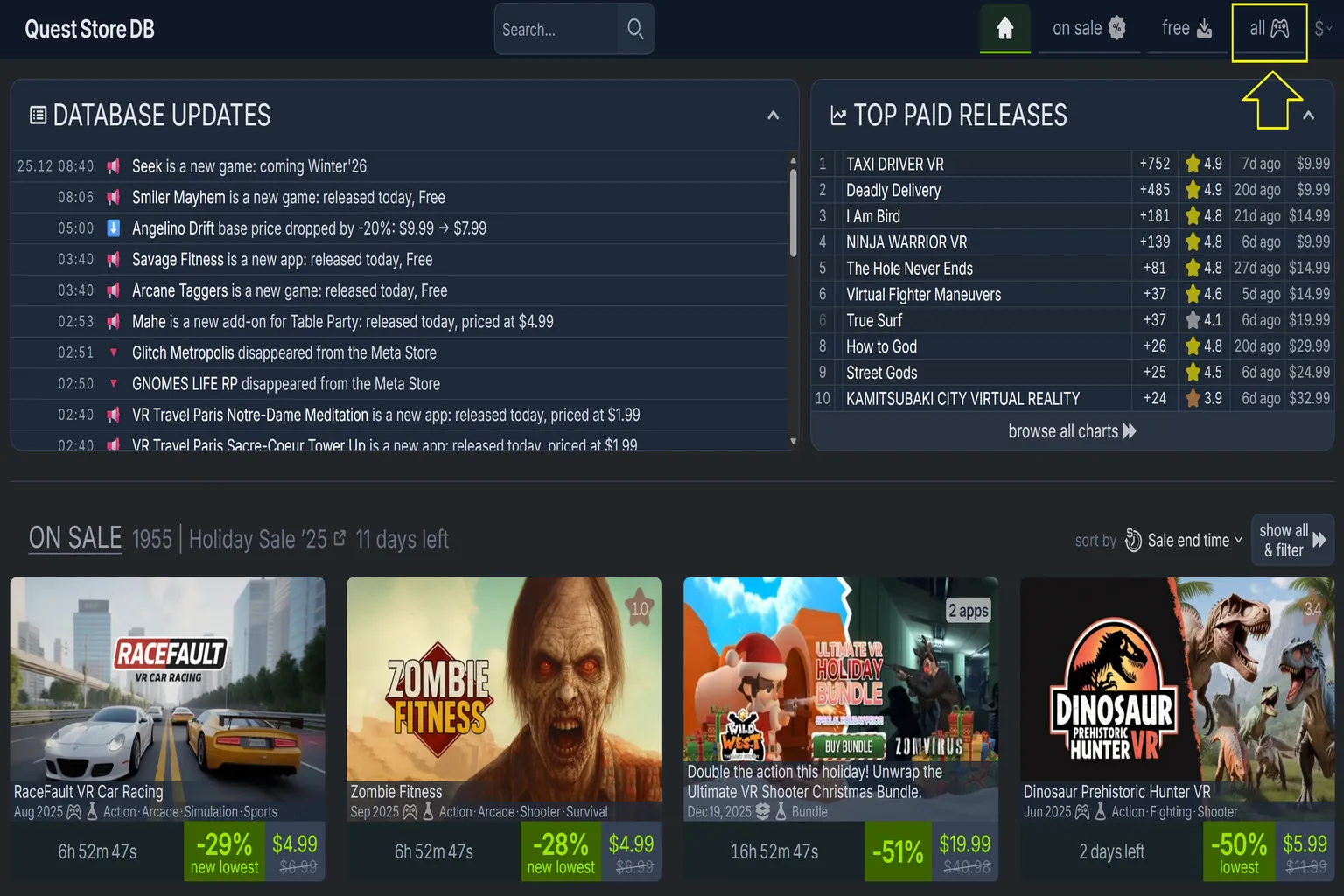
Step 2: Filter for Cross-Buy–supported games
On the full title list page, click Filter in the top right and check Cross-Buy only.
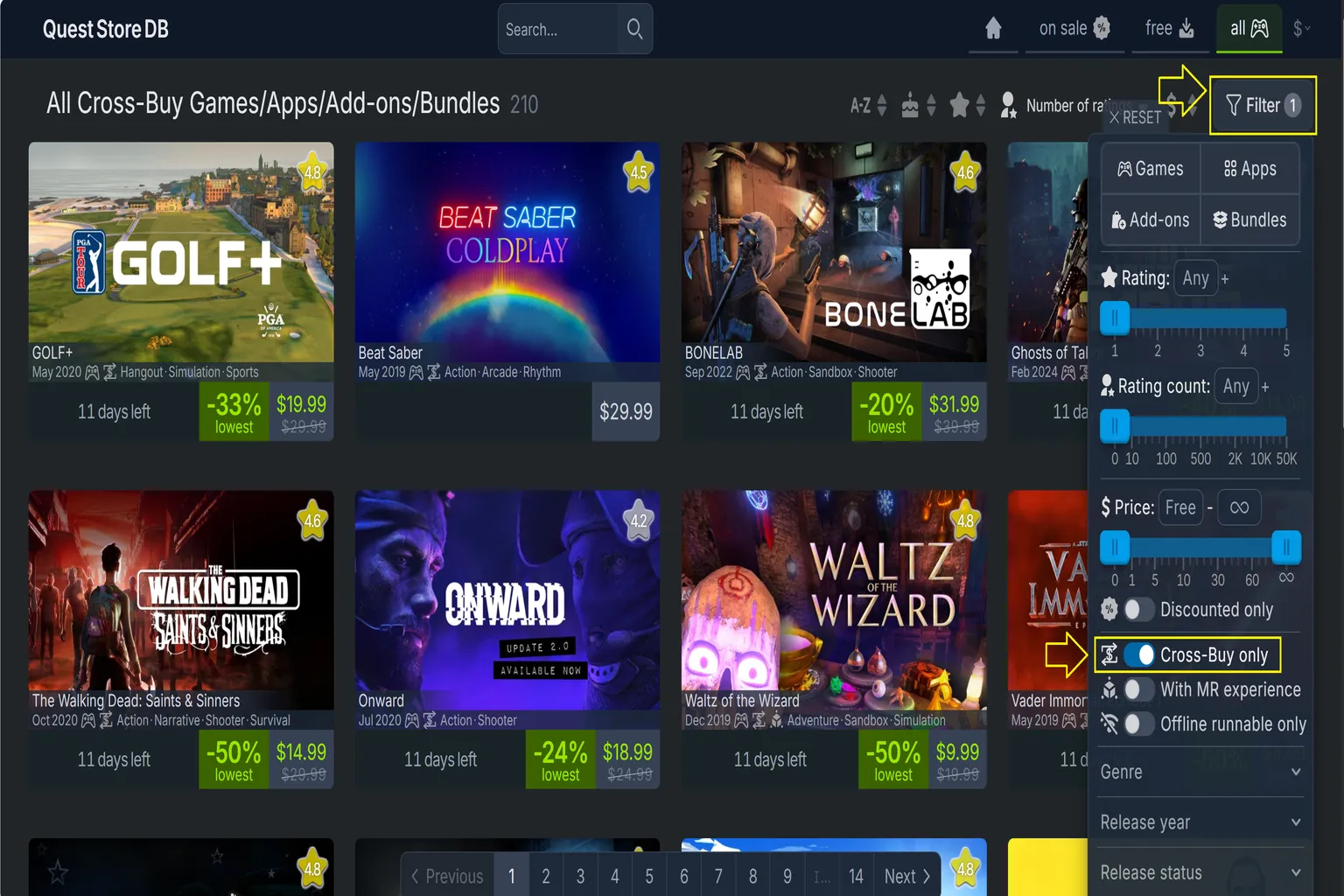
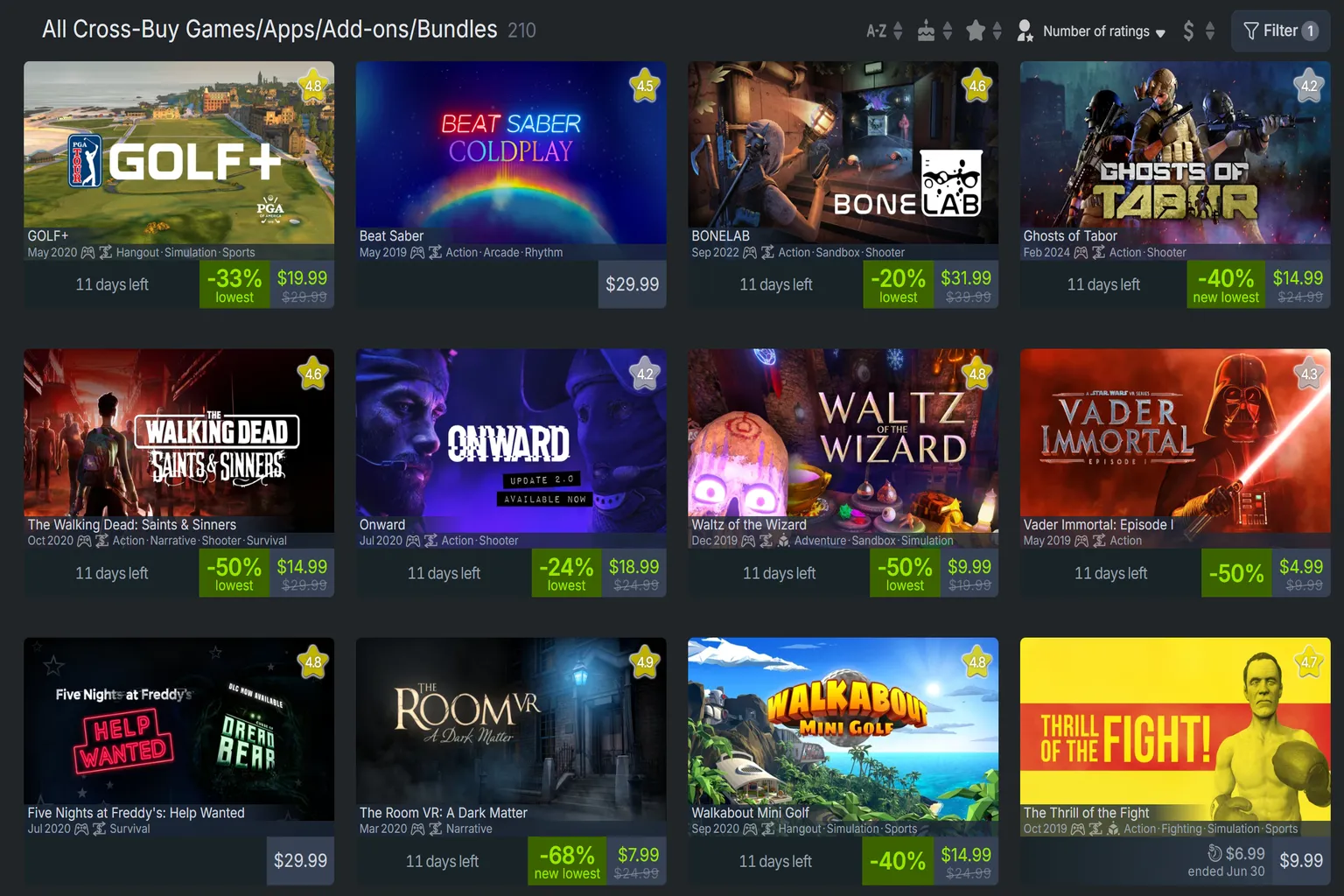
Once the filter is applied, only games that support Cross-Buy will be shown.
From there, you can simply browse the list and pick the titles you want to play.
Claim the PC VR Version
If you already bought the standalone Quest version of a Cross-Buy-supported game, you can claim the PC VR version directly inside the Meta Horizon Link app on your PC.
For example, I bought the standalone Quest version of The Walking Dead: Saints & Sinners – Chapter 2: Retribution inside the Meta Horizon app.
Since this game supports Cross-Buy, when you search for the game name on the PC side, you can find the matching PC version.
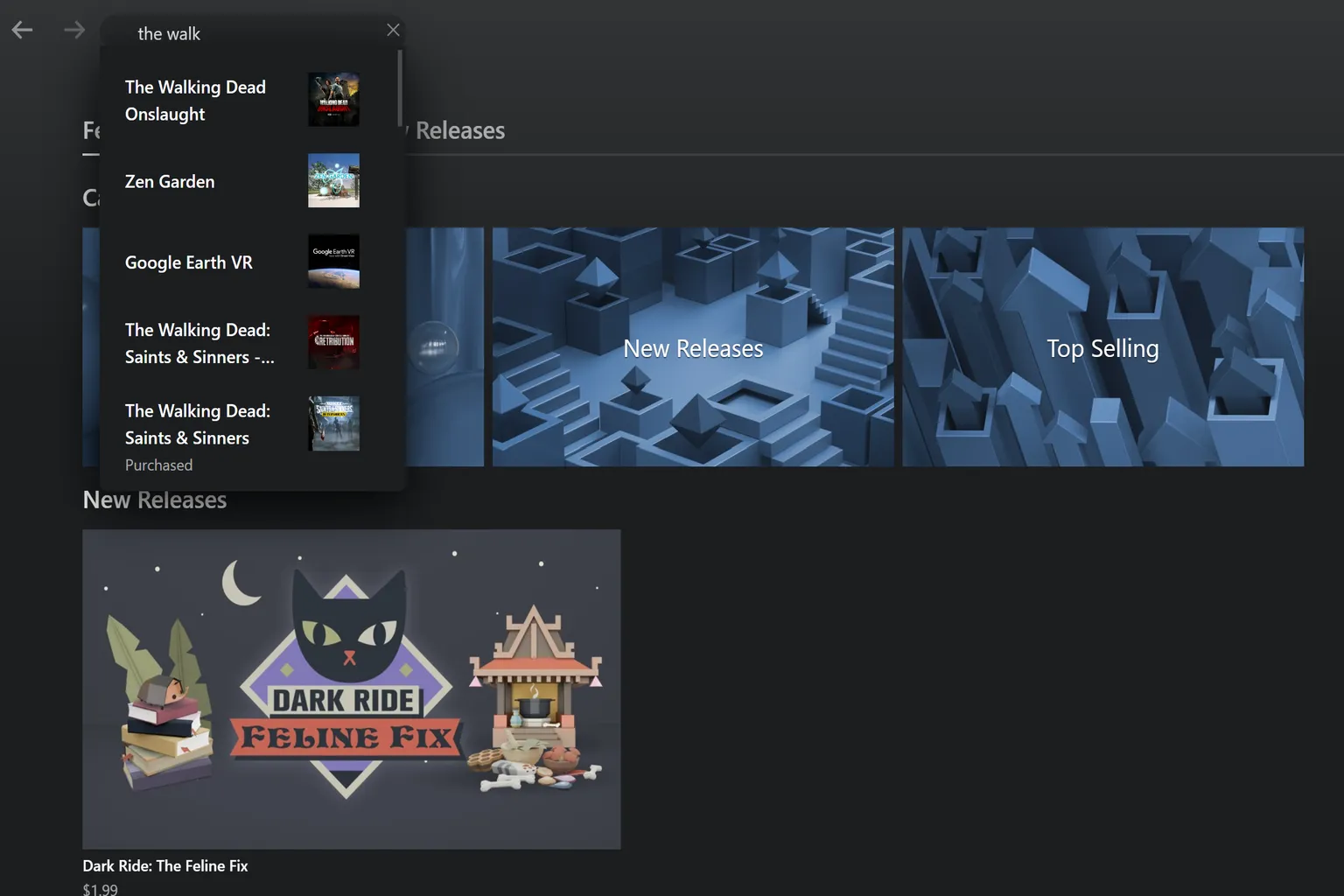
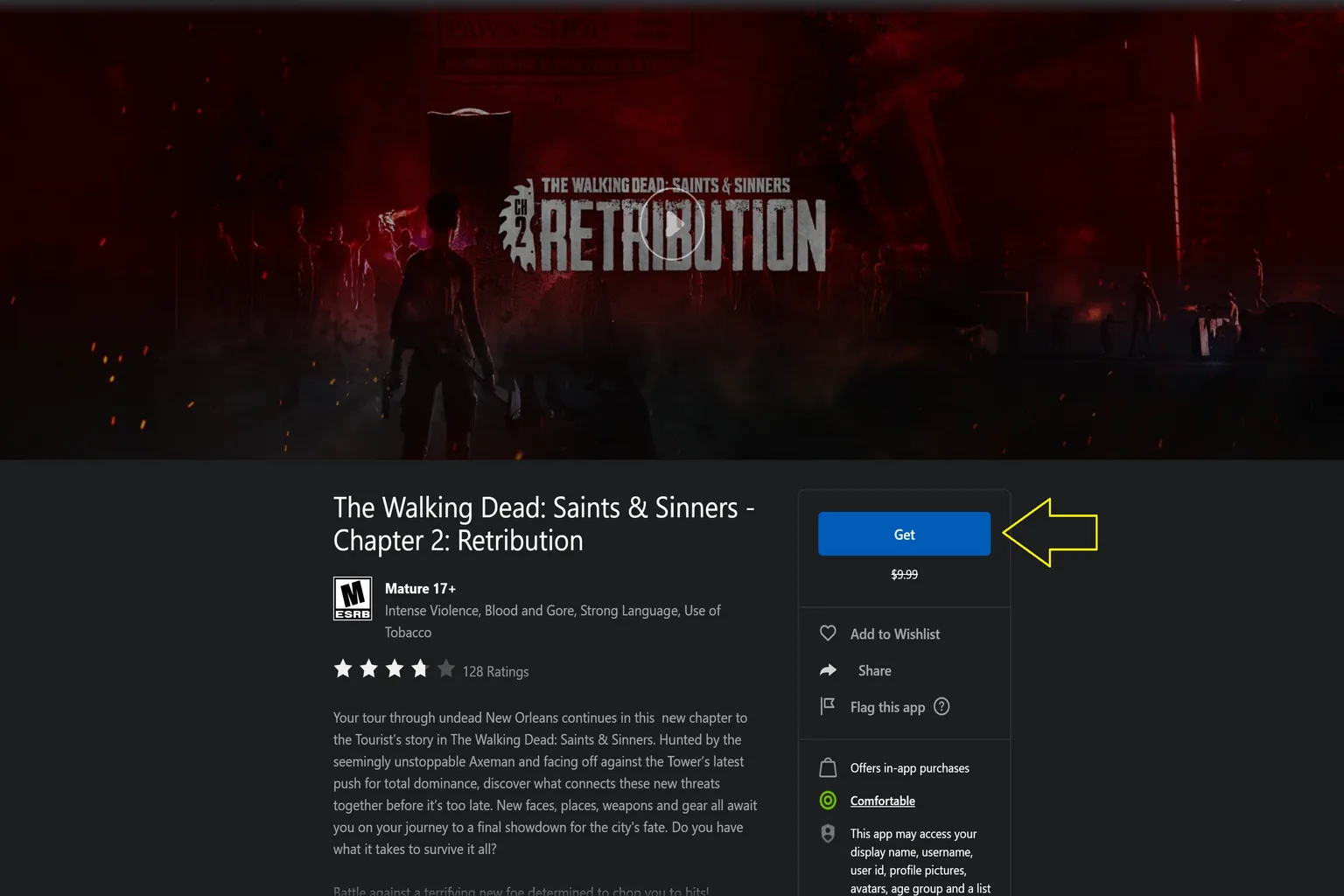
After you search for the title, if the price field shows “Get,” that means the PC version can be claimed for free.

When you open the game’s page, you’ll see the regular price listed as $9.99, but the button says “Get” instead.
Click that button and you won’t need to buy it again. You can install the PC version right away.
Once the installation finishes, the game appears in your PC game library, and you can launch it and play right away.

When Meta Horizon Link Search Is Broken: The Game Supports Cross-Buy, but You Can’t Find It
Even if VRPUPU’s list or Quest Store DB shows that a game supports Cross-Buy, it may not show up when you search for it directly inside the Meta Horizon Link app.
For example, the language-learning game Mondly can be found on Quest Store DB’s Cross-Buy list.

But when you actually search for “Mondly” inside the Meta Horizon Link app, sometimes no results appear.
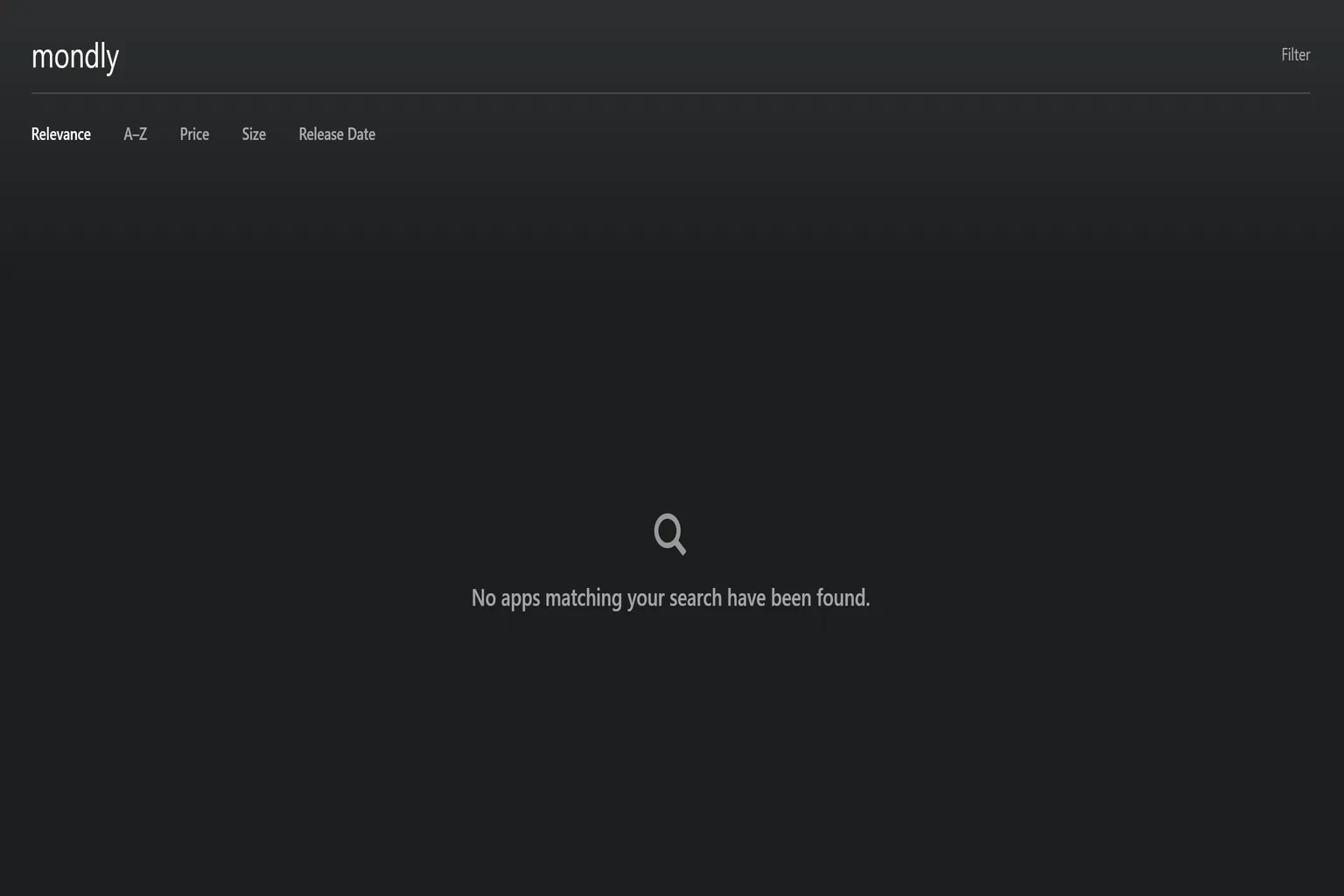
This does not mean you cannot claim the game.
It just means the Meta Store search is weak, and sometimes you need to enter the full official title before it shows up.
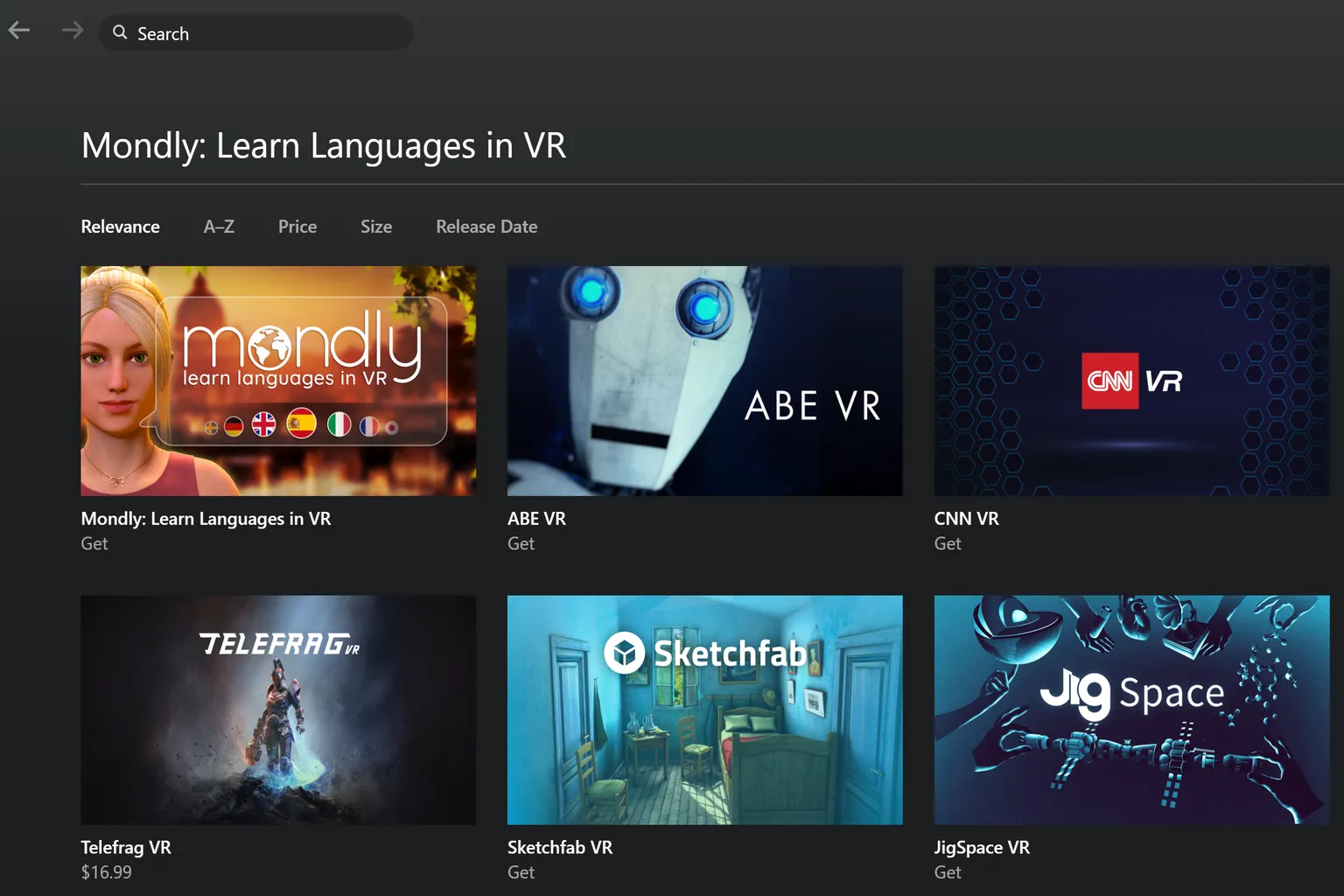
For example, searching for Mondly may not find it, but if you enter Mondly: Learn Languages in VR, the game appears normally and shows that it is available to download.
Horizon+ Subscription and Cross-Buy
Meta Horizon+ currently includes more than 95 games. Some of those titles normally support Cross-Buy.
But this is a point that’s very easy to misunderstand.
Only games you actually purchase are eligible for Cross-Buy.
Games you play through the Horizon+ subscription do not include the PC version (PC VR).
In other words,
- Being able to play a game through the subscription does not mean you get the PC version.
- Being able to launch a game in Horizon+ does not mean you own the game.
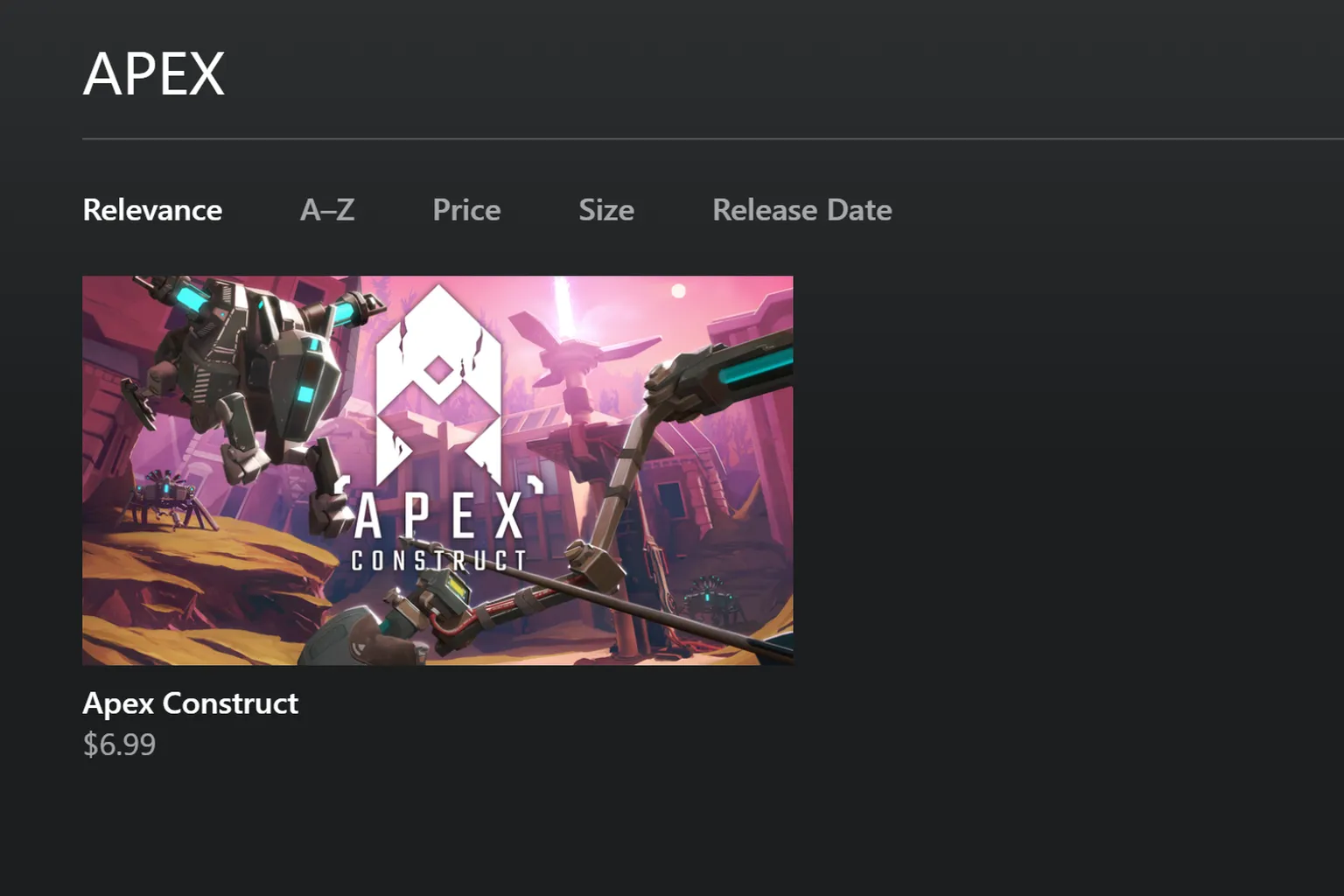
For example, games listed in Horizon+’s “Indie Game Catalog” may appear as redeemed in your library.
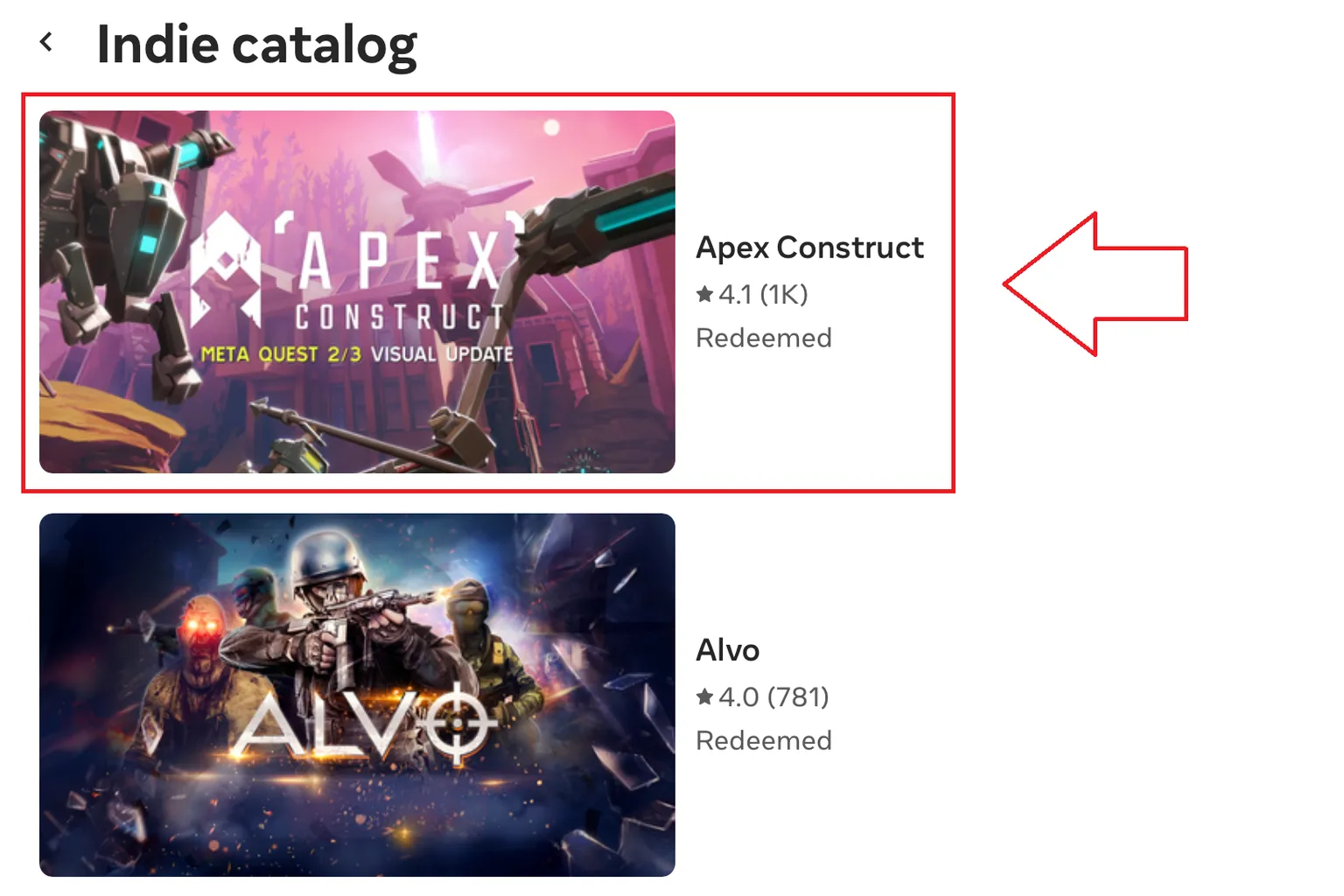
You’ll see the game marked as “Redeemed” and listed in your game library.
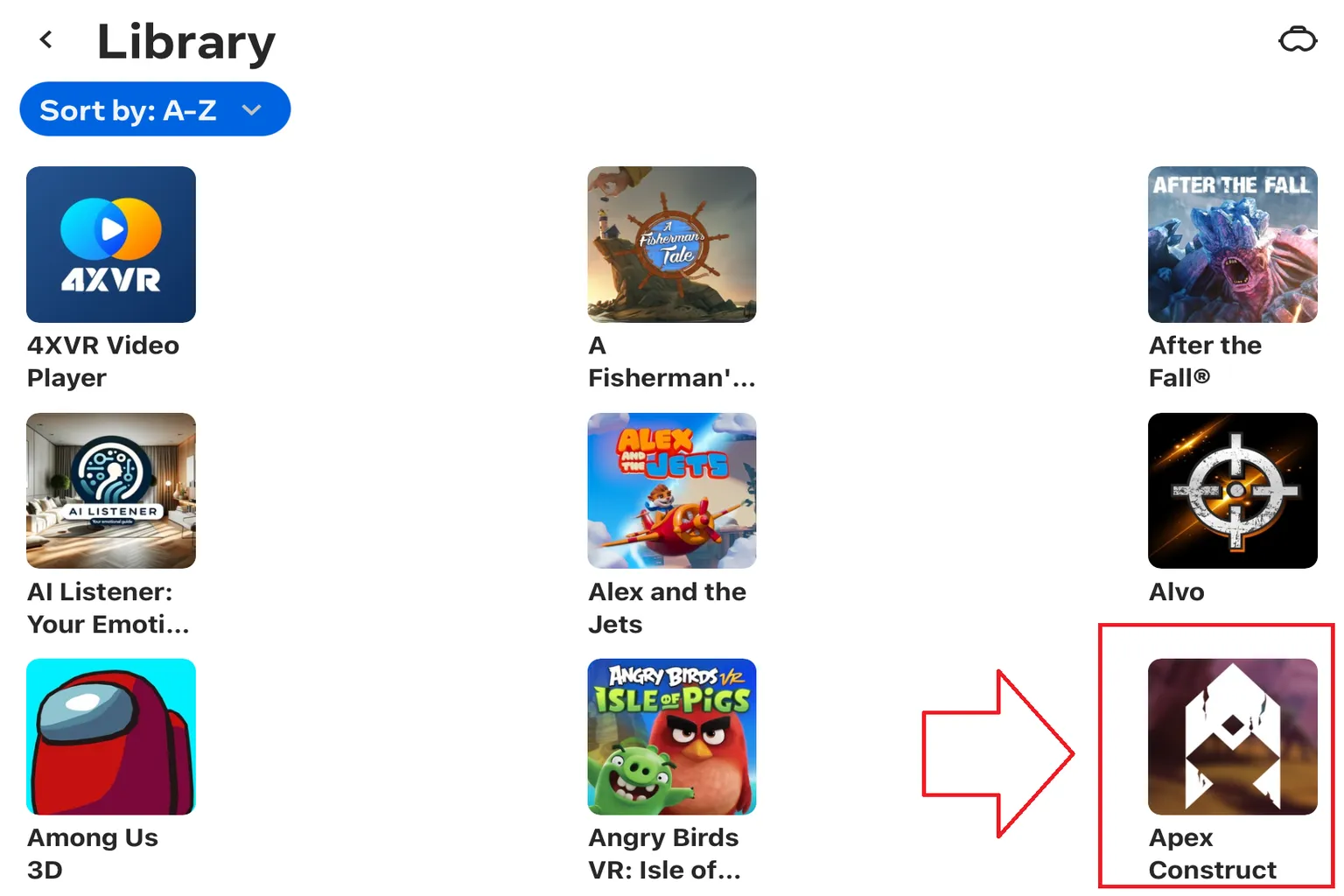
However, when you check the same title in the Meta Horizon Link app on PC, it shows that you still need to pay $6.99 to purchase it.
In other words, even if a title itself supports Cross-Buy, playing it through a subscription does not grant you the PC version. Cross-Buy only applies when you actually buy the game.
Exception Cases: Games Shown as Cross-Buy–Supported but With Actual Issues
Even among titles marked as Cross-Buy–supported, there are a few rare cases where things don’t work correctly in practice.
For example, Gun Club VR appears in the Meta Horizon Link app on PC as a Cross-Buy title, showing that it can be downloaded for free.
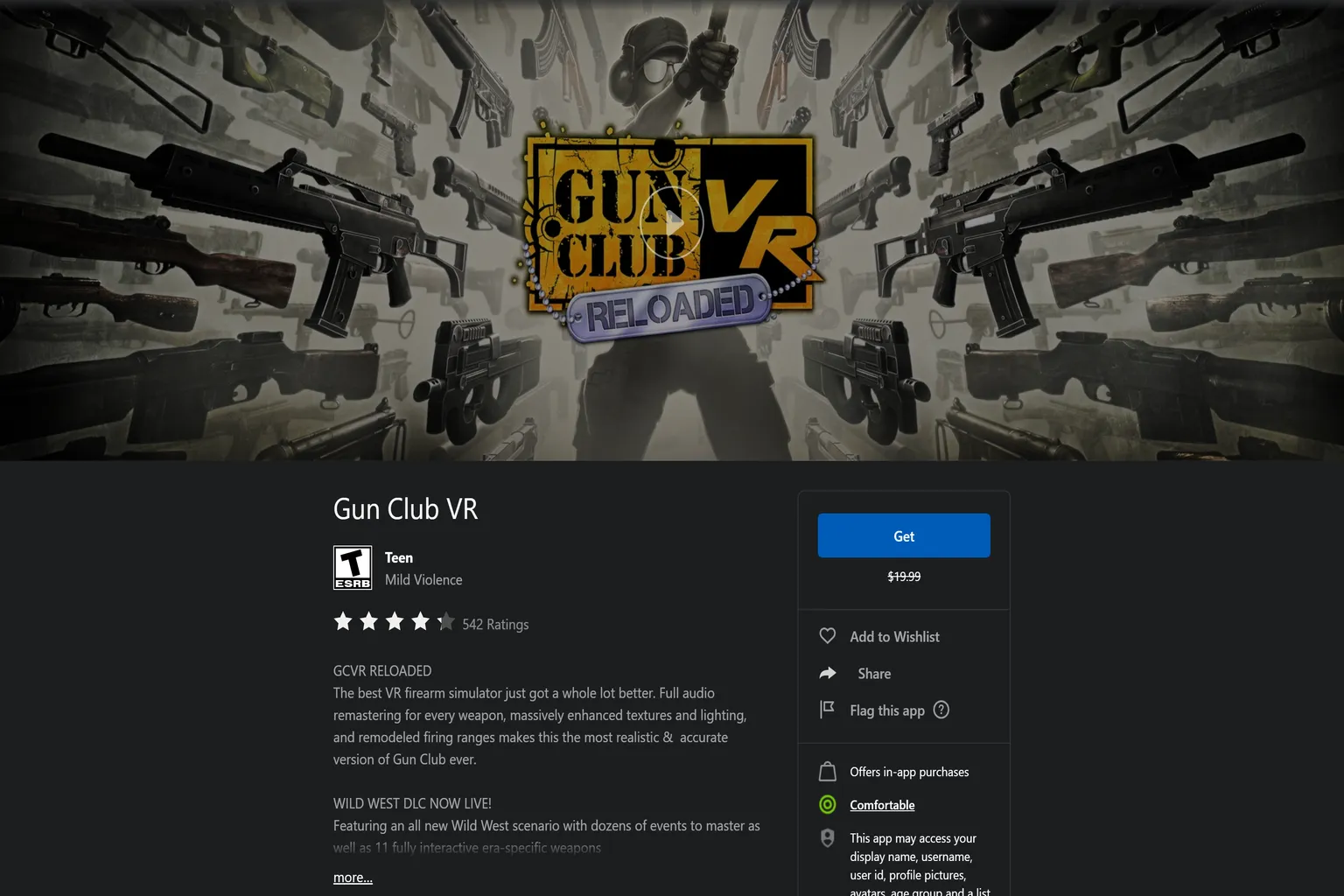
However, when you actually press Download, an error message appears saying “Purchase failed.”
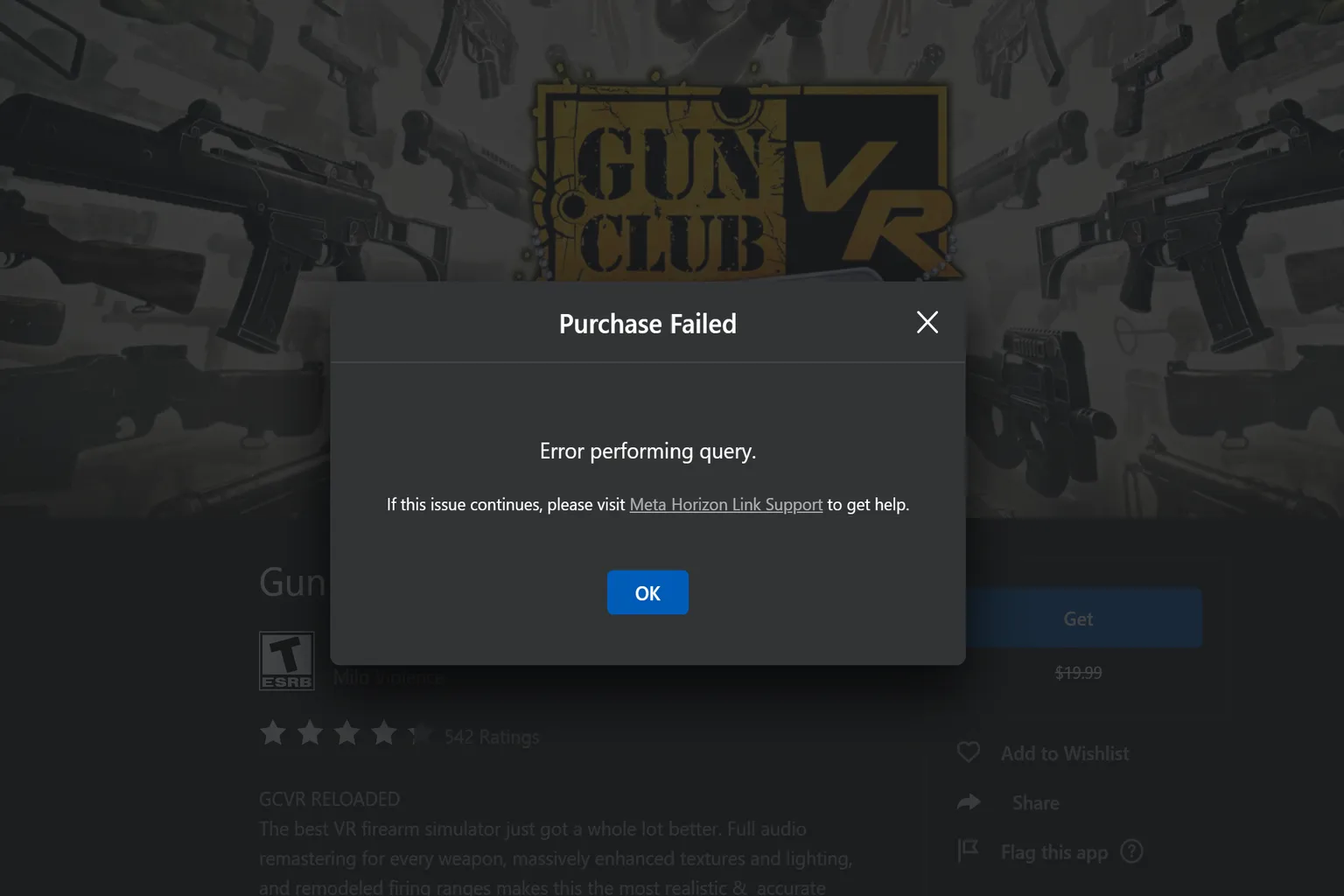
In cases like this, it is often a bug on the Meta Horizon Link side.
I recommend updating Meta Horizon Link to the latest version first. That often fixes it.
If you do not want to update right away, you can also claim and download the game from the web version of Meta’s official site.
FAQ – Common Questions
What is Meta Quest Cross-Buy?
When you buy a Cross-Buy-supported standalone Quest version, you can claim the PC VR (Rift) version for free in addition to the original standalone Quest version.
You do not need to buy the same game again.
Do all Meta Quest games support Cross-Buy?
No. Only some games support it. On top of that, the Meta Store often doesn’t clearly say whether a game supports Cross-Buy, so you usually have to check it yourself.
Do games included in the Horizon+ subscription support Cross-Buy?
No. Only games you actually purchase are eligible for Cross-Buy. Games played through the Horizon+ subscription do not include the PC VR version.
Does DLC support Cross-Buy as well?
In most cases, Cross-Buy only applies to the main game. DLC, add-on content, and in-game purchases are often not shared.
However, there are exceptions where DLC is shared too, such as Beat Saber.
What if it says the game is available to download, but the download actually fails?
This is a system-side bug. Some games, like Gun Club VR, can run into this issue.
You can fix it by updating Meta Horizon Link to the latest version, or by downloading the game from the web version of Meta’s official site.