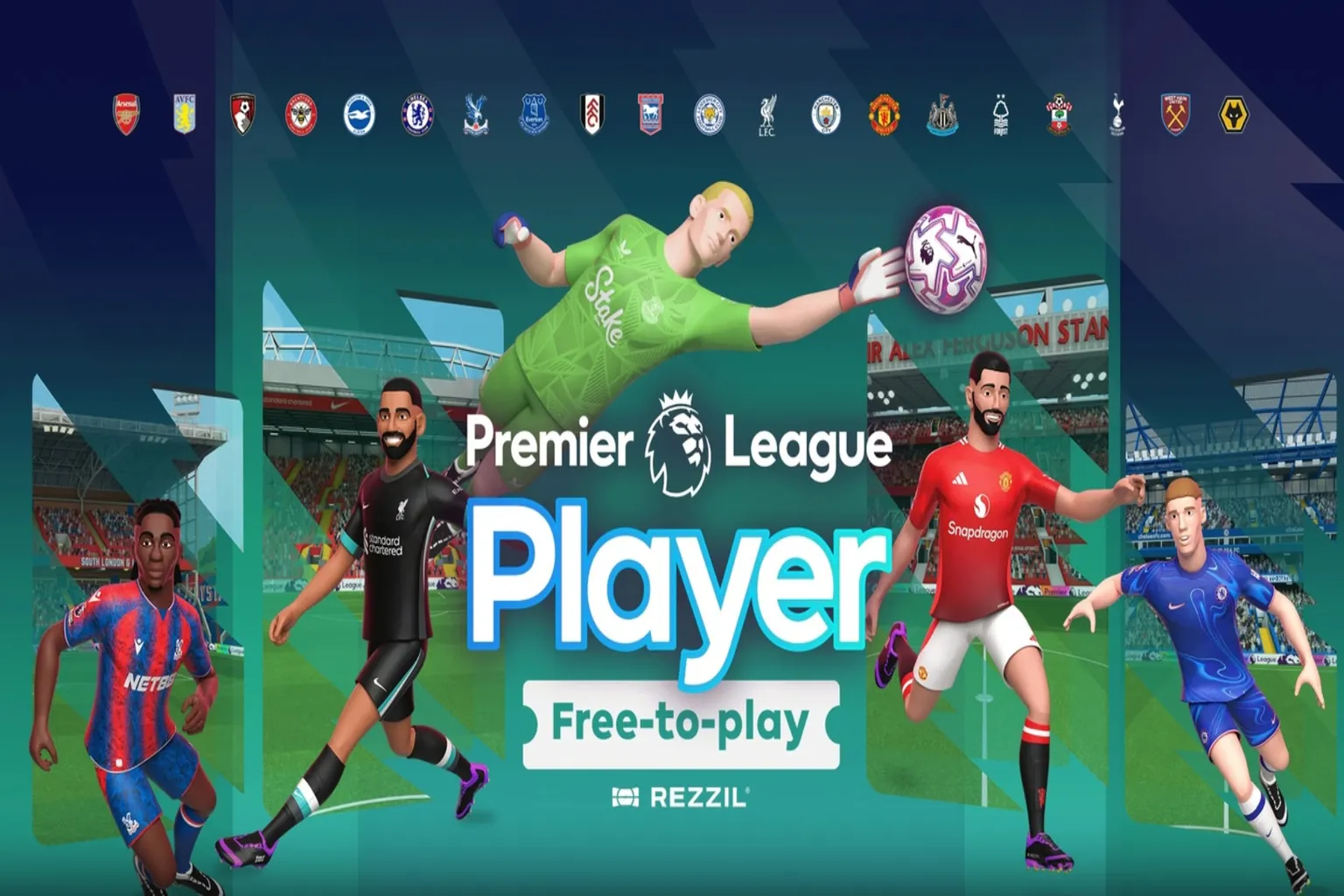
Premier League Player is the official VR soccer game based on the English Premier League. For a limited time, you can jump in and try it for free.
Choose the club you support and relive iconic goals and unbelievable saves from the 2023/24 season. There are ranked challenges to climb, player cards to collect, and even legendary players to unlock.
It aims for realism, but since this is VR, you don’t actually use your feet. You swing your hands to “kick,” which creates a slightly awkward but kind of hilarious moment once you see it in action.
In this article, I went through every mode myself and laid out both the strengths and the weak spots. Is it a must-have for soccer fans, or just a quirky VR experiment? Let’s find out.
Game Introduction
When I was little and watching the World Cup on TV, I always wondered what it would feel like to actually be out there on the field with them.
Now that kind of fantasy can actually become real. You can even try the kind of high-difficulty moves you normally only see from top stars.
Premier League Player is a VR soccer simulation built around the English Premier League. You can play as a goalkeeper, dribble, shoot, pass, and even go for headers. You can recreate legendary goals, or step in and change history by stopping them yourself.
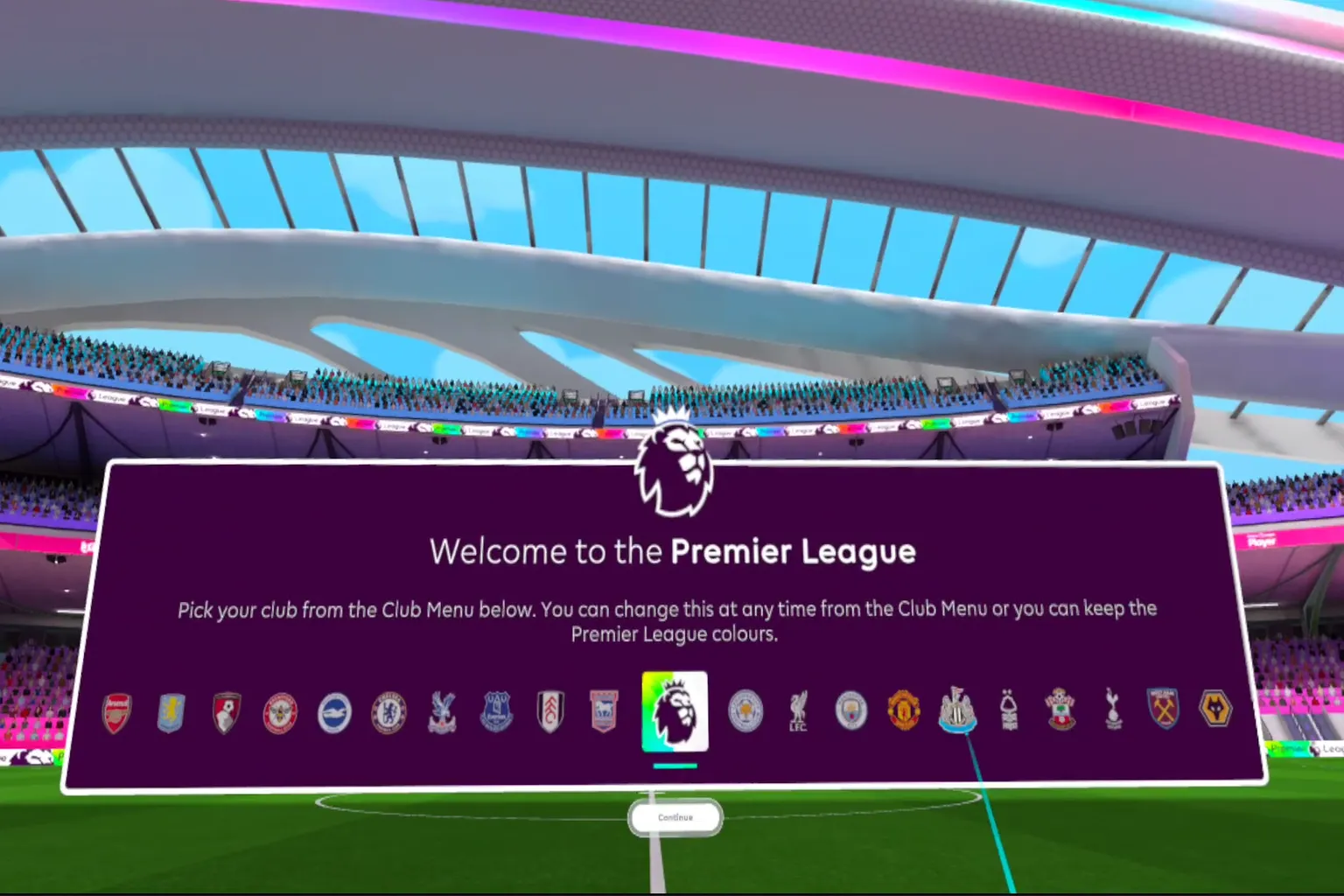
When you start the game, it opens with a loading screen. A huge Premier League lion logo appears front and center.
If you’ve got a favorite club, just pick it without overthinking.
I’m not that deep into soccer myself, so I just chose one at random.
It’s a soccer game… but you use your hands.
Next, it takes you into warm-up, and the first thing it asks you to do is calibrate your hand position.
Yeah, your hands. Since there’s no VR controller on your feet, you’re not actually kicking. At that point, it kind of feels less like soccer and more like handball.
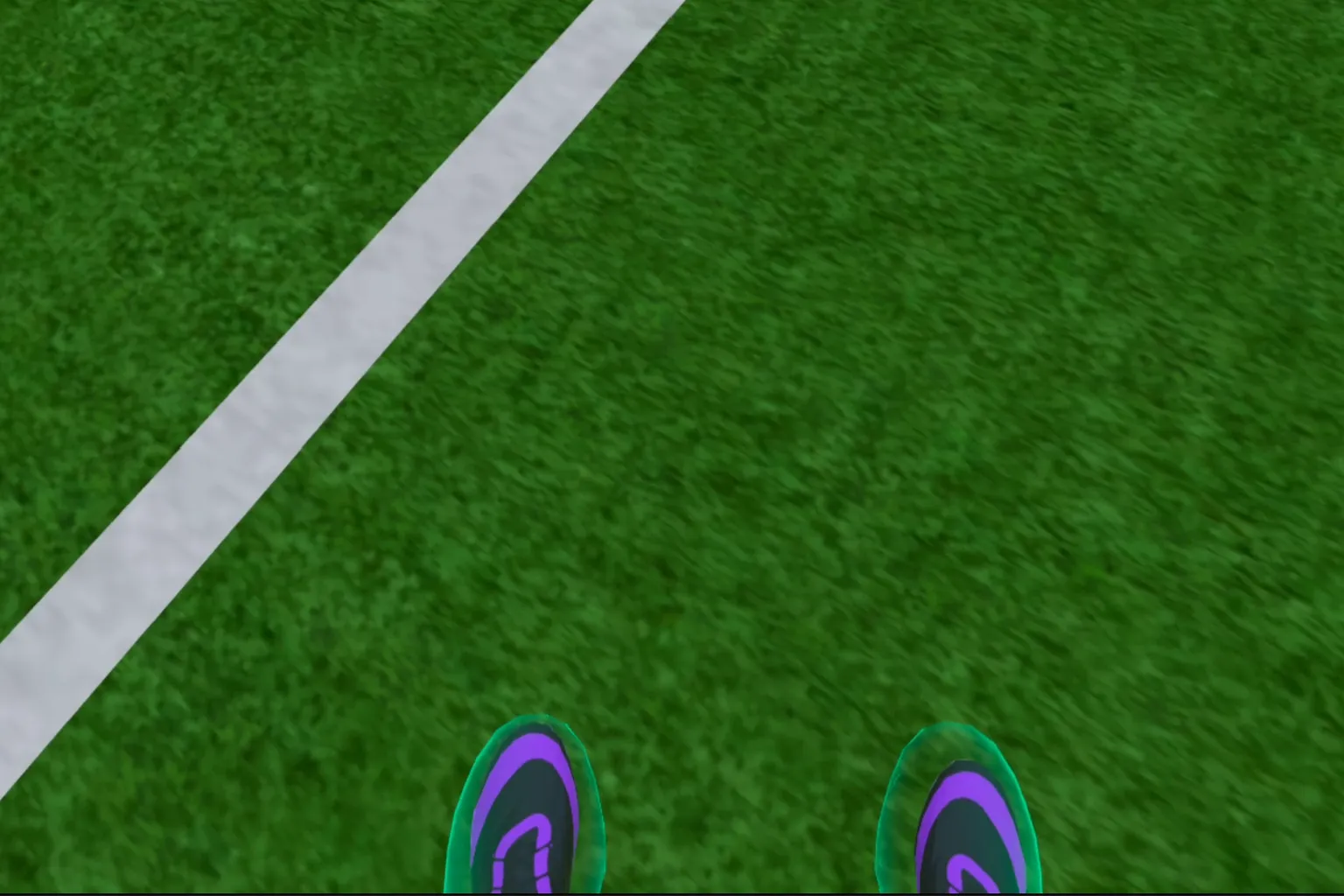
Line up the “foot” you’re holding in your hand with the designated position.
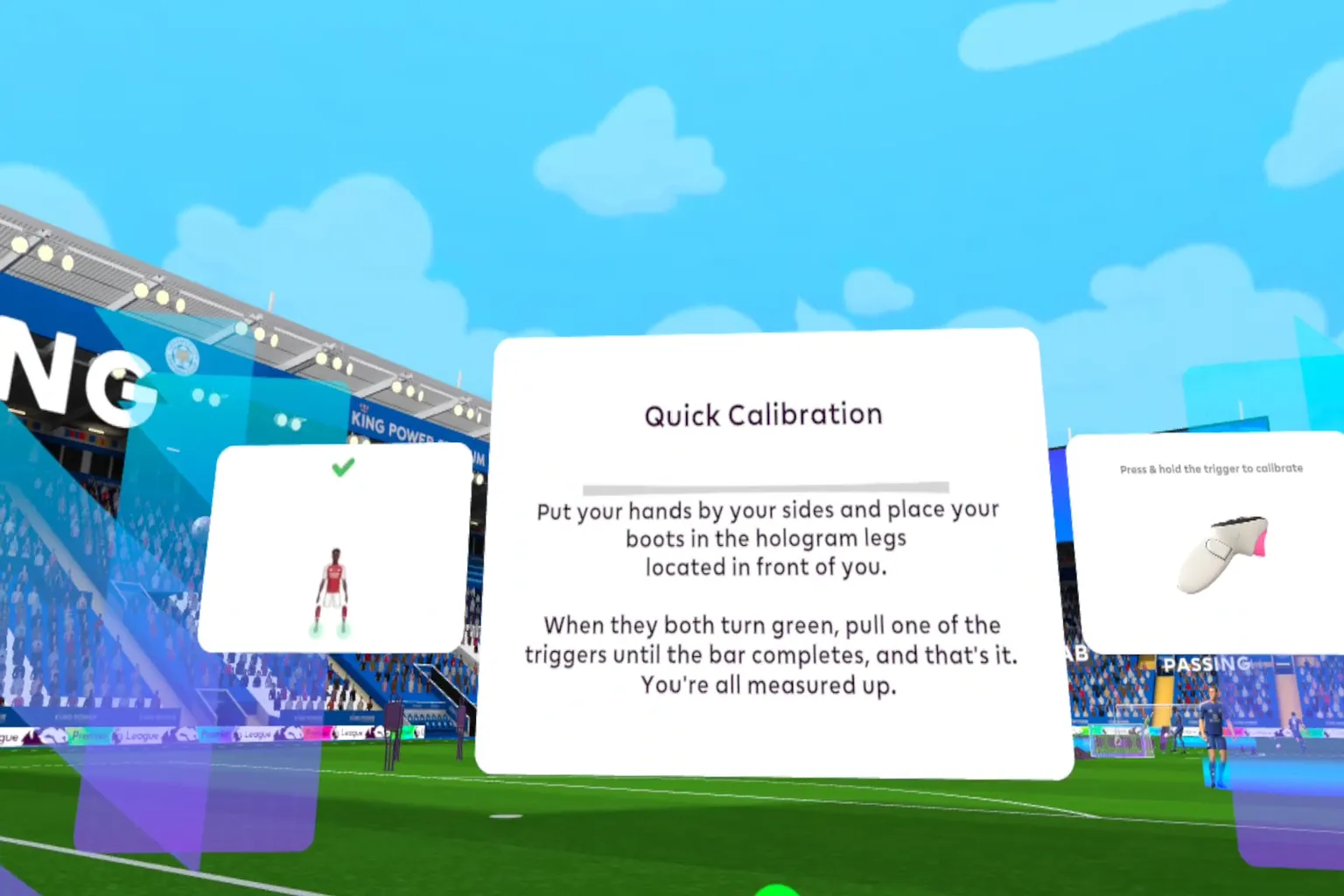
Hold down both triggers and wait until the bar fills up completely.
Once that’s done, smack the ball labeled “Continue” on the left with your hand, and the warm-up begins.
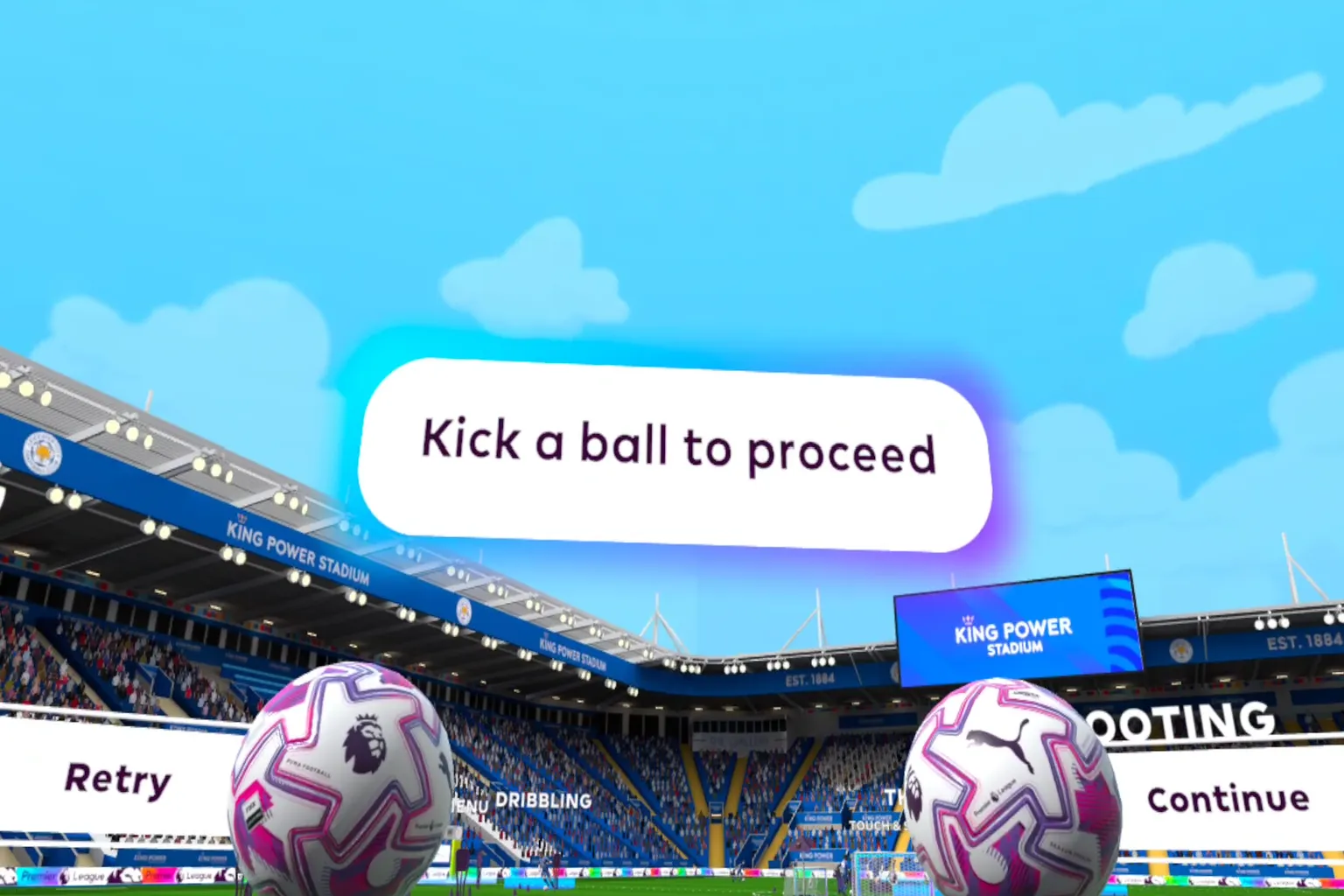
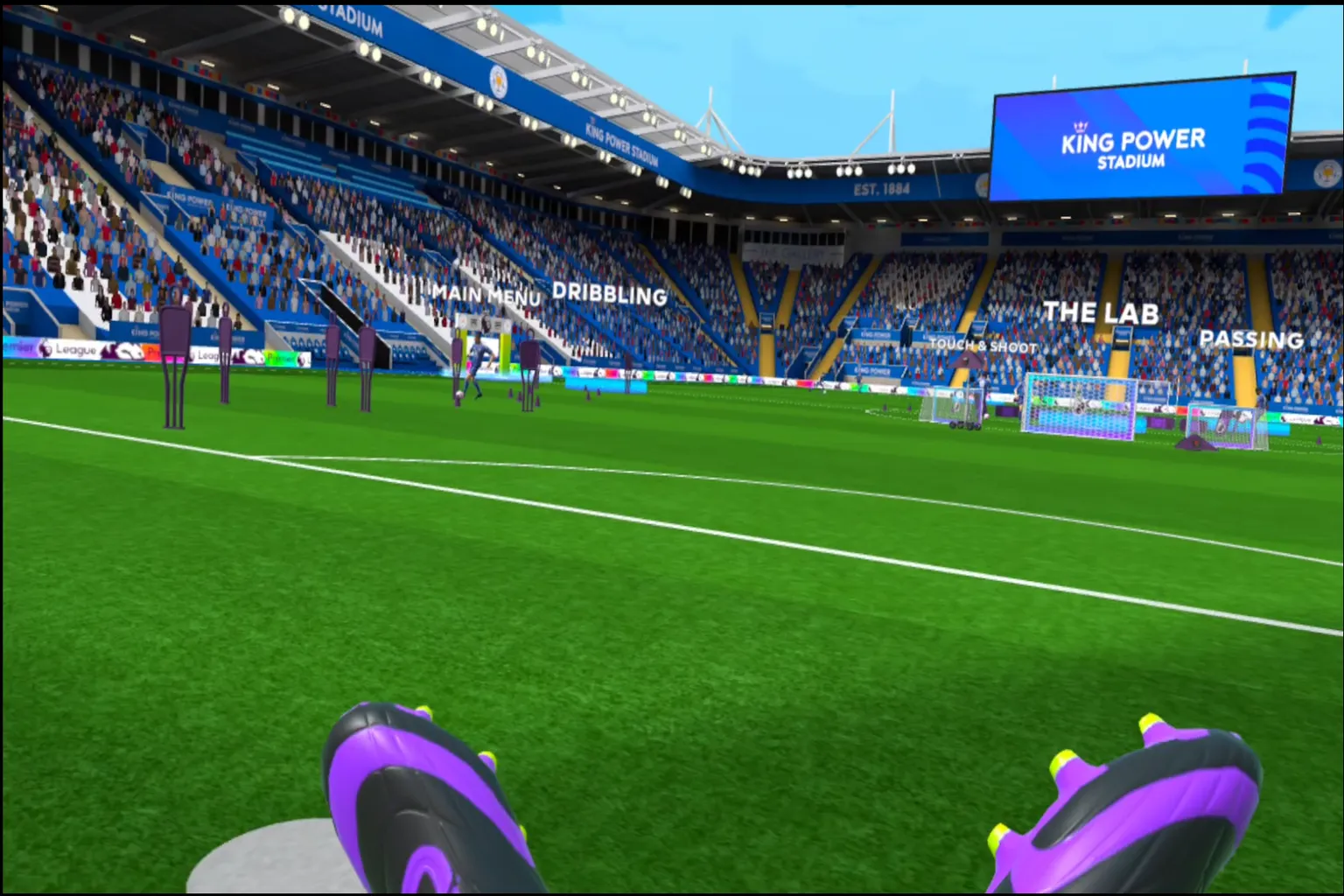
In the lobby, you’ll find different warm-up options like Passing, Shooting, and Dribbling.
Just step onto the spot under the one you want, and it starts right away.
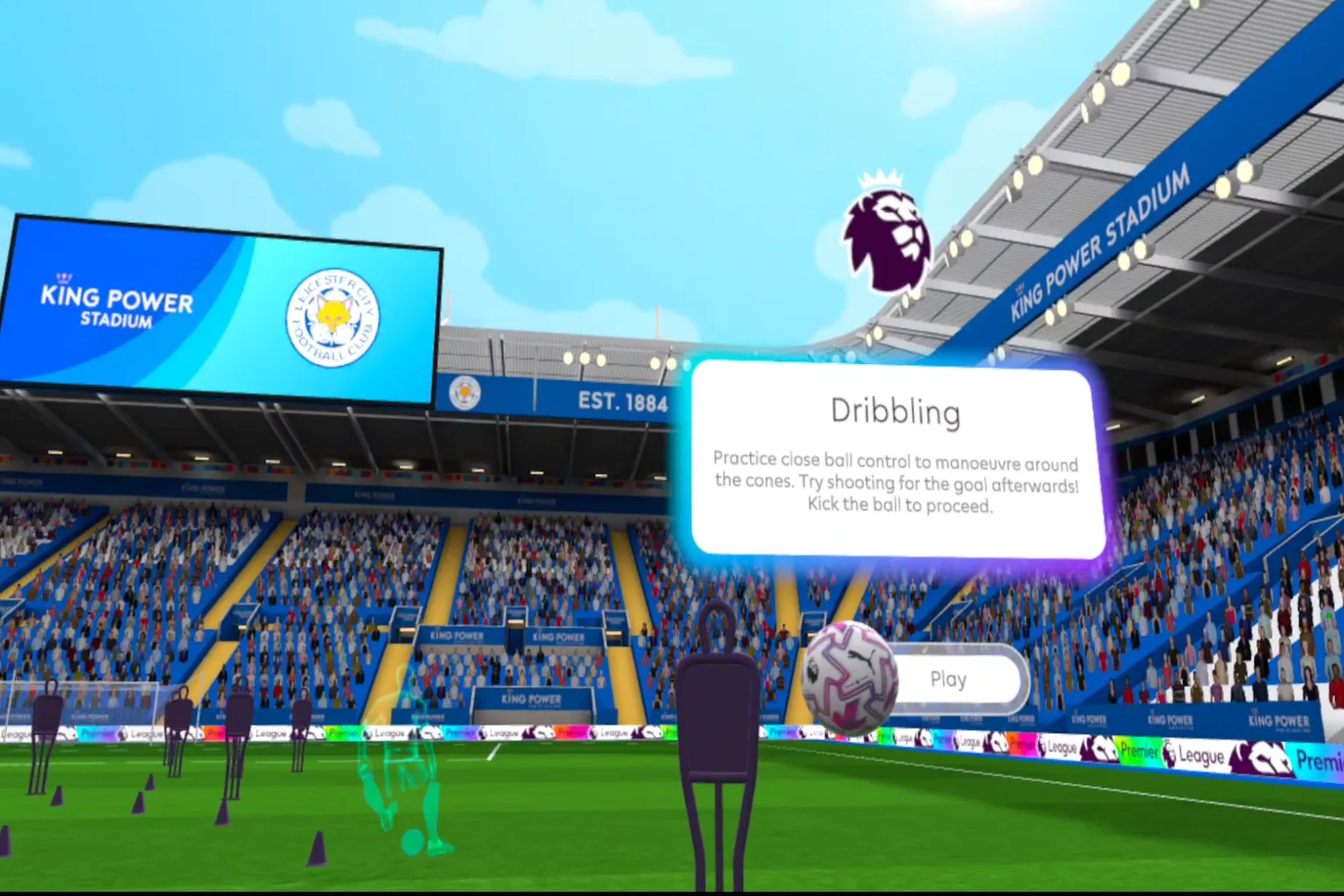
A mannequin in front of you demonstrates the dribbling move.
Kick the “Play” button, and it’s your turn to start dribbling.
Use both hands to control your “feet” and dribble left and right.
You can play as the goalkeeper too.
Use your hands to block incoming shots one after another.
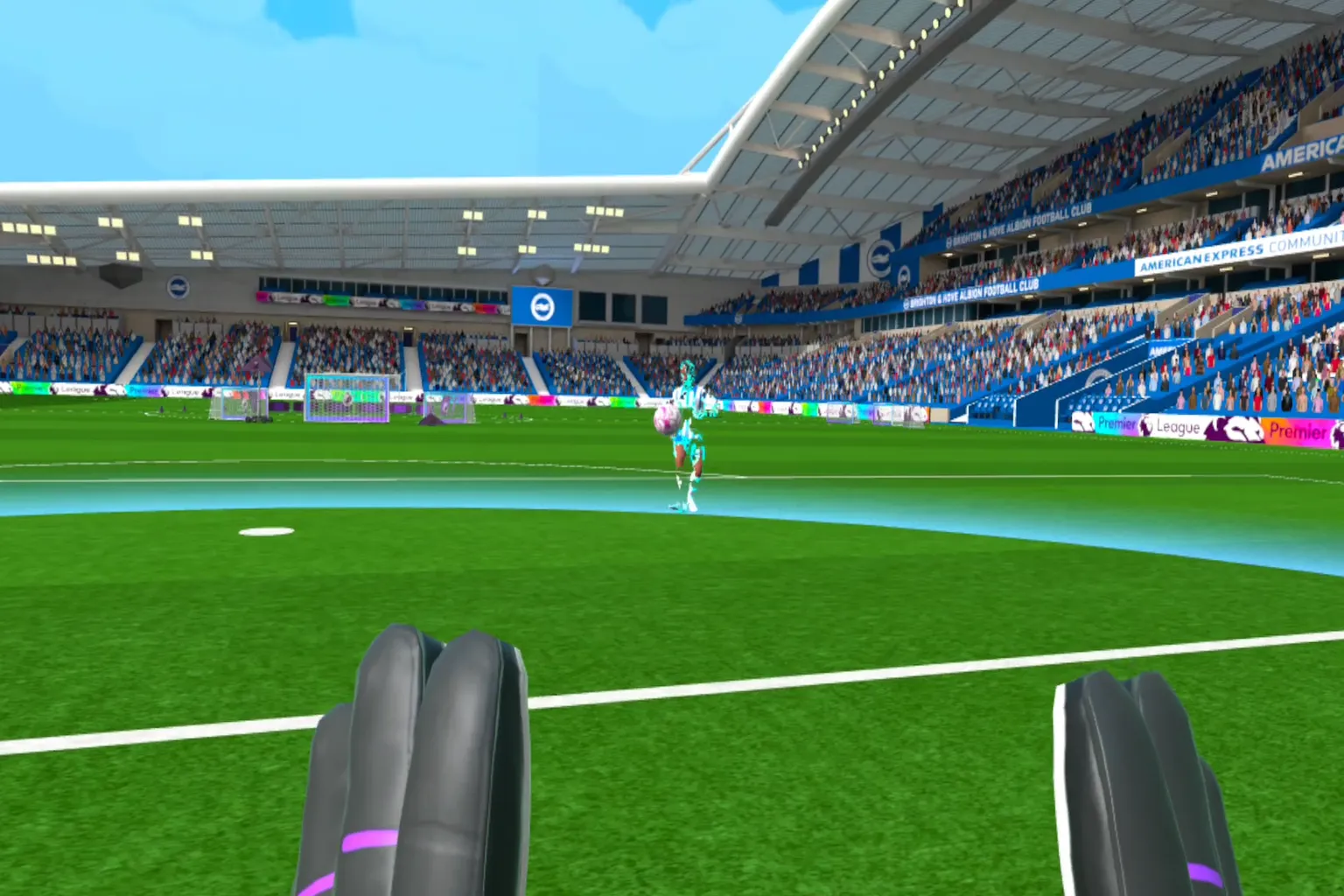
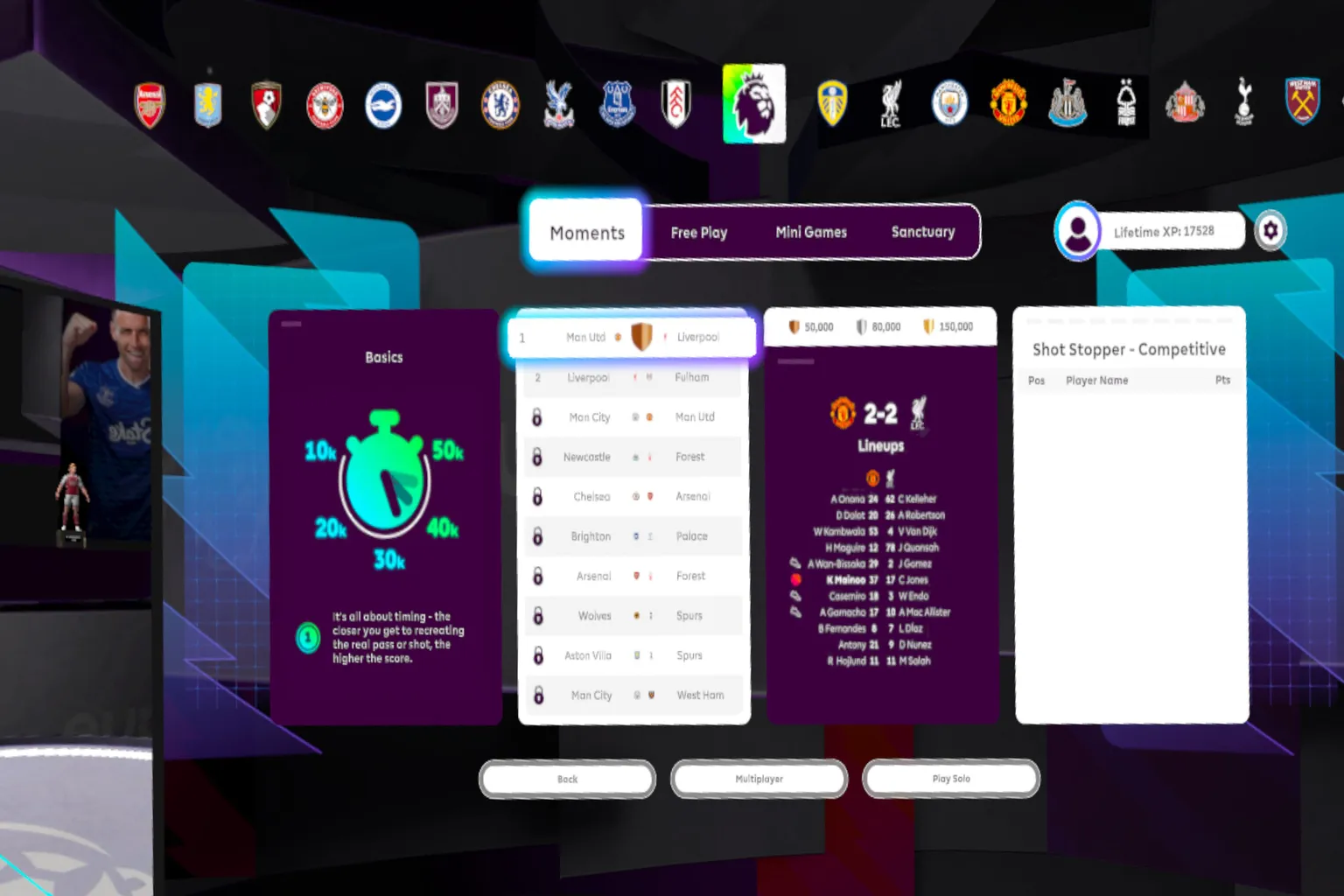
Once you feel like you’ve warmed up enough, head to the main menu and start the match.
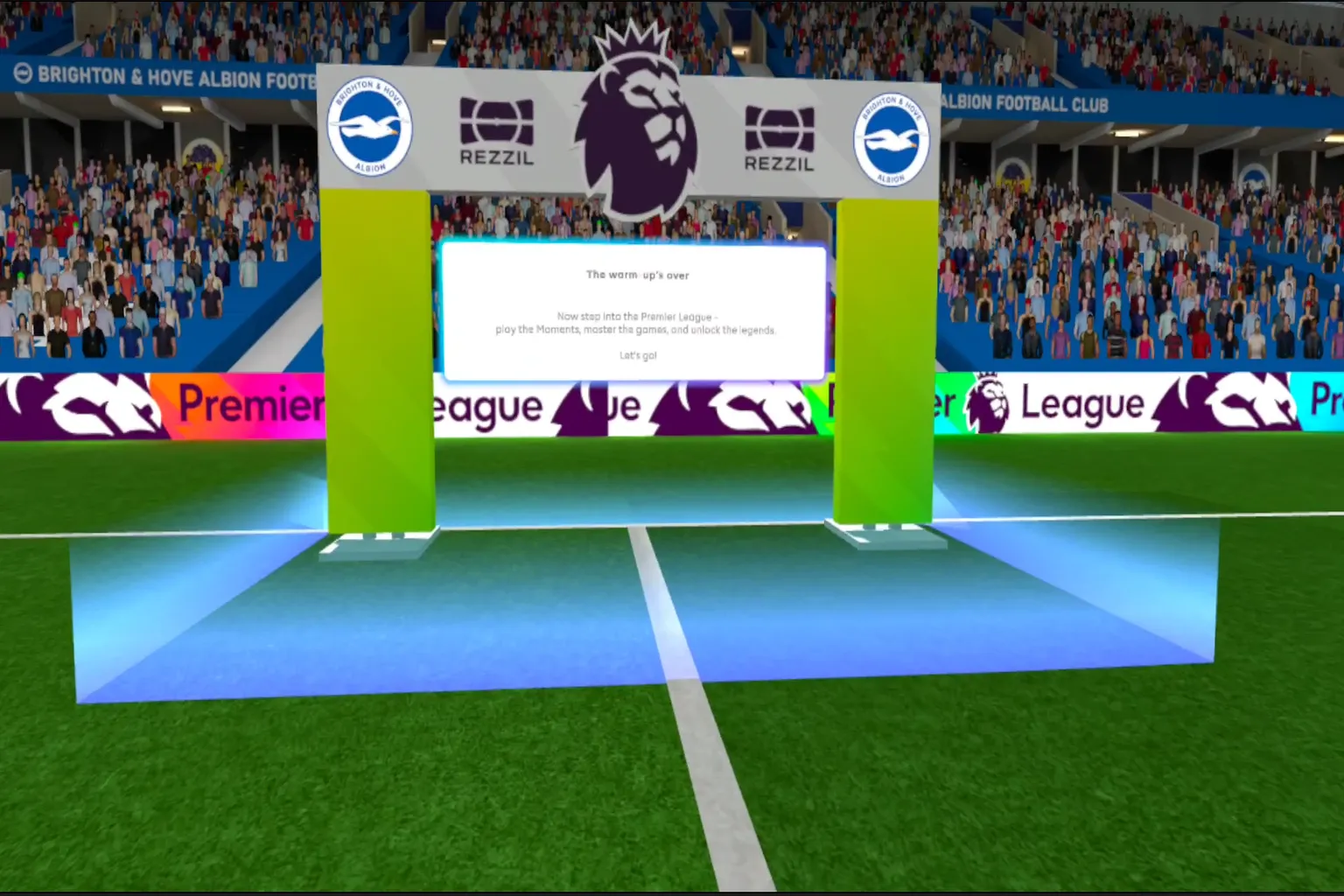
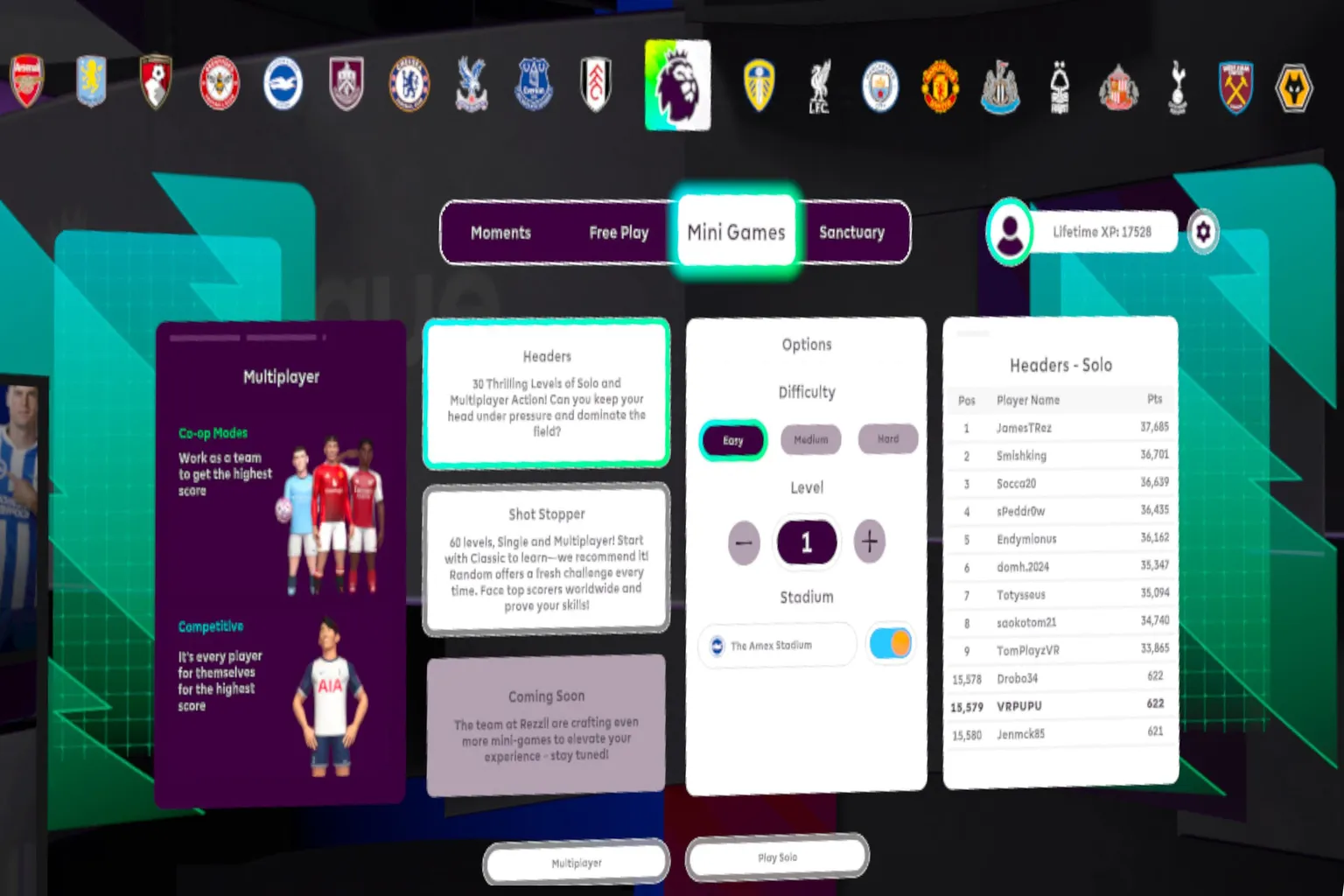
In the main menu, you can switch teams if you want.
There are several modes to choose from, but I’d skip multiplayer. Hardly anyone is online, so you’ll probably never get a match started.
The more you play, the more seasons and stages unlock, letting you recreate more iconic moments.
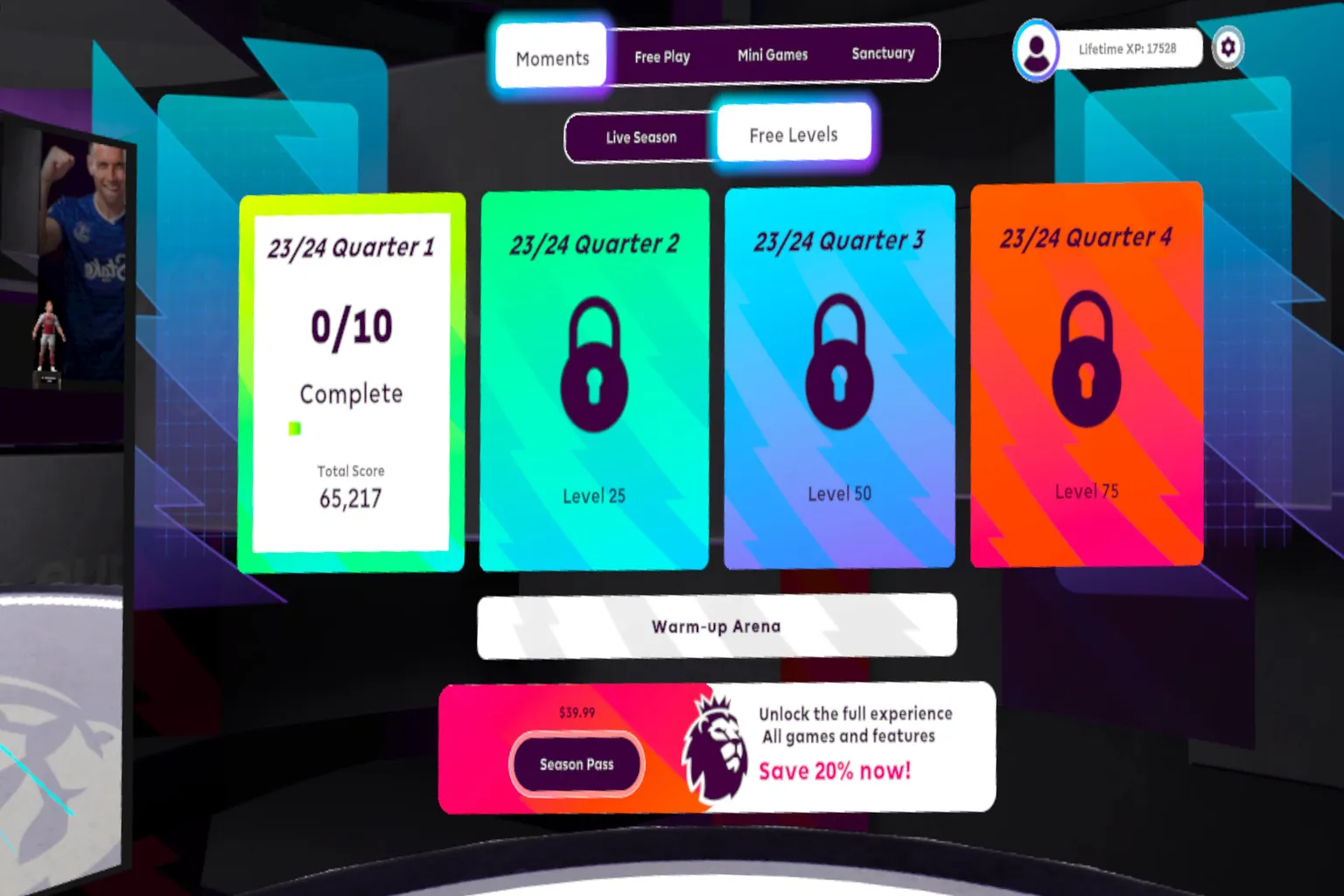
Select “Single Play” and start the game.
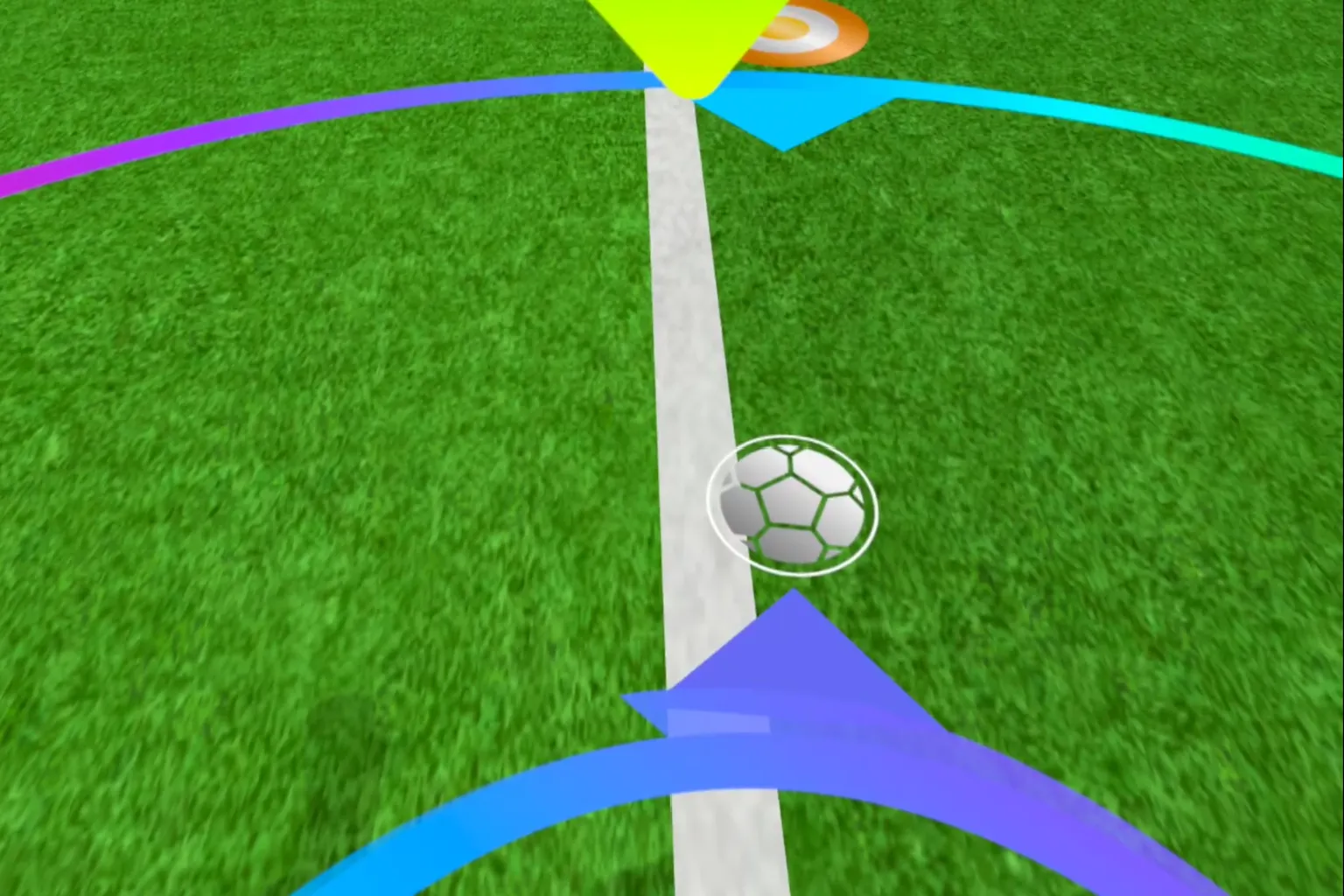
The ball’s position and the goal target are shown on the ground.
Kick the ball toward that target, and you clear the scene recreation.
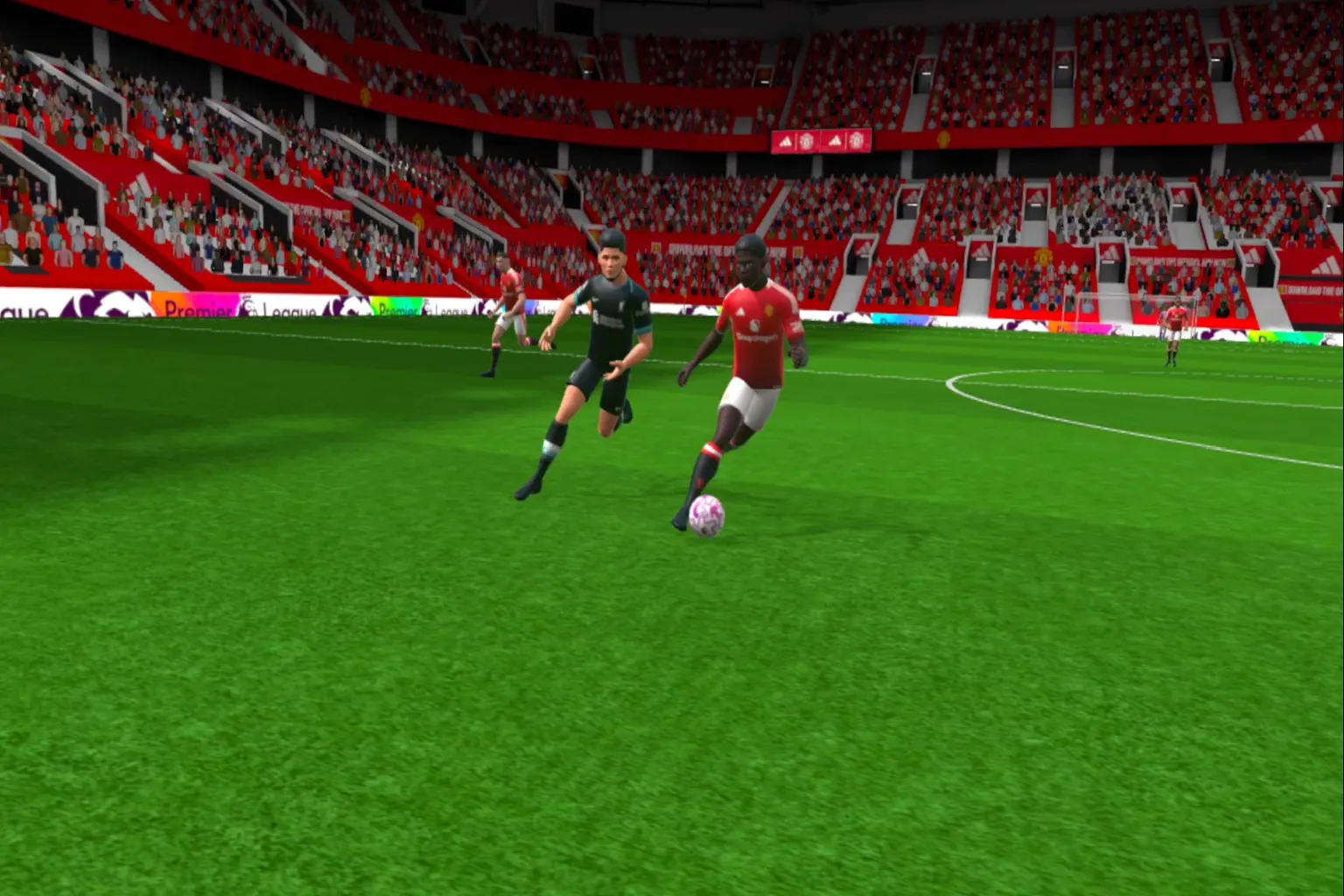
Keep an eye on your teammates’ positions and kick at the right moment. Timing makes all the difference.
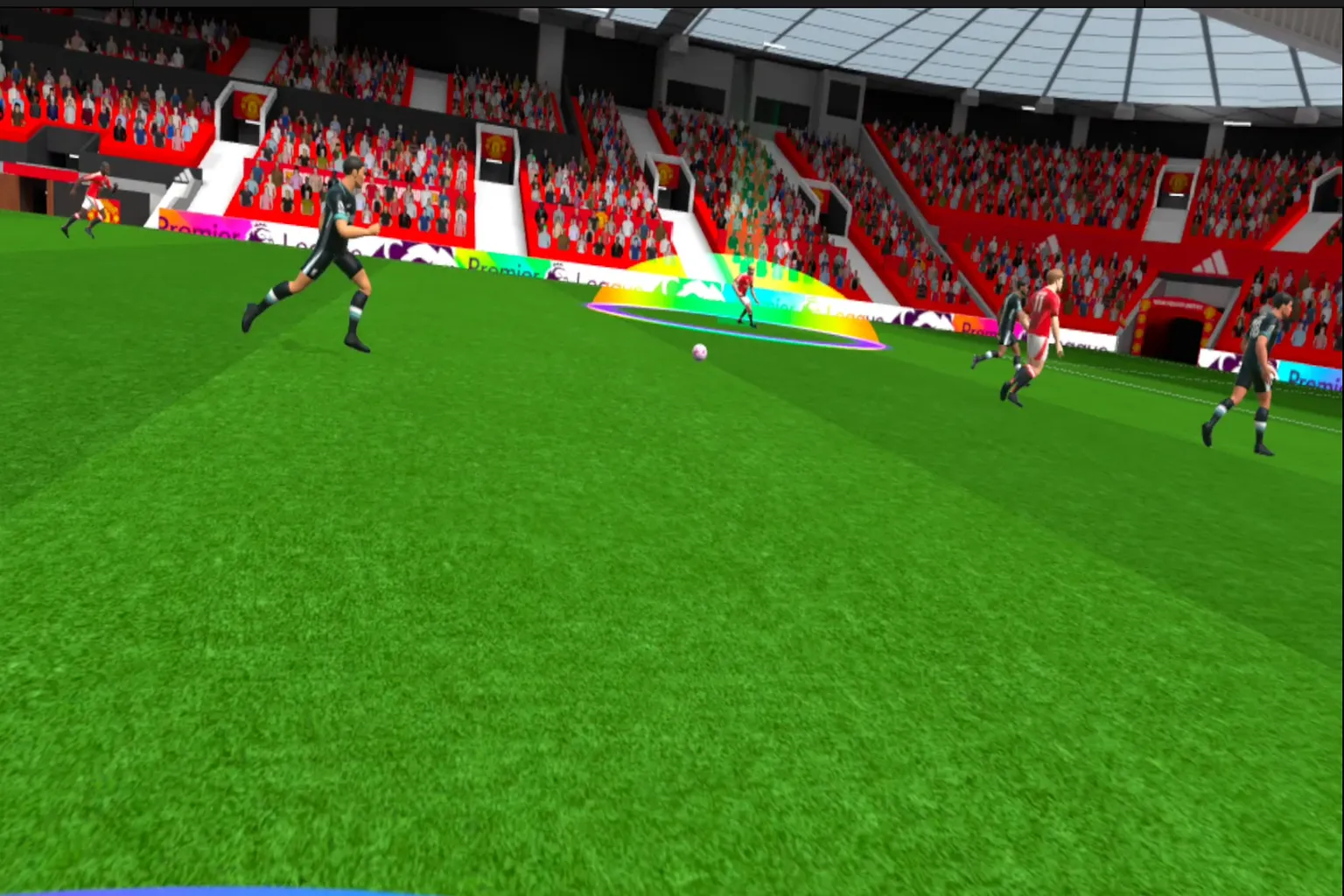
The target is the spot glowing in rainbow colors. Kick the ball toward it, and you clear the challenge.
Heads up. Even if you restart, the scene looks the same, but the positions shift slightly. It’s meant to recreate the unpredictable nature of a real match.
Goalkeeper mode really tests your reaction speed.
The movement pattern stays the same each time, but the ball’s trajectory shifts slightly. And those crazy, bending banana shots? They’re seriously tough to stop.
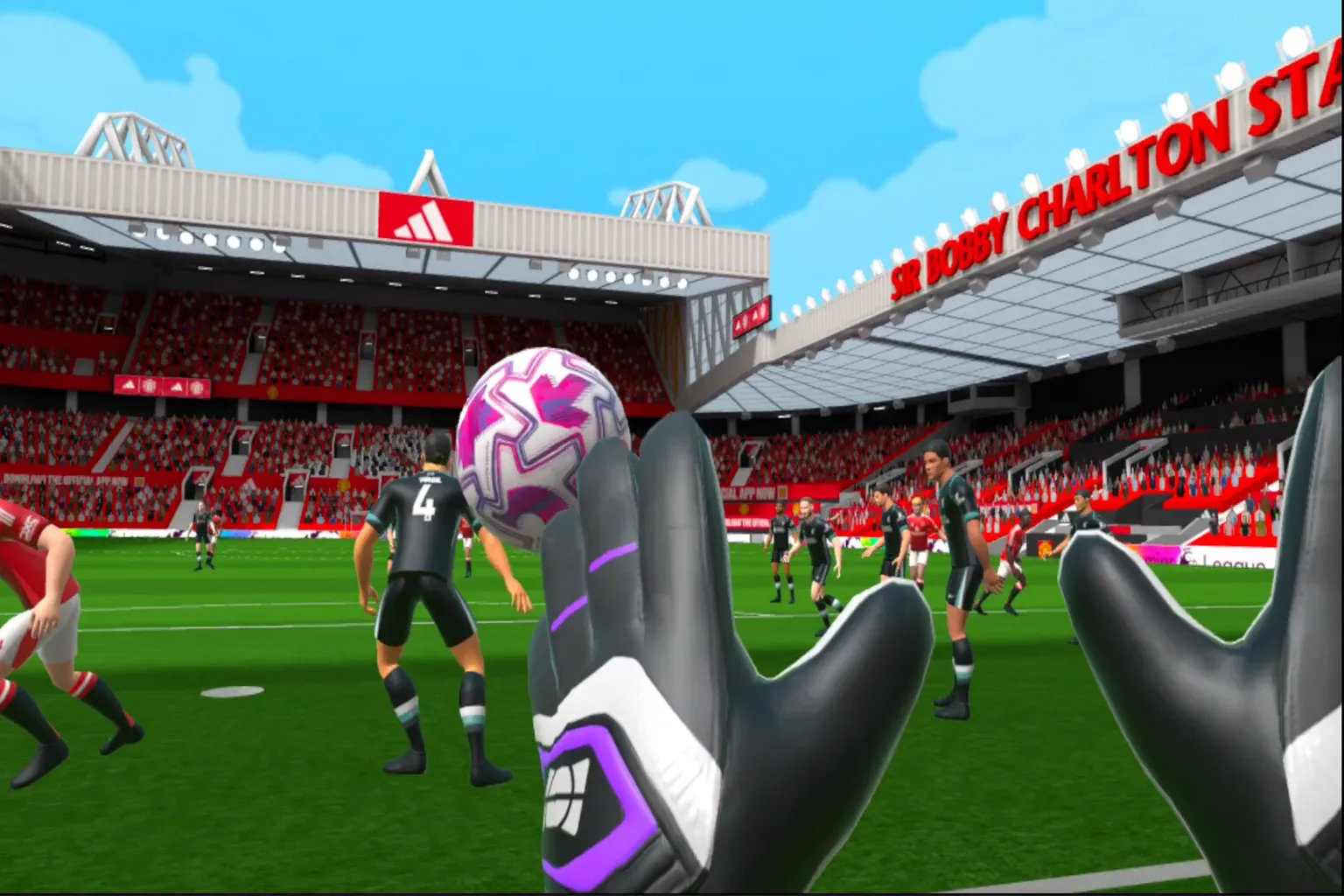
After the match, you can watch the real footage of that goal. The players are the same ones who were just running in front of you.
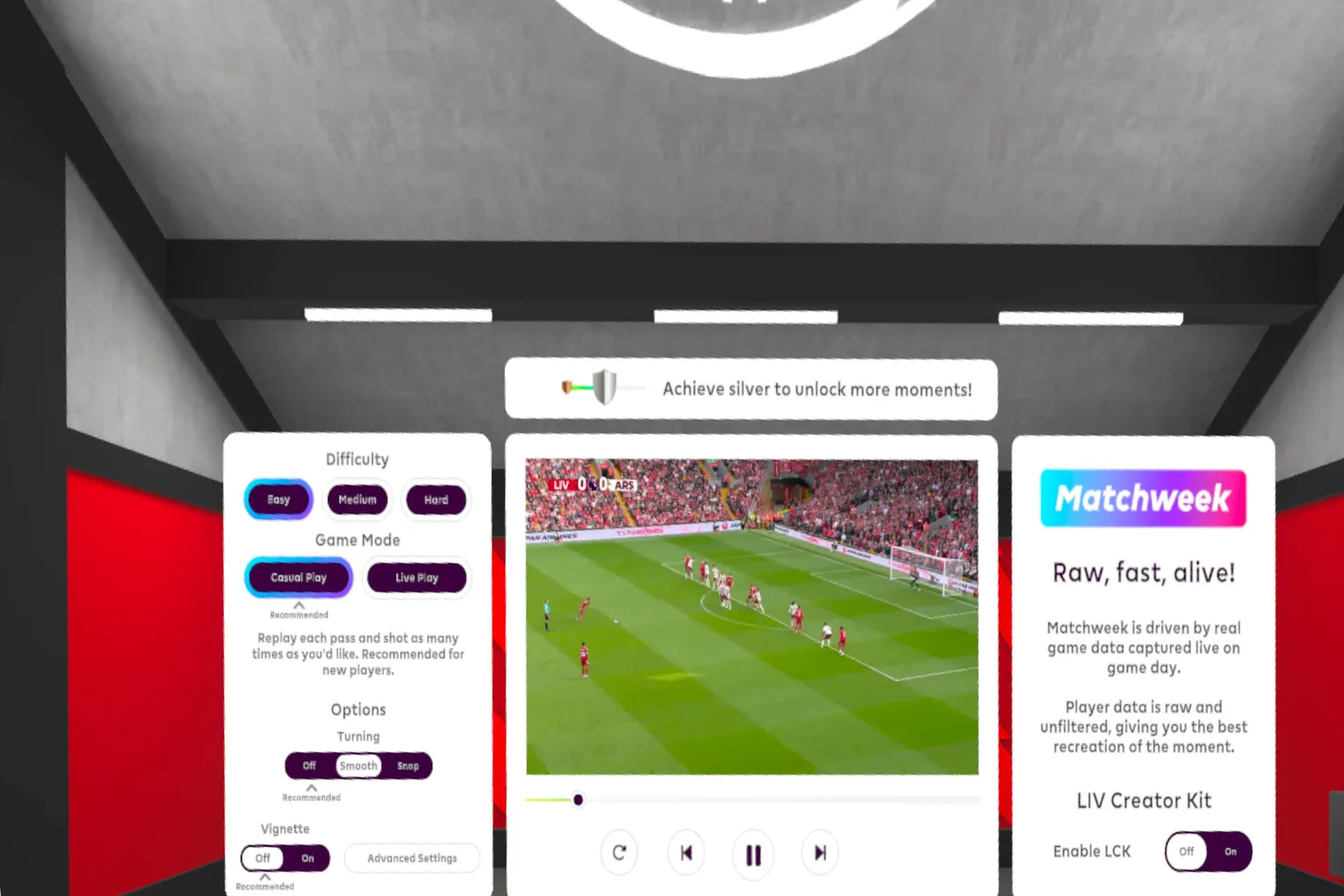
If you’re into soccer and really follow the Premier League, this game is worth trying out.
Game Rating
The Highlights
- It recreates the Premier League in a realistic way, and you get to play alongside your favorite star players.
- Even the feeling of striking the ball comes across as surprisingly real.
The Drawbacks
- Kicking the ball with your hands? I mean… I wanted to play soccer.
- Multiplayer is basically empty.
- Some stages are just brutally hard.
- And you’ll need a decent amount of space at home to play comfortably.
Setup & Safety
You will need a fairly big area to move around, and some balls are impossible to reach without mushroom-style movement. Just remember—play safe!
Final Score & Comfort Level
Final Score:🌟🌟 (Wait for a Sale)
VR Comfort Level: 🌀🌀 (Mild)
Video Overview

Meta Quest Official Information
Price: 9.99 USD
If you enter VRPUPU at checkout, you get another 10% off.
Rating: 4.1 / 5 ( 257 Reviews)
Official Information
Premier League Player: Play Soccer VR for Free Right Now
Step onto the pitch and experience officially licensed Premier League soccer in VR. It’s a completely different way to feel the game.
Pick your favorite club, wear the official kit, and enter iconic stadiums. You can make the save that seals the win, score the decisive goal, or recreate unforgettable Premier League moments. This is your chance to be part of it yourself.

Moments
In Moments mode, you can recreate the best goals and incredible saves from the 2023/24 season. You’ll stand in the exact positions of top Premier League players.
Shot Stopper
Step in as the goalkeeper and test your reaction speed against real Premier League goals.
Headers
Take on 30 fast-paced stages and lock in your timing. Push your accuracy to the limit.
Free Play
In Free Play, you can train solo to improve your skills, practice with friends, or jump into multiplayer matches and compete on the rankings.
Sanctuary
Explore the Player Sanctuary. Here, you can unlock, collect, and display Premier League player cards and figures.

Custom
You can customize your avatar with your team’s kit, name, jersey number, and cleats. Unlock your favorite club and step onto the pitch as one of the Premier League’s iconic players.
Get Ready for Matchweek
Pre-order the Season Pass to access the weekly DLC, Matchweek Moments. It features highlights based on real Premier League matches.
If Premier League Player Soccer VR isn’t enough for you, there are plenty of other sports games you can jump into as well.