
Missing the satisfying crack of pins at a real bowling alley? Premium Bowling on Meta Quest delivers the most authentic, physics-based bowling simulator available in VR. Unlike arcade-style alternatives, this game demands real arm swing, wrist rotation, and lane strategy to master its dynamic oil patterns. Whether you want to bowl a solo practice round, pass the headset locally with family, or jump into highly competitive online leagues while streaming YouTube music directly to the lane, it perfectly captures the physical feel of the real sport. Here is my full breakdown of the game’s true-to-life mechanics, multiplayer modes, and why it remains a top pick for serious VR players.
Game Introduction
When was the last time you went bowling? Throwing balls with friends or family, laughing over strikes and gutter balls… it’s the kind of memory that hits you out of nowhere.
If you like bowling but don’t feel like going out, don’t want to spend the money, or just don’t want to lift those heavy balls, then the Meta Quest VR sports game Premium Bowling is going to hook you.
This game delivers a seriously realistic bowling experience. You grab the ball, swing your arm, and let it rip just like in real life. That full-force release feels surprisingly close to the real thing.
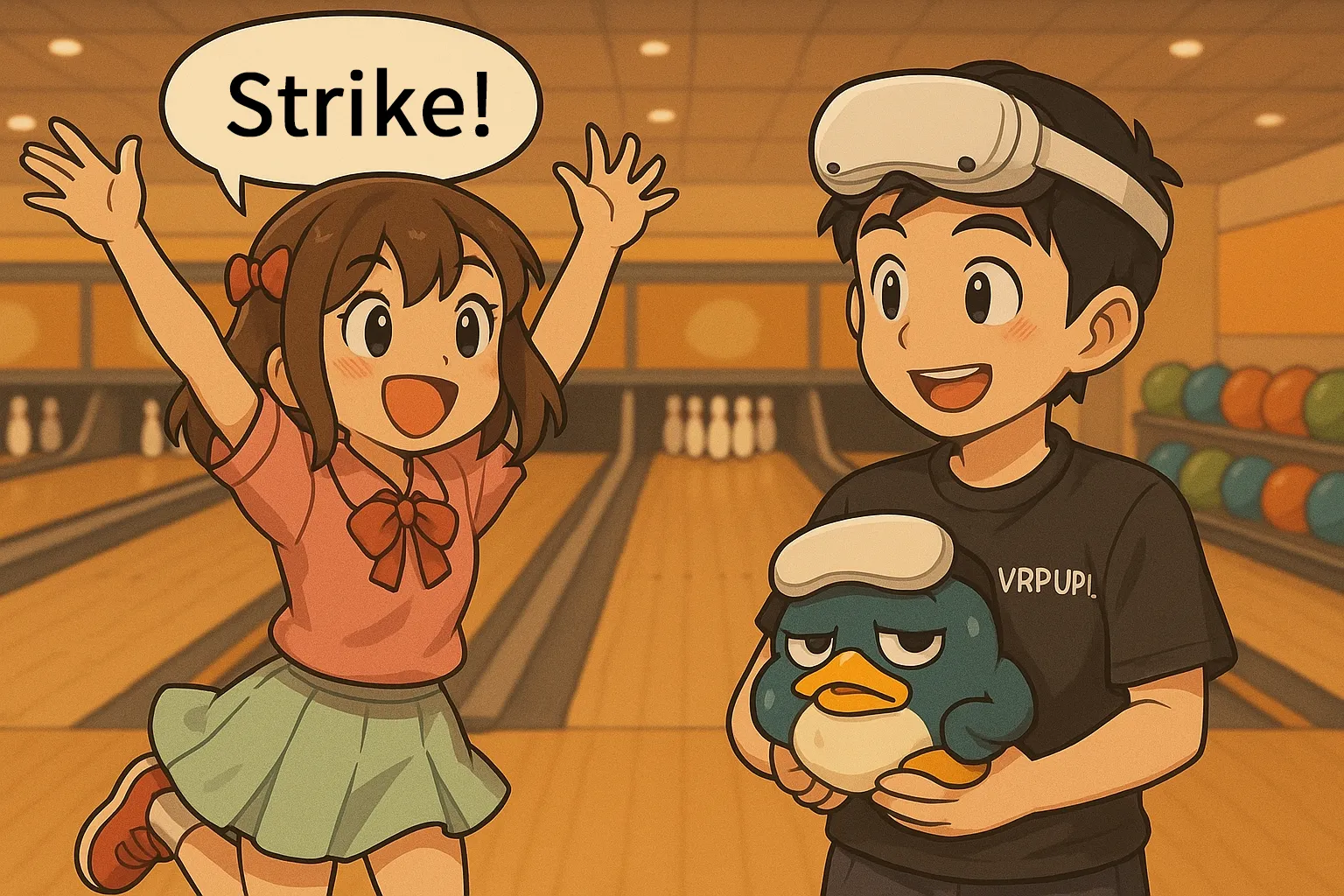
When you launch the game, the title screen pops up right away.

Pick the account you want to use, then just hit Continue and you’re good to go.

When you’re picking a mode, here’s what you’ll see:
Local Solo
Just you, taking your time. No interruptions, no pressure.
Friend Game
Invite your friends and play together. You can use the same device or separate headsets.
Online Multiplayer
Match up against random players. You can challenge others or wait for someone to challenge you.
Online Solo
You bowl on your own, but other players might be on lanes next to you.
League & Tournament
Ranked competition. Tournaments are time-limited, so you have to join during the active window.
Private Event
Create your own room. Only people with the password can join.
Teams
Create or join a team. League points from members are combined to compete against other teams, and you can also face off internally. Some teams require a minimum score to join.
Next up, you’ll choose which bowling alley you want to play in.

When you pick Online Multiplayer, this setup screen shows up. Here’s what the options mean:
Available Challenge
Lets other players send you challenges.
Auto Matchmaking
Turn this on and the game will automatically find an opponent for you.
Voice Chat & Microphone
Enables voice chat with your opponent. If your mic isn’t on, they won’t hear you.
Gutter Guard
Great for beginners. It blocks the sides of the lane so you can’t throw a gutter ball.
It really does cover everyone, from total beginners to serious players.
Once you’re done setting up, you can choose Start or Challenge.
If you hit Start, you’ll wait for someone to challenge you, and you can throw a few practice shots while you warm up.

If you choose Challenge, this screen comes up.
Pick the player you want from the list on the left, check their name, and hit Challenge to send them an invite.

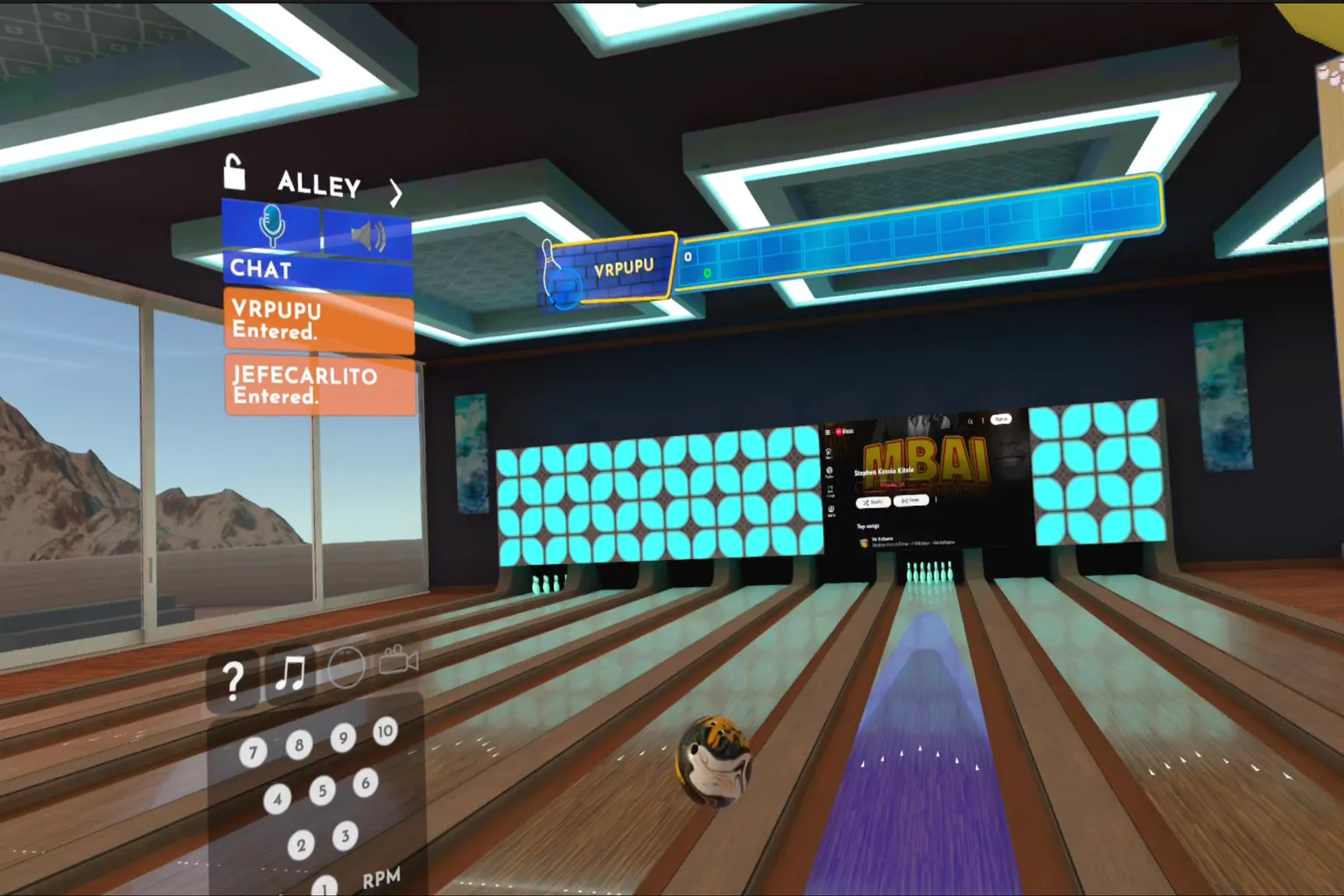
Once you’re in the game, this interface pops up. It’s laid out like this:
- Scoreboard: Shows your score history.
- Chat Box: Supports both voice and text chat.
- Overhead View: Lets you see the ball’s trajectory from above.
- Toolbar (left to right):
- Q&A: Official FAQ.
- Music: Play music from YouTube. You can even watch videos.
- Bowling Ball: Choose the weight and type of ball you want to use.
- Replay: Watch the moment you hit the pins up close.
- Pin Info Panel:
- Shows the exact pin positions and how many are left.
- Also displays your ball speed and spin.
The level of detail is impressive. It really feels like you’re standing inside a real bowling alley.

When you open Music, this screen shows up and lets you play tracks while you bowl.
- Source: Choose between YouTube Music or YouTube.
- Share: Share the music with friends or everyone in the room.
- Exit: Fully closes the music screen.
- Display: Keeps a music panel visible on the right even after closing the main screen.
- Big Screen: Shows the video or music display large in the distance, even after you close the menu.
So while you’re playing, you can control your own background music however you like.

On the right side, the Challenge panel appears. If someone accepts your challenge, just hit Start and the match begins.

Now it’s time to grab a ball and throw.
You can walk using the stick in either hand. Move toward the ball you want, then hold down the Trigger or Grip button to pick it up.
Just remember—you can’t grab someone else’s ball.

Aim straight at the pins and throw it as hard as you can.

If this screen pops up… congratulations. That’s a strike.

Press the B Button on your right controller to bring up the menu screen.

You can even throw the ball like you’re playing dodgeball if you want.
Just… don’t try that in a real bowling alley.

Whoa—my ball just flew into the next lane!
Come on, let’s hit the lanes and bowl together!
Game Rating
The Highlights
- It really feels like you’ve got a friend standing right next to you at the lane.
- You can chat while you’re throwing, and even connect to YouTube to play music or watch videos.
- And your arm swing and wrist movement actually affect the ball’s trajectory, just like real bowling.
The Drawbacks
- Just be aware—there are always a few toxic players or people with bad attitudes out there.
Setup & Safety
You’ll need enough room to swing your arm freely.
Make sure you’re not going to smack anything around you.
Final Score & Comfort Level
Final Score: 🌟🌟🌟🌟 (Solid Choice)
VR Comfort Level: 🌀 (Comfortable)
Video Overview

Meta Quest Official Information
Price: 19.99 USD
This game goes on sale pretty often during seasonal events, Black Friday, and New Year sales. You’ll usually see it discounted around 40–50% off.
If you enter VRPUPU at checkout, you get another 10% off.
Rating: 4.3 / 5 ( 2,052 Reviews)
Official Description
Premium Bowling is probably the most realistic bowling VR experience right now.
Even without holding a real ball, you still get that satisfying throw, the sharp crack when the pins collide, and that rush when you land a clean strike.

🎳 Multiplayer is seriously fun.
You can pass the headset around locally and take turns, or jump online and compete with players from around the world.
You can even chat while you’re throwing, so it really feels like hanging out at a real bowling alley, just messing around and having a good time.

🏆 Weekly ranked events are in the mix.
You can join rotating tournaments, league matches, and oil pattern challenges. Place high enough, and your name shows up on the global boards. If you’re the competitive type, this is where it gets intense.
🎬 You can even play videos on the lane screens.
Stream your favorite music or videos onto the big display or the lane monitors while you bowl. Throw, listen, watch—it all runs at the same time.

👊 Team up with friends.
Create your own private bowling room and run team matches with your crew, or challenge other teams.
🎨 Design your own ball.
You can create a custom bowling ball in-game and choose the look and pattern however you like.
🛢️ Oil patterns wear down.
Just like real bowling, the more the lane gets used, the more the oil changes. That directly affects ball movement and hook. The realism is no joke.
⚠️ Heads up.
As of July 2024, Meta Quest 1 only has limited support. If you’re playing this, you’ll want to use Quest 2 or newer.
If the bowling battles in Premium Bowling aren’t enough for you, there are plenty of other sports VR games you can jump into from here.