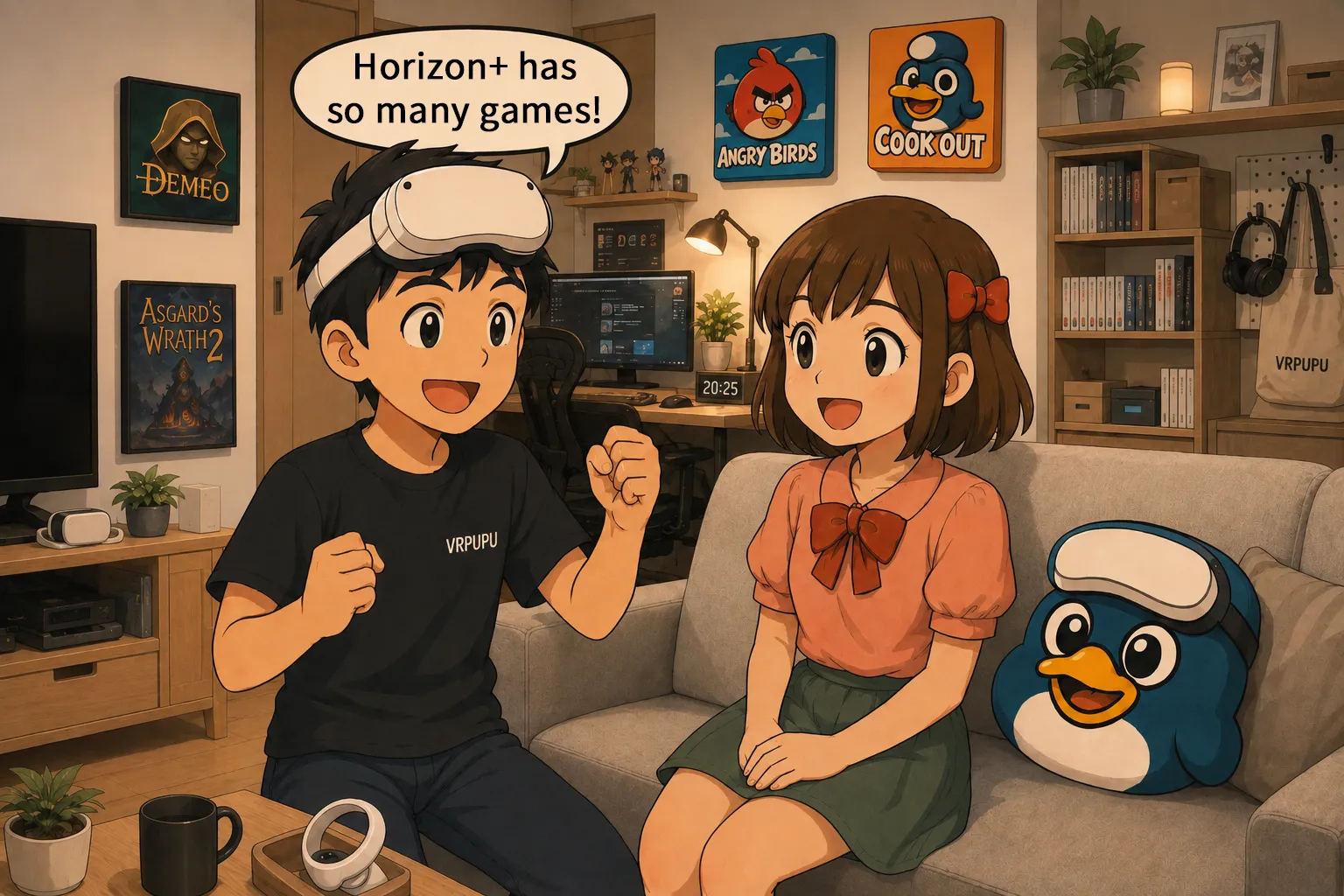
Still wondering if the Meta Horizon+ subscription is a good deal? With a rotating game library now worth over $800 and exclusive monthly freebies, the value proposition has changed drastically in 2026. This complete guide breaks down everything from the hidden perks of the indie games catalog to the latest member-only discounts. We will show you exactly how to claim your monthly titles, navigate the free trial, and manage your subscription to avoid unwanted charges. Whether you are a total VR beginner or a seasoned player, find out how to maximize your headset’s potential without breaking the bank.
Meta Horizon+ Benefits
Horizon+ is a subscription service exclusive to Meta Quest. Until April 2025, it was called Quest+. In terms of how it works, it’s closer to an upgraded version of Sony’s PlayStation PS Plus. The main benefits come down to three things.
- You get two different games every month.
- The subscription library includes more than 80 VR games.
- When you buy games, Horizon+ member-only discounts are applied.
Monthly Games
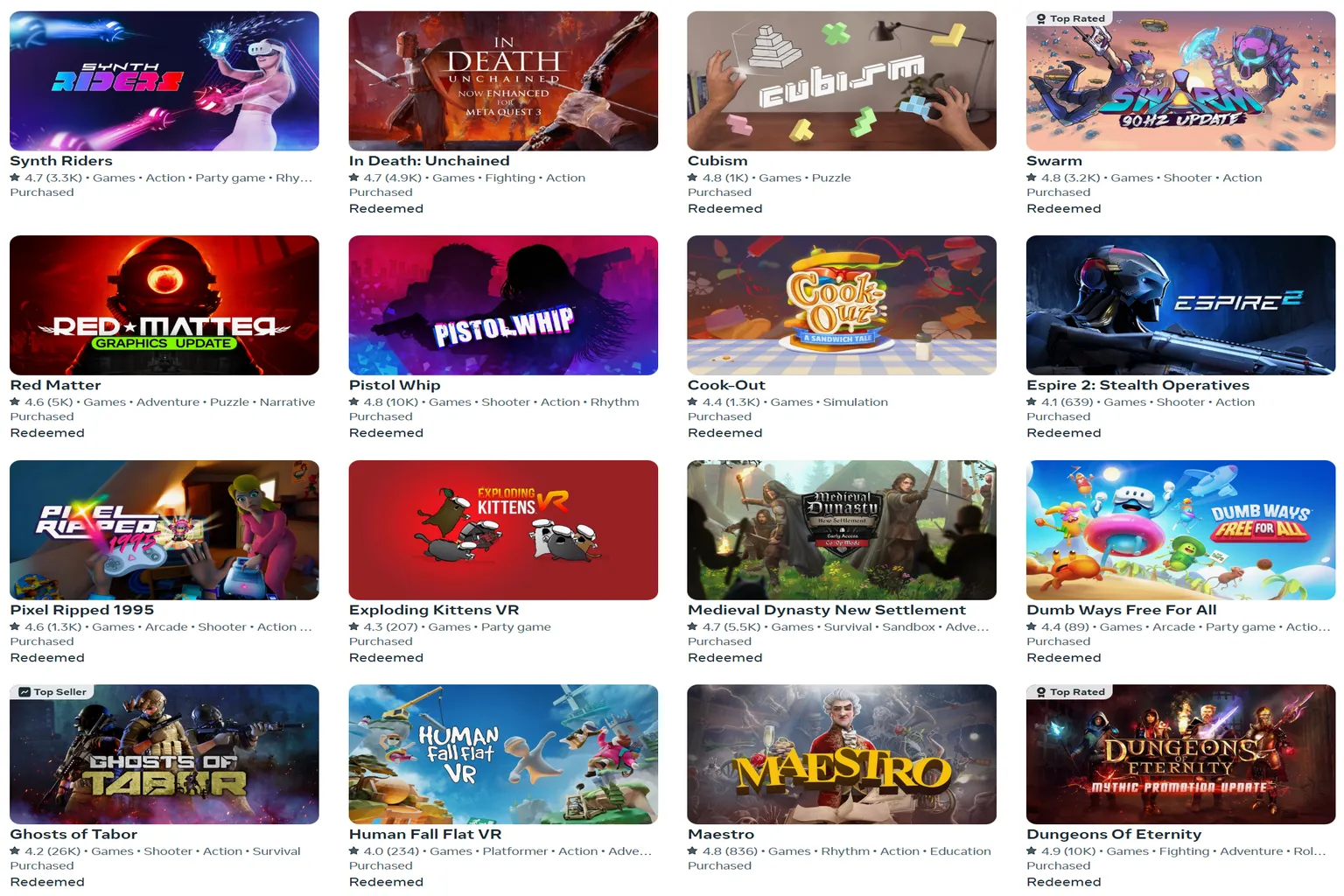
On the first day of every month, two new games are added inside Meta Horizon’s Horizon+. Once you claim them, they’re added directly to your game library.
You can play any claimed game at any time as long as your Horizon+ subscription is active.
If you cancel Horizon+, those games will temporarily disappear from your library. But when you resubscribe later, you’ll be able to play them again.
Every month, two new games are added to the lineup.
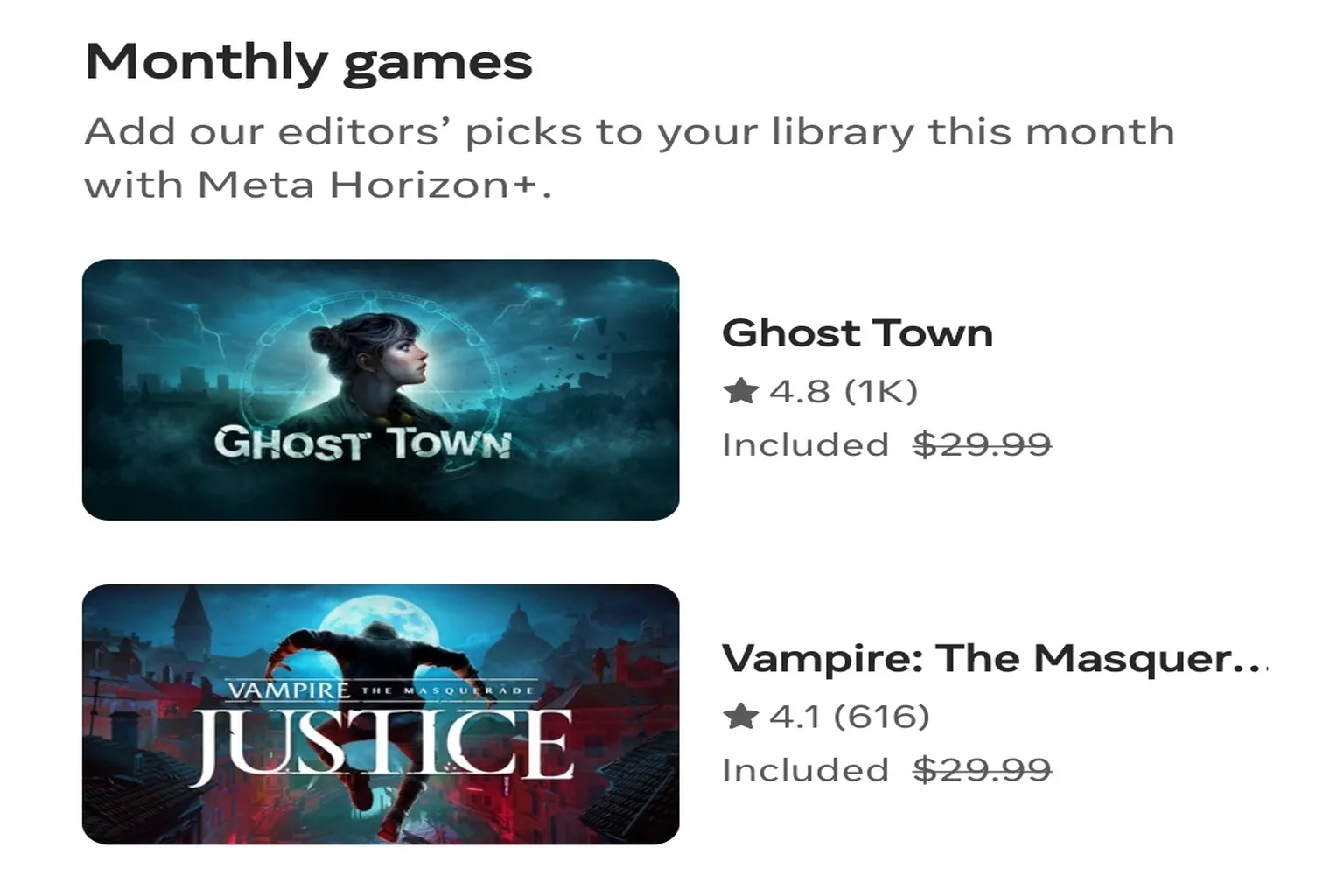
You just tap Redeem, and that’s it.

You can also download it anytime later from your library.

Horizon+ Game Catalog
Back when it was still called Quest+, this feature didn’t exist. You only got two games per month, so for subscribers, it honestly felt pretty thin.
Starting in 2024, Meta added dozens of games directly into the Horizon+ catalog. That means the moment you subscribe, you already have a solid lineup of games ready to play.
Don’t underestimate this subscription library. It’s not just a bunch of small filler titles thrown together to pad numbers. There are real flagship games in here.
For example, the December 2025 catalog includes around 50 titles. Added up, the total value comes out to roughly $800.
- Asgard’s Wrath 2 ($59.99): Meta’s flagship AAA VR title
- Demeo ($39.99): A hugely popular turn-based VR board game
- Pistol Whip ($24.99): A legendary name in VR rhythm games
There’s also a proper selection of comfortable, low-motion games, so even players who get motion sick are covered.
Eleven Table Tennis
The Most Realistic VR Sports Workout
VR Comfort Level: 🌀
Genre: Sports

Maestro
The 2024 Game of the Year You Conduct With Your Bare Hands
VR Comfort Level: 🌀
Genre: Rhythm Music
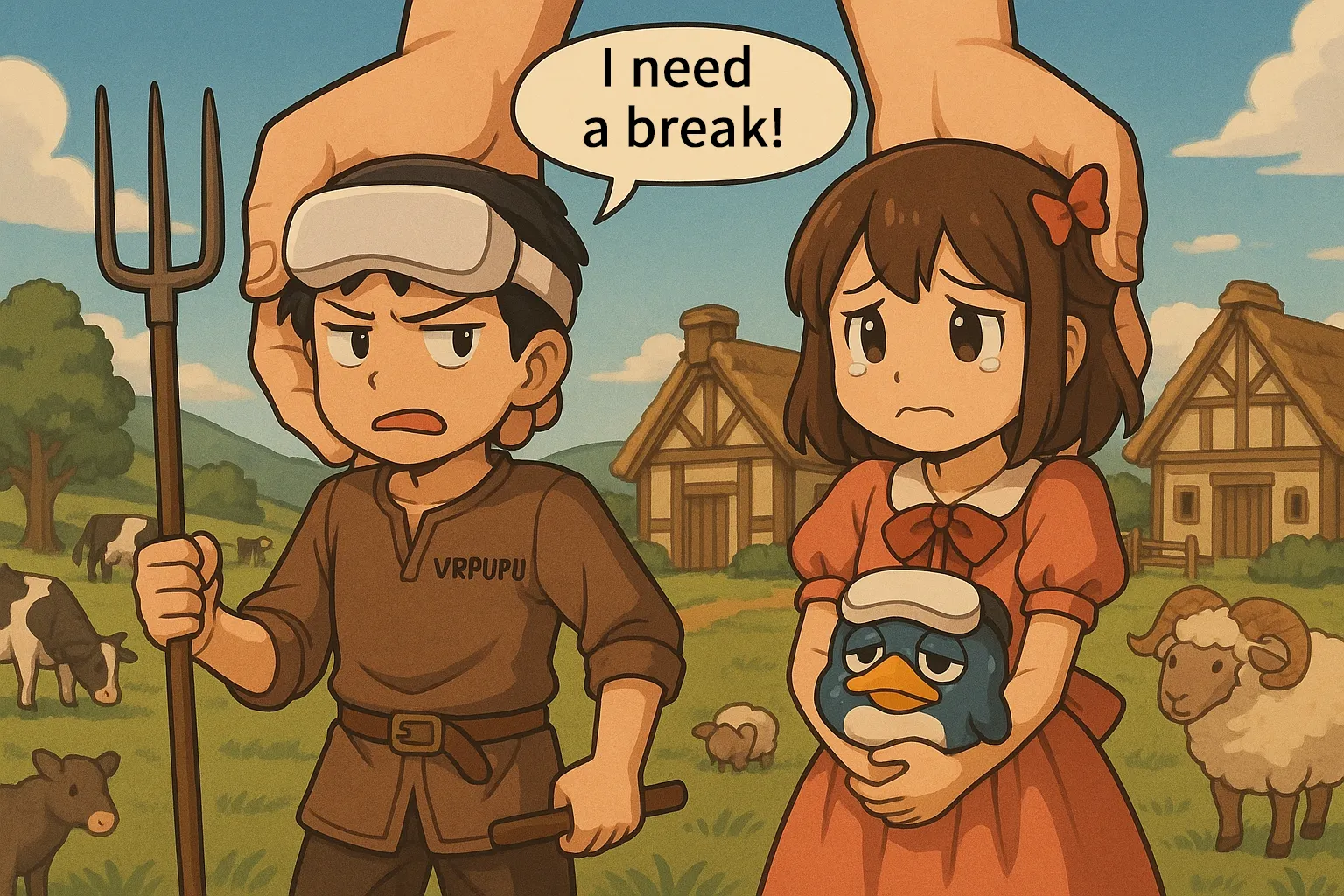
Townsmen VR
The Ultimate Cozy God-Game City Builder
VR Comfort Level: 🌀🌀
Genre: Simulation
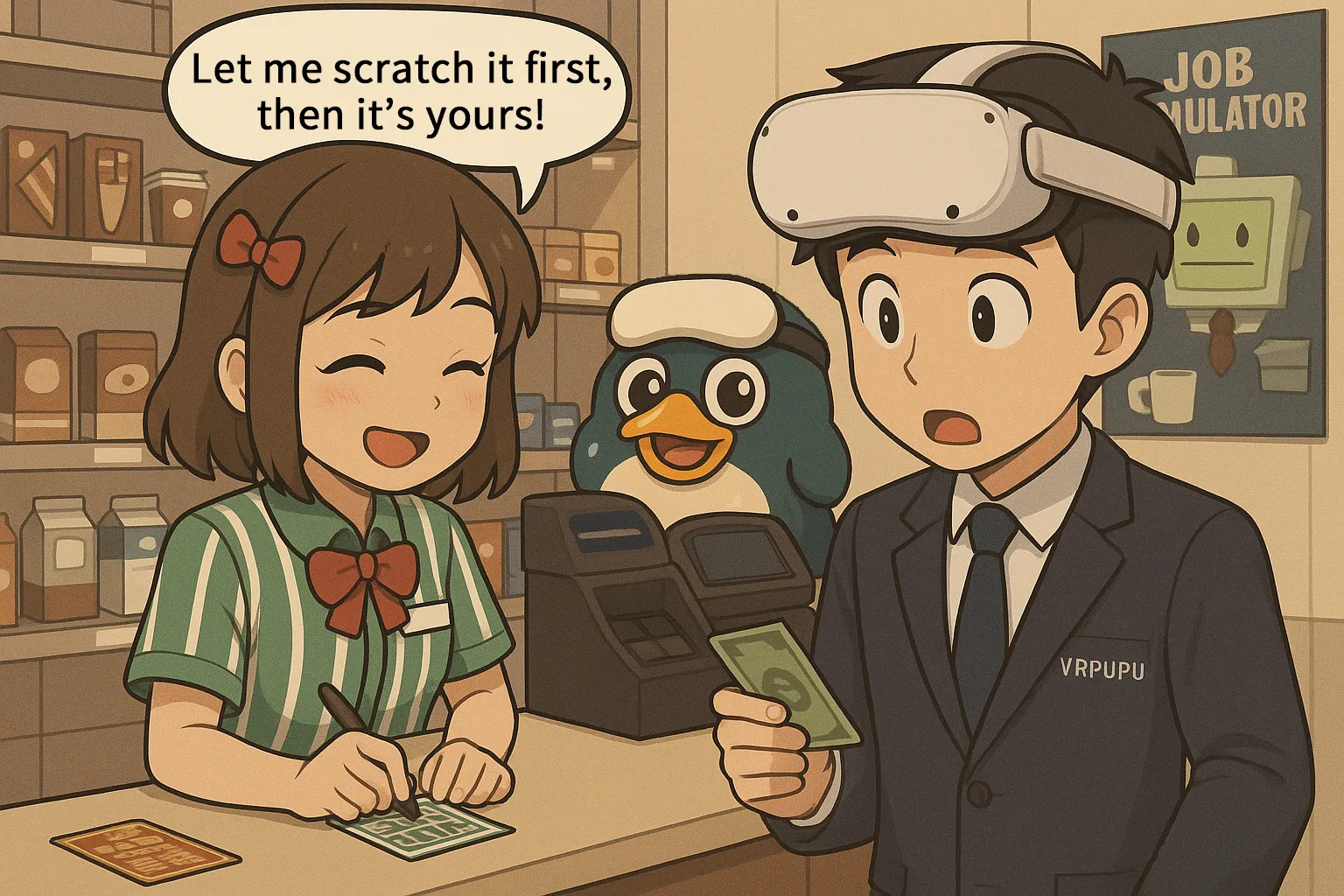
Job Simulator
The Ultimate Hilarious VR Sandbox
VR Comfort Level: 🌀
Genre: Simulation
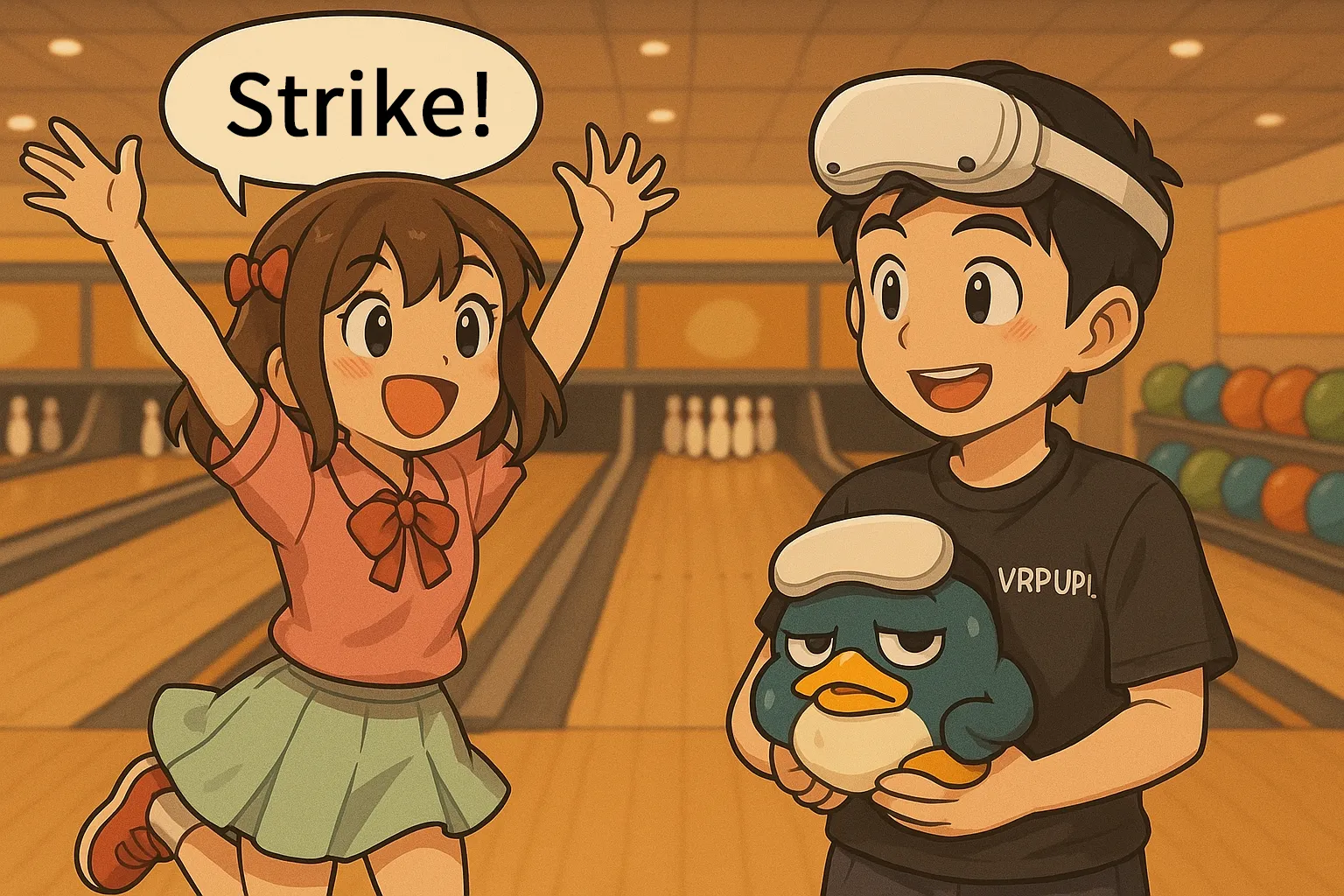
Premium Bowling
The Most Realistic VR Simulator
VR Comfort Level: 🌀
Genre: Sports

Cook-out
The Closest Thing to Overcooked in VR
VR Comfort Level: 🌀
Genre: Puzzle
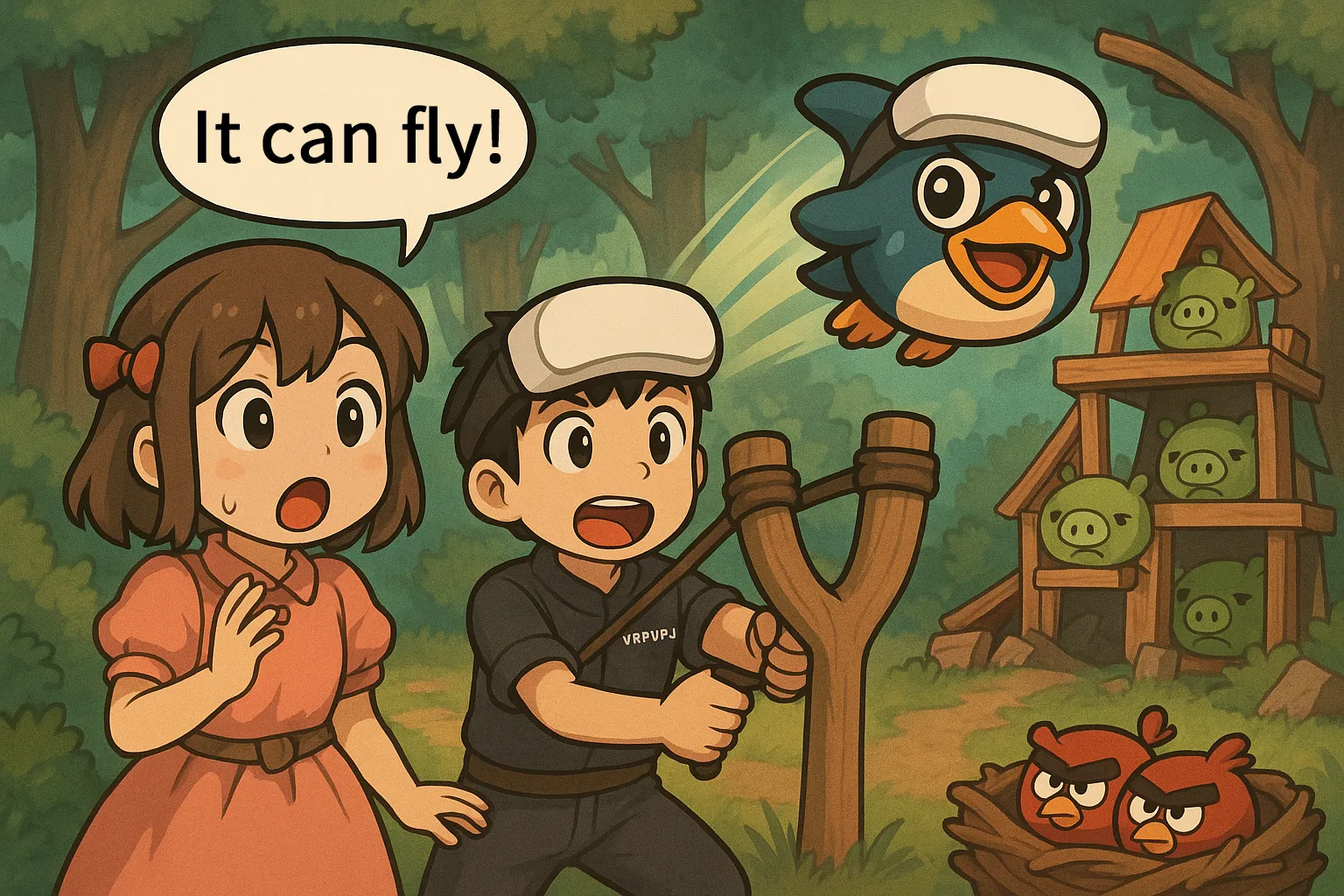
Angry Birds VR
Smashing Pigs in Mixed Reality
VR Comfort Level: 🌀
Genre: Puzzle

Puzzling Places
The Ultimate Relaxing 3D VR Jigsaw
VR Comfort Level: 🌀
Genre: Puzzle
As long as your subscription is active, you can play everything for free. VR game stories are usually pretty short, so it’s not hard at all to get your money’s worth.
One thing to watch out for: any game you claim while you’re subscribed to Horizon+ is treated by Meta as “already purchased.” If you actually want to buy it, you won’t see a Buy button by default. You’ll need to open the Meta Horizon mobile app and tap the ︙ menu in the top right to access the purchase option.

Indie Games catalog
This system was added in October 2025, and it wasn’t available to everyone right away.
Truth be told, even as a long-time subscriber, I didn’t get access until mid-December.
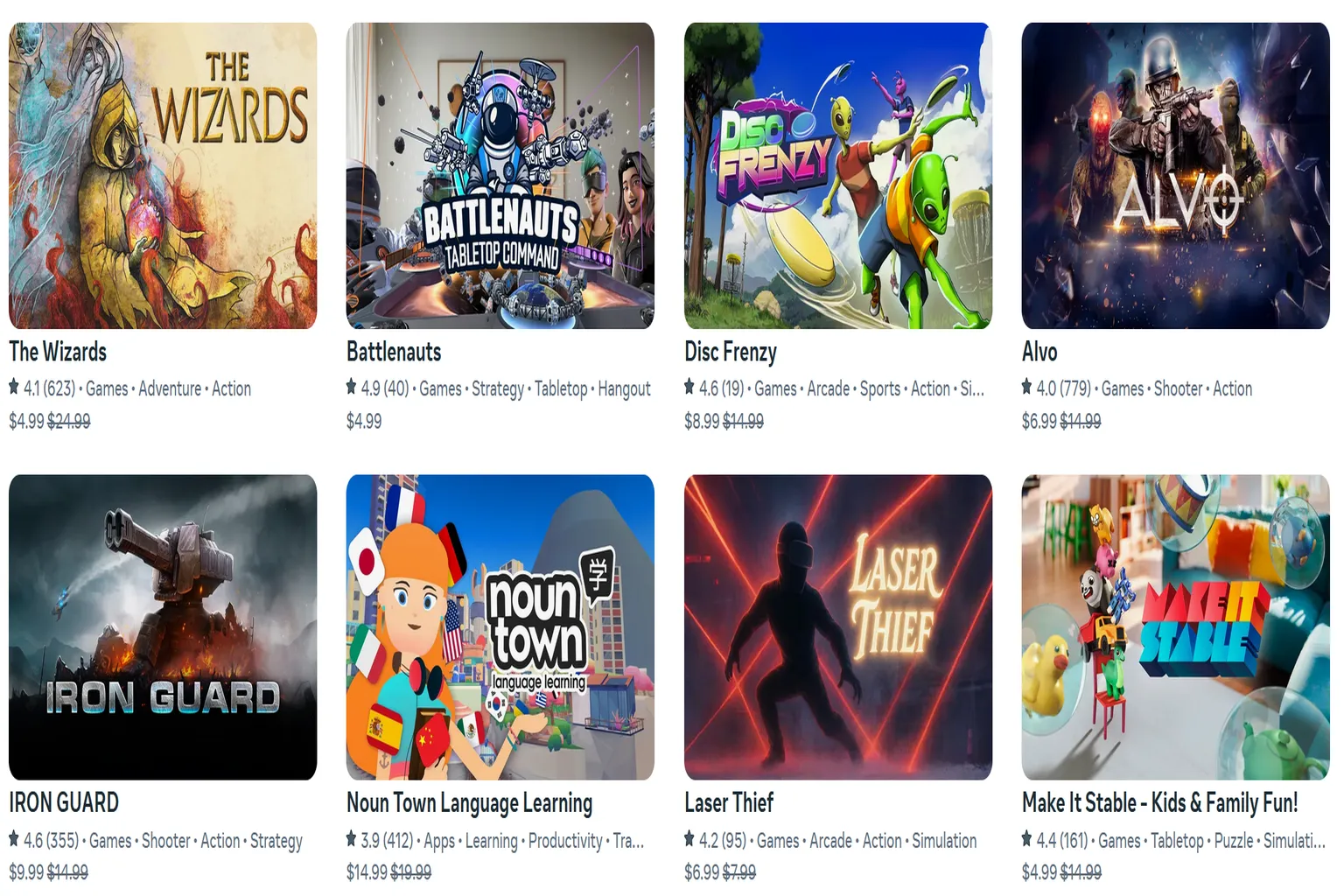
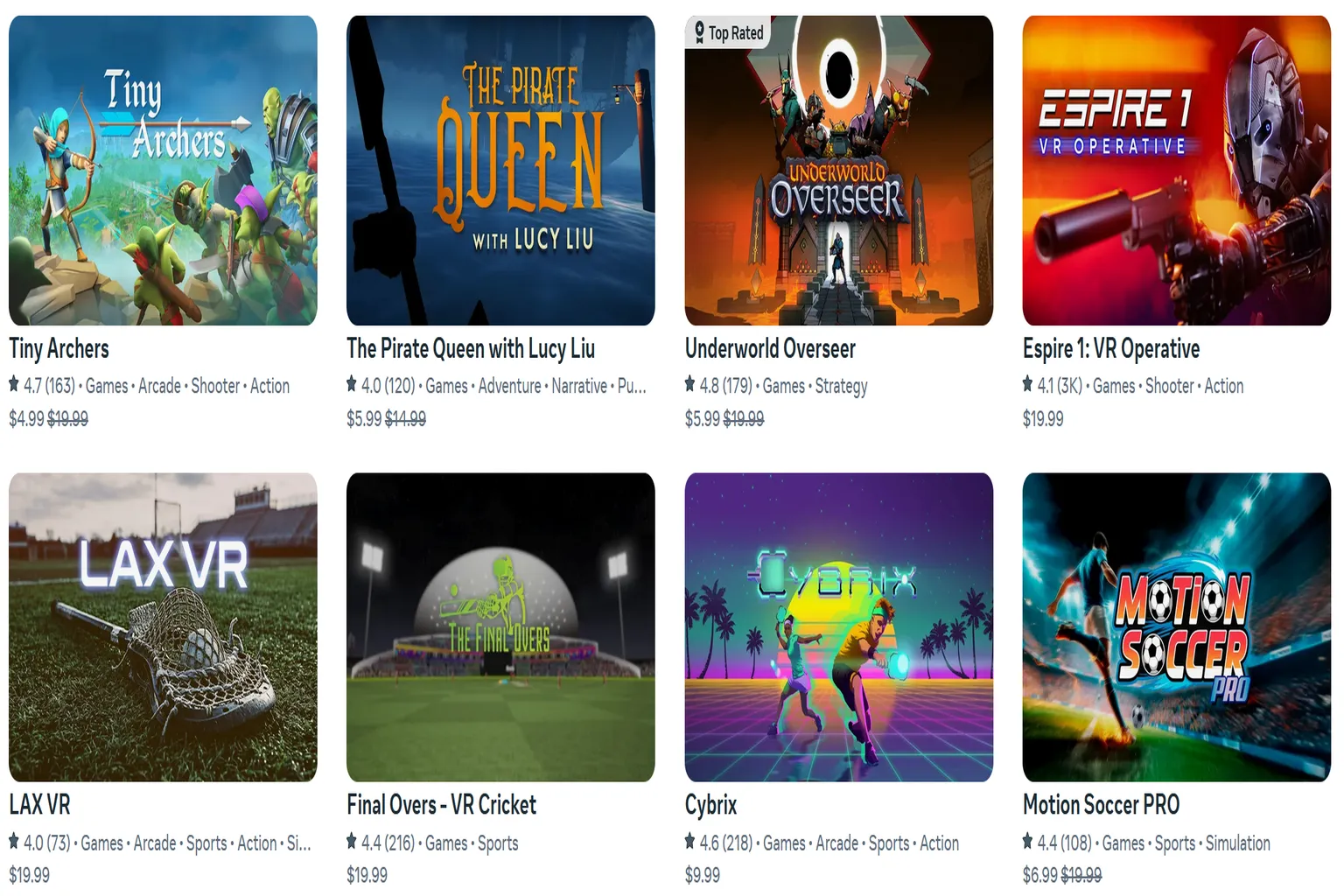
In December 2025 alone, 33 indie titles dropped at once. If your account is eligible, you can just download all of them and start playing.
A lot of people probably miss this entirely, so if you notice it’s available on your account, it’s worth checking at least once.
And this time, Meta is clearly going all in on volume.
When you look at the lineup, there are plenty of games that you’d normally pay real money for. They’re not token freebies. Meta basically unlocked them outright.
I did a rough calculation, and just this batch alone adds up to over $400 in value. This isn’t some small bonus thrown in as an afterthought.
A few standouts that really made me think, “Yeah, this is big”:
- Ironlights ($19.99):
A melee-focused VR combat game that isn’t about wild swinging. It leans heavily on timing, reading your opponent, and mind games, with slow-motion sword duels. It’s definitely quirky, but if it clicks with you, it really clicks. - The Wizards ($24.99):
A fantasy VR adventure built around gesture-based magic. You actually cast spells with your hands, and the sense of immersion is strong. If you want to feel like a wizard in VR, this is an easy pick. - Tiny Archers ($19.99):
A solo defense game where you protect your base and shoot down waves of goblins with a bow. Landing shots feels great, the pacing is solid, and it’s easy to end up playing round after round.
Looking at the indie catalog holistically, it’s clear this isn’t just a throwaway bonus. It signals that Meta is serious about elevating the baseline value of the Horizon+ subscription. These aren’t just ‘filler’ titles to pad the numbers; they are standalone experiences worth your time.
Exclusive Deals
Horizon+ subscribers get access to exclusive perks. These mainly come in the form of extra game discounts, sometimes going as high as 70% off. That said, these benefits are only available to paid subscribers. They do not apply during the free trial period.
Even during the free trial, you can still see the discount information for games.

However, you can’t actually buy games at Horizon+ member pricing while you’re on the free trial. To purchase at the discounted price, you need to be on a paid plan.
Free users can only buy games at full price.
For games that already have a Meta Store discount applied, no other discounts can be stacked. This includes things like:
- Friend referral discounts (-15%)
- Entering the VRPUPU creator code (-10%)
- Publisher discount codes (-10% to -95%)
If you’re a Horizon+ member, though, you can get additional discounts on top of sales. For example, Garden of the Sea normally retails for $24.99, but paid Horizon+ members can pick it up for just $7.49.

Thanks to these three major benefits, Horizon+ ends up being a very beginner-friendly option for people new to VR.
In the past, Meta also gave out avatar appearance items, clothing, and other extras, so you could look a little cooler than other people inside Meta Worlds.
However, this perk stopped being distributed after May 2026.
The new perk Meta is currently planning is “free game bundles or DLC.”
That said, this perk is being rolled out in stages. VRPUPU has been a long-term subscriber, but for now, my account still doesn’t have access to it yet.

How to Join Horizon+
There are three ways to join the Meta Quest Horizon+ subscription.
- If you buy a new Quest 3 or 3S, you get three months of the full Horizon+ subscription included.
- If you’ve never subscribed before, you can start with a one-month free trial. This is a trial version and does not include the limited benefits.
- Paid Subscribers
For new headset users
When you turn on your headset for the first time, you can claim Horizon+ from your phone. You have up to three months after activation to claim it, and once claimed, you get three months of the full Horizon+ subscription.
For users who have never subscribed before
You can start the free trial from the Meta Horizon mobile app by following these steps.
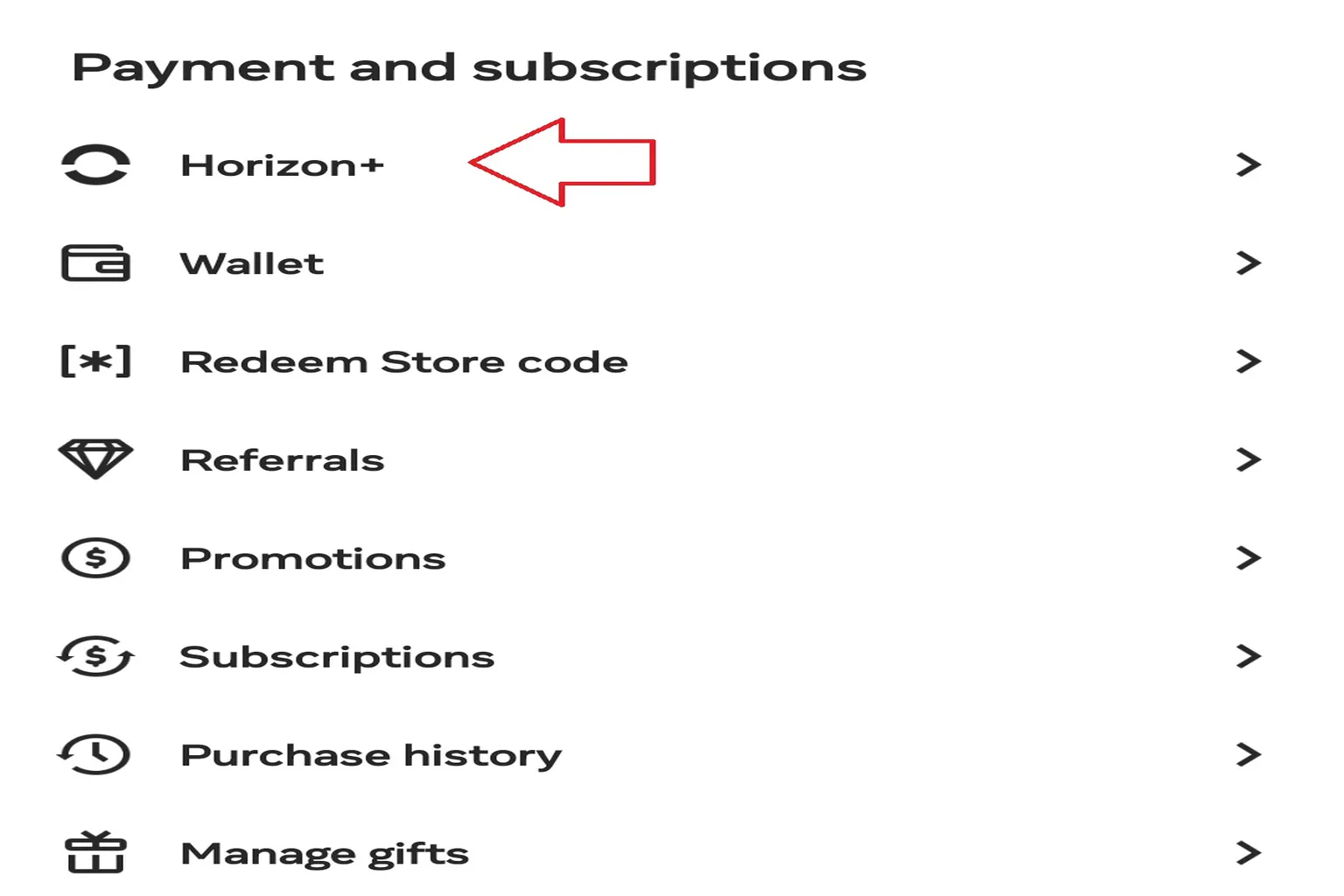
Step 1: Open Horizon+
On your phone, tap ☰ and go to Horizon+.
Step 2: Start the subscription
Select “Start 1-month free trial.”

Step 3: Choose a plan
The first month is free. Charges start from the second month. There are two pricing options.
- Monthly plan: $8.99 per month
- Yearly plan: $65.00 per year (about a 40% discount)

The fee for the plan you choose will be charged to your account starting next month. As long as you double-check the plan before confirming, you can start using Horizon+ right away.
Registration complete!
Your 1-month free trial of Meta Horizon+ has started.

How to Cancel Horizon+
One important thing to remember: unless you cancel, you’ll keep getting charged automatically even if you’re not using the service. If you don’t need Horizon+ anymore, follow these steps in the Horizon+ section of the mobile app.
Step 1: Tap Manage Subscription
Scroll all the way to the bottom of the Horizon+ page and tap Manage Subscription.

Step 2: Tap Cancel Subscription
You’ll see your current plan and pricing here. Scroll to the bottom of the screen and tap Cancel Subscription.
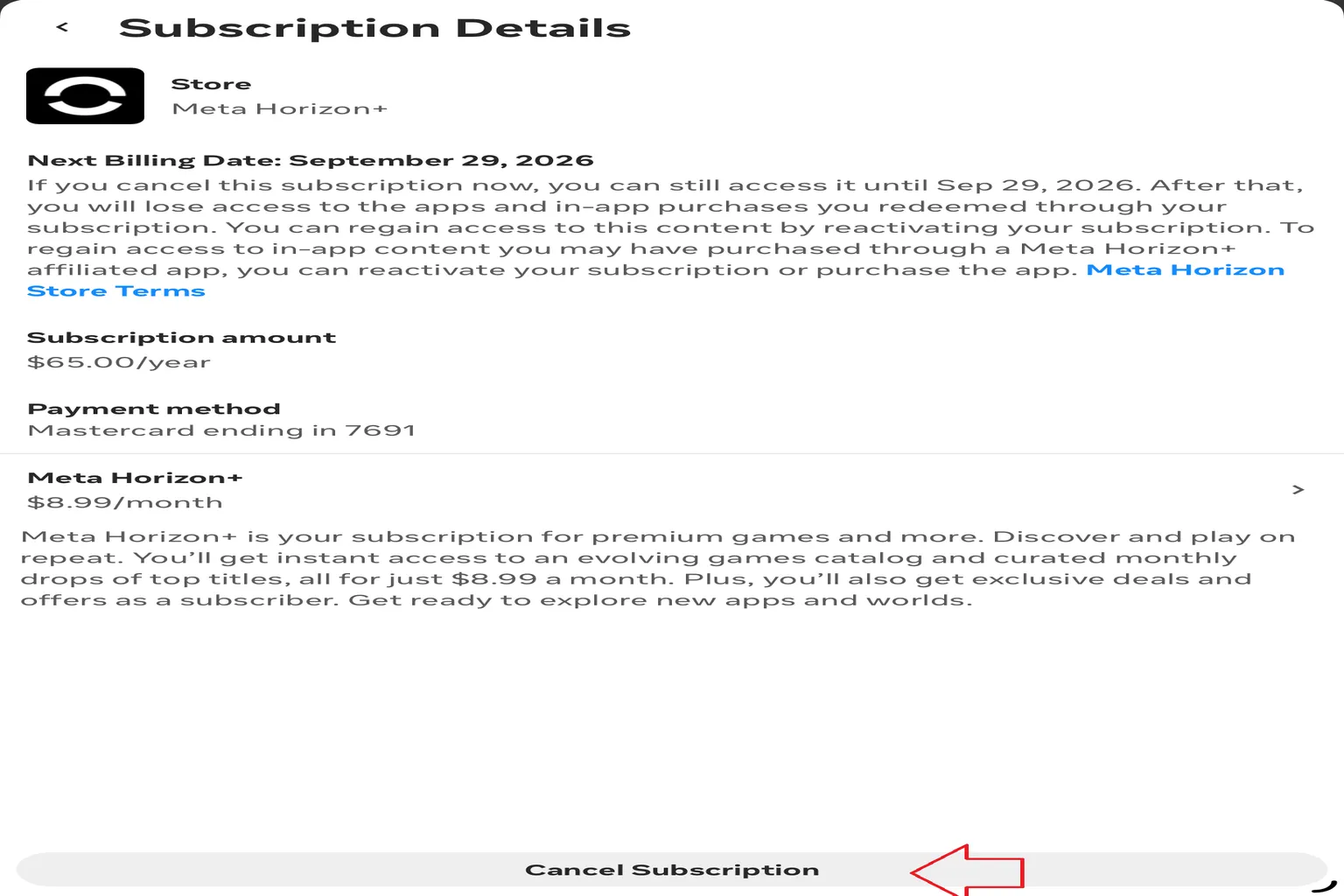
Step 3: Confirm the cancellation
At this point, you’ll see a message along the lines of “You still have one free month left, want to keep using it?” You can ignore this. Just tap Continue to Cancel.

You’ll be told that even if you cancel now, you can still use Horizon+ until the end of the current period. Tap Confirm, and the cancellation is complete.
Once this is done, your Horizon+ subscription will automatically end when the current billing period finishes.
One extra note: if you’re on a yearly plan and tap Cancel, Meta may offer you a bonus extension if you indicate you’re willing to continue. Yearly subscribers can get an extra three months, while monthly subscribers may get an extra one month.
So if you’re planning to stick with Horizon+ long term, this can work like a free bonus extension.
Recommendations & How to Choose
After going through all the benefits of Horizon+, here’s a simple way to think about who it’s best suited for.
| User | Game Library Status | Subscription Recommendation |
|---|---|---|
| Complete beginner | Empty | Subscription recommended. You can start playing a lot of games right away. |
| Family Sharing | Many games | Subscription recommended. It works well for multiple users with different games they want to play. |
| Experienced player | Large library | Consider subscribing. Check the catalog first, and join if there are games you want. |
| Just want to borrow and play | Incomplete library | Free trial recommended. Even just borrowing games to play is more than enough to have fun. |
One thing to keep in mind is that subscription games aren’t permanently yours. Meta rotates titles in and out on a regular basis. If there’s a game you really want to keep long term, you’ll need to buy it separately.
Still, it’s impressive that Meta offers a Horizon+ subscription that’s this beginner-friendly. Even if you’ve just started with Quest VR, once you buy the headset, you immediately have a proper lineup of games to play.
Picking up a Quest 3 or 3S right now and diving fully into VR isn’t a bad move at all. For more details, check out “Where to buy Meta Quest 3 / 3S?”.
FAQ – Common Questions
What’s the difference between Horizon+ and Quest+?
Before April 2025, it was called Quest+. After that, everything was unified under the name Horizon+. The features are exactly the same. It was just a branding change.
If I claim this month’s games, can I still play them after canceling the subscription?
No. Even if you tapped “Claim” during that month, once you cancel the subscription, you lose access. Games obtained through Horizon+ can only be played while your subscription is active.
Can I gift Horizon+ games to someone else?
No. All games claimed through Horizon+ are tied to your account. You can’t transfer or gift them to another person.
If I forget to tap “Claim” for a monthly game, can I get it later?
No. Each month’s two games are only available to claim for that month. If you miss it, you can’t go back and get it later.
I’m using a new account. Do I automatically get three free months?
Only if you purchase a new headset. The three-month Horizon+ subscription comes with the hardware. Regular new users only get a one-month trial.
Can I keep using free trials every month to play for free forever?
No. Each account can only use the free trial once. After the trial ends, you need to pay to continue.
Horizon+ sale prices are cheap, but what if there’s no discount during the trial period?
In that case, you can upgrade directly to a paid plan. On the game page, press the button on the left to switch Horizon+ to the full paid version.
Can I buy multiple years of Horizon+ in advance, like stacking PS Plus until 2036?
No. Horizon+ is a subscription service. There’s no option to prepay for multiple years. The maximum you can sign up for at once is one year.
Why doesn’t the “Indie Catalog” show up in my Horizon+ menu?
This feature is being rolled out in stages by Meta. It’s not released to everyone at the same time. If it hasn’t reached your account yet, it’s normal for the menu itself to be missing. There’s nothing wrong with your settings or your account. Once the system enables it for you, it will just appear one day on its own.