
Remember the frustration of spending days on a 500-piece jigsaw puzzle only to find the final piece missing? Puzzling Places on Meta Quest completely eliminates that pain, transforming the classic tabletop hobby into a stunning 3D VR experience. Whether you are piecing together a hyper-realistic historical church or teaming up with a friend in Mixed Reality, this game offers an incredibly relaxing, physical puzzle experience without the living room mess. From breezy 25-piece builds to grueling 1,000-piece challenges that will seriously test your spatial logic, here is my full review of why this is a must-have chill game for your headset.
Game Introduction
The last time I did a puzzle was… about 30 years ago.
I bought a 500-piece forest scene from a neighborhood toy store and thought, “This should be easy.” Three days later, I’d only finished the corners, and it ended up in the trash.
There are still hobby shops that sell puzzles, but they’re nowhere near as popular as they used to be.
There are all kinds of designs, from landscapes to anime art, but it feels like fewer people actually buy and play them now.
With smartphones and tablets offering endless videos, not many people go out of their way to sit down with a puzzle anymore.
But once in a while, don’t you want that feeling again, when your brain starts heating up from thinking too hard?
This VR puzzle game, Puzzling Places, is actually really good.
One of the best things about doing puzzles in VR is that you never have to worry about losing a piece.
You know that feeling when you’re almost done and one piece is missing? That’s the worst.
Puzzling Places is a 3D puzzle game where you assemble things like castles, kimono displays, and churches with your own hands.
You look at each piece from different angles, thinking, “Where does this fit?” Then you slowly build the structure from top to bottom, right to left.
If you think it’s too easy, you can raise the piece count from 25 to hundreds or even thousands. It’s a good way to test your limits.
Before you start, take a slow breath and calm down.
This game is meant to be enjoyed slowly, without rushing.

Let’s go over the controls first.
- Pointing: Half-press the Trigger to point in the direction your Controller is facing.
- Grab / Drag: Pull the Trigger while aiming at the piece you want to move. You’ll grab it and can reposition it.
- Return to Shelf (Label Switch): While holding a piece, push the Stick forward to send it back to the shelf.
- Switch Shelf Pages: Tilt the Stick left or right to flip between shelf pages.
- Move Around: Hold the Y and B buttons at the same time, then move both Controllers left or right to move your character.
- Menu: Press and hold the menu button on your left Controller for about two seconds to return to the main menu.

First, pull a piece out from the shelf.
Point at the one you want with your Controller, then pull the Trigger. That’s it. You grab pieces one at a time and bring them over to your work area.

When you move two similarly shaped pieces close to each other, they’ll snap together automatically.
But watch out—if the orientation is wrong, or the tabs and slots don’t match, they won’t connect. Seeing those details, figuring it out, and making the right call is where the fun comes from.

If there are pieces you’re not using, send them back to the shelf to keep your workspace clear.
Press the broom icon at the bottom, and it’ll neatly group and organize the pieces on the shelf for you.

The menu offers a variety of different puzzles, and you can freely adjust the number of pieces.
Before starting a stage, take a look at the difficulty settings.
You can change the piece count depending on how much time you have and what kind of mood you’re in. A lighter puzzle might take around 10 minutes to finish, but the harder ones can easily take one to two hours.

This stage is called “Dracula’s Dinner.”
Everything around you is pitch dark, and there are eerie sound effects playing in the background.
The atmosphere actually gives you a bit of a chill.
You just have to hope that when you finish it, a vampire doesn’t suddenly jump out of a coffin and bite you.

It helps to use the reference image at the bottom while you work.
A lot of the pieces look almost identical in shape.
On top of that, each piece has orientation—inside and outside, front and back, top and bottom, left and right.
Even if a piece looks like it fits from the front, sometimes the correct match is actually on the back.

Alright, it’s finished.
Head back to the menu and move on to the next stage.
That moment when you look at what you spent minutes, or even hours, putting together just feels incredibly satisfying.

If you want a real challenge, try the “Mosque” stage below.
If you take it seriously, this one takes a while. It took me almost two hours to finish.
If you settle in and take your time, you probably won’t stop at just 30 minutes. You’ll end up playing a lot longer than that.

Look at this pile of pieces. It’s packed with rows of houses. Can you really finish all of this?
Once you complete the main building and start working through the surrounding houses, that’s when you’ll slowly start to feel what makes this game so satisfying.

These house pieces all look almost identical, and it seriously messes with your head.
Go ahead and try it yourself. At some point you’re going to think, “Wait, which one is which?”

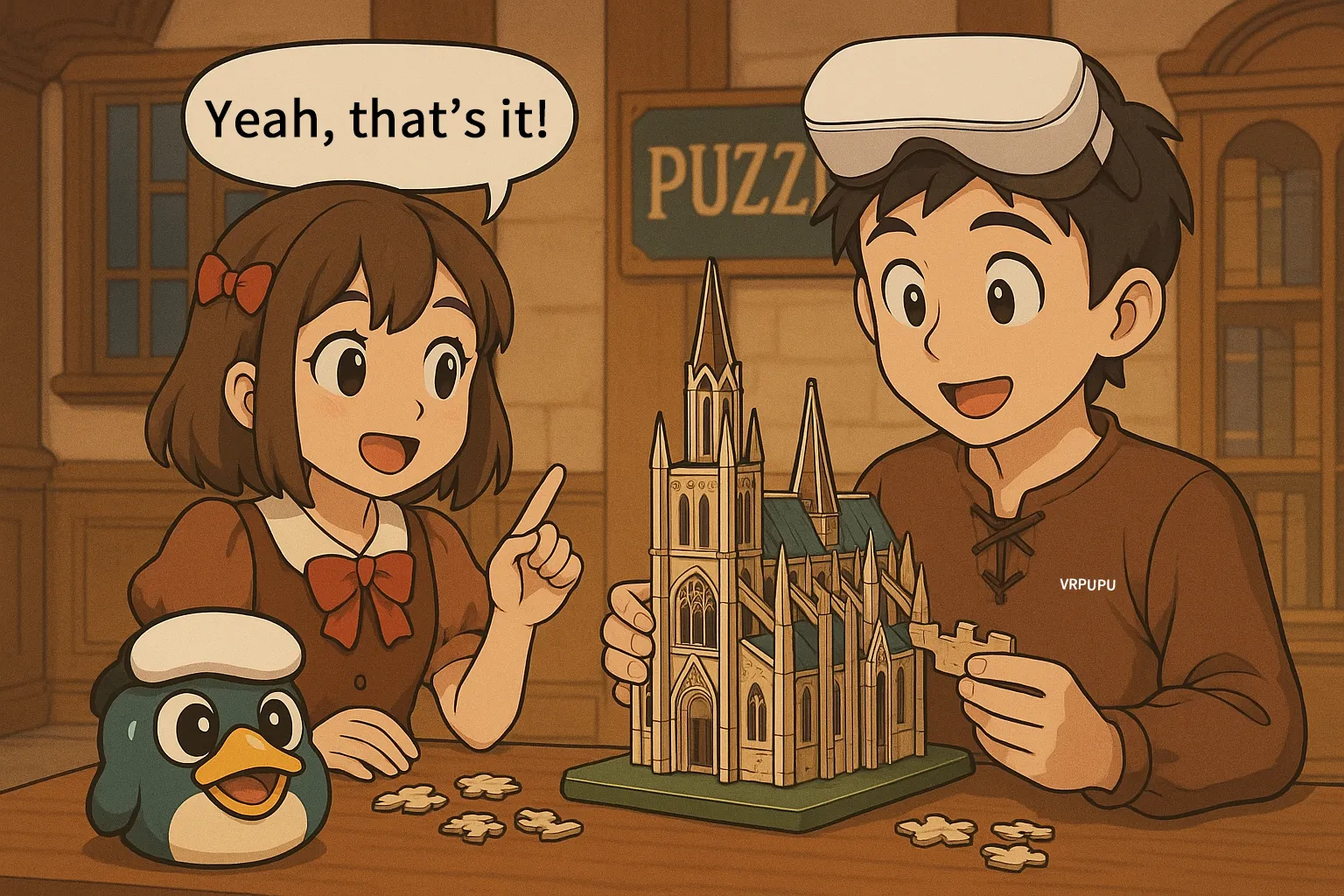
Yes, that’s it!
Game Rating
The Highlights
- The controls are incredibly simple. If you can pull the Trigger, you can play.
- There’s no motion sickness, and you don’t need much play space.
- You can adjust the difficulty however you like.
- And it even supports multiplayer.
The Drawbacks
- It takes a fair amount of logical thinking.
- Overall, the content is pretty simple, and if you play it too much, you might start to feel a bit of repetition.
- Also, extra puzzles have to be purchased separately.
Setup & Safety
You can play it while sitting down, and it barely requires any space.
Final Score & Comfort Level
Final Score: 🌟🌟🌟 (Middle of the Road)
VR Comfort Level: 🌀 (Comfortable)
Video Overview

Meta Quest Official Information
Price: 14.99 USD
This title often goes on sale during seasonal events, Black Friday, and New Year promotions. The discount usually falls around 30 to 50 percent off.
If you enter VRPUPU at checkout, you get another 10% off.
Rating: 4.8 / 5 ( 2,690 Reviews)
Official Description
The genre is puzzle. You assemble beautiful scenes from around the world as detailed 3D models and relax while you build. It ranks number one in the VR puzzle category.
You can play solo, or team up with friends through online co-op. It also supports MR mode so you can enjoy it together in mixed reality.

The visuals look fantastic.
Every puzzle is built from 3D scans of real-world locations, so the scenery comes back to life in VR.
It’s also easy to jump into.
You can play sitting down, standing up, walking around your room, or even lying down. Just pick whatever position feels most comfortable to you.

The amount of content is impressive.
Puzzling Places includes 16 puzzles from the start, and you can download 9 more for free as DLC.
It’s still getting updates, too.
New puzzle packs come out every month. You can buy them individually, or subscribe to the monthly Puzzle Pass for unlimited access.
How you want to play is up to you.

A bunch of new features have been added, too.
Hand tracking, multiplayer, passthrough mode, easy mode, and more are all available for free.
Go ahead and try it out.
Puzzling Places also offers a 15-minute free trial.

If the puzzles in Puzzling Places start to feel a bit too calm for you, try some of the more intense titles below.