Is the Meta Store blocking your game purchases with a “Request Not Completed” warning? Do not panic—this usually means Meta’s AI risk detection system has mistakenly flagged your account. In this expert guide, we break down the difference between a “Wallet Lock” and an “Account Lock” based on real-world testing. We will show you the exact daily habits that raise your account’s trust score, the email templates that actually get a response from support, and how to claim up to $50 in compensation credits. Stop searching for useless workarounds and follow our proven recovery roadmap to restore your purchasing power today.
Can’t buy games anymore?
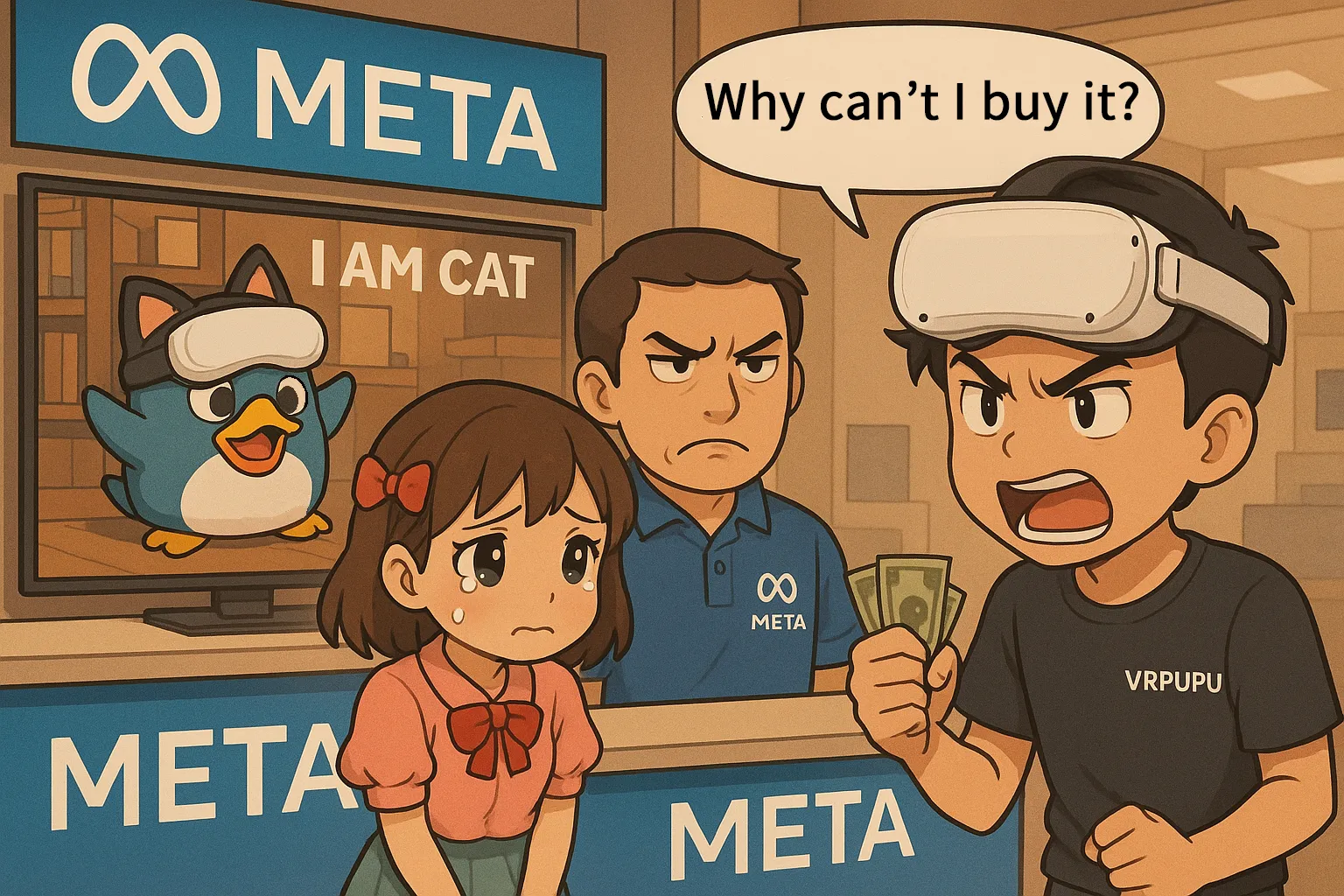
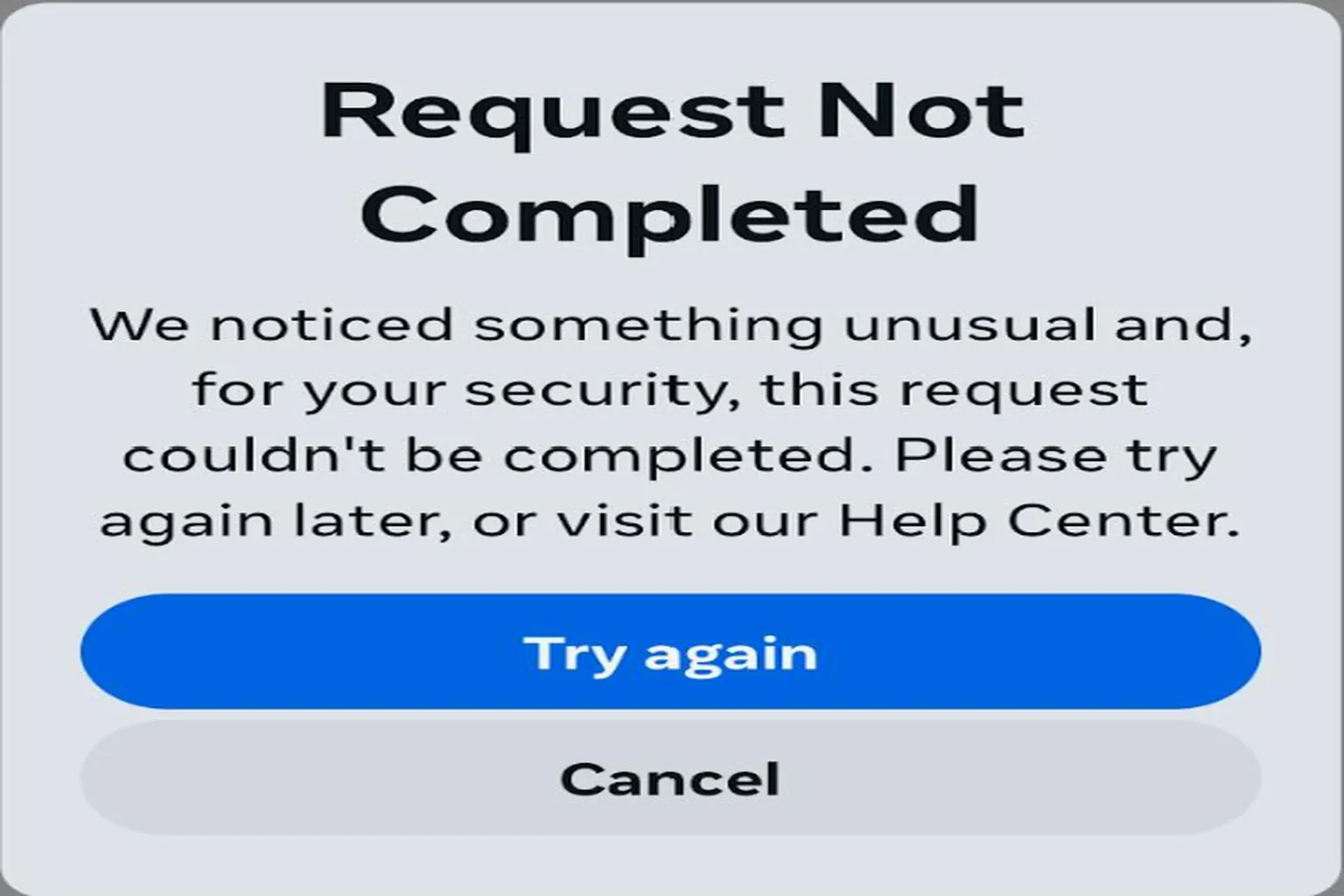
You bought a Quest 3, picked up a few games from the store without any issues… and then, out of nowhere, this screen shows up during checkout:
Request Not Completed – We noticed something unusual and, for your security, this request couldn’t be completed. Please try again later, or visit our Help Center.
In other words, your account tripped a security check, and Meta temporarily blocked your ability to make purchases.
The first time you run into this error, you usually brush it off like, “Eh, probably just a bug. It’ll fix itself.”
But then one day passes. Then two. Nothing changes. You still can’t buy anything from the Meta Store. Worse than that, you can’t even receive games as gifts from other people. At that point, it feels like your entire account has been locked out of the Meta Store.
You might think, “That won’t happen to me,” but honestly, anyone who’s ever bought games on the Meta Store could run into this. When I hit this problem for the first time, I dug through both local and overseas forums and tried every so-called “workaround” people talked about. None of them worked.
If you look at the Meta official forums, this issue has been going on for over two years now. A user named Shino.SamaVR started one of the main threads, and he had been locked out years ago as well. The error message he saw back then was “Request cannot be completed until further action.”
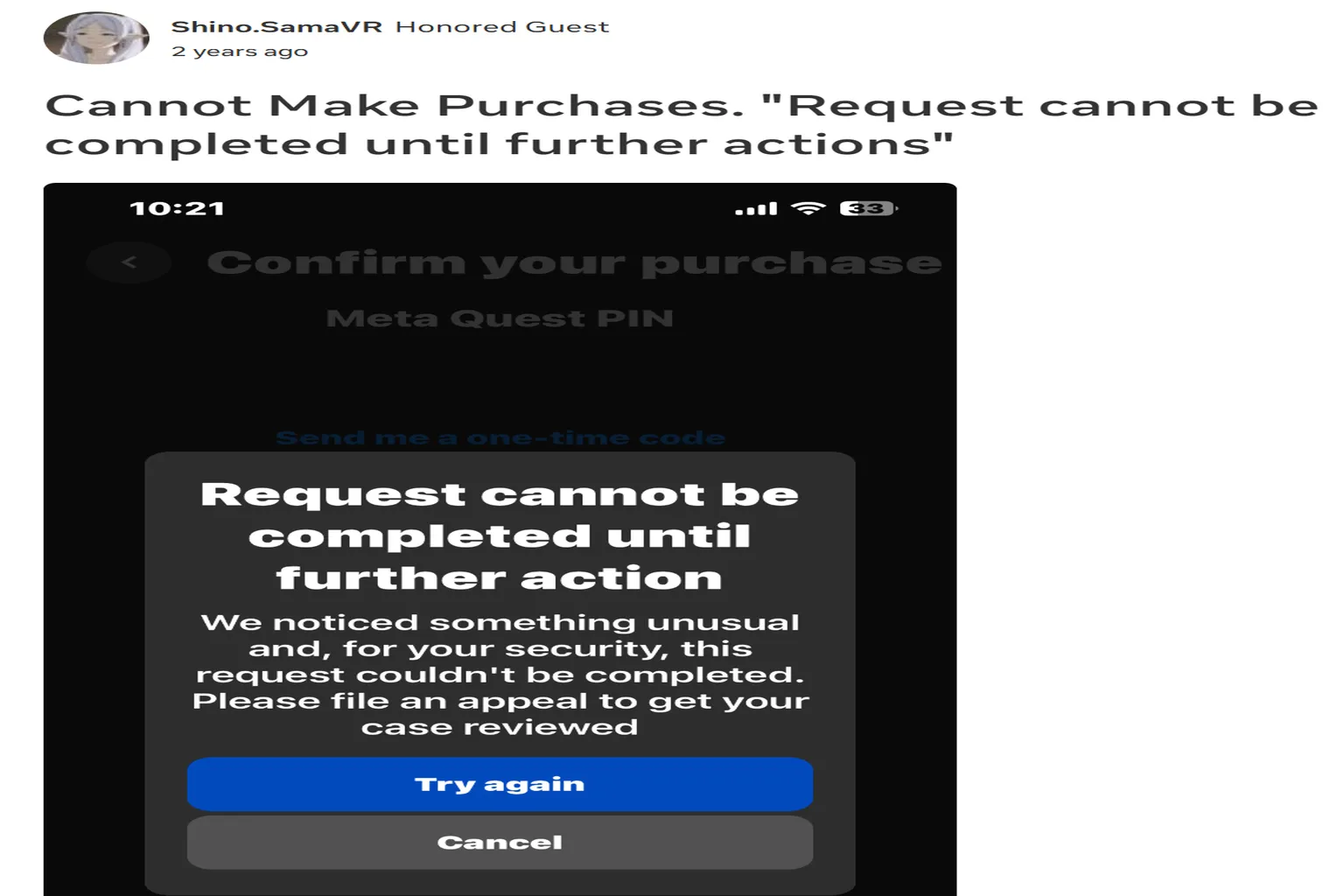
That thread has over 236 replies across more than two years, but the official response is always the same: “Please DM us.”
I actually tried that myself, and to be honest, it didn’t really solve anything.
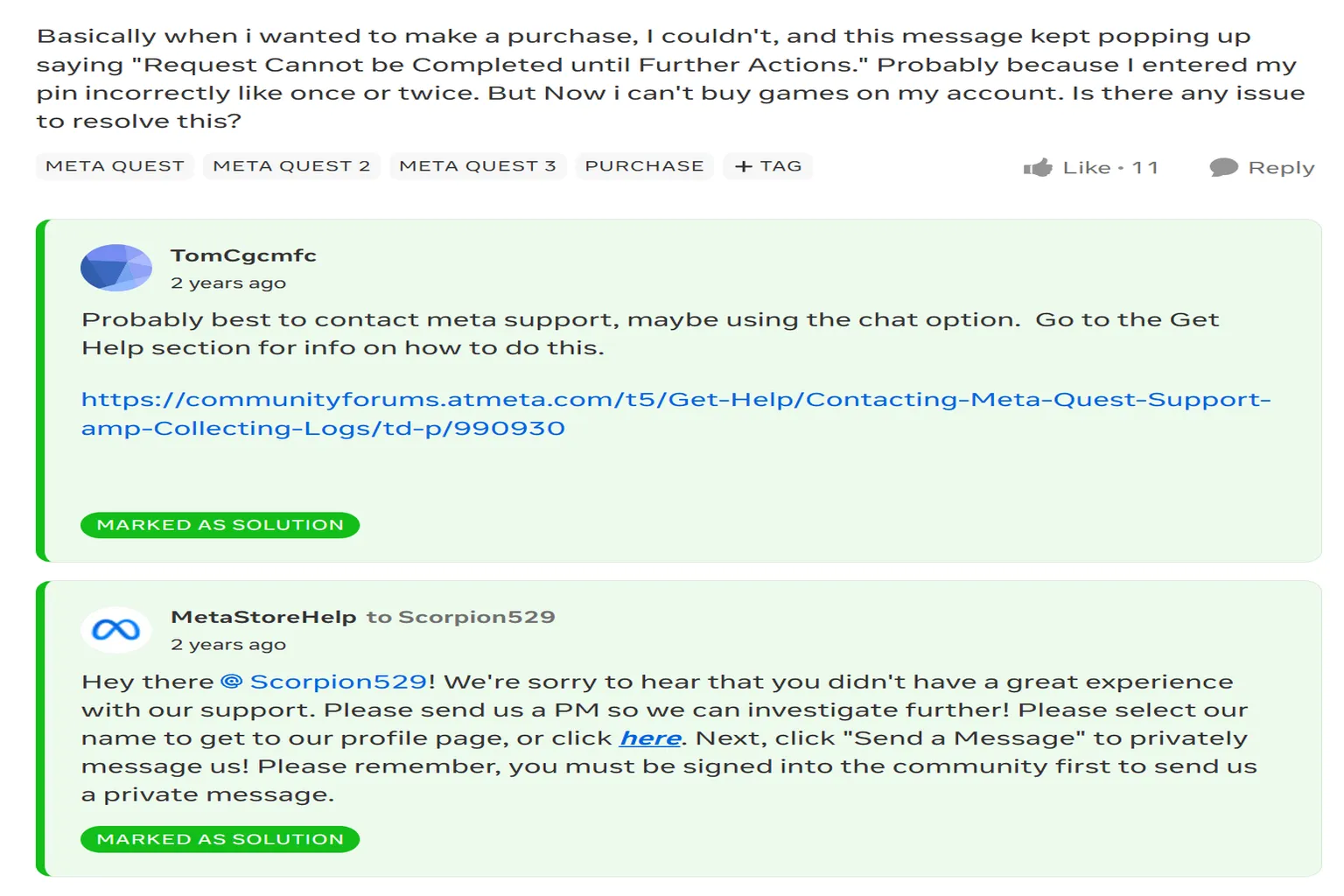
I spent about a month digging through the Meta forums with a friend, trying all kinds of things. In the end, we didn’t find a clean solution. But after getting locked multiple times and running small experiments over and over, I started to see a pattern—almost like unwritten rules in how Meta handles these locks.
Because of that, getting locked now doesn’t scare me as much as it used to.
Below is a list of things I personally tried that did not work at all:
- Changing the email address
- Changing the username
- Linking a different Facebook account
- Switching credit cards
- Switching to PayPal
- Trying to purchase from a different headset, PC, or phone
- Rebooting, clearing cookies, reinstalling Meta Horizon
- Asking for help on the official Meta forums
Unfortunately, none of these made any difference.
Why do you suddenly lose the ability to buy games?
Meta is a massive tech company with users all over the world. There’s no way they can manually review every single purchase, so they rely on AI systems to automatically judge whether user behavior looks “normal.”
If the AI decides something looks suspicious, the system takes action on its own and locks your purchasing permissions.
There are two main levels of this kind of lock.
Wallet lock
When Meta decides a wallet looks risky, you’ll usually receive an email first. It says something like “Please verify your wallet within one month.” Unfortunately, the link in that email has nothing to do with actually unlocking anything. There’s no way for users to fix this on their own. Once the deadline passes, the wallet is automatically locked, and all purchases on the account are completely blocked.
When you’re in this state, you can’t buy new games at all. Even creator codes or discount codes won’t work.
So if you receive this email, don’t wait. The right move is to contact support immediately and ask them to reset your wallet. Even if your wallet is already locked, support can usually unlock it by resetting it.
When you contact support, you can explain it like this:
(Replace the bolded parts with your own information. Don’t copy-paste it as-is.)
Sample email:
Subject: Wallet Verification Request
Hello,
A few days ago, I received an email from Meta asking me to verify my wallet.
It looks like my wallet has been locked, so I’d like to request a reset to restore purchasing access.
Registered email address: [email protected]
Account name: Hi meta / @Himeta
Quest Cash balance: 60
Last four digits of registered credit card: 1234
Thank you for your help.
Account Lock
This kind of “account lock” is especially nasty. When Meta’s AI decides that your behavior doesn’t look like that of a normal human user and feels unnatural, it locks the account first to reduce risk.
Here are the triggers I’ve personally run into:
- Large purchases in a short time
I was asked by a school teacher to buy Quest Cash gift cards in bulk. The plan was to purchase about $1,800 worth, but the account got locked as soon as I hit around $1,500. - Gifting games multiple times after purchase
I bought games and sent them as gifts to friends. After gifting four games in a single day, the lock kicked in. During major sales like the Summer Sale, the threshold gets even stricter, sometimes triggering after just two or three gifts. - Buying right after switching accounts
If you switch accounts in the Meta Horizon mobile app and then immediately buy a game as a gift for a friend, that can also trigger a lock.
What makes this worse is a kind of “collective responsibility” behavior. If one account trips the risk system, other accounts that made purchases on the same day from the same IP address or the same device (phone or PC) can also get flagged and locked together.
Looking at the overall pattern, it really feels like Meta’s risk system strongly dislikes gifting behavior. Once an account is locked, you can’t buy games at all—full price or sale price, it doesn’t matter.
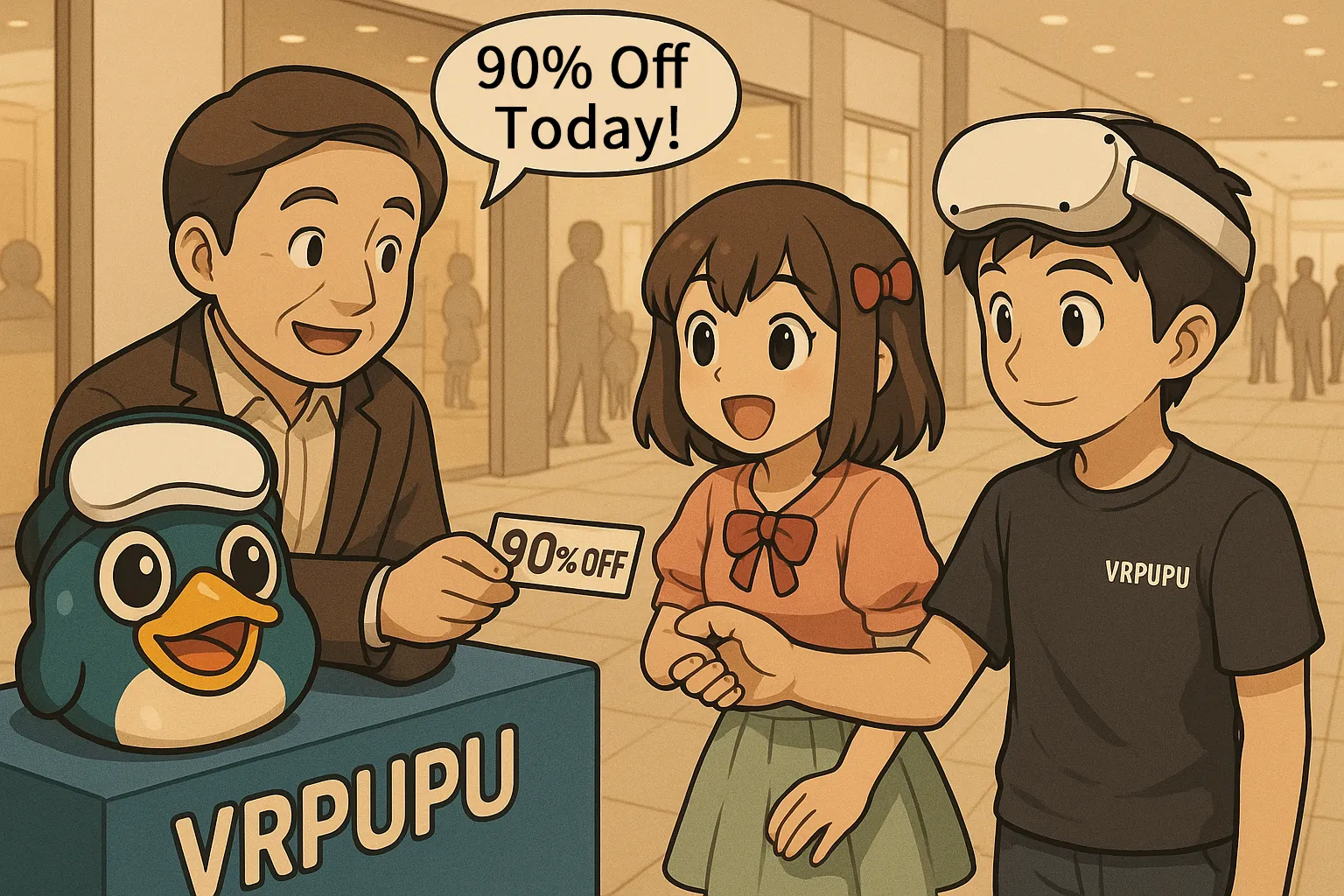
The only thing that still works in that state is buying games using a discount code.
How to Unlock?
The reason you get locked is simple: Meta’s AI thinks your behavior looks abnormal. So the way to unlock it is to make the AI decide, “This looks like a normal user.” In practice, that means you need to raise your account’s trust score by behaving in ways the system expects.
Think of it as performing normal user activity for the AI.
Try to focus on the positive actions below for at least 15 minutes.
- High-score actions (Do this)
- Log into the headset and actively use Meta Horizon Worlds
- Log into the headset and play games or watch videos
- Low-score actions (Avoid this)
- Log into the headset and only adjust system settings
- Log into the headset but stay idle and do nothing
- Ineffective actions
- Using the Meta Horizon mobile app
- Arguing back and forth with Meta Support over email
- Negative-score actions (these can extend the lock if repeated)
- Trying to buy or gift games while the account is locked
- Trying to buy gift cards from the Meta Store while locked
In most cases, even if your account gets locked, it will unlock on its own after a few days as long as you keep playing games regularly.
On the other hand, if you get locked and then completely stop using the headset, it’s not unusual for the lock to stay in place for months. I’ve seen cases where it didn’t clear even after half a year.
Another important point: even if you’re playing games to raise your score, repeatedly trying to make purchases every single day will actually hurt you. That kind of behavior lowers your score and can extend the lock instead of shortening it.
If you want the fastest possible recovery, this pattern works best:
Open the headset and play normally every day, then try a purchase test about once every three days.
One more thing to know: Meta’s AI tends to lock accounts in groups rather than individually. Because of that, when the lock is lifted, it usually gets cleared for the entire group at the same time.
What should you do when your account gets locked?
Once you understand how the lock works and how it gets lifted, the next step is to actually speak up to Meta.
We’re normal users who play legitimately. The money we spend comes from valid Quest Cash or real credit cards. Having Meta lock an account unilaterally like this isn’t something you can just accept without pushing back.
So as soon as you realize you’ve been locked, here’s how you should move.
Step 1: Email Meta
For details on how to contact support and what to write, refer to the “Support Contact Manual” section.
A sample email you can send to Meta looks like this.
(Replace the bolded parts with your own information. Don’t copy and paste it as-is.)
Sending this to support makes it much easier for them to understand your situation.
Sample email:
Hello,
At the moment, I’m unable to purchase any games on my account.
I’d like to request assistance with unlocking my purchasing access.
Registered email address: [email protected]
Account name: Hi meta / @Himeta
Quest Cash balance: 60
Last four digits of registered credit card: 1234
Thank you for your help.
Step 2: Meta’s reply and how to deal with it
Once you contact Meta, you’ll usually get a reply by the next day. The message is typically something like “We’ll handle this on our side,” and it almost always includes the same standard suggestions:
- Try a different device
- Clear cookies and try again
- Try a different credit card
That kind of checklist.
After that, they’ll arrange a “wallet reset,” which is the official process Meta uses to unlock a wallet lock.
What really matters here is a line that almost always appears in their reply:
“If it still doesn’t work, please wait 24 hours and try again.”
This sentence is important. In practice, that “24 hours” isn’t something you can shorten or bypass. You can try earlier, but most of the time nothing will change until that waiting period passes.
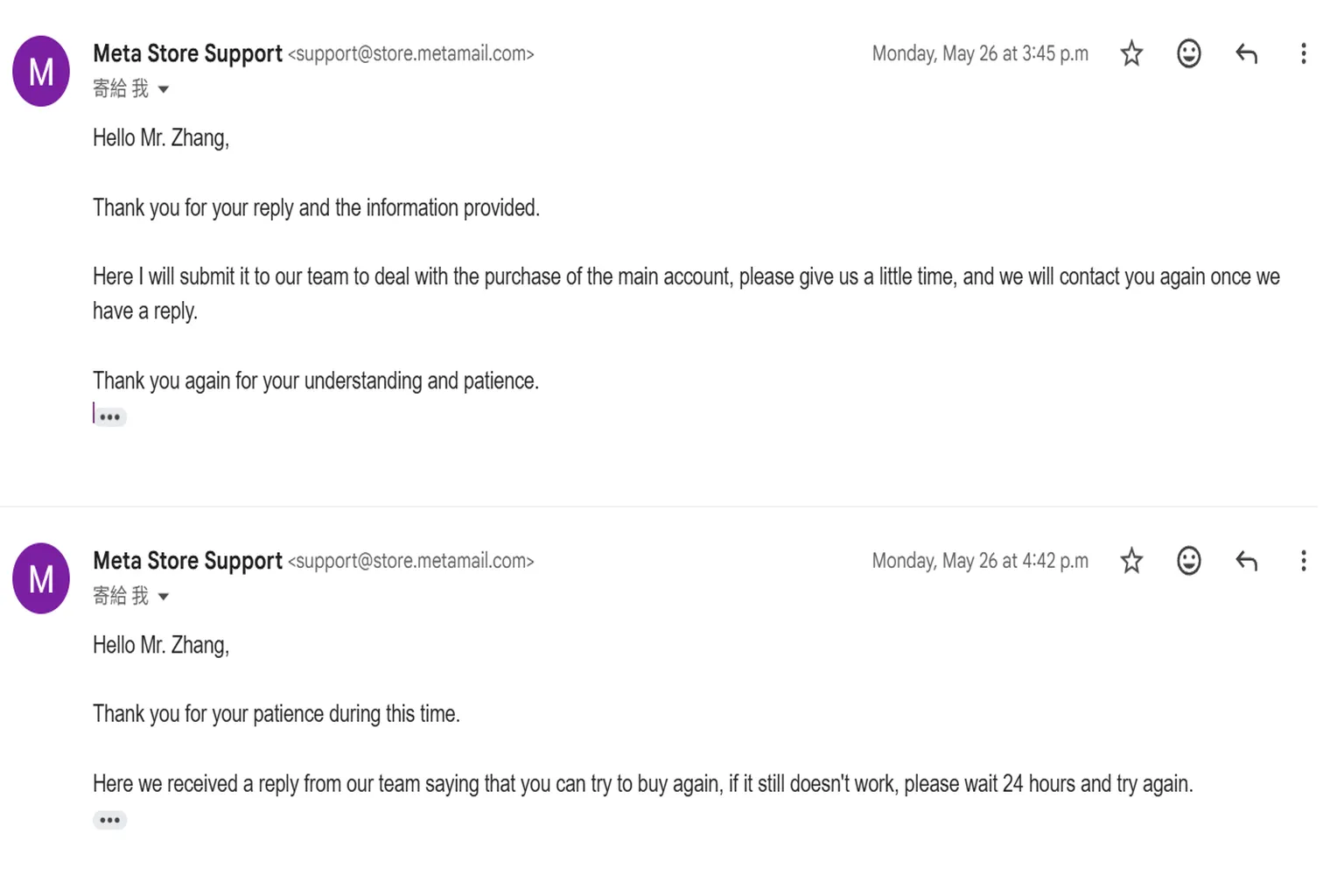
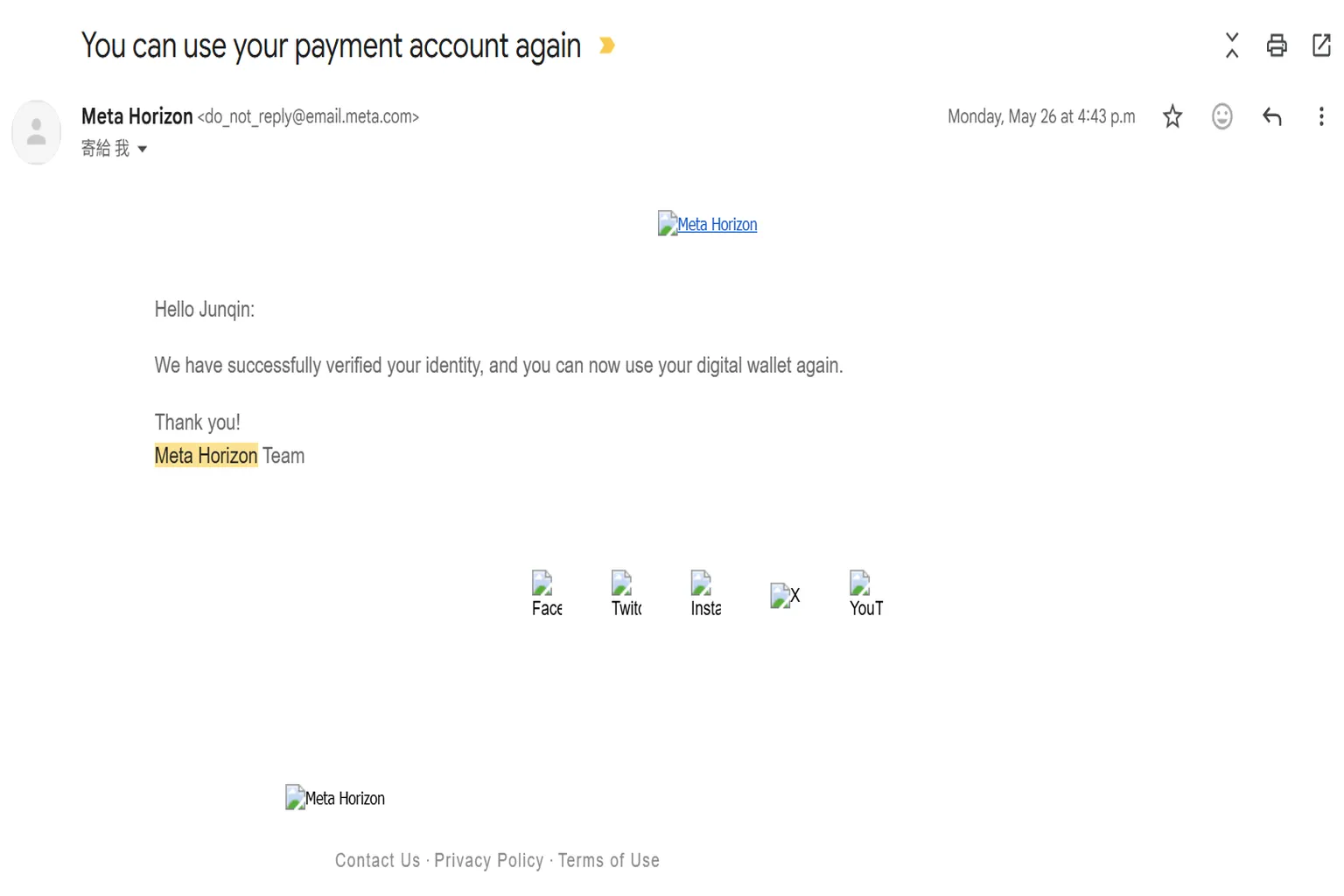
Normally, after you get a reply from support, you’ll almost immediately receive another email saying something like “Your digital wallet has been unlocked.”
This whole back-and-forth usually happens about two times.
My guess is that Meta’s real goal here is to buy time using email exchanges and the “please wait 24 hours” instruction.
During that waiting period, if the user keeps playing games on the headset and raises their account score, the AI will often lift the lock on its own—and the issue quietly resolves that way.
Step 3: Meta’s time-buying phase
When Meta realizes that your account still hasn’t been unlocked, they’ll usually respond with something like,
“Our internal team is handling this. Please continue to wait.”
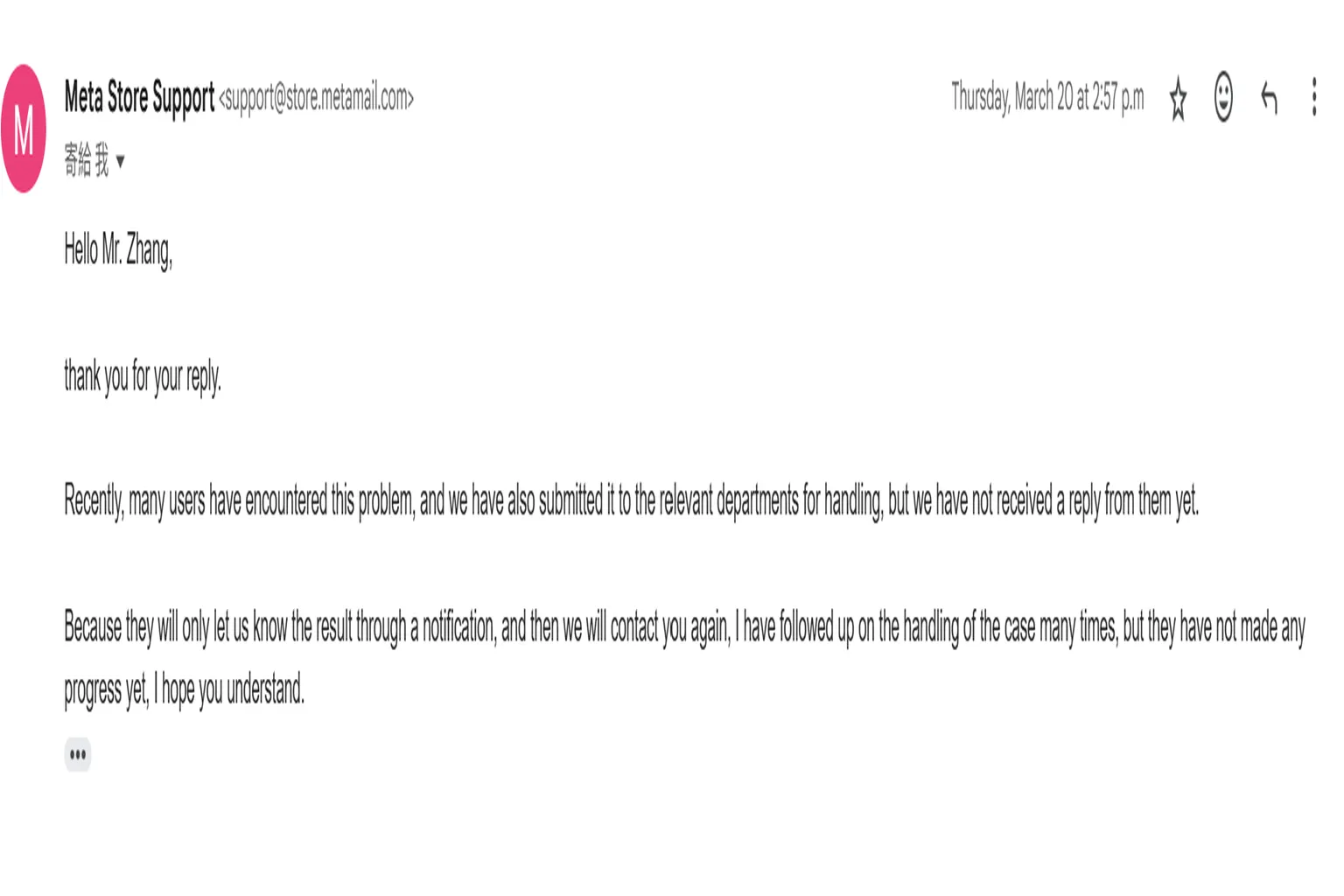
This is the point where the process fully shifts into a waiting phase.
So how long do you actually have to wait?
I ran a real test by leaving one account completely untouched for six months.
The result was clear: if you don’t take any actions that raise your account score, your chances of getting unlocked are basically zero.
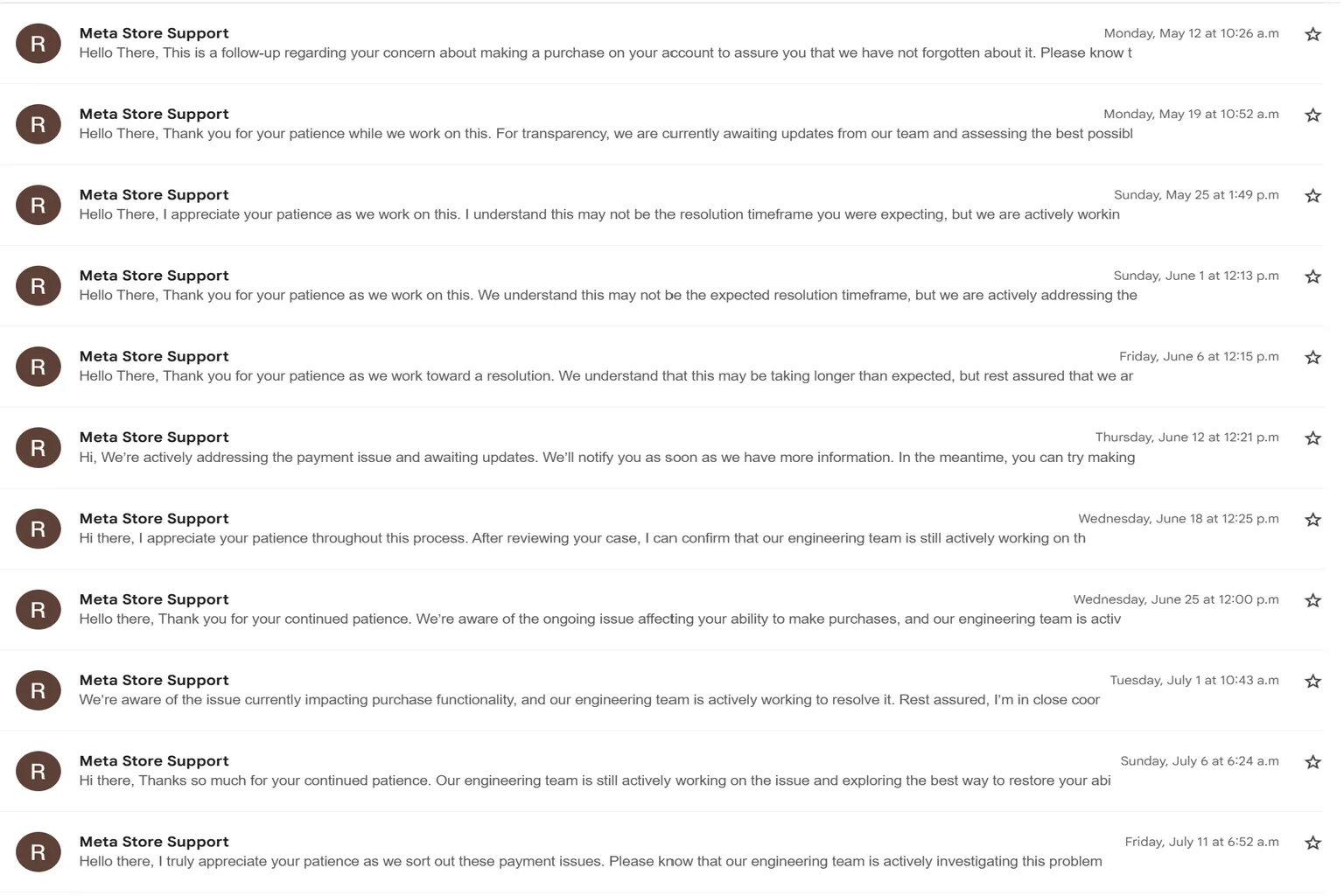
During that experiment, support couldn’t close the case either. As a result, I kept receiving the same weekly email over and over again—nothing but a polite “Your case is still being processed,” with no actual progress.
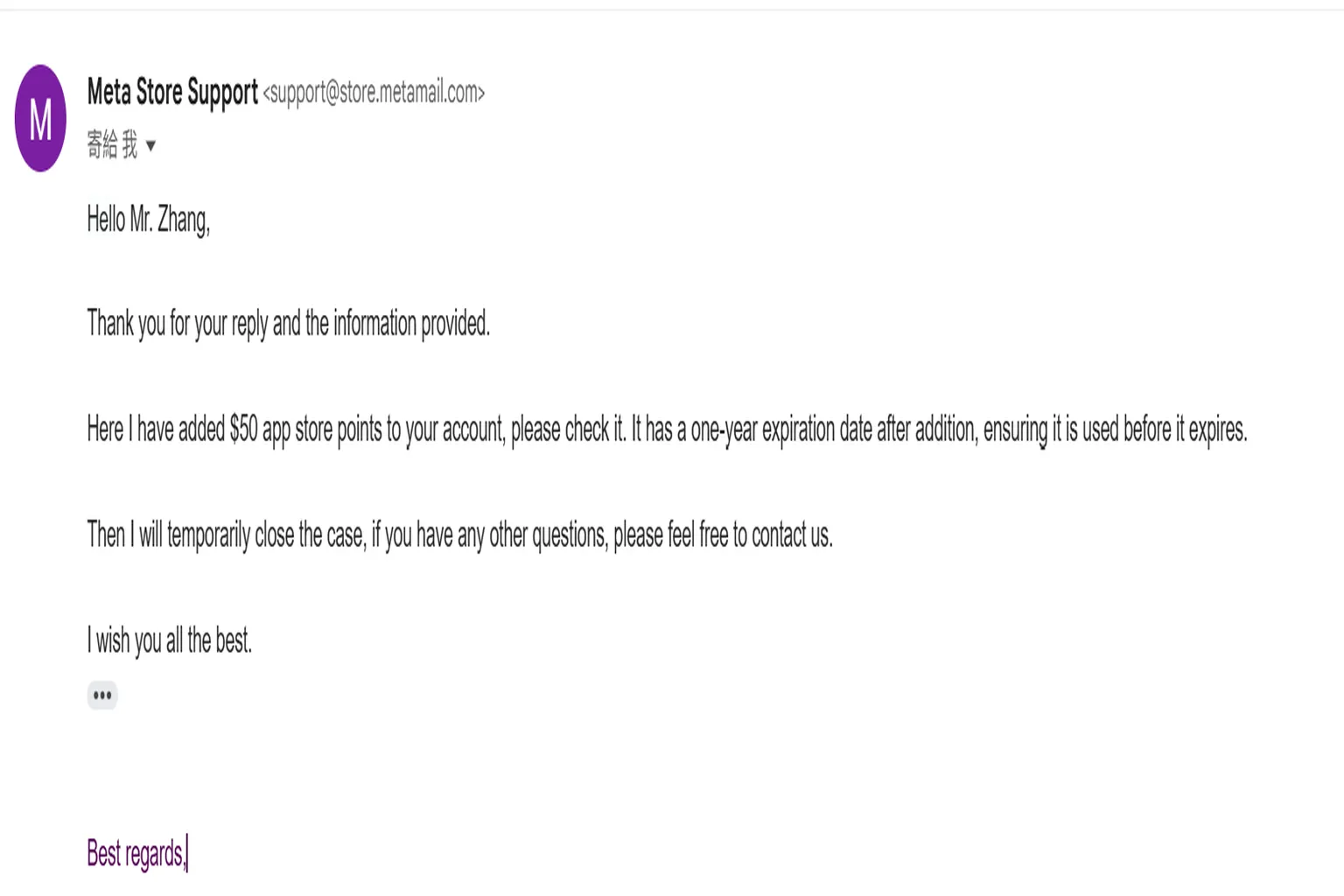
But the moment support realizes, “This user can buy games again,” they move fast and say, “We’ll close this case.”
At that point, compensation is often issued based on how long the account was locked. That said, the usual upper limit is $50.
Afterword
Everything in this article is based on my own experience after getting multiple accounts locked over time.
It started when I bought gift cards for a school teacher. Because of that, both the teacher’s account and my own account got locked together by Meta, and we were basically unable to use them for almost a full month. Even though the gift cards had already been paid for, they stayed unusable. In the end, I had no choice but to quickly use a different account to buy games for the student headsets and hand them over. At least the classes didn’t have to stop—that was a huge relief.
So what if you absolutely need to buy a game while your account is locked?
In that case, you can ask a friend to purchase the game on PC and have them send the key to any email address you want. Enter that serial code, and you can redeem it properly on your own account.
Once you understand how the lock system works, it’s less stressful. Compensation usually comes eventually, too. Even if you can’t buy games for a while, you can still watch videos, so it’s not a total dead end. From here on, I’ll share a few VR video players that I personally recommend.

Moon VR Player Ultimate Guide
PC Streaming, WebDAV & Web Theater DLC

Skybox VR Player Complete Guide
Setup AirScreen, Network Streams & YouTube VR

4XVR Video Player Premium Guide
PC Streaming, WebDAV & USB Setup
FAQ – Common Questions
Why did I suddenly lose the ability to buy games on my Meta account?
Meta uses AI to monitor user behavior. If your activity is judged as “abnormal,” purchasing can be locked automatically. Common triggers include making large purchases in a short time, gifting games too frequently, or using the same device across multiple accounts.
If my account is locked, does that mean I can’t buy any games at all?
It depends on the type of lock.
With a wallet lock, you can’t buy any games at all.
With an account lock, things are a bit different: you won’t be able to buy games at full price or on sale, but purchases using creator discount codes may still go through.
How do I unlock the account?
For a wallet lock, you need to contact support and request a “wallet reset.”
For an account lock, it’s more complicated. You need to convince the AI that you’re a normal player. Logging into the headset daily and playing games for at least 15 minutes helps raise your account score over time.
Does contacting Meta Support actually help?
Yes. When you contact support, they usually start by arranging a wallet reset.
If that doesn’t work, the case moves into a waiting phase where they’ll say an internal team is handling it, and you’ll get weekly status emails. In many cases, once the system unlocks your account naturally, the case is closed and compensation—often around $50 (or about ¥5,000)—is issued based on how long you were locked.
Can I still buy games while my account is locked?
You can’t buy games directly from your own account. However, you can ask a friend to purchase a game key (serial code) for you. As long as the code is sent to an external email address, you can redeem it on your account and play the game even while locked.