
Remember sitting in the back of your parents’ car, pretending you were the one steering? Mini Motor Racing X on Meta Quest taps straight into that childhood nostalgia. Blending the top-down, toy-car chaos of Micro Machines with the weapon-heavy combat of Mario Kart, it is one of the most content-packed casual racers in VR. Whether you are playing the Rocket League-style “Bumper Ball” mode with friends or grinding through the massive career mode, it’s incredibly addictive. Just a warning: while the top-down camera offers a safe, zero-motion-sickness experience, jumping into the first-person cockpit view requires an absolute iron stomach. Here is my honest breakdown of the gameplay, camera views, and why this is a multiplayer must-have.
Game Introduction
Ever watched an F1 movie? Even if you haven’t, you know what it looks like. Race cars tearing around a circuit, machines flying past each other at insane speeds.
Or maybe when you were a kid, riding in your parents’ car, you pretended you were the one driving. Like you could just keep going forever.
Mini Motor Racing X is a casual driving game that taps straight into that feeling. You pick your favorite car, upgrade it, and race against other players.
And it doesn’t stop there. There’s even a mode where you use sports cars to push a giant soccer ball into the goal.
No complicated dashboards. No tricky steering systems to worry about. The controls in this game are ridiculously simple.
When you launch the game, you’ll see a LOADING screen first. Don’t worry. It’s over almost instantly.

After that, you’ll be asked to choose a camera view.
- Top Down: a straight overhead, god’s-eye view that lets you see the entire course at once.
- Car (third-person): a third-person view from behind your car.
- Inside (first-person): a first-person view from the driver’s seat. The immersion is great, but it’s very easy to get motion sick.

Once you’ve picked a view, press Yes and you’re off.

Here’s how the controls work.
Controls (right-hand controller)
- Joystick (analog): tilt to steer. Press it in to switch camera views. A light press lets you adjust distance and position.
- B button: use weapons. You can pick up attack items in special modes.
- A button: boost. Press it when you have energy to accelerate.
- Trigger: move forward. The car won’t move unless you keep it pressed.

Here’s how the left-hand controller works.
- Joystick (analog): tilt to steer. Press it in to switch camera views. A light press lets you adjust distance and position.
- Y button: show control hints. Button guides appear on the controller.
- X button: teleport view. Lets you reposition the top-down camera.
- Trigger: reverse. The car won’t move unless you keep it pressed.
- Menu button: opens the menu.

There are only two things inside the car.
- The steering wheel
- The tablet
The tablet shows very simple information. Things like the countdown before a race starts, FINISH when you cross the line, and messages like grab the trigger to start, as shown in the image.
For solo mode, the race starts by holding the trigger down until the gauge turns green.
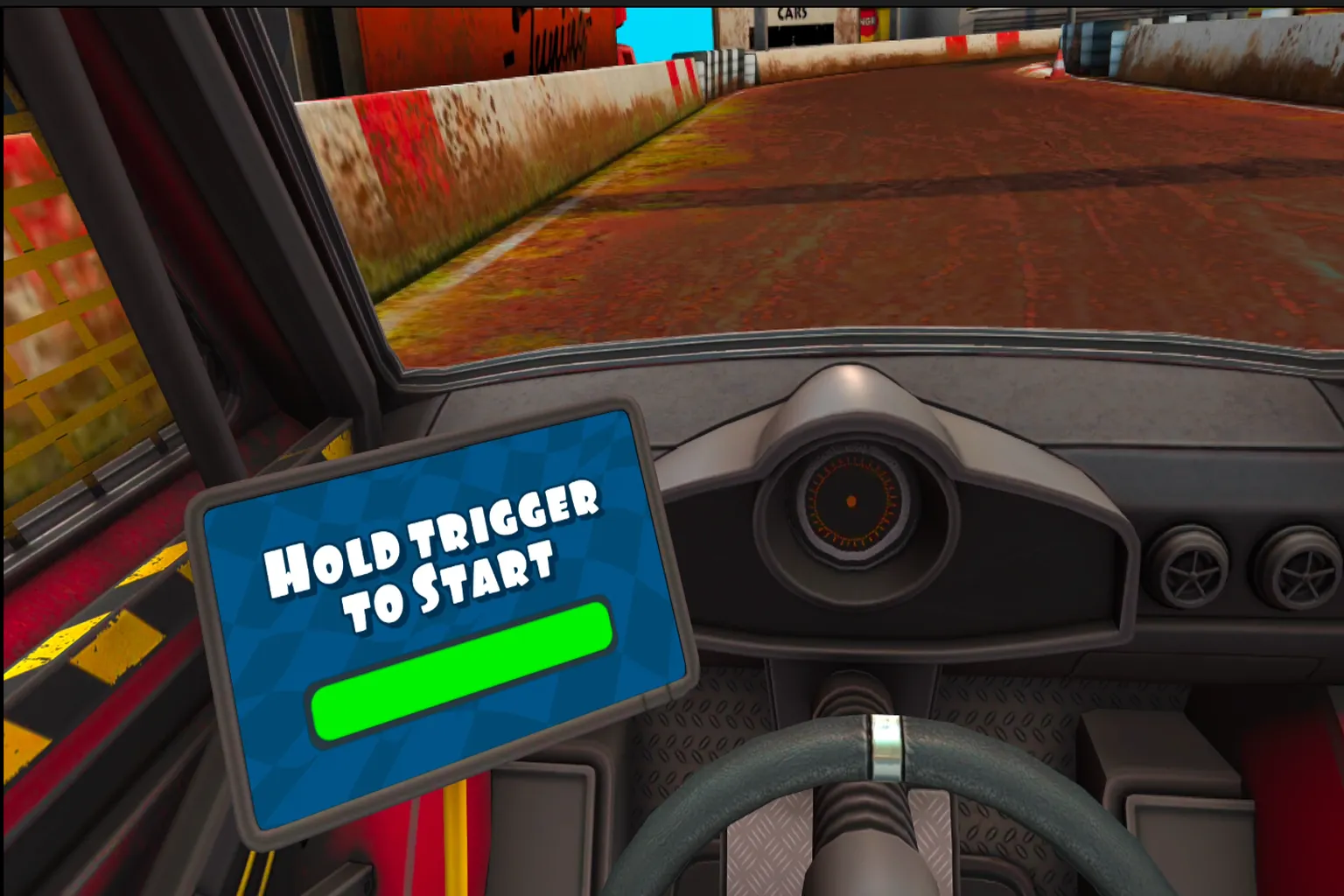
The race begins.
Mud kicks up from the ground as you drift through the course and around your rivals.

Hit the A button to boost. Sparks light up the ground as you accelerate.
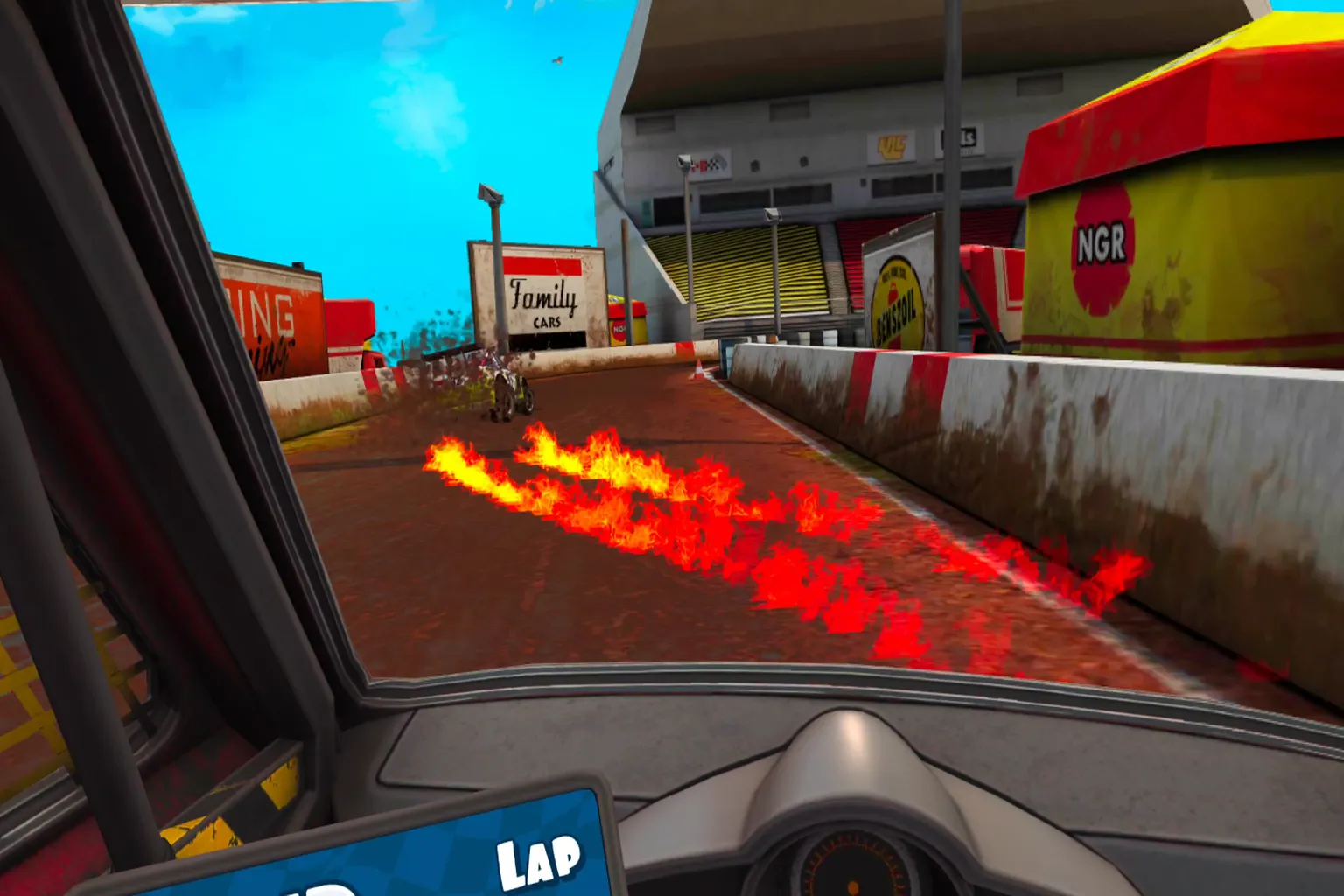
That wraps up the tutorial. The control screen appears in the menu, and you can tap it anytime to review the controls.
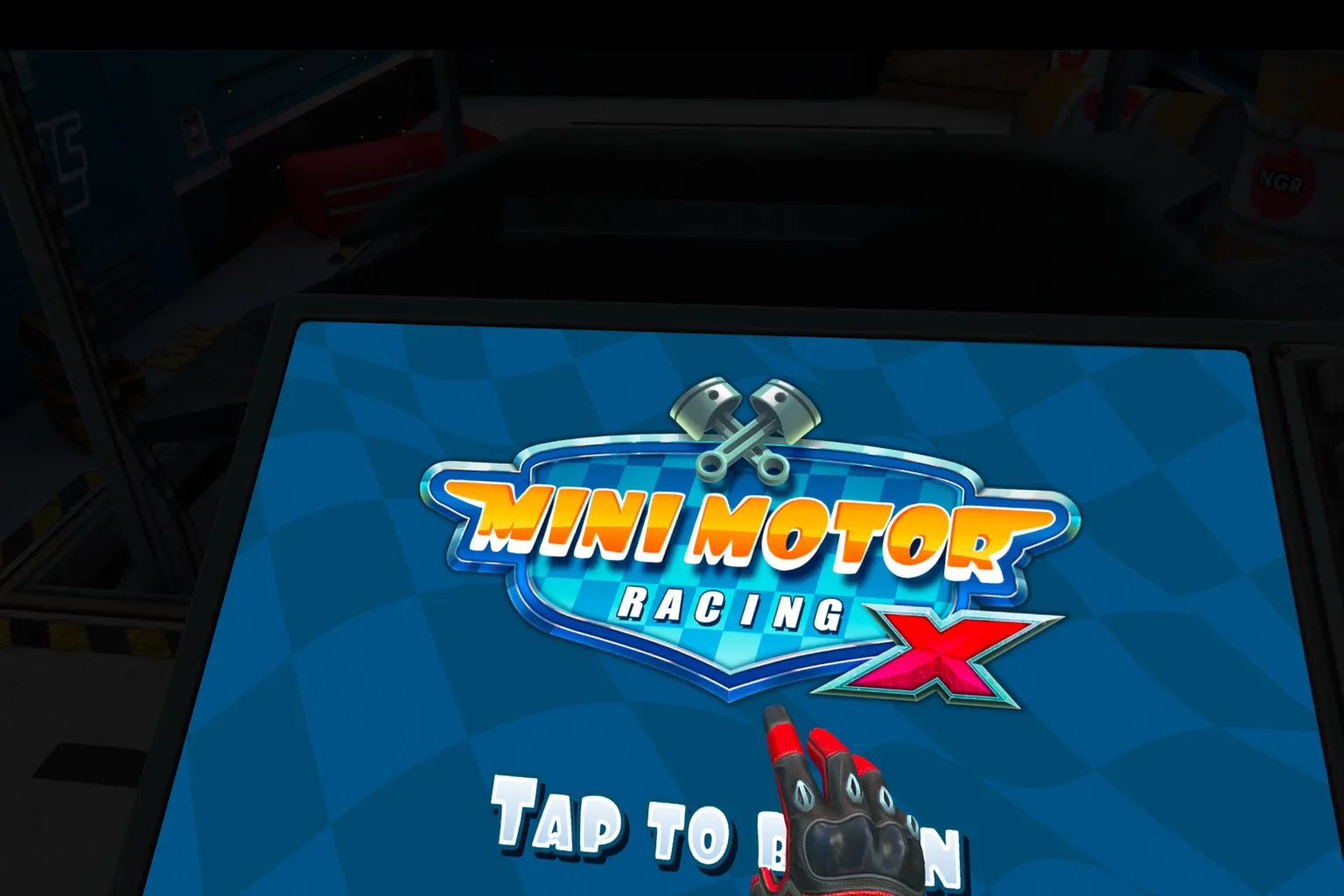
The settings menu lets you fine-tune things in more detail. Near the bottom, there’s a Change Language option, so you can switch languages at any time.

You can change it to different languages whenever you want.

Choose your car.
Each stat is displayed above, and if you look up, you can see the actual vehicle in front of you.
The Career Prize Money shown at the bottom is the currency used to buy cars and upgrades. Clear stages and it keeps stacking up.

Once you’ve picked a car, you move on to the upgrade screen. Here’s what you can improve.
- Handling: boosts control and makes the car easier to manage
- Nitro: improves boost performance
- Acceleration: increases how quickly the car picks up speed
- Top Speed

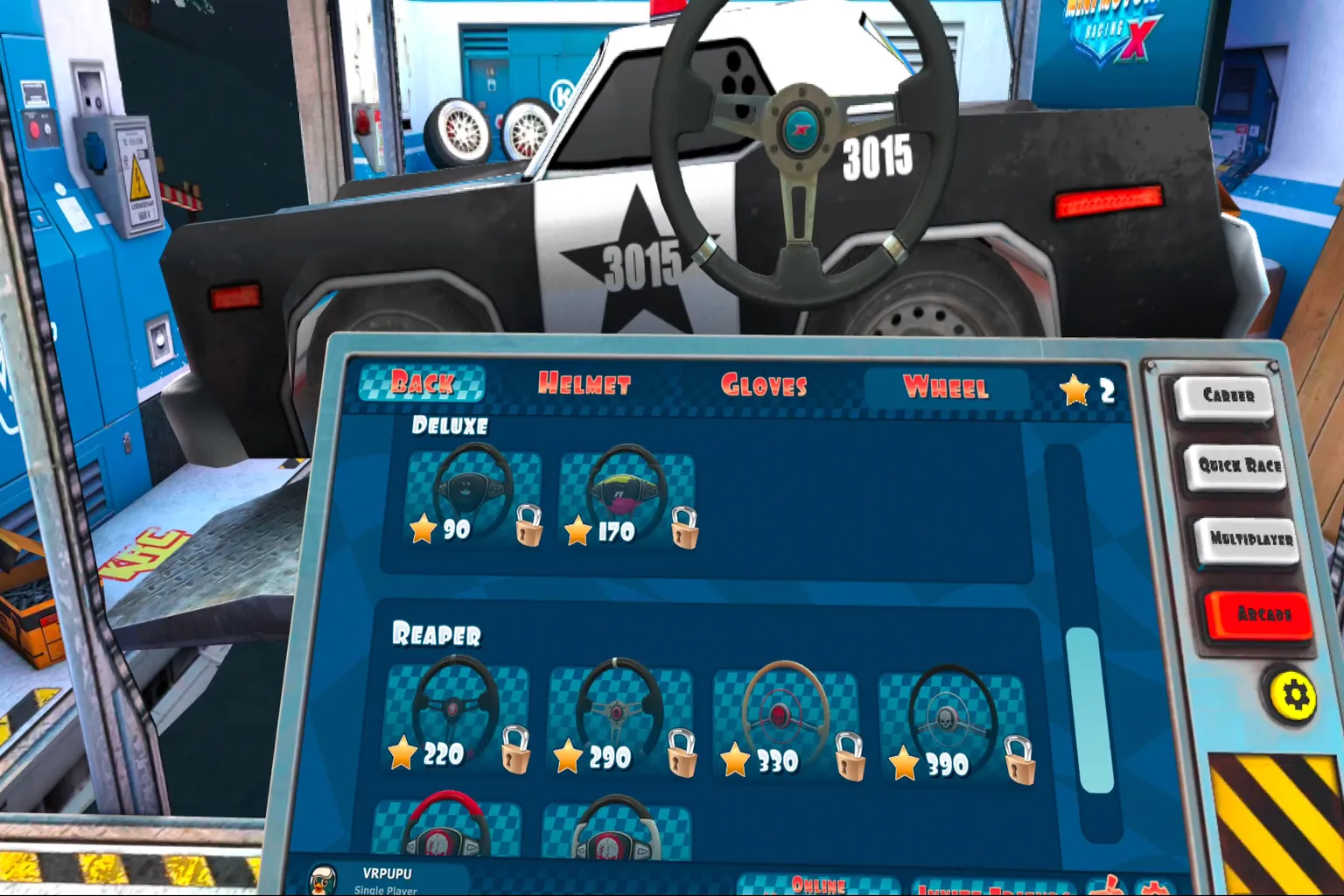
The stars you earn from racing can be spent on cosmetic items. You can customize things like helmets, gloves, and steering wheels.
Solo mode also gives you plenty of options. First, you choose whether to race with weapons or without them. The right option is with weapons, and the left one is without.

Next comes the difficulty selection. It gets harder as you move from left to right, with the final challenge being the highest difficulty, Master.

Each mode includes multiple courses. When you clear a stage, the prize money you earn is shown in the top-right corner of the screen.

On the right side of the tablet, you’ll find these menu options.
- Career Mode
- Quick Match
- Multiplayer (🌟 highly recommended 🌟)
- Arcade Mode
- ⚙️: open the settings menu
Once you’ve made all your selections, turn the key and start the race.

Multiplayer mode is split into two options.
- Random Game: jump into a match with whoever is online
- Invite Friends: set up a lobby and bring your crew

Pick the mode and course you want, then start the race.
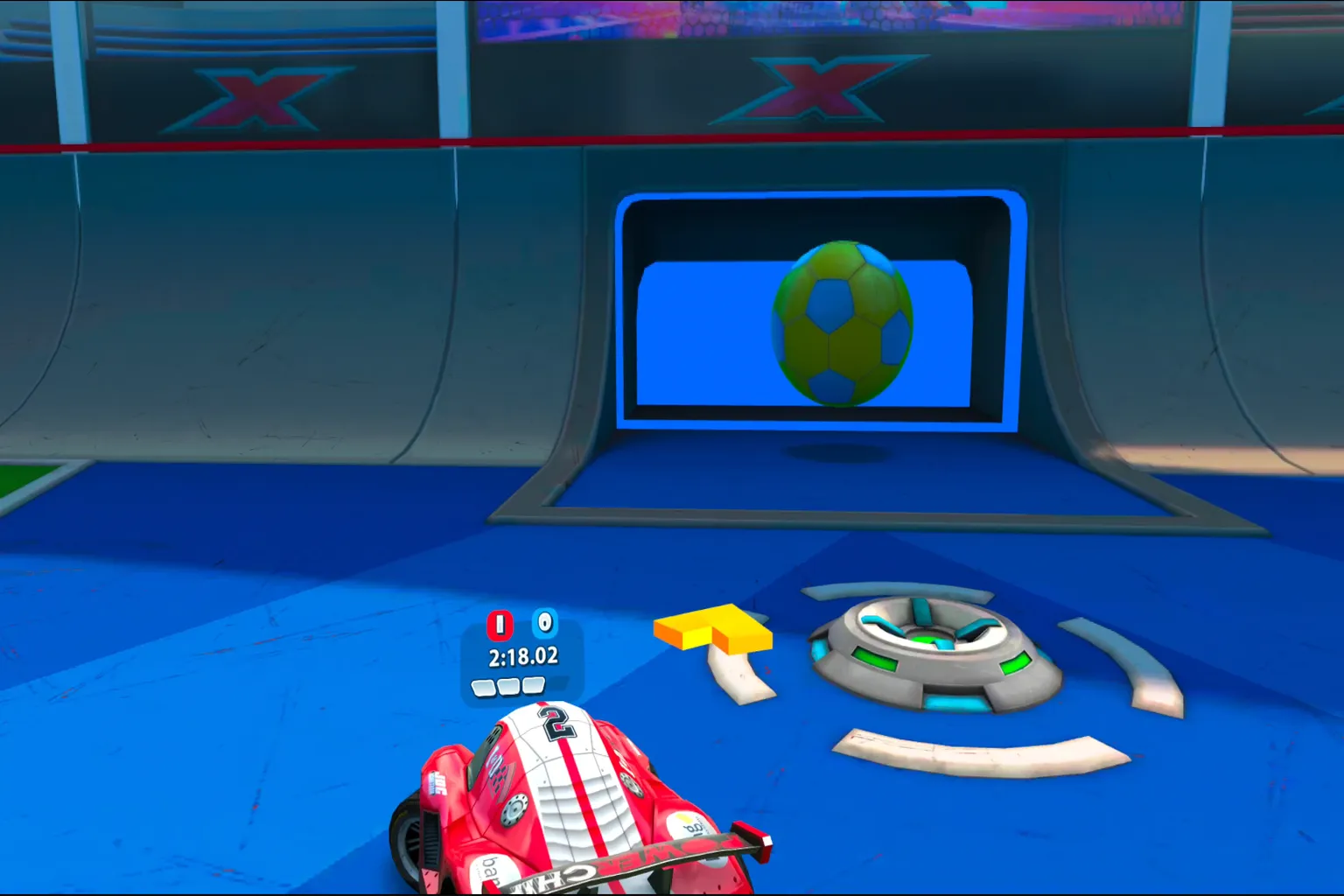
BUMPER BALL is seriously fun.

The goal is to push the ball into the goal, but the opponents are tough, so it’s not going to be easy. Work together with your teammates and fight for the win.

In Weapons Race mode, you can fire rockets, unleash tornadoes, and even throw wrenches at your opponents. Just don’t forget, this is still a racing game. If you don’t actually run the course properly, you won’t win.

Let’s race together already!
Game Rating
The Highlights
- Plenty of modes, so it doesn’t get boring
- Large player base with fast matchmaking
- Almost no play-space restrictions
- Simple, easy-to-learn controls
- If you’re prone to motion sickness, you can use the top-down camera mode
The Drawbacks
- The best experience is definitely in first-person view, but yeah, it makes you really motion sick.
Setup & Safety
You can play it while sitting down, and stick controls are all you need. There’s no play-space requirement.
Final Score & Comfort Level
Final Score: 🌟🌟🌟🌟 (Solid Choice)
VR Comfort Level: 🌀🌀🌀🌀🌀 (Uncomfortable)
Video Overview

Meta Quest Official Information
Price: 14.99 USD
This game often gets huge discounts during seasonal sales, year-round holiday events, Black Friday, and New Year sales. Most of the time, it’s marked down by around 40 to 90 percent.
If you enter VRPUPU at checkout, you get another 10% off.
Rating: 4.3 / 5 ( 853 Reviews)
Official Description
Now it also supports Quest 2 enhanced features.
Dive into a world with nitro wide open and experience big fun in tiny machines. Tracks built from ruined facilities, scorched wastelands, rain-soaked harbor towns, sun-blasted tropical islands. Mini Motor Racing X takes you on a wildly unique world tour of mini car racing.
Game Features
- Free camera switching: cockpit, first-person, top-down, spectator view. Play from whatever angle you like.
- Quest 2 enhancements: impressive water effects, reflections, and some of the sharpest visuals the game has ever had.
- Career mode: collect dozens of cars and take on over 50 tracks and hundreds of races, with day and night cycles and changing weather adding visual variety.
- Party mode: jump in with friends and enjoy modes like Bumper Ball, Area Control, and Battle Arena together.
- Upgrade your ride: use prize money to boost performance and make your favorite car even faster.
- Multiplayer: online matches for up to four players, plus co-op play to progress through the story together.
If you end up getting sick racing sports cars in Mini Motor Racing X, it might be time to check out a game that’s easier on the stomach.