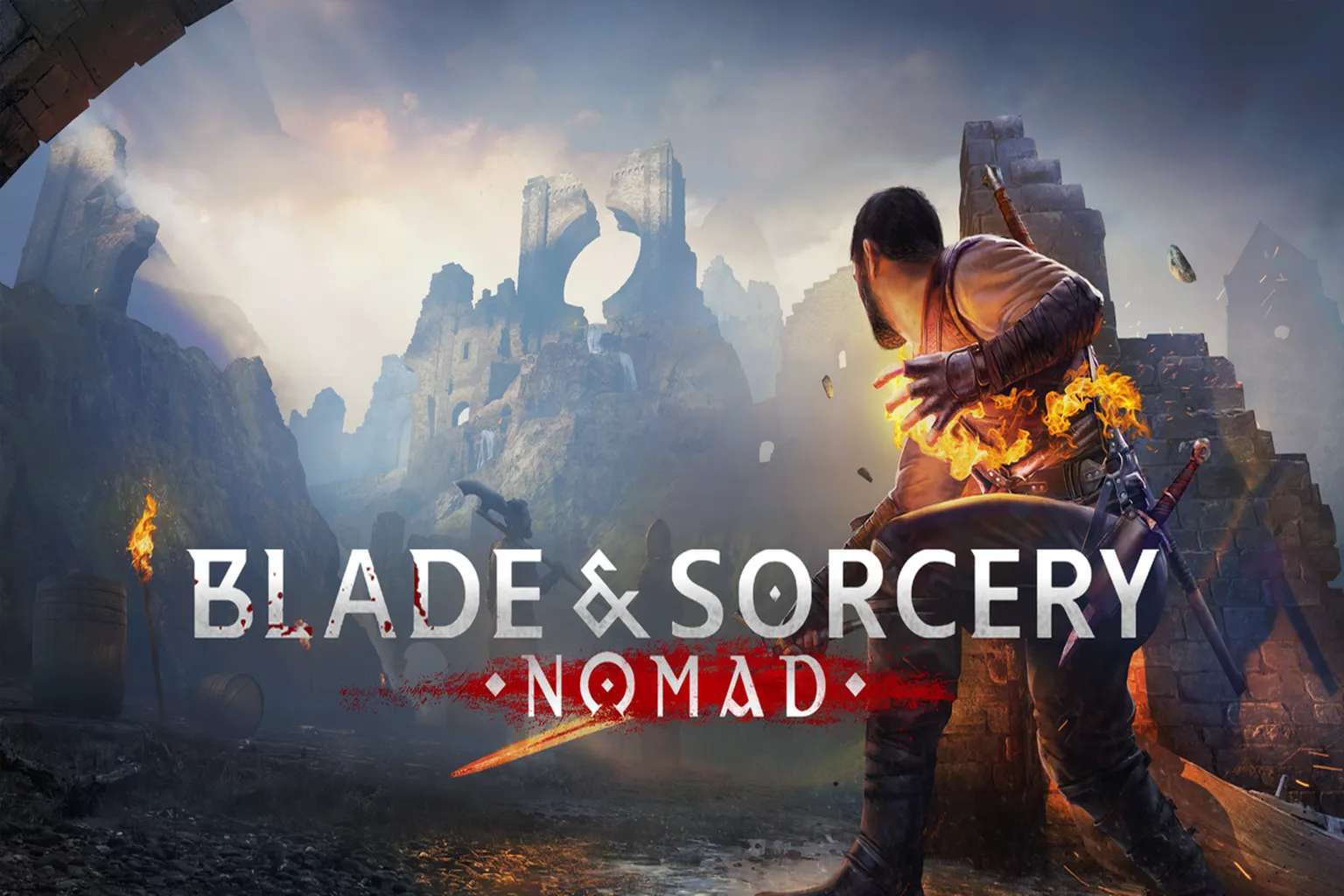
Remember watching Avengers: Infinity War and wishing you could set out on a quest to collect powerful stones? Blade & Sorcery: Nomad on Meta Quest taps into that same kind of fantasy, replacing Infinity Stones with crystals of fire, lightning, gravity, and mind.
Instead of the weightless, rubbery weapons you might have felt in older VR games, this one runs on a heavy, physics-driven combat system where every slash and thrust has real impact. You can climb almost any surface with small ledges, fuse magic to create effects like black holes, or open the in-game mod menu and spawn something like a Desert Eagle right into a medieval arena without touching a PC. The level of freedom stands out.
Here is my full breakdown of Crystal Hunt mode, the combat experience, and why this simulator is best suited for players with strong VR legs.
Game Introduction
Do you remember the 2018 movie Avengers: Infinity War? Thor struck Thanos with Stormbreaker, but in the end, a single snap of his fingers erased half the world.
Back then, people everywhere were pretending to wear the Infinity Gauntlet and snap their fingers. I will admit, that moment really hit that edgy middle school part of your brain.
There were six Infinity Stones: Mind, Soul, Space, Power, Time, and Reality. Every one of them had overwhelming power.
I always thought a journey to gather gems like that would be exciting.
But do you know where the stones in the Gauntlet came from? How they were obtained? Is there even a game where you search for the Infinity Stones?
I have thought about it. Right now, there is no such game. If it ever happens, we would probably have to wait for something officially made by Marvel.
So let me ask you this.
Instead of Infinity Stones, what if you were searching for crystals of fire, lightning, gravity, body, and mind?
It would be a harsh journey. Enemies would grow stronger and stronger, and the variety of weapons would increase. Eventually, your enemies would start using magic too. If you lose focus, you might get overwhelmed.
Even then, would you still want to set out on that journey?
Blade & Sorcery: Nomad is a combat simulation game that has continued selling for years. In the game, you search for crystals, defeat enemies, and buy new weapons.
The physics system is seriously impressive. You can handle weapons however you want, and whether you slash, swing, or thrust, the impact feels close to real. It does not feel hollow or weightless. You actually feel the weight behind every hit.
There is another major highlight, and that is the sandbox mode.
There are a huge number of player-made mods available. You can find weapons like the Inverted Spear of Heaven used by Toji Fushiguro from the anime series Jujutsu Kaisen, and even modern firearms such as handguns, rifles, and machine guns. If you are curious about something, you will probably find it.
On top of that, you can download mods directly from inside the game.
You do not need to use a PC, move files into folders, or deal with extra setup steps. You also do not have to worry about your Meta headset stuttering or going to a black screen because of complicated installs.
The whole system feels smooth. From a player’s perspective, it is a very well polished setup.
Controls Overview
Most of the controls revolve around using weapons, casting magic, and moving around. It is not insanely difficult, but it is not overly simple either. Once you spend a little time with it, though, it starts to feel natural.
Left and Right Grip Buttons
You use these to interact with objects. Grabbing weapons, climbing walls, pulling levers, all of that is handled here.
Left and Right Triggers
These adjust the position of whatever you are holding and are also used to cast magic.
X on the left Controller and A on the right Controller
Hold the button to open the magic menu. Move your hand over the spell you want, then release the button to select it. After that, you activate it with the trigger.
B on the right Controller
This activates slow motion. You unlock it after obtaining the Mind Crystal.
Left Stick
Press it in to kick. Tilt it to move.
Right Stick
Press it in or push it upward to jump. Move it left or right to turn your view. Push it downward to crouch.
Left Controller Menu Button
This opens the in-game menu. You can quit, change settings, or check your mods here.
Right Controller Meta Button
This opens the Meta menu.
Game Section
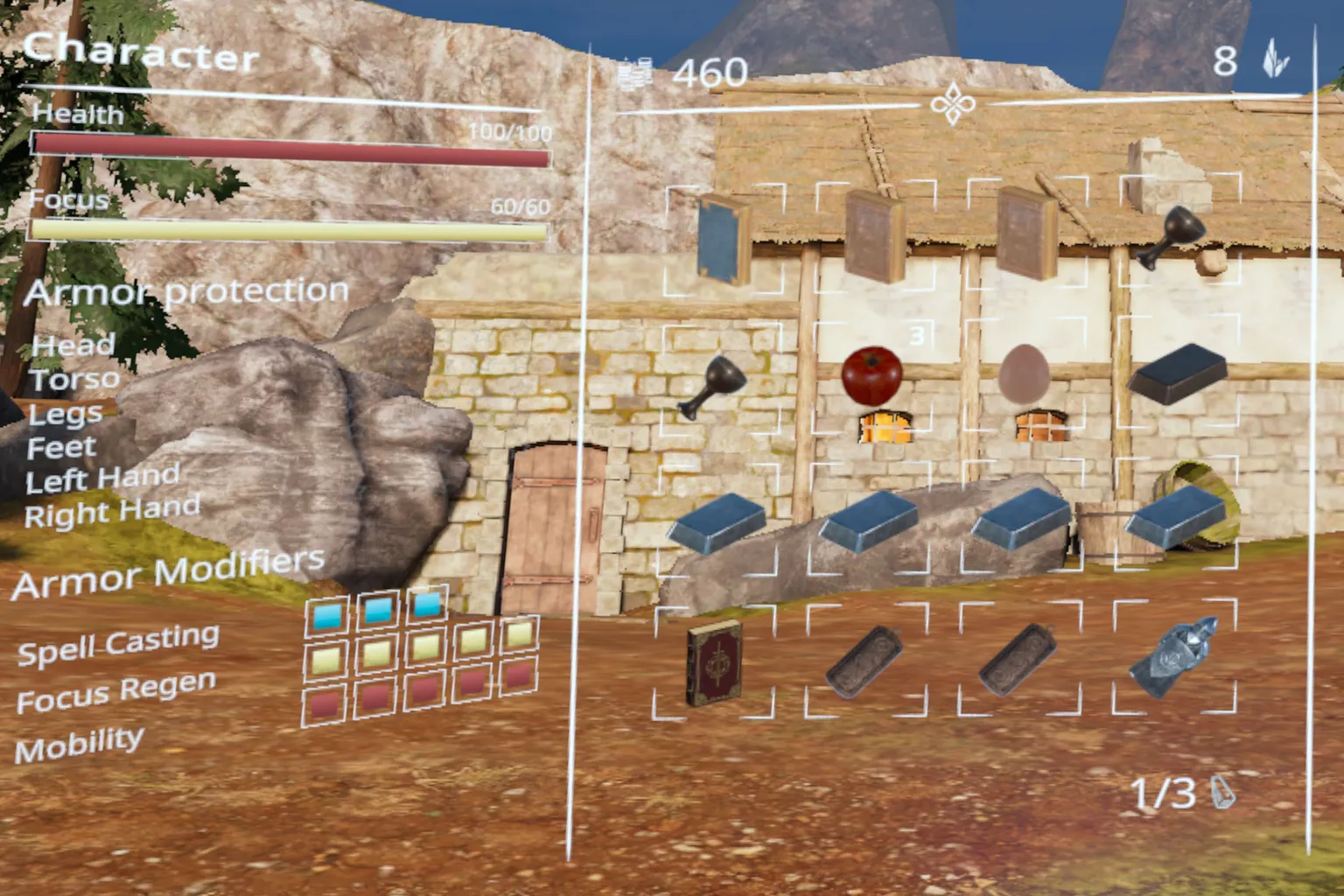
Your backpack is located on your character’s chest. If you hold the middle finger button while pointing toward your chest, you can pull out the core, which brings up the following screen.
Equipment Slots in the center area
Items stored in your backpack are displayed here, and you can grab them directly. To store something, just hold it in front of your chest and release it.
Health
This shows your remaining HP.
Focus
This works like MP. It decreases when you use magic.
Armor Protection
There are many types of equipment in the game, and each one has its own stats.
Armor Modifiers
Equipped armor does more than just increase defense. It also affects magic effectiveness, focus recovery, and movement ability.
Equipment Area on the right side
- Coins in the top left: You use these to buy weapons, gear, and potions.
- Crystals in the top right: You use these to upgrade magic at the magic altar in your home base. They can also appear during stages.
- Equipment Slots in the center: Items in your backpack are shown here. You can take them out directly, and if you release them in front of your chest, they are stored automatically.
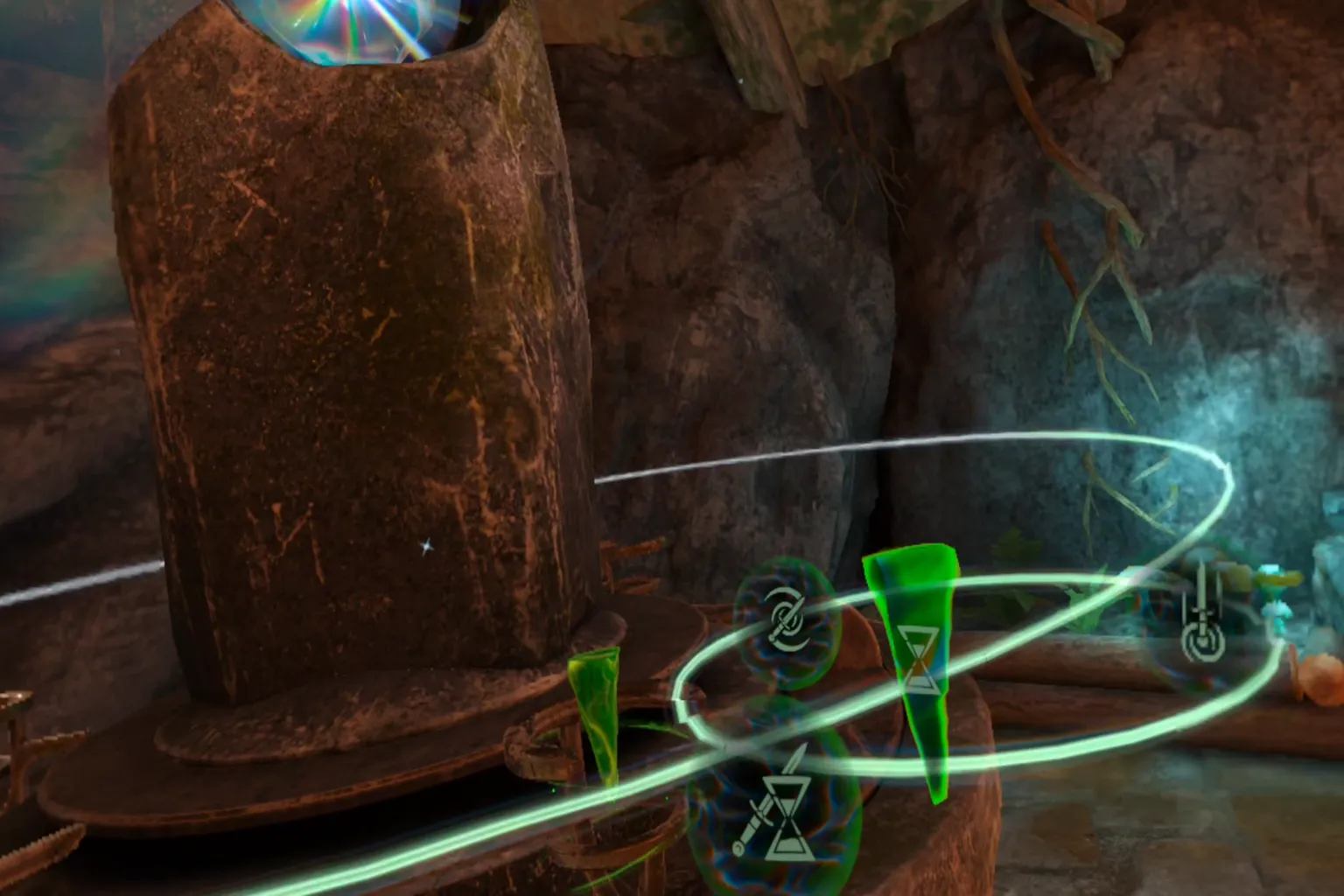
Magic Altar
You can place the crystals you have collected here. When you insert a crystal into a slot on the magic altar, the skill tree tied to that crystal appears.
If you grab one of the floating skill orbs, you learn that skill. However, doing so consumes the crystal.
Even after learning a skill, you can grab the skill orb again to remove it. When you do that, the crystal you spent is returned to you.
Storage Book
Inside your home at the base island, there is a book placed in the room. The book is split into a left page and a right page.
Here is what each side is used for.
Left Page
Top Section
This shows which inventory you are currently viewing. There are two types: Home and Storage.
- Home displays items that are left somewhere at the base island. These are items you are not holding and have simply placed somewhere.
- Storage shows the list of items you intentionally stored. I will explain how to store items shortly.
Middle and Bottom Sections
These display the items inside the currently selected inventory. When you select one, its details appear on the right page.
Right Page
Top Left
This shows the name of the current category you are viewing.
Top Right
This is the inventory switch button. The chest icon represents Storage, and the house icon represents Home.
Center
This displays the items within the selected category. Items stored in Storage or left at Home are listed here. When you select an item, its detailed information appears on the left page.
Bottom Section
These are the actions you can take after selecting an item.
- Back: Clears your selection.
- Spawn: Places the selected item on the table in front of you.
- Equip: Spawns the item and immediately places it in your hand.
- Store: Takes an item from the table and saves it into Storage.

Map
Near the small boat at your base, there is a large map. In the upper left corner, you can see your current mission status posted there, and you will head toward one of the islands on the map to search for mission items.
Each island shows its difficulty level. It is represented by skull icons, and the more skulls you see, the more dangerous it is.
The rewards are also displayed, but they are usually located at the very end of the island. You have to push all the way through to get them.
Mission items are often included in the rewards. Of course, you can also bring back other items you find while exploring. You can sell them for coins, use the coins to buy gear, or spend them to upgrade your magic.

Sandbox Mode
Let’s take a look at the sandbox mode in this game. From the main menu, you can download mods and equip them right away.
Most mods are not very large in file size. If something catches your interest, you can install several at once. Once you enter the game, you can use all of them together.
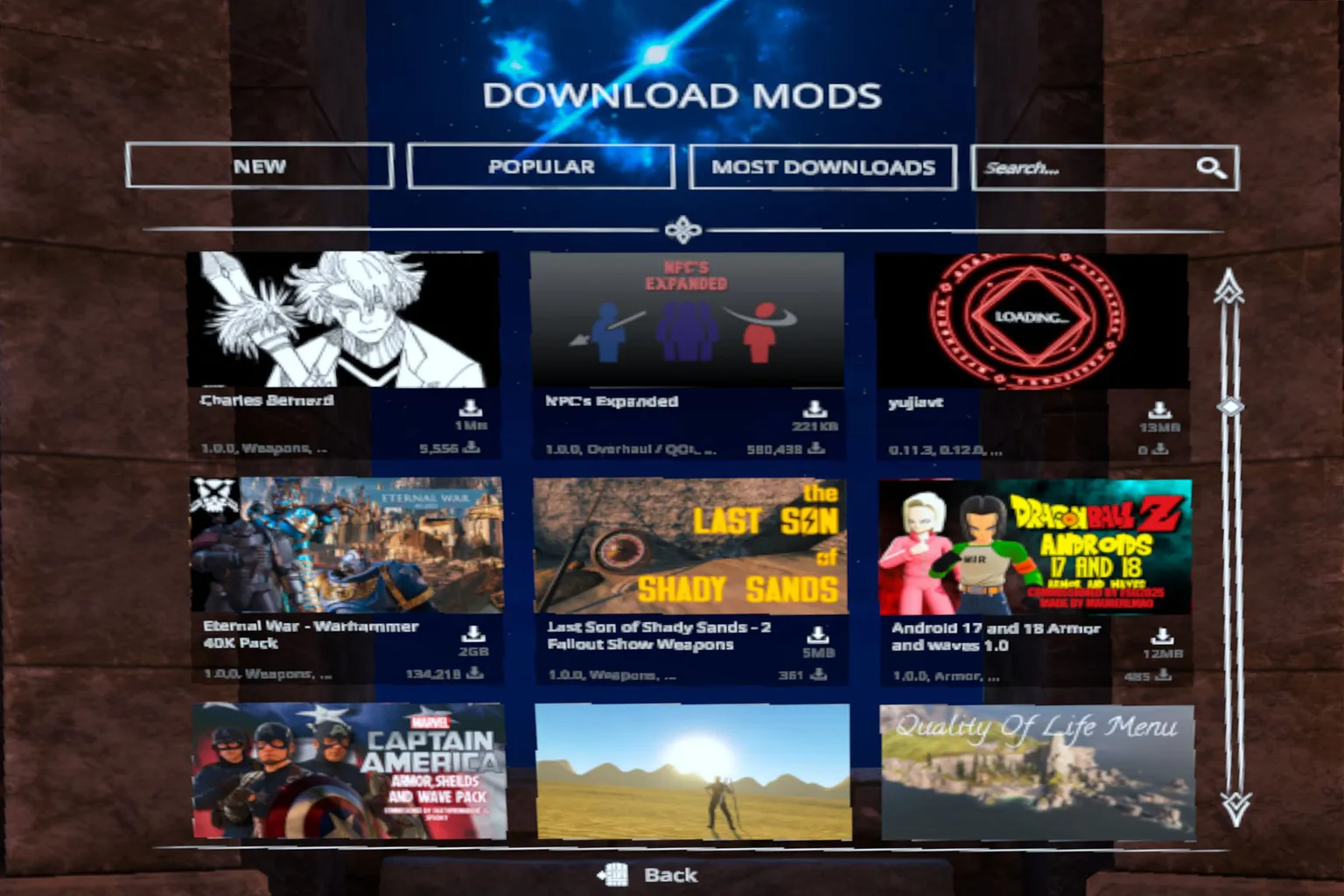
After installing some mods, try them out in sandbox mode.
One thing to keep in mind is that some mods can interfere with Crystal Hunt mode. If you are unsure, it is safer to test them in sandbox first.
Both the base and the arena have the storage book, and you can use it to spawn any item you want. You can travel to the arena from the map near the small boat by the shore.
Any installed mod items will automatically appear in the storage book when you are in sandbox mode.
Alright, let’s take a look at a few. This Minecraft pickaxe… what is even going on here? Does this thing actually work in combat? It looks completely like a joke weapon.

While everyone else is still swinging melee weapons, I am already holding a Desert Eagle.
But honestly, does this Desert Eagle feel slightly off? Why do the bullets keep jumping upward on their own?
So if I aim at the body, it lines up with the head instead? What kind of adjustment is that?
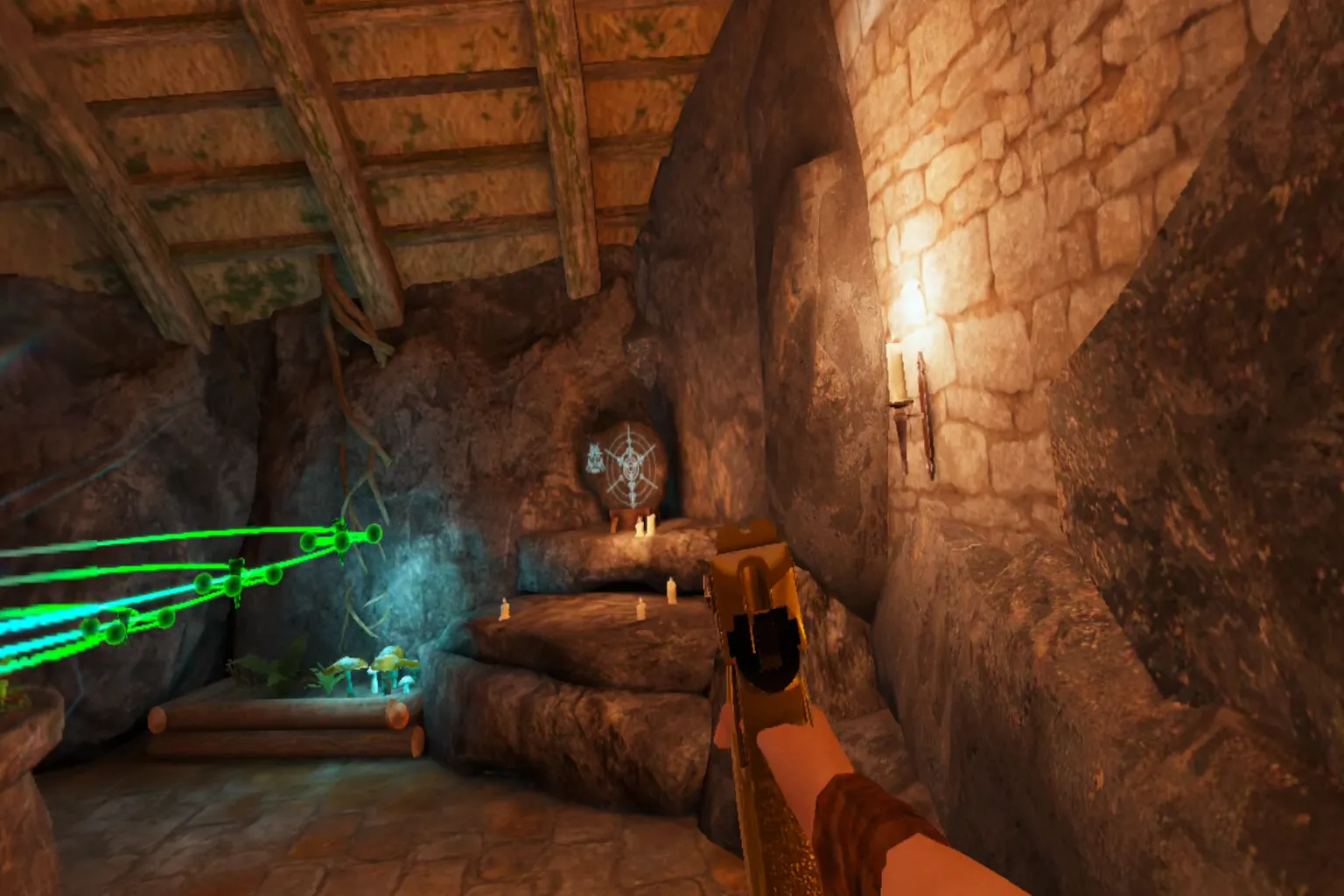
Gameplay Scene
Next up is the main mode, Crystal Hunt.
…Hold on a second. I literally just landed on this island.
And you are already pulling a knife on me? That is a bit much for a first meeting.

The combat physics feel very realistic. If you quickly slash at an enemy’s neck, blood bursts out immediately afterward. To be honest, it can be pretty graphic.
If you are not comfortable with blood effects, you can adjust them in Settings. The option is there, so you can tone it down without any issues.

I knocked the knife out of their hand. They reached out and begged for their life, but it was already too late.
Screaming will not help. Even if a god showed up, it would not change anything.
You were that aggressive just a moment ago. It is too late to act different now.

He looks fairly calm, probably the shopkeeper. He leads me inside and shows me a few items.
There are old swords, axes, daggers, and even worn-out clothes on display. Honestly, none of it looks that impressive. You start wondering if he really plans to charge money for this stuff.
The shop is not just for buying things. You can also sell the loot you bring back.

I have to say, this oar is ridiculously useful. If you do not believe me, try it yourself.
With one swing, you can knock three or four enemies straight to the ground. Then you just keep smacking them with it, and for some reason, it feels oddly satisfying.

In VR, this game is probably one of the best when it comes to how many surfaces you can actually grab. Even if a wall looks flat at first glance, as long as there is the slightest indentation, you can climb it.
If no one told you otherwise, you might think you were playing Spider-Man.
In most other games, climbable spots are predetermined. You usually can only grab onto areas marked with a symbol or highlight.
A system that lets you climb this freely is pretty rare.

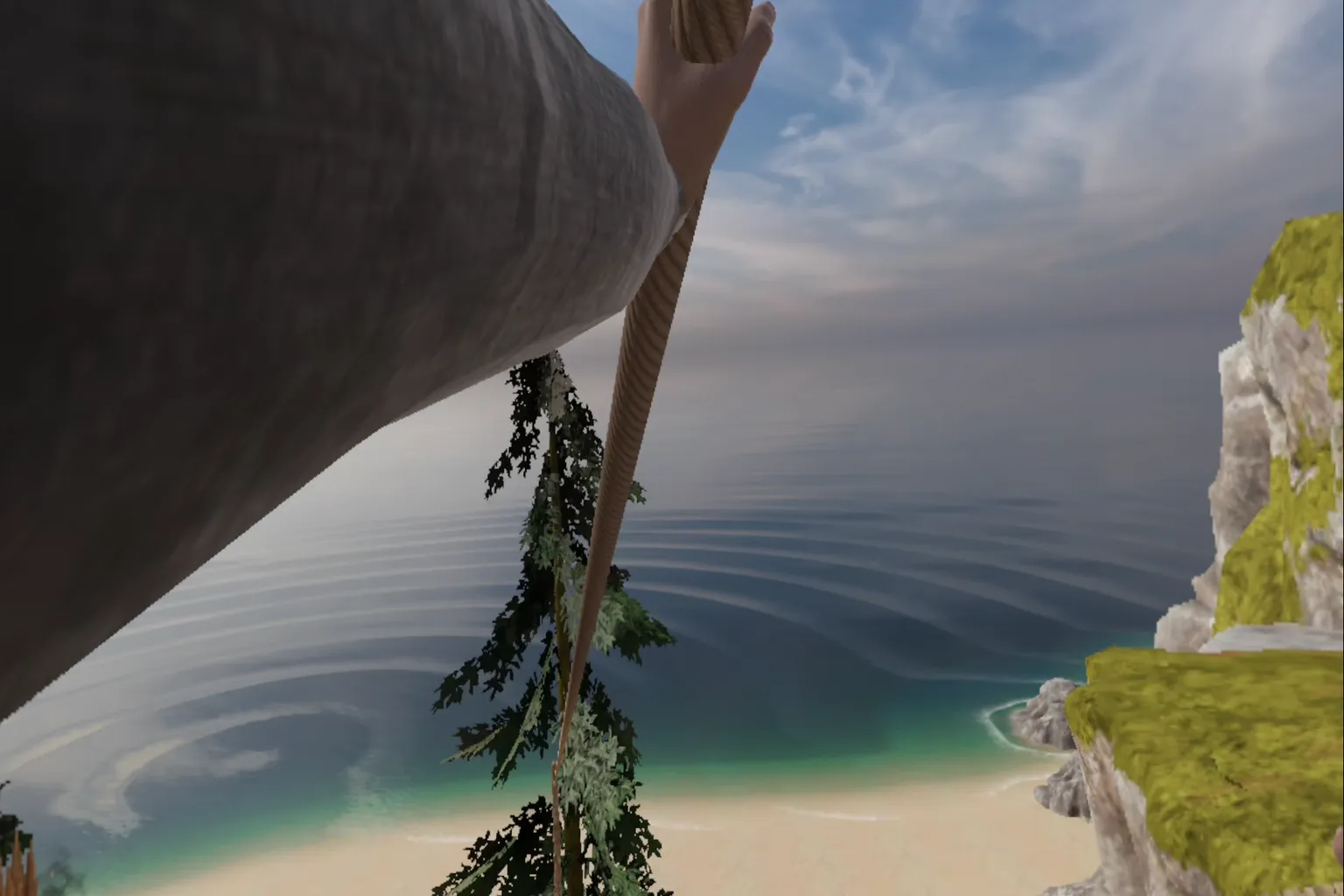
You can grab a rope with your bare hands and keep holding the trigger to slide straight down.
There is also a pulley stored in your backpack. If you hook it onto the rope, you can zip down all at once.
I will say this quietly, though. I do not really recommend the pulley. Every time you use it, the path shifts slightly.
And ropes are usually placed pretty high up, right? You can probably guess what happens next.
There are two enemies ahead again. I crouch and move in quietly.
Then I go for a surprise attack and take them out before they realize what is happening.
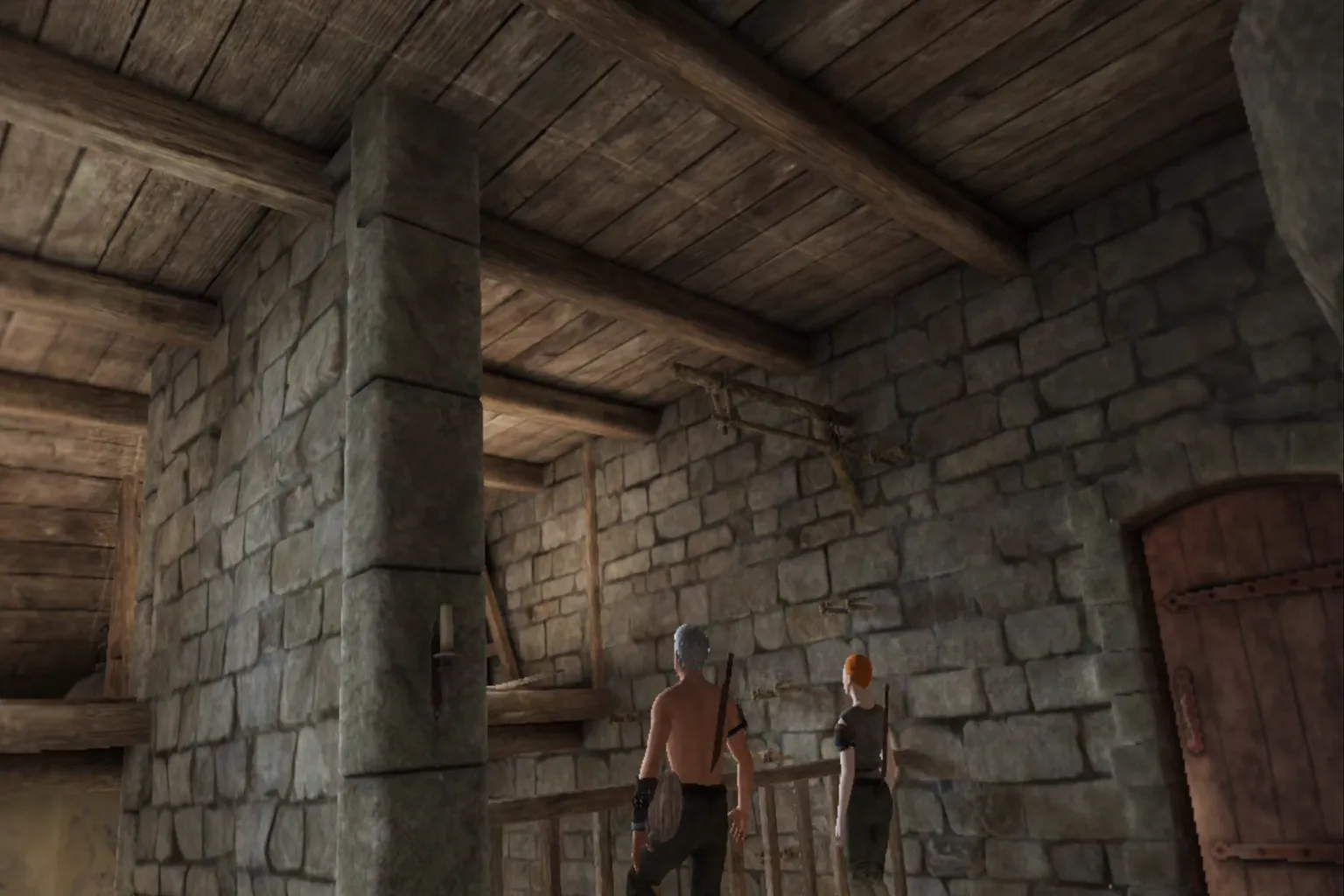
It is only the second stage, and enemies are already using magic.
That lightning spell hits hard. It seriously hurts.
I was just about to get electrocuted to death.

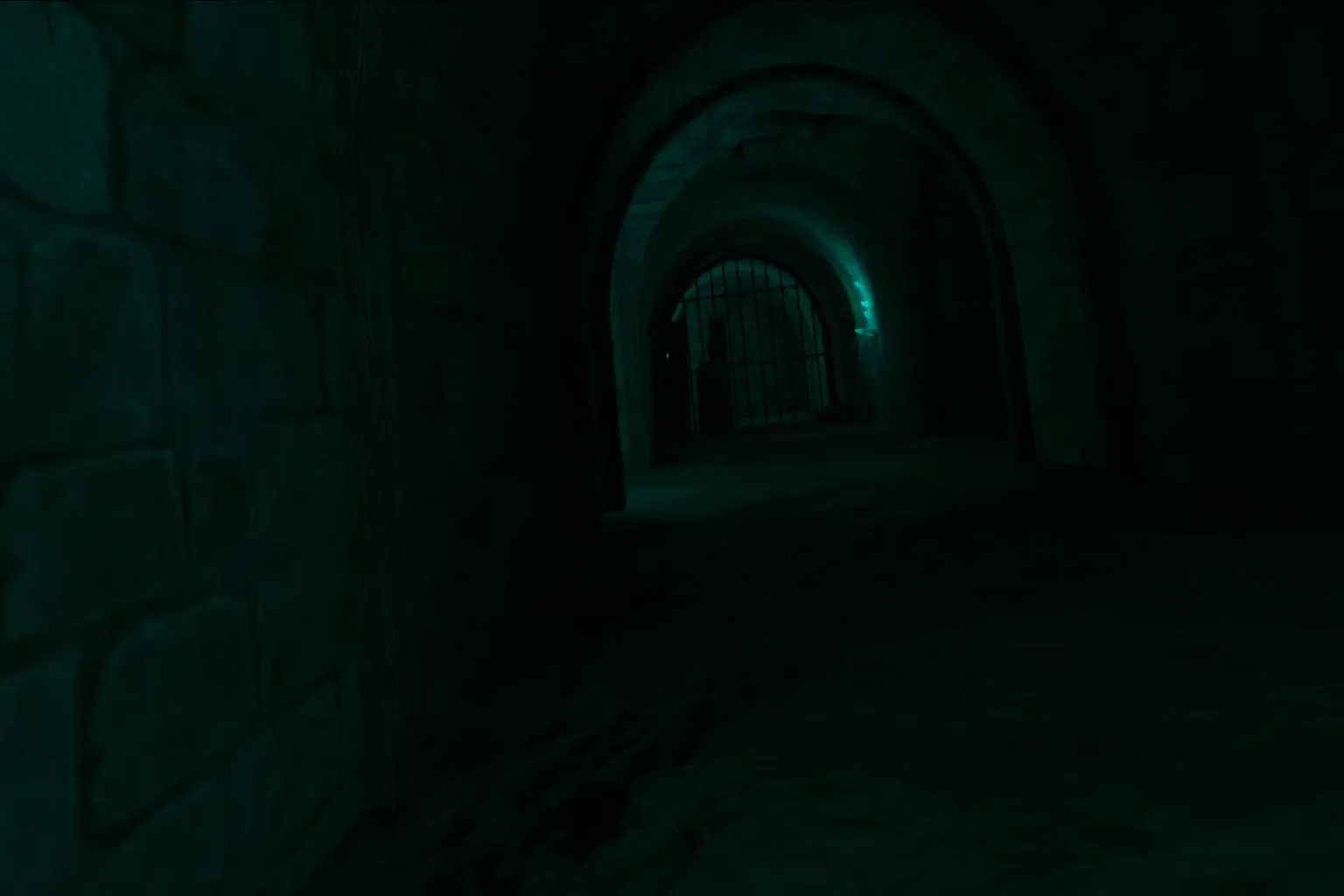
There are creepy sewer areas like this in the game.
You cannot help but stay on guard, expecting someone to jump out at any moment. It might feel even scarier than a horror game.
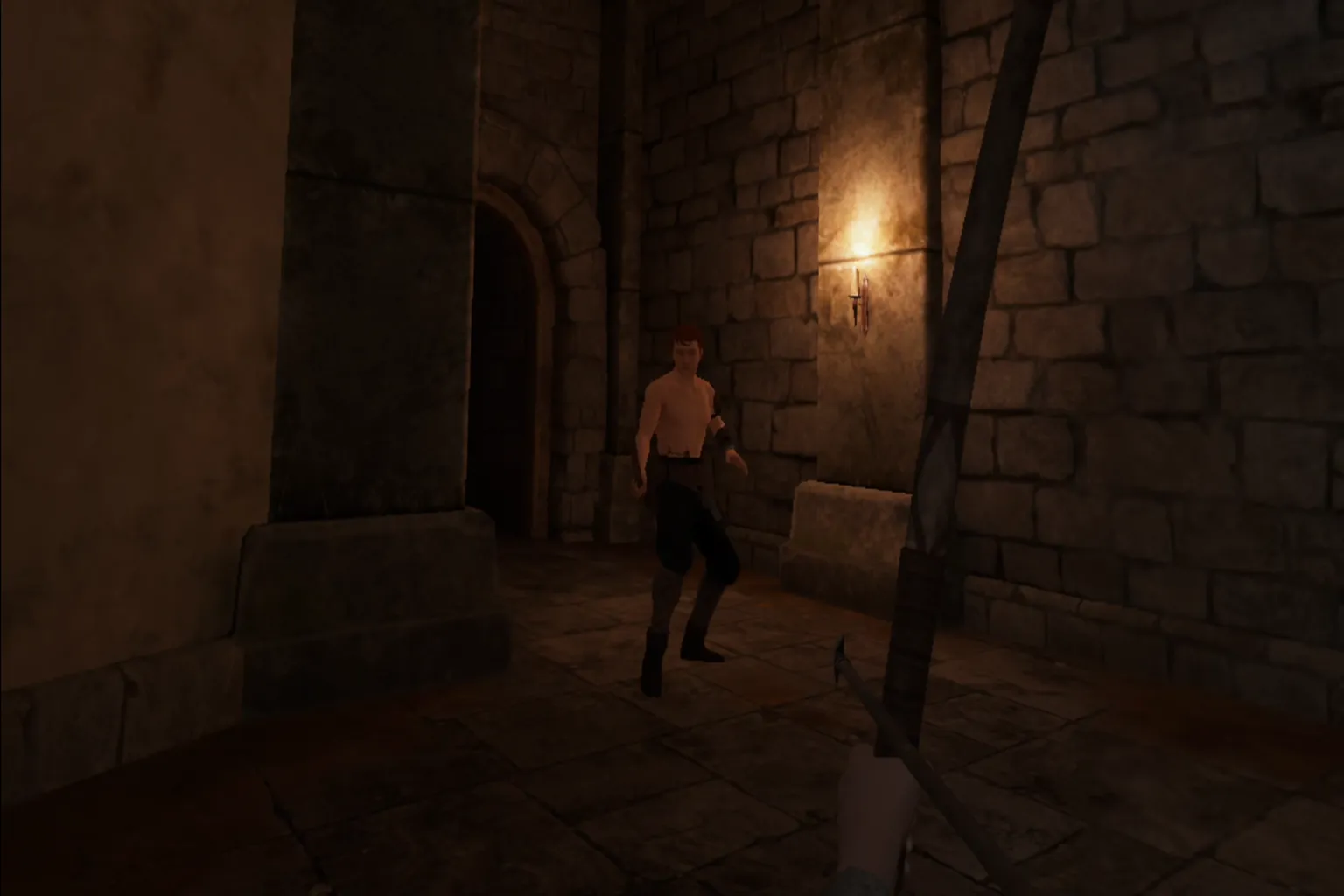
Of course, there are bows too. It looks like you can only equip the quiver on your waist.
That is fine. A bow deals much higher damage than melee weapons.
But you will need some practice before you can aim properly. And arrows are consumables. Before you know it, you have already used them all up.
Magic fusion creates a lot of interesting effects.
The three offensive spells in the game, fire, lightning, and gravity, can be combined with each other.
The black hole shown on screen is a fusion of fire and gravity. It pulls in everything around it.
To be honest, it might be a little too strong if you use it in combat.

At the end of most stages, you will usually find a treasure chest.
Inside, there are often items like loot, iron, or maps. Once you collect them, you clear the stage.

After seeing all this, it looks like a pretty fun game.
Doesn’t it make you want to try it?
Game Rating
The Highlights
- There are tons of mods, and sandbox mode is a lot of fun.
- Combat feels satisfying, and there is plenty of variety in both weapons and content. The physics engine is well made.
- There is also a lot of interaction with the environment, so you really have a lot you can do.
The Drawbacks
- You need a fairly large play space.
- There is no teleport movement or snap turning. It uses smooth locomotion, so after playing for a while, it can make you pretty motion sick.
- There is no multiplayer support.
Setup & Safety
You need enough room to swing your arms freely.
Make sure you do not hit anything around you.
Final Score & Comfort Level
Final Score: 🌟🌟🌟🌟 (Solid Choice)
VR Comfort Level: 🌀🌀🌀🌀 (Intense)
Video Overview

Meta Quest Official Information
Price: 29.99 USD
This game occasionally goes on sale during seasonal events, Black Friday, or New Year sales. The discount is usually around 10 to 20 percent.
If you enter VRPUPU at checkout, you get another 10% off.
Rating: 4.3 / 5 ( 61,000 Reviews)
Official Description
The era of VR combat where weapons feel weightless and bend like rubber is over.
Blade & Sorcery: Nomad is a one of a kind sandbox game set in a medieval fantasy world. It centers on melee, ranged, and magic combat, fully using its distinctive and realistic physics system to deliver deep interaction and intense battles.

This game was built specifically for VR.
Hit detection is carefully tuned, and collisions are properly reflected. Objects have weight and move according to physical laws.
Enemies are not just targets. Their entire bodies are driven by physics, so they feel solid and present.
You can stab through softer materials with a sword, and you can even deflect incoming magic.

Blade & Sorcery: Nomad is a game where you can fully experiment with your own ideas in combat.
You choose your weapons, how you hold them, and how you fight. You can become a powerful warrior, a nimble skirmisher, or focus entirely on mastering magic.
The fighting style you have always imagined is something you can finally bring to life here.

If you ever get tired of Blade & Sorcery: Nomad, there are several other combat-focused games you can try as well.