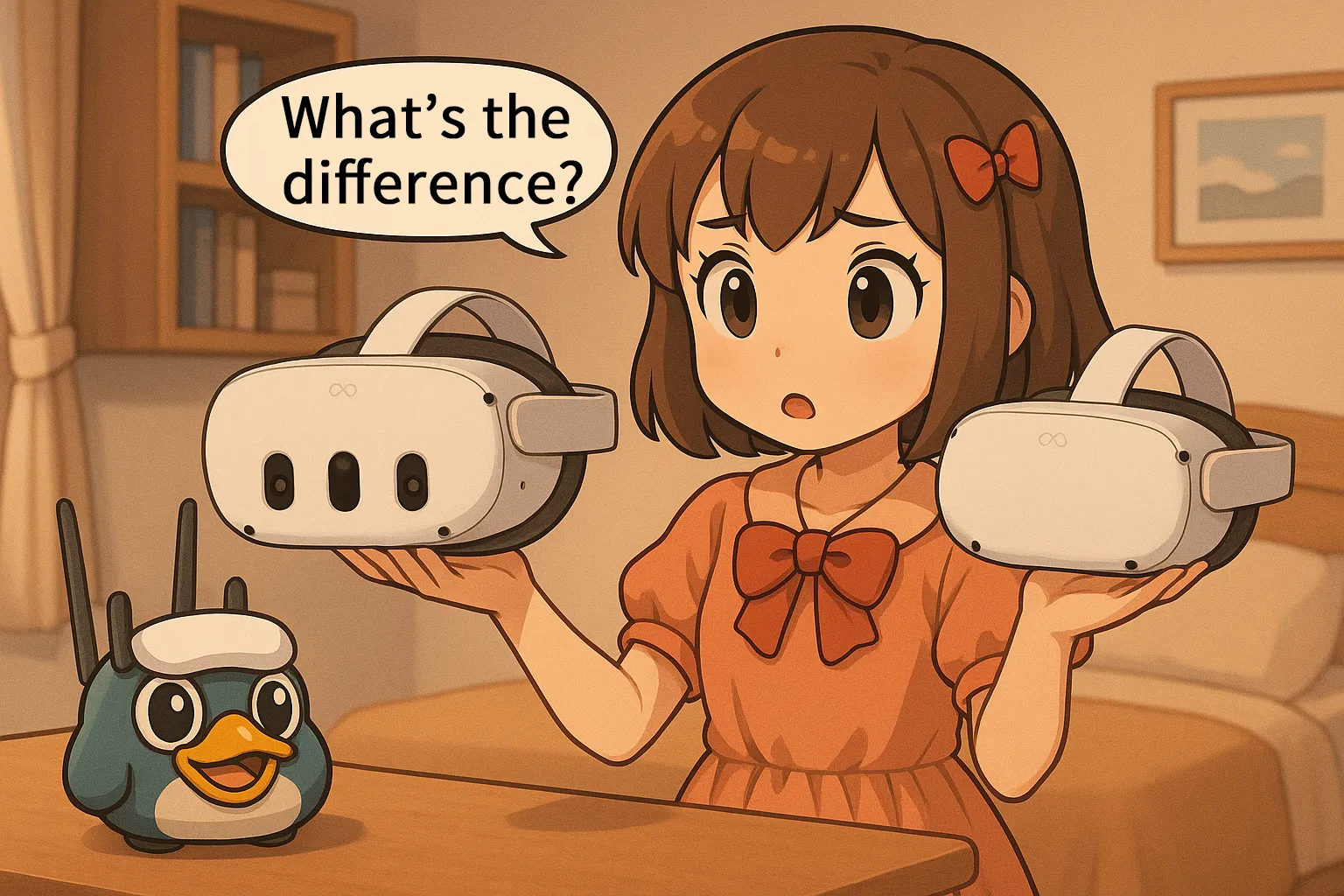
Trying to decide between the premium Meta Quest 3, the budget-friendly Quest 3S, or a secondhand Quest 2? With Meta completely updating its VR lineup for 2026, picking the right headset can feel overwhelming. Do you really need pancake lenses, or is the cheaper Quest 3S enough for your gaming needs? In this complete comparison guide, we break down the exact differences in performance, visual clarity, and price to help you make the perfect choice. Stop second-guessing your purchase. Read on to find your ideal VR headset, and learn how to claim a free $30 Quest Cash bonus using our exclusive promo code!
Meta device overview
As of 2026, Meta’s VR lineup no longer includes Quest 2, since it’s been discontinued. The current main models are Quest 3 and Quest 3S.
I’ll walk through the performance differences between the two step by step below.
Meta Quest 3
2nd-gen chipset / Pancake lenses / Top-tier VR experience today
Visuals: ✨✨✨✨✨
IPD: Continuous adjustment
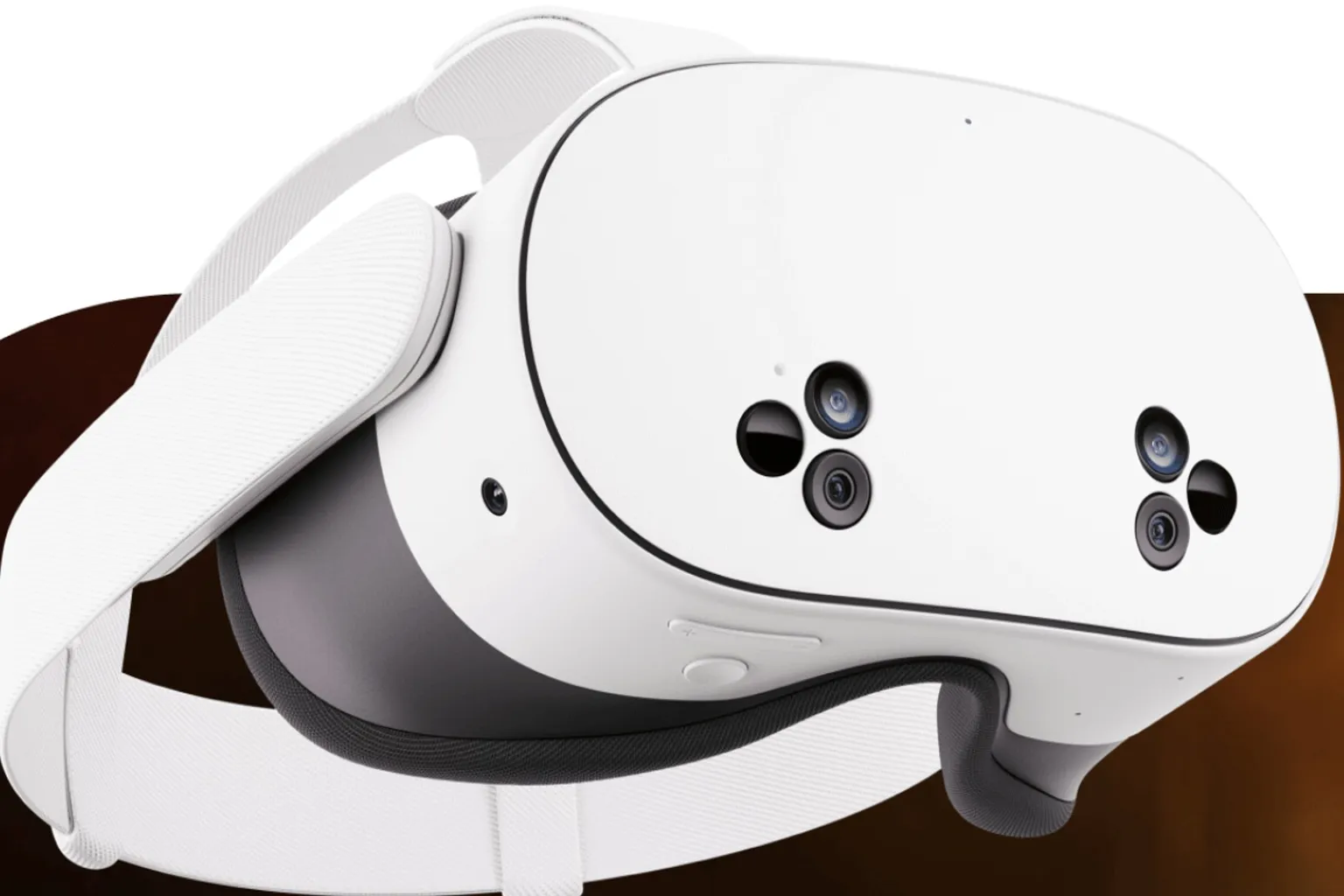
Meta Quest 3S
2nd-gen chipset / Fresnel lenses / More affordable, still versatile
Visuals: ✨✨✨
IPD: 3-step adjustment
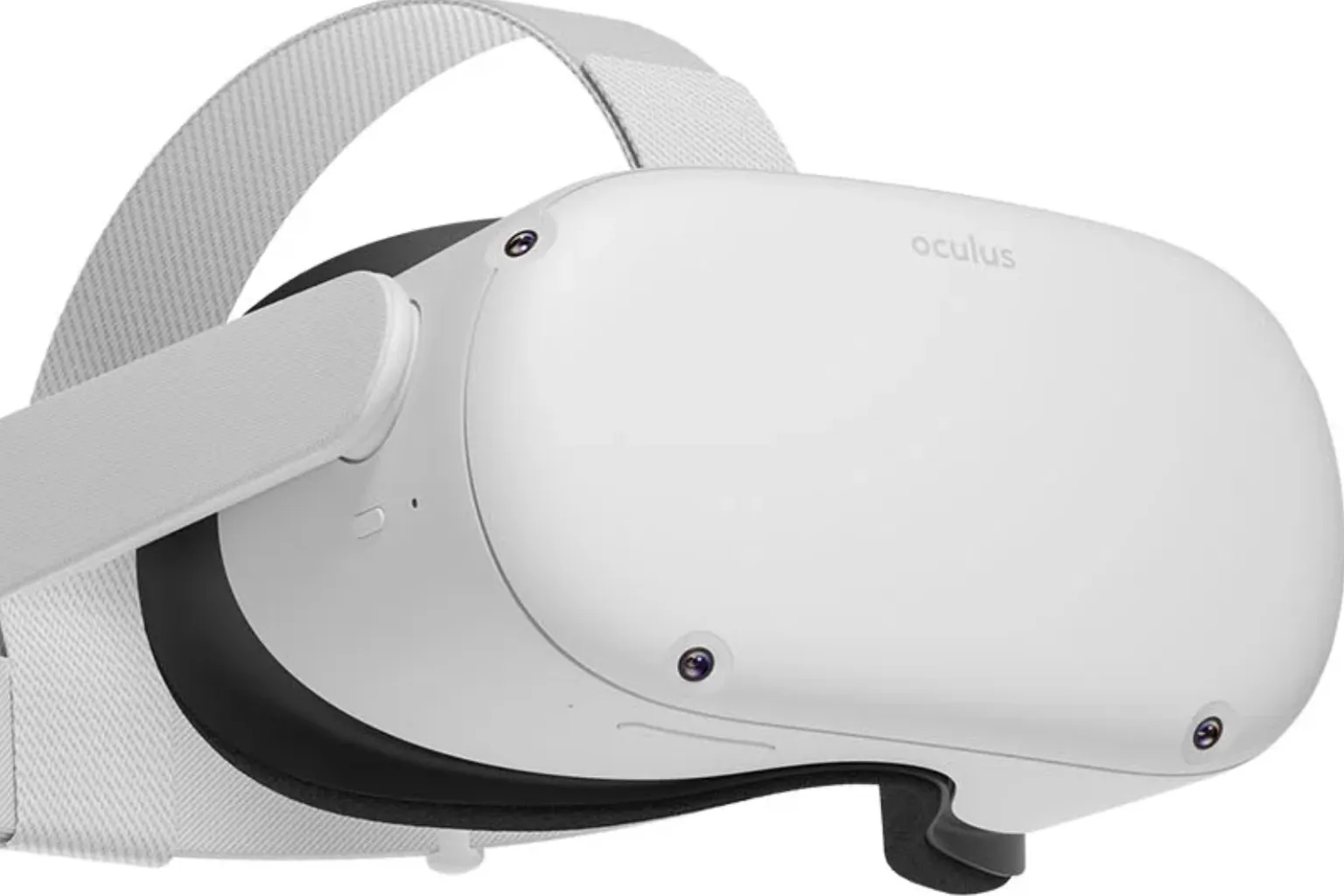
Meta Quest 2
1st-gen chipset / Fresnel lenses / Now only available used
Visuals: ✨✨
IPD: 3-step adjustment
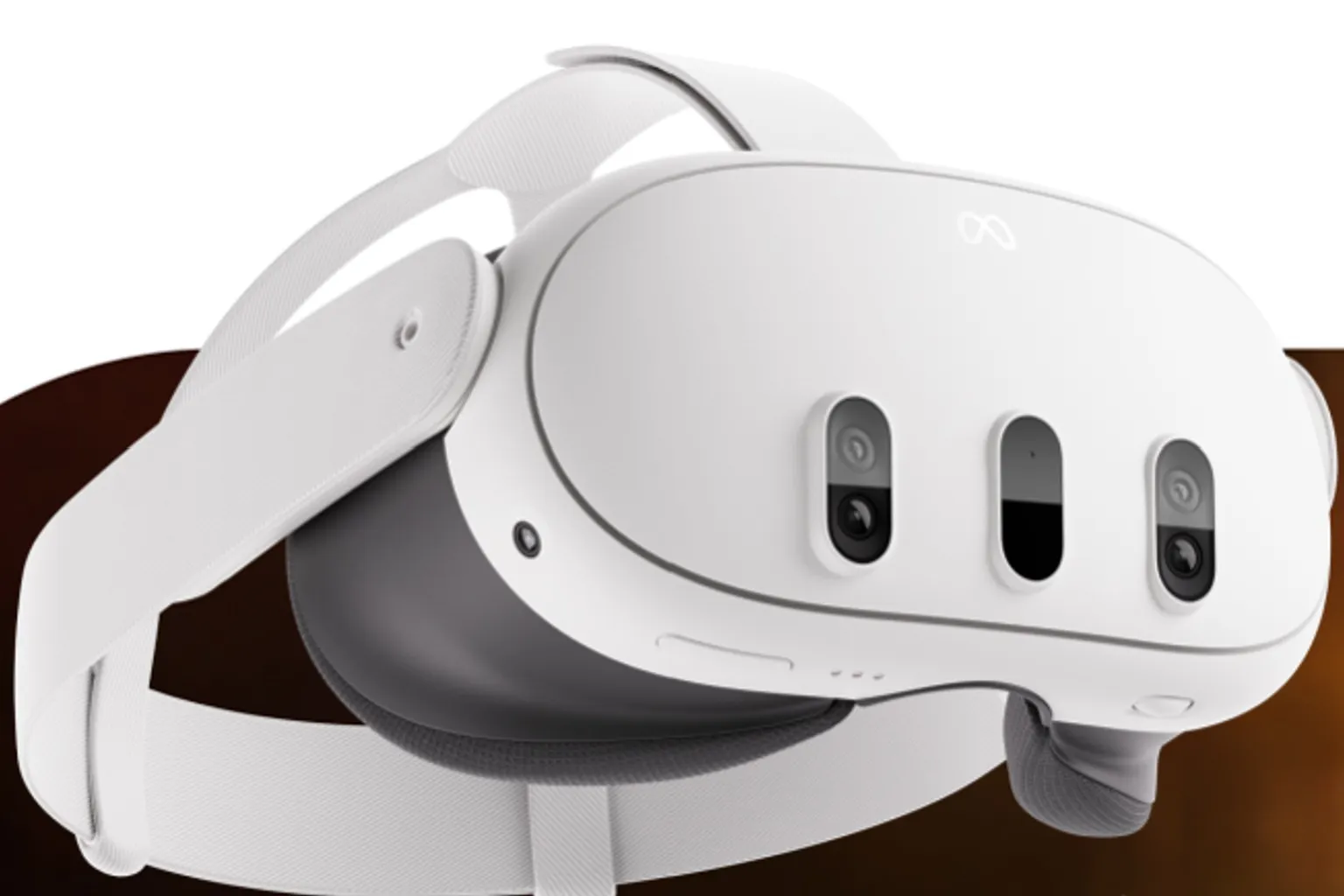
Meta Quest 3
Meta Quest 3 uses pancake lenses with continuous IPD adjustment, delivering top-tier visual clarity and comfort. It stays comfortable even during long play sessions, and among current models, it clearly sits at the high end. Here are the key specs.
- CPU: Snapdragon XR2 Gen 2
- Lenses: Pancake lenses
- Resolution: 2064 × 2208 per eye
- Field of view: about 96° vertical / 110° horizontal
- IPD (interpupillary distance): 58–70 mm, continuous adjustment
- cameras: Color passthrough
- Storage: 512 GB
- Price: $599.99
- Controllers: 2nd-gen Touch Plus controllers

Meta Quest 3S
Meta Quest 3S uses the same processing power as Quest 3, so games run smoothly across the board. The difference is the lenses. It uses Fresnel lenses like Quest 2, so visual clarity is a bit lower. Performance is more than enough, but if you’re picky about image sharpness, this is something you’ll notice.
- CPU: Snapdragon XR2 Gen 2
- Lenses: Fresnel lenses
- Resolution: 1832 × 1920 per eye
- Field of view: about 90° vertical / 96° horizontal
- IPD (interpupillary distance): 58–68 mm, 3-step adjustment
- cameras: Color passthrough
- Storage: 128–256 GB
- Price: $349.99–$449.99
- Controllers: 2nd-gen Touch Plus controllers
Meta Quest 2
Meta Quest 2 uses an older-generation CPU and lenses, but it can still run most games without major issues. That’s its main strength. However, Meta has already ended production, so it’s only available on the secondhand market now. Compared to current models, both performance and visual sharpness are clearly a step behind.
- CPU: Snapdragon XR2 Gen 1
- Lenses: Fresnel lenses
- Resolution: 1832 × 1920 per eye
- Field of view: about 90° vertical / 96° horizontal
- IPD (interpupillary distance): 58–68 mm, 3-step adjustment
- cameras: Mono passthrough
- Storage: 64–256 GB
- Price: Discontinued, secondhand market only
- Controllers: 1st-gen Touch controllers

Buying tips
So which one actually fits you best?
| User Type | Recommended Model | Reason |
| Complete Beginner | Meta Quest 3/3S | Plays the full VR game library with no real downsides, a safe pick |
| Best visuals | Meta Quest 3 | Strongest image quality and runs upcoming titles smoothly |
| Tight budget | Second-hand Meta Quest 2 | Much cheaper on the secondhand market and fine for casual use |
| Shared with family | Meta Quest 3 | Continuous IPD adjustment makes it easier for multiple users |
| Waiting for next gen | Hold Off | Waiting for the next model before deciding is also a valid option |
Meta’s next-generation headset is still in development, and officially, Quest 4 isn’t expected until 2028.
If your budget allows and you want a model that you’ll be fully satisfied with from day one, you can’t go wrong with Meta Quest 3. If you just want to try VR or plan to play only once in a while, Quest 3S is more than enough. As for Quest 2, it’s best for people who want to spend as little as possible and don’t care too much about visual quality.
Now that you understand the differences between Quest 3 and 3S, have you decided which one you’re taking home? Honestly, seeing how affordable Meta Quest is right now is a bit enviable. Once you go through this complete buying guide, you’ll probably think, “Wait, VR is this cheap to get into?”

FAQ – Common Questions
How much storage do you actually need?
VR games have been getting bigger and bigger lately. If you’re going with Quest 3, the 512GB model is the safest choice. For Quest 3S, if you’re prioritizing price, 128GB or 256GB is fine. For general VR experiences, that’s more than enough.
Is the image quality on Quest 3 really that different?
Quest 2 and 3S are still fun to use, but the moment you put on Quest 3, you can immediately tell it’s more comfortable. It’s the kind of difference you notice right away with your eyes, not just on paper.
What should you watch out for when buying used?
Before buying, make sure the seller logs out of their Meta account and resets the headset to factory settings. When you meet, pay close attention to controller stick drift, where the stick moves on its own. This is a common failure point, so it’s something you really want to check.
What’s the difference between 3-step IPD and continuous IPD adjustment?
The distance between your pupils is called IPD, and it varies from person to person. Continuous adjustment lets you fine-tune it in 1 mm increments, while 3-step adjustment changes in roughly 5 mm steps. That’s why continuous IPD makes it easier to dial in a perfect fit, resulting in better comfort and clearer visuals.
When is the best time to buy?
The Meta Store offers a creator perk. When you buy a Quest 3 or 3S and enter “VRPUPU” at checkout, you get $30 in Quest Cash. Right now, this is the best-value way to buy.