Just got your Meta Quest and wondering where to buy the best VR games? Between the standalone Meta Horizon Store, the Meta PC Store, and Steam, figuring out the smartest place to build your library can be confusing. In this ultimate buying guide, we compare the three major VR platforms so you know exactly where to get the best deals. Learn how to use SteamDB to uncover hidden PC VR gems, how to safely navigate Meta’s refund policy, and how to instantly save 10% on Meta Store games using our exclusive VRPUPU promo code. Stop paying full price for your virtual reality adventures and read on to maximize your gaming budget today.
How should you buy VR games for Meta Quest?
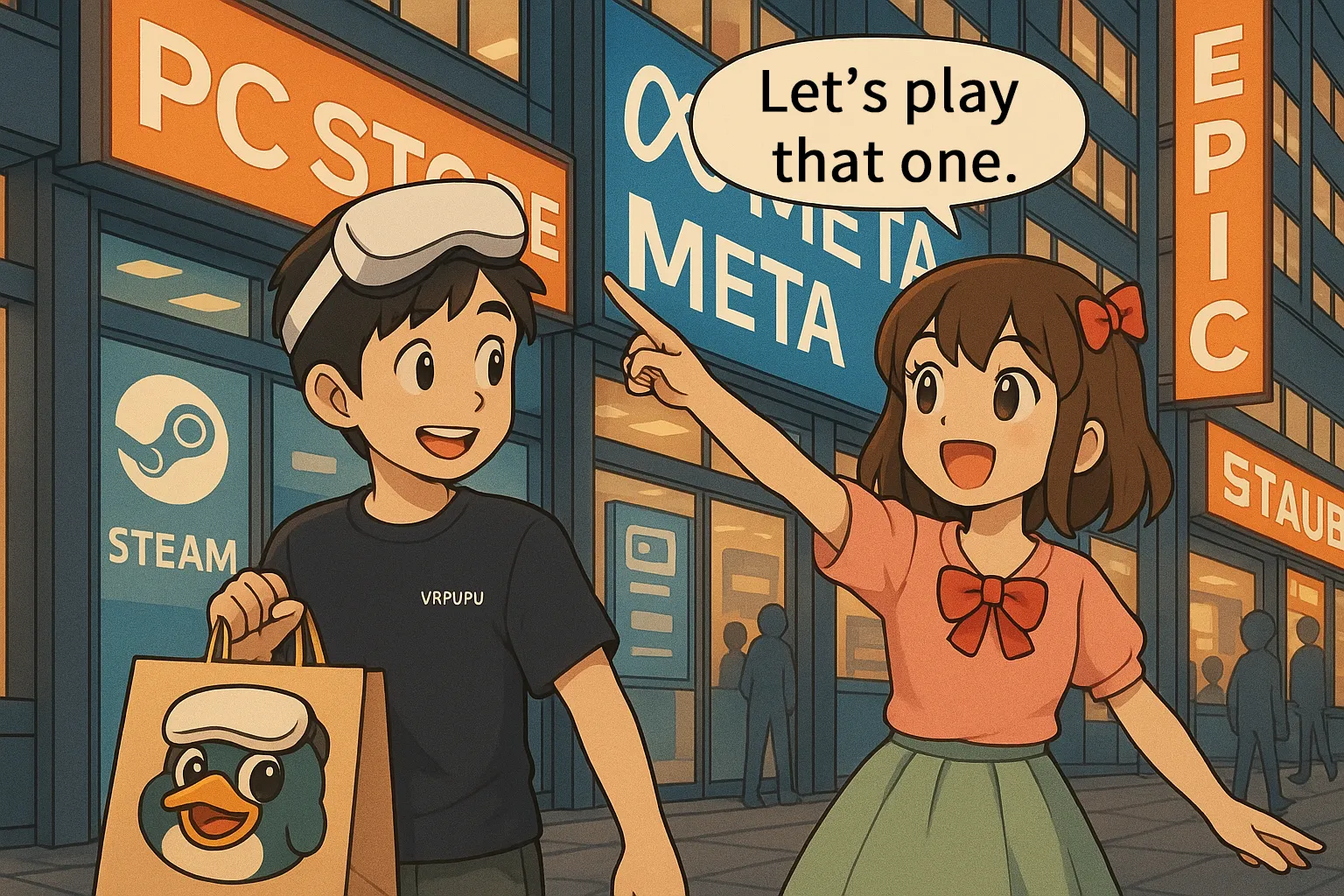
There are actually three main places where you can buy games for Meta Quest. The buying process itself isn’t complicated at all. As long as you have a credit card, PayPal, or even a prepaid card, you’re good to go.
The real question isn’t how to buy games. It’s deciding which games to pick in the first place.

Meta Horizon Store
Standalone-only game store
PC games: None
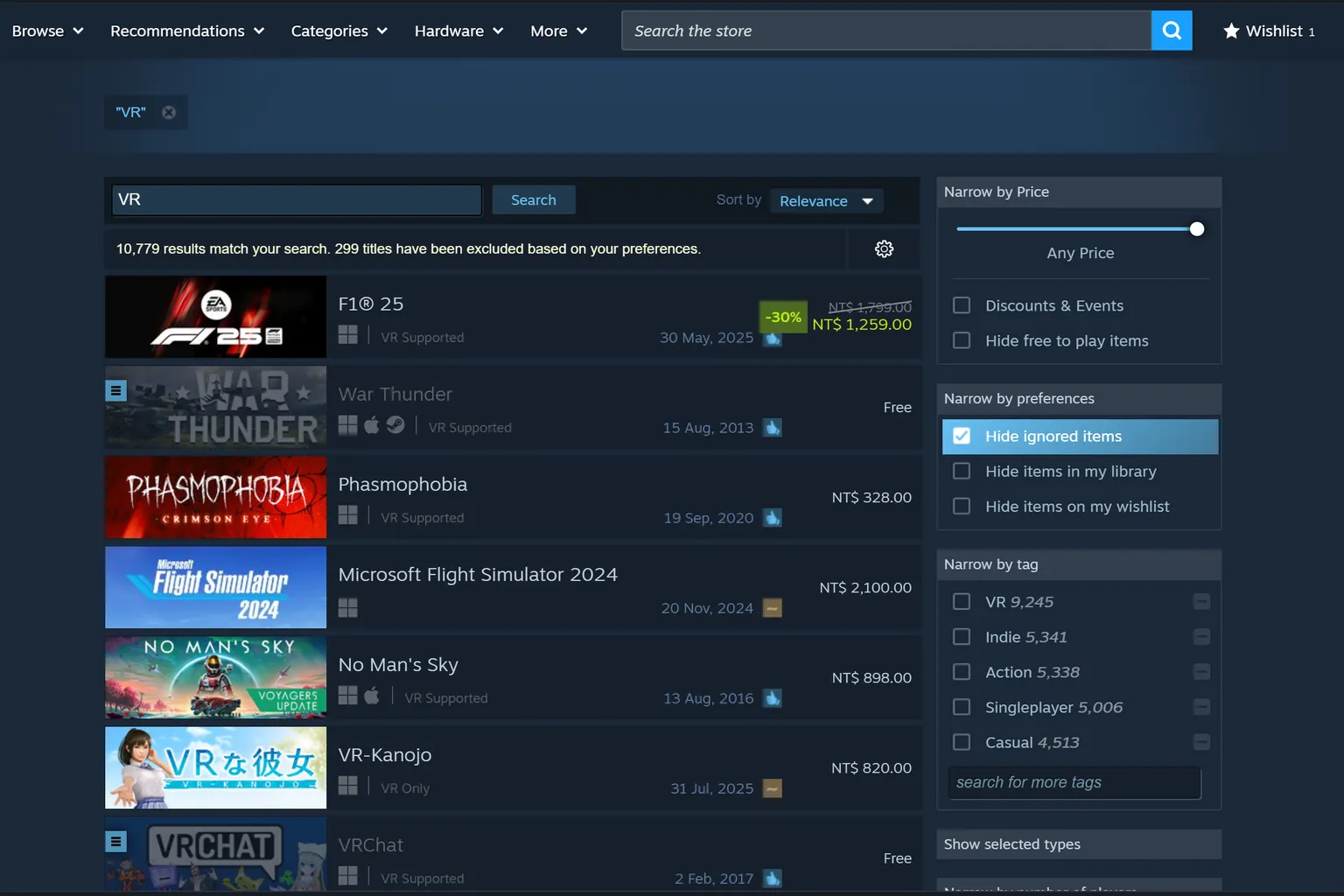
Steam
PC-focused game store
PC games: Plenty
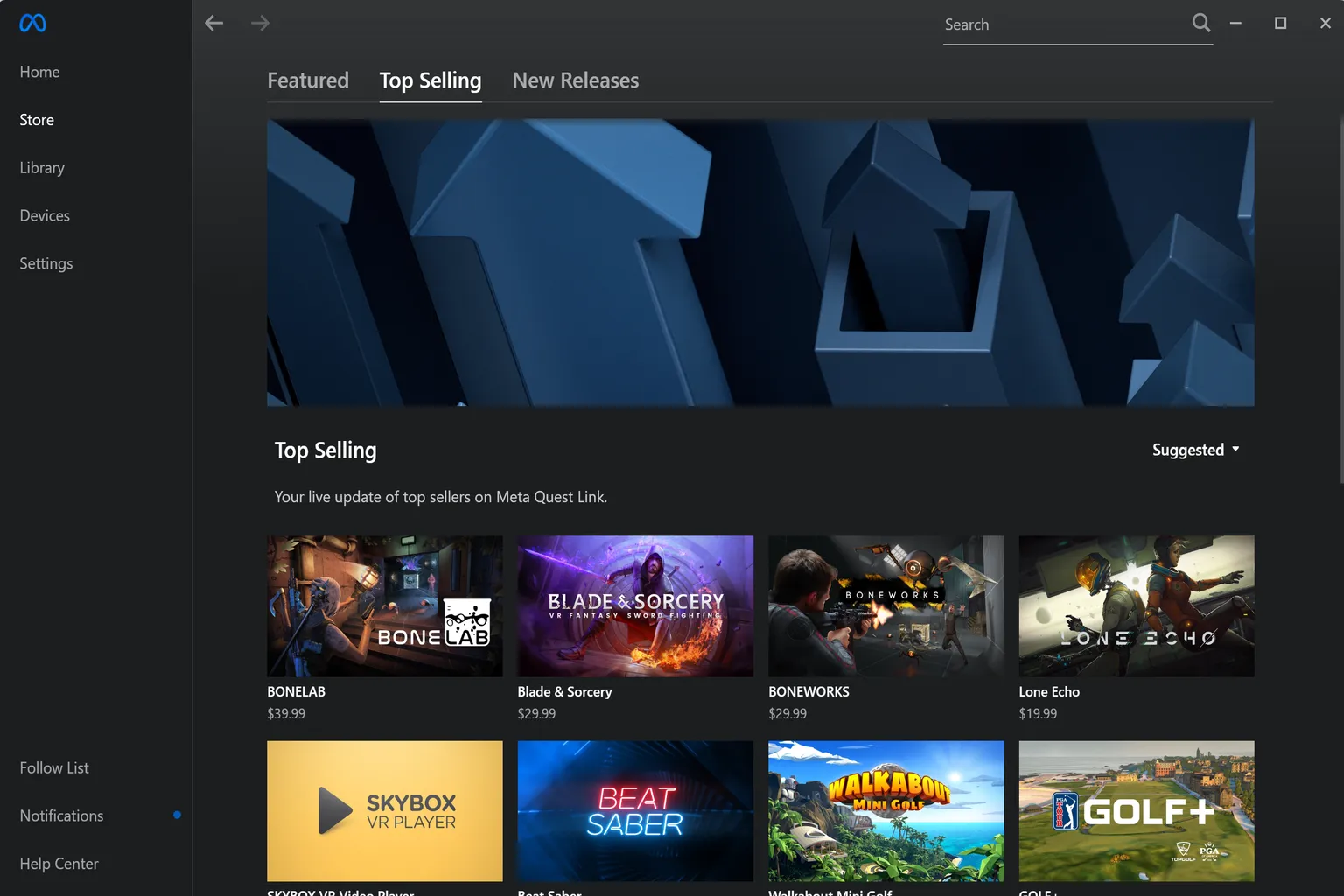
Meta PC Store
Meta’s PC game store
PC games: Limited
PC Games
When it comes to PC VR games, the safest way to avoid disappointment is to start by looking at popular titles on major stores. On Steam, you can simply type “VR” into the search bar. If you want something more data-driven, SteamDB makes it easy to list games that actually sell well and have strong user ratings.
That said, PC VR comes with compatibility issues. Your PC’s overall performance, GPU power, and even your home network setup all matter. If any of those fall short, the experience won’t be smooth. Make sure you meet at least the minimum specs before buying.
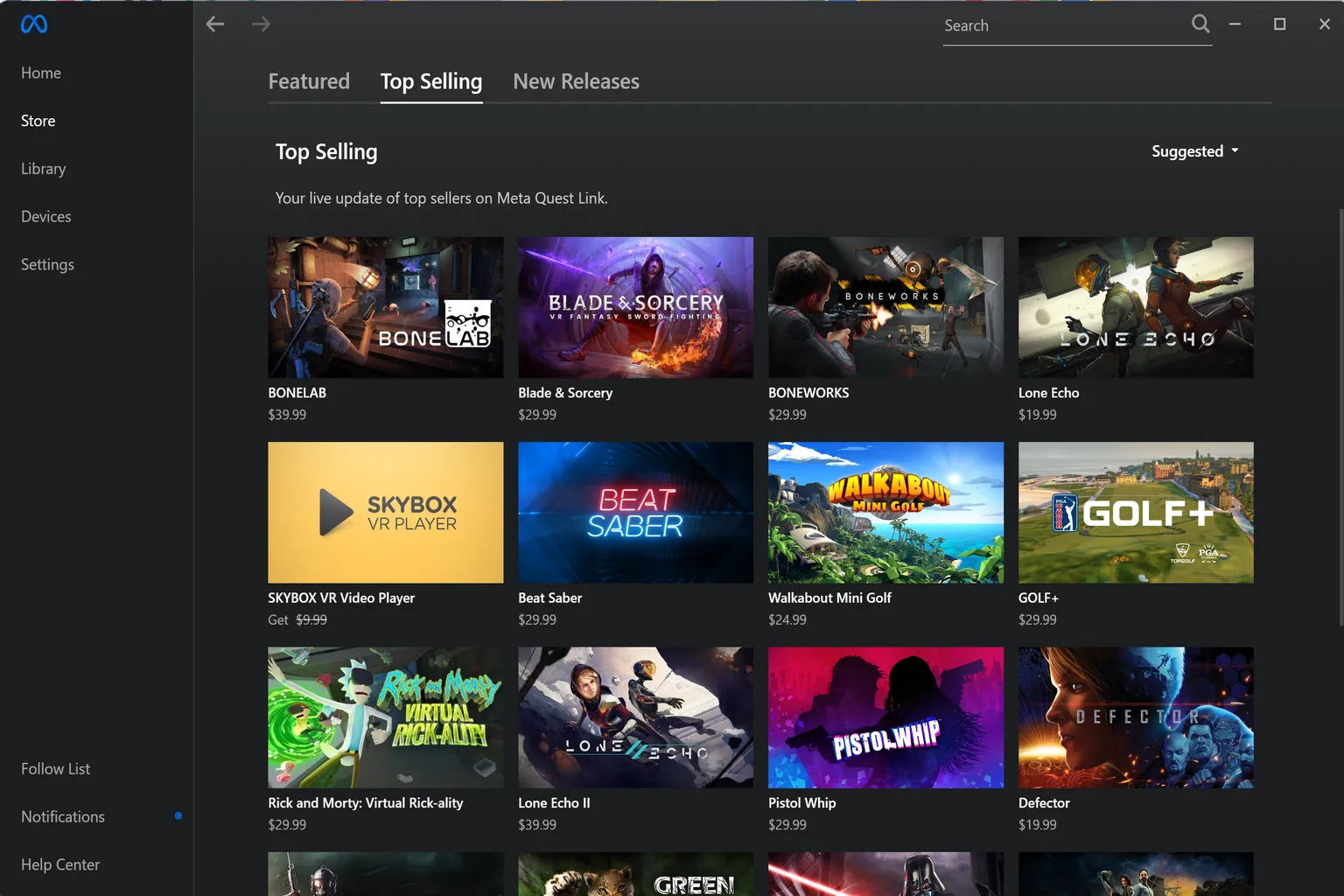
As for the Meta PC Quest Store, the catalog is honestly pretty limited and feels partly neglected. Still, there’s one important exception: Asgard’s Wrath. It’s a flagship title that can only be purchased there, so it’s worth checking.
Meta PC Store
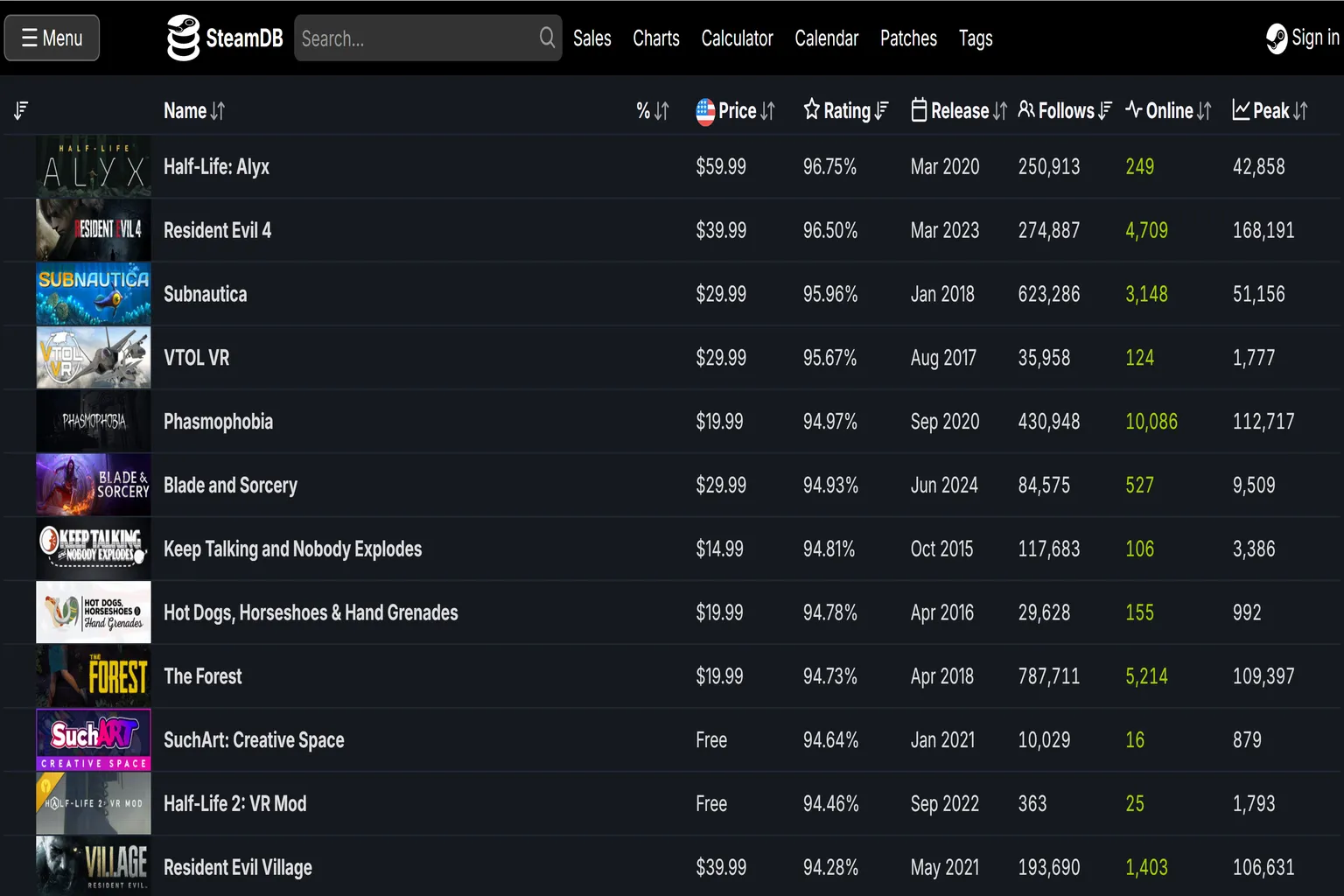
If you want to quickly find VR games using SteamDB, the process looks something like this.
Step 1: Select the “Tags” option in the top right
Clicking Tags lets you add filters to narrow things down.

Step 2: Choose the VR tag
Type “VR” into the search bar. Under the “Visuals & Viewpoint” category, you’ll see VR-related tags. Click the VR tag to filter the list to VR-supported games only.

Step 3: Check the VR games
On SteamDB, games are sorted by Rating by default, with higher-rated titles at the top. You can also reorder the list based on what matters most to you.
- Price: Sort by lowest or highest price.
- Rating: Based on the ratio of positive to negative user reviews.
- Release: Sort by newest or oldest release date.
- Follows: The number of users who have added the game to their watchlist.
- Online: Current number of concurrent players.
- Peak: The highest number of concurrent players the game has ever reached.
Using these filters properly makes it much easier to find the VR games you’re looking for.

Standalone games
For Quest 3 and 3S users, the Meta Horizon Store is the main place to buy standalone games. Sales happen frequently here. Discounts of 30–50% are normal, and every now and then you’ll even see something as extreme as 90% off.
There are two types of discounts. One is the official sale price that’s clearly shown by Meta. The other only applies after you enter a promo code provided by the developer.
In general, brand-new releases and top-selling titles don’t show up in official sales very often. For example, Beat Saber normally stays at its full price of $19.99. But if you find a promo code, you can get 10% off and buy it for $17.99, saving $2.
When a game is on sale, you’ll see the original price crossed out, with the discounted price shown right next to it.

Games that aren’t part of a sale won’t show any of these markings at all.

How to Use Meta Horizon Creator Discounts
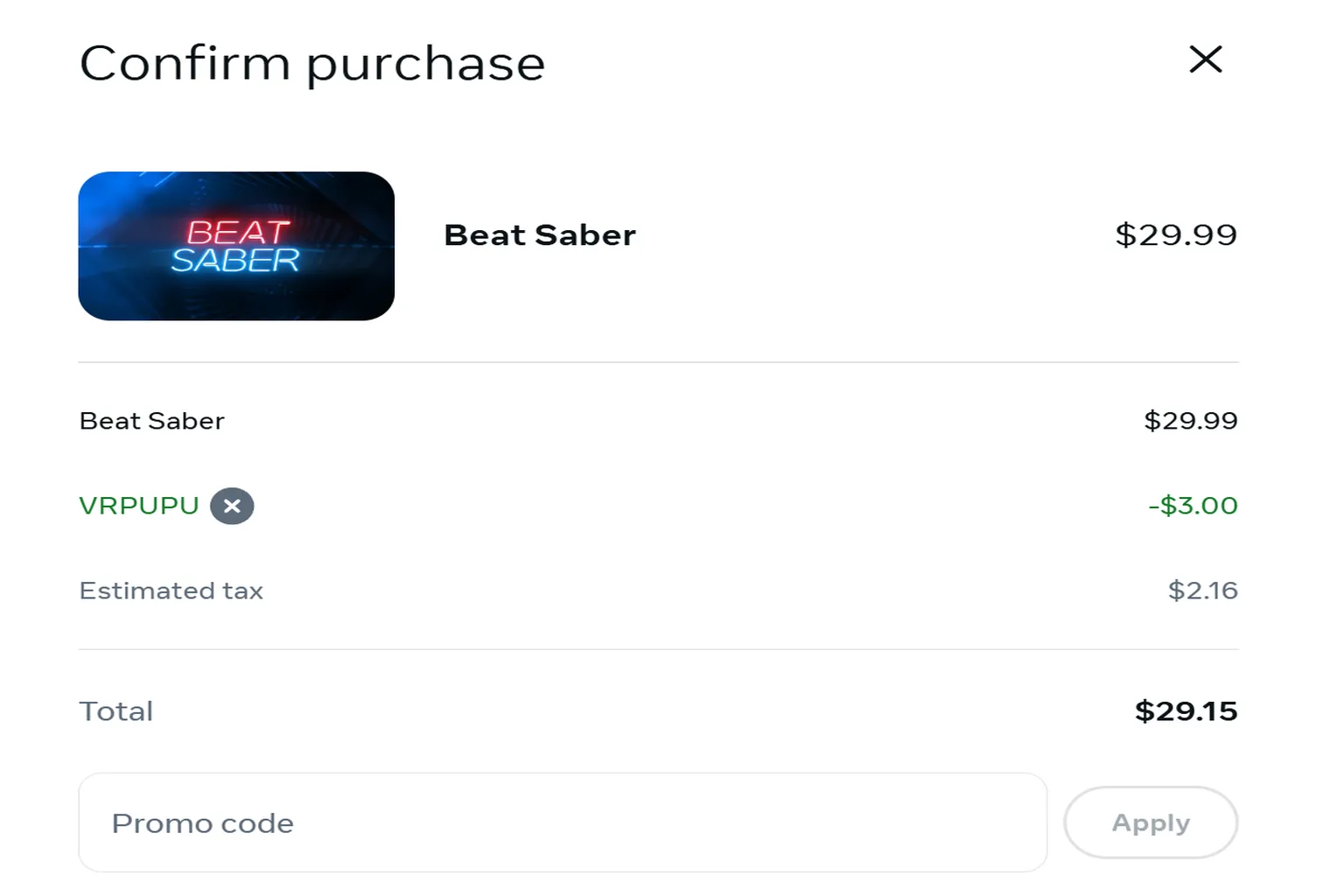
Creators officially recognized by Meta can offer players a 10% off promo code. When you buy a game at regular price, or certain DLCs and bundles, from the Meta Store, you can enter “VRPUPU” at checkout to get a 10% discount.
You can purchase games either through the Horizon Store mobile app or from a PC browser. Once you apply the code, you’ll see the game price drop accordingly on the checkout screen.
FAQ – Common Questions
What if I don’t like a game I bought?
Meta has a full refund policy if you request it within two hours of purchase. As long as your playtime is under two hours, you can get a refund at the full price through the store. For detailed steps, check the return and refund guide.
Where does the refund go?
If you paid by credit card, you can choose to have the refund sent back to your card or credited to your account as Quest Cash. If you originally paid with Quest Cash, the amount will be returned directly to your Meta account.
So can I just keep buying games, trying them, and refunding them?
Meta is fairly lenient with refunds, but if you do it too often, you may receive a warning from the store. So don’t abuse it.